How Does Local AI Box Keep Running When Your Computer Is Off? Explained
📖 Glossary
AI Box (also known as Agent Computer / Agent PC), is a dedicated local hardware device that runs AI Agents. Pre-installed with an AI agent management system, plug-and-play, running 24/7. Users can remotely command AI to work via Discord, Slack, Telegram, WhatsApp, and more.
Summary: Many people wonder why KAIHE AIBOX can run 24/7 even when your computer is turned off. No need to keep your PC on, no reliance on external cloud — this article breaks down the hardware architecture and operating principles of local AI agent boxes in plain language.
Everyone who encounters KAIHE AIBOX for the first time asks the same question: "When I turn off my computer and lock my phone, why can you still keep working?"
Cloud AI requires opening a browser, logging in, and staying online. Local AI running on your computer requires the PC to stay powered on. KAIHE AIBOX is dedicated standalone hardware that runs on its own when plugged in, independent of your phone or computer — that's the fundamental difference between it and regular AI software.
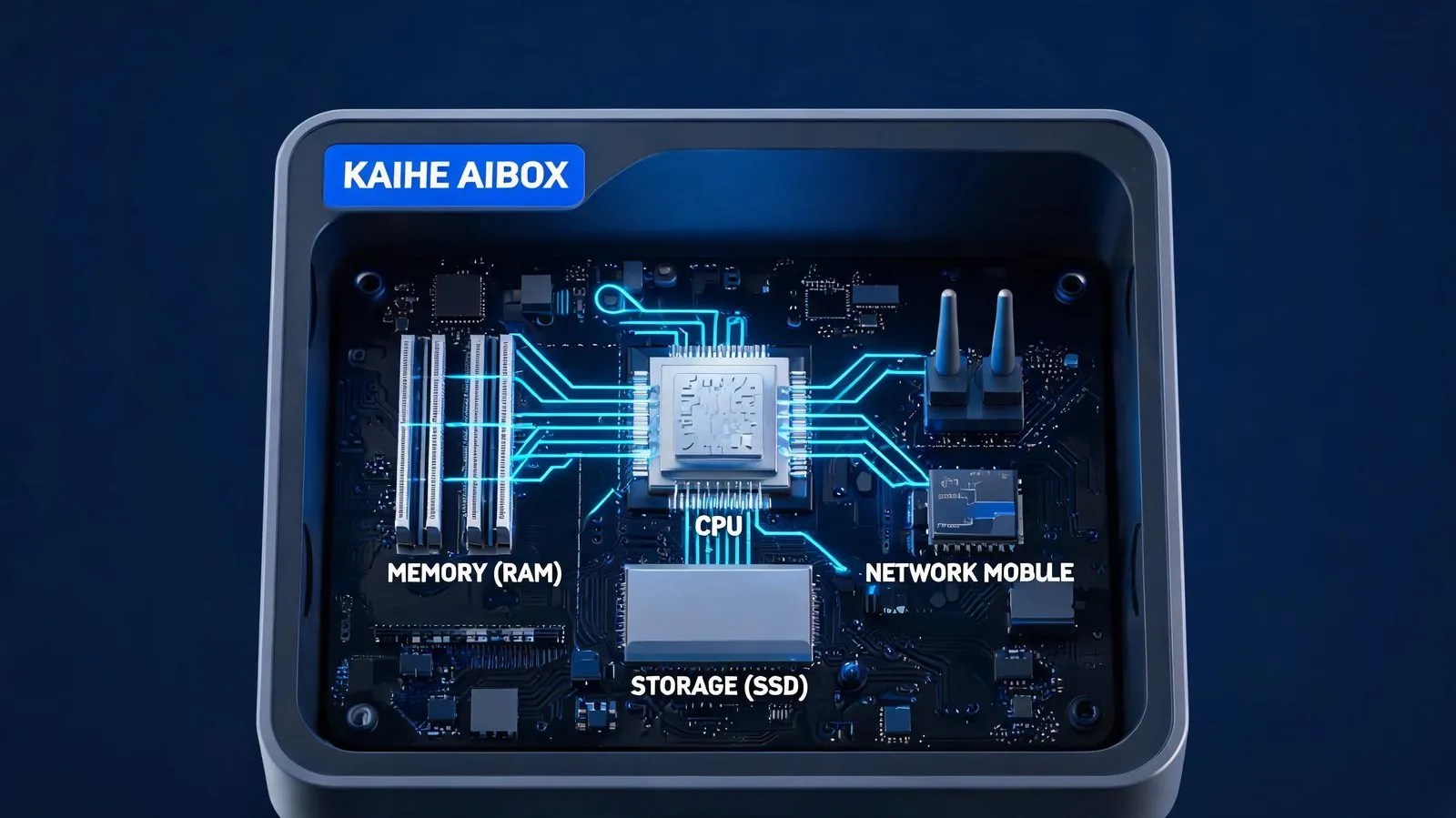
The Core: It's a Complete, Independent Mini Computer
Many people assume KAIHE AIBOX is an accessory that needs to plug into your computer. In reality it is a complete, purpose-built mini computer: it has its own CPU, memory, storage, network module, and operating system — fundamentally the same type of device as your laptop, just optimized for AI workloads, smaller, lower power, and far more stable for long-term operation.
Think of it as a "dedicated server for AI": plug in Ethernet and power and it runs independently, no connection to your computer required. Its stripped-down optimized Linux OS has no unnecessary features, running only AI-related programs so it won't lag or crash long-term. Power consumption is only ~5W, about the same as a phone charger, costing roughly $0.50 per month to run 24/7.
All Computation Happens Locally, Works Without Internet
The biggest difference between local AI boxes and cloud AI: all AI computation happens locally on the device, no data needs to be sent to remote servers.
KAIHE AIBOX includes a complete built-in AI runtime: a local large language model handles conversations, writing, and reasoning without sending data to third parties; a local agent engine orchestrates automated tasks, smart home control, and scheduled reminders without cloud commands; all data is stored encrypted on the local drive, never leaving the device. By default it runs in pure LAN mode with no public ports exposed, inaccessible from outside the network. Even without internet, you can still control smart home devices and run local tasks normally.
Controlled via WeChat, Easy for Everyone
When you send a message via WeChat, the device receives your command through a secure persistent connection, processes it locally using the built-in AI model, and sends the result back to you. AI computation happens entirely locally; WeChat acts just like a remote control. No app installation required, no websites to open — anyone who can use WeChat can operate it, including elderly family members.
Long-term 24/7 stability comes from three core design choices: a stripped-down purpose-built OS with no popups or automatic updates, allocating 100% of system resources to AI; industrial-grade fanless hardware with no moving parts that can fail; a built-in watchdog process that automatically restarts any service that exits unexpectedly, requiring no manual intervention.
| Comparison | Local AI on PC | Cloud AI | KAIHE AIBOX |
|---|---|---|---|
| Dependency | PC must stay on | Requires internet | Standalone, plug and run |
| 24/7 Operation | High power cost | Vendor-dependent | ~$0.50/month electricity |
| Privacy | Data stored locally | Data uploaded to cloud | Local encrypted storage |
| Family Use | Single user only | Multiple subscriptions | Whole family shares via WeChat |
| Stability | Updates/popups interrupt | Service changes possible | Stable long-term operation |
| Usability | Requires deployment knowledge | Browser-based | Zero configuration, bind WeChat |
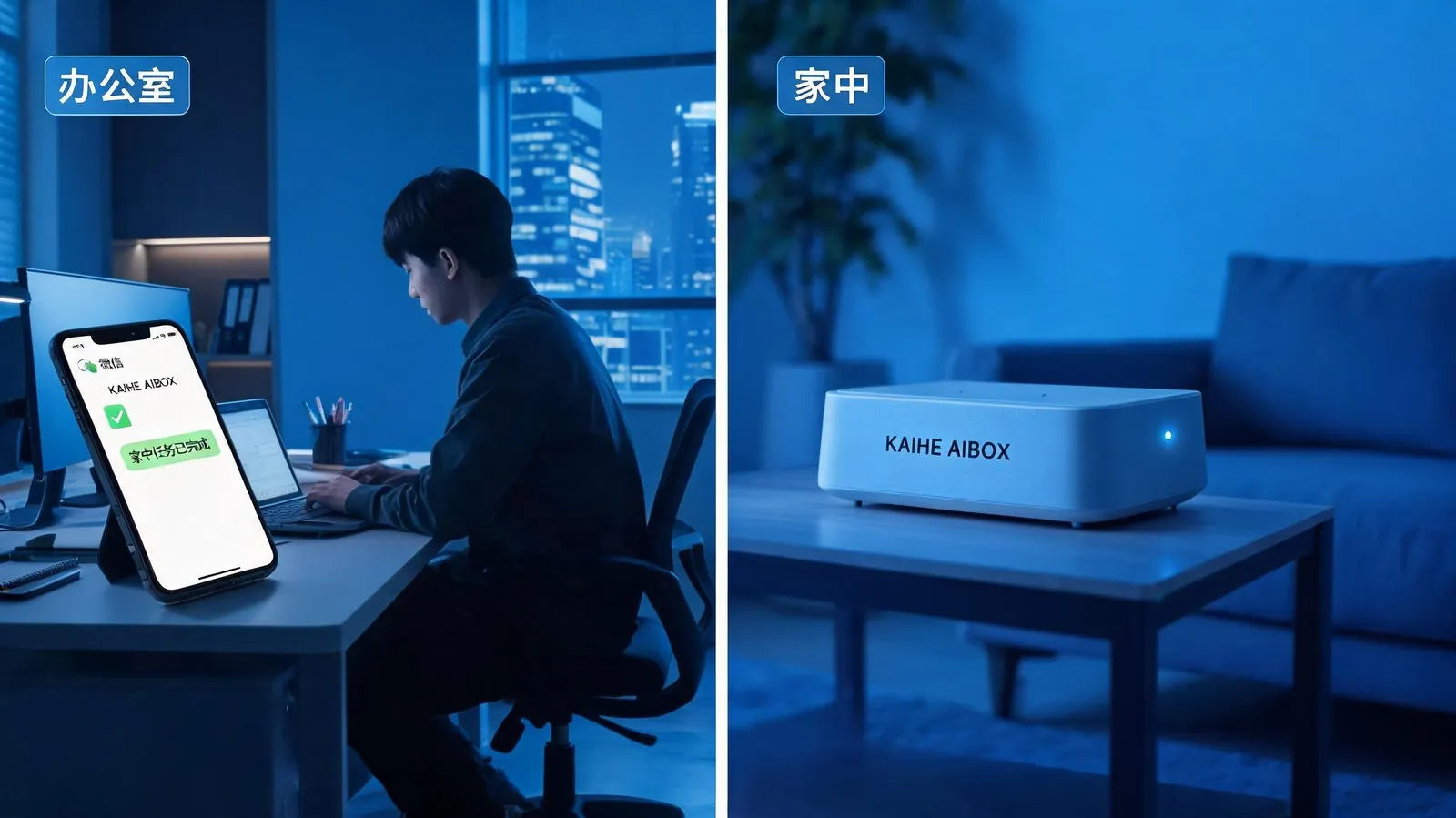
As a simple example: before leaving for work you send the command "Monitor the secondhand marketplace, automatically purchase that camera if it appears under $300." You turn off your computer and go to work; the device monitors the marketplace 24/7 on its own, runs local AI to evaluate listings, executes the purchase automatically when a match is found, and sends you a WeChat notification. When you get home, the task is completed — no need to leave your computer on or monitor anything yourself.
That is the value of independent local AI hardware: it is an always-on personal assistant working for you, not dependent on your other devices. You go about your day, and it gets the work done. When AI can run independently beside you without requiring you to keep your computer on tending to it, it truly becomes an extension of you rather than a tool you need to manage.
Further Reading: - What is KAIHE AIBOX? Complete Guide to Use Cases - The 5 Unavoidable Flaws of Cloud-Based AI: Why More Users Are Moving AI Back to Local Devices - How to Protect Your Family's Privacy Data in the AI Age: A Complete Guide
KaiheAIBOX #LocalAI #AIBOXExplained #AgentComputer #24-7AI #OnPremiseAI
For more information, search [KAIHE AIBOX] or contact: [email protected]
KAIHE AIBOX · 7x24 Personal AI Assistant | Product Center