Why Your AI Gets to Know You Better Over Time: Local Data, Lasting Memory, and the Fundamental Difference Between Private Assistants and Free AI
📖 Glossary
AI Box (also known as Agent Computer / Agent PC), is a dedicated local hardware device that runs AI Agents. Pre-installed with an AI agent management system, plug-and-play, running 24/7. Users can remotely command AI to work via Discord, Slack, Telegram, WhatsApp, and more.
Many people have had this experience: after chatting with a free AI for two weeks, the next time you open it, it's like meeting you for the first time. It doesn't remember what you said, your habits, or where you left off. A truly useful private AI assistant, on the other hand, gets to know you better over time. You say half a sentence and it knows what you want, and it even proactively gets things done ahead of time.
The core reason for this difference is not whether the model is big enough or has enough parameters, but the memory architecture: free cloud AI is "session-level amnesia," while locally-run AI assistants have "lasting memory + local data storage."
This article breaks down the memory principles of local AI and explains why a private AI that runs locally and keeps data on-device is the one that can actually help you get work done.
Why Free AI Never Remembers You
Most free cloud AI services are essentially "one-question-one-answer" models that are architecturally incapable of long-term memory:
- Session Isolation: Each conversation is an independent session window. When you close the window, all context is cleared by default.
- Data Used for Training: Everything you say is uploaded to the cloud for model training iterations. It is not retained as your private memory.
- Privacy Compliance: Due to data security regulations, cloud providers cannot permanently store users' private conversation data, let alone train a "model exclusive to you."
- Cost Constraints: Providing permanent memory for every user requires massive storage and compute costs that free services simply cannot afford.
So even if you tell the same AI a hundred times about your work habits, your common needs, and your previous progress, the next time you open it, it will still ask "How can I help you?" — like a receptionist who never remembers anyone.
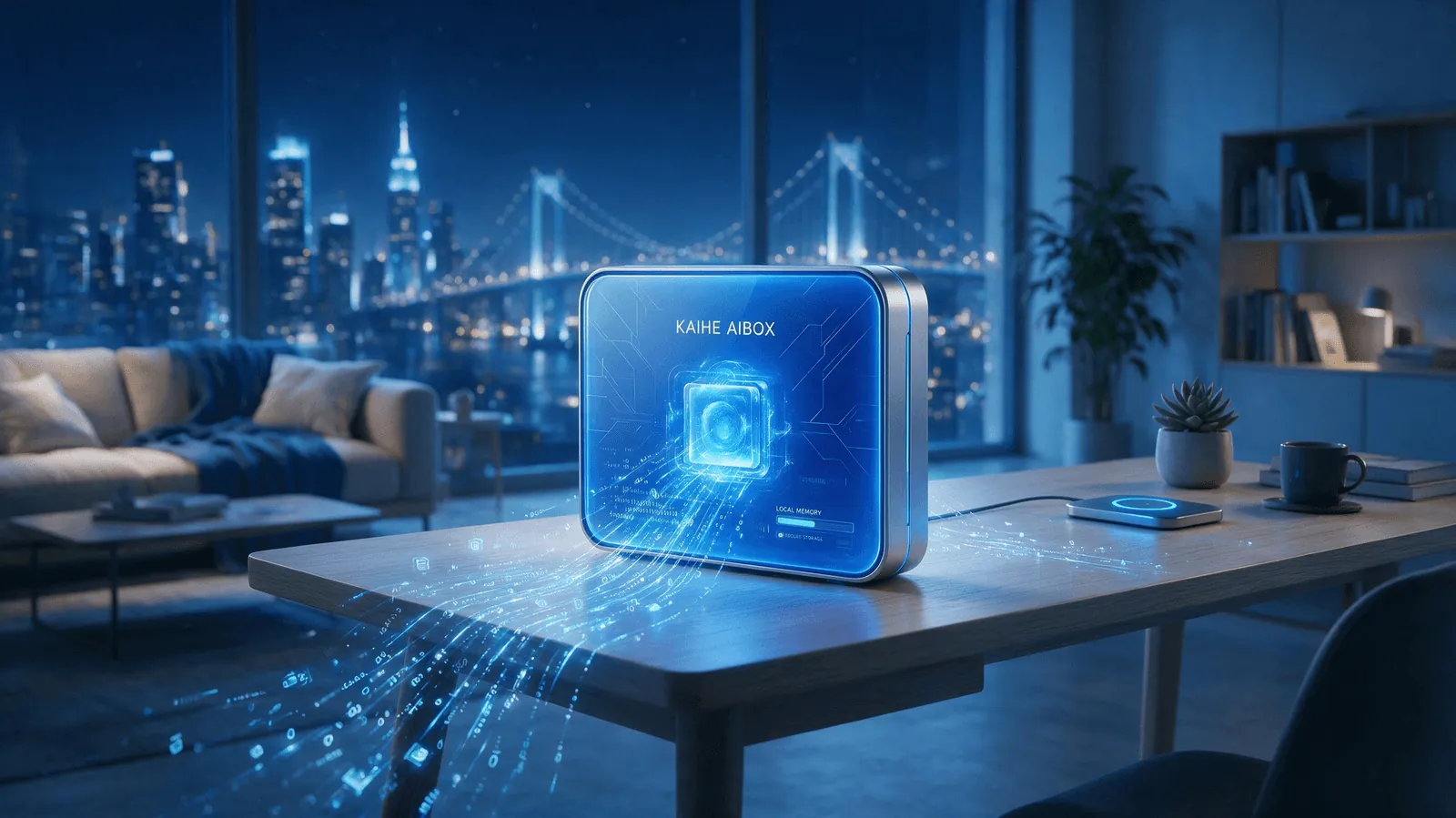
The Core of Local AI: Three-Layer Persistent Memory Architecture
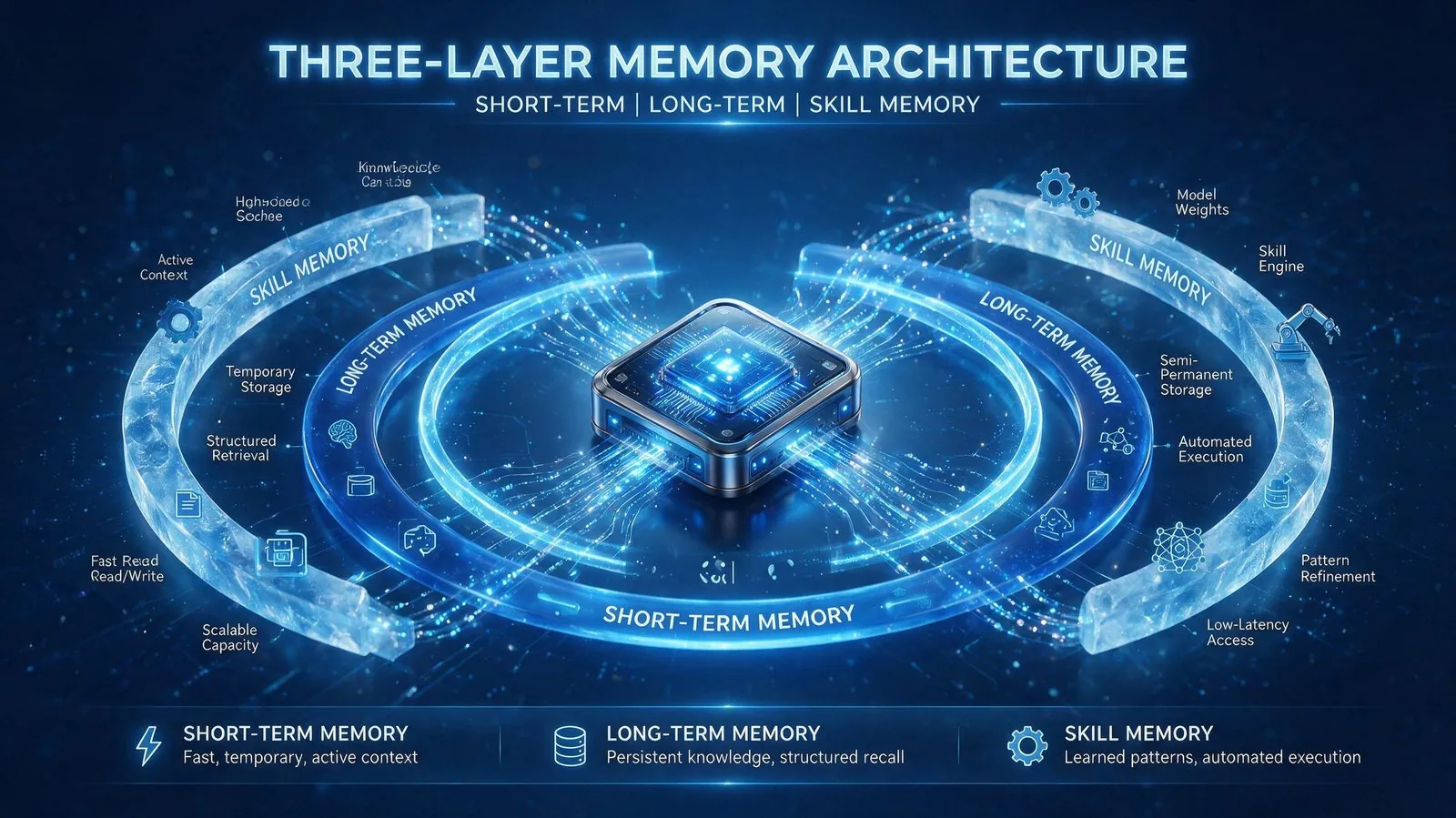
AI assistants running on local devices (such as KAIHE AIBOX) are designed from the ground up with long-term memory capability. Memory is divided into three layers, all stored locally on the device, never uploaded to the cloud:
1. Short-Term Context Memory
Records all contextual information for the current task — the document you're writing, the data you're processing, the current step in your workflow — ensuring continuous conversation without losing thread, much like a person's short-term attention while working.
2. Long-Term User Memory
Permanently records all your preferences, habits, workflows, common settings, and communication history: what format you prefer for reports, who you frequently contact, your standard process for certain tasks, and decisions you've made in the past. Everything is stored permanently on the local device and never lost. The longer you work together, the deeper its understanding of you becomes. When you say "make a report in the usual format," it doesn't need you to explain what "the usual format" is.
3. Skill Memory
Everything you've taught it, every effective prompt you've given it, and every automation workflow it has successfully run — all of these are accumulated as reusable skills. The next time a similar task comes up, it can handle it directly without you teaching it again. This is why local AI gets better the more you use it: it continuously accumulates new skills through working alongside you, becoming increasingly aligned with your work habits.
Local AI vs. Free Cloud AI: The Fundamental Difference
| Dimension | Local Private AI (KAIHE AIBOX) | Free Cloud AI |
|---|---|---|
| Memory Storage | Three-layer persistent memory, stored locally and permanently | Session-level memory, lost when window closes |
| Data Privacy | All data encrypted and stored locally, never uploaded | All conversations uploaded to cloud for model training |
| Operation Mode | 24/7 online, proactively executes tasks and sends reminders | Q&A mode only, inactive unless you initiate |
| Cost | 5W low power, ~$0.40/month electricity, no other fees | Basic features free, advanced features require subscription |
| Growth | Gets smarter over time, skills continuously accumulate | Every session starts from scratch, no growth |
| Automation | Can orchestrate multi-step workflows, runs even when PC is off | Single-turn Q&A only, cannot execute tasks autonomously |
Why KAIHE AIBOX Is the Ideal Private AI Assistant
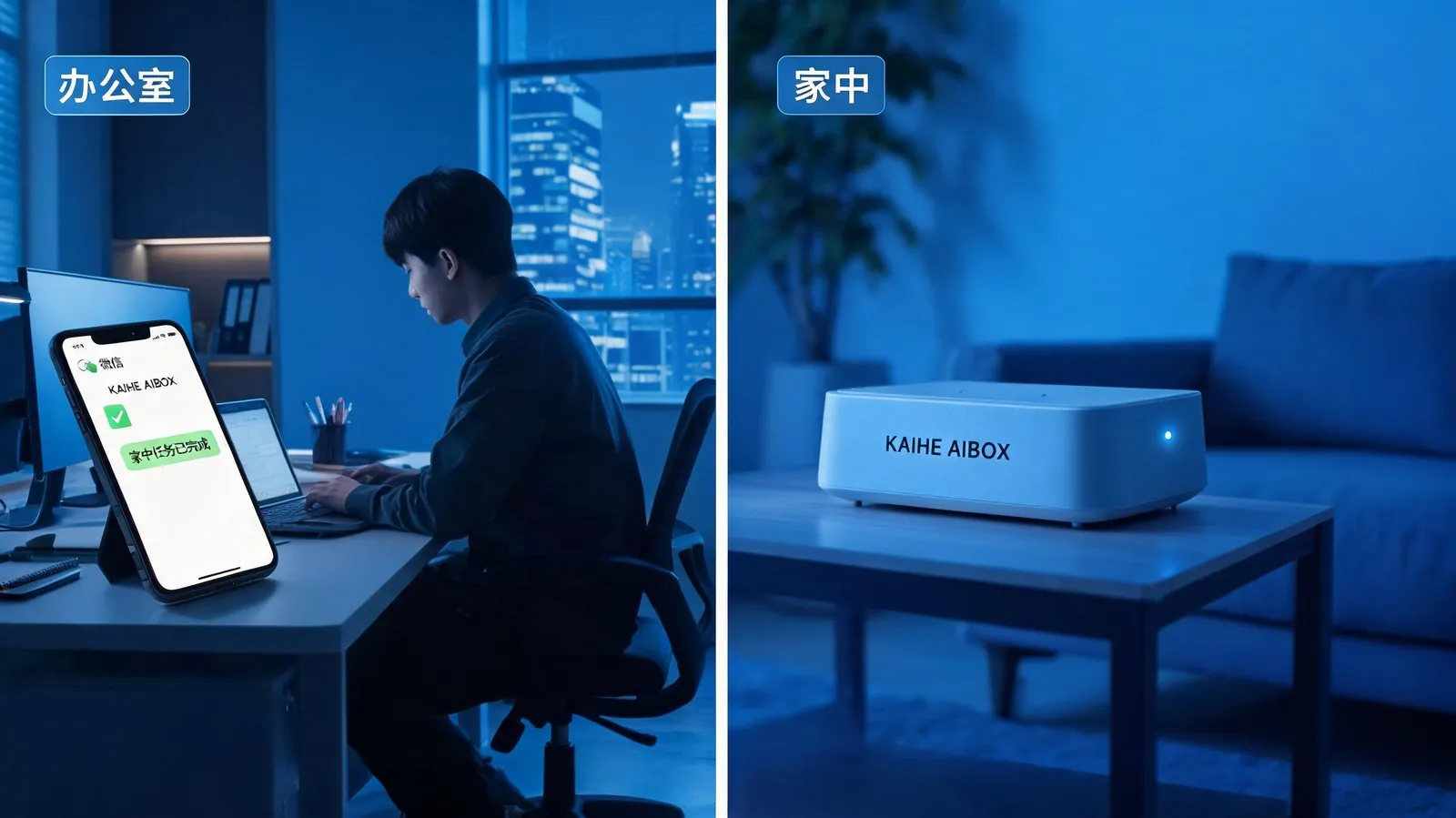
KAIHE AIBOX is a low-power hardware device designed specifically for running local AI, with all the core characteristics of a private AI assistant built in: - Local Data Encryption: All memory, documents, and workflows are stored on the local device, never uploaded to any cloud. Privacy is 100% under your control. - Three-Layer Persistent Memory: Built-in short-term context, long-term user memory, and skill memory architecture. Gets to know you better over time. - 24/7 Operation: 5W low power consumption, runs as long as it's plugged in. Monthly electricity cost is only about $0.40. Even when your computer is off, it continues executing tasks. - Multi-Platform Push: Supports WeChat and Enterprise WeChat message notifications. Proactively sends you a message when tasks are complete. - Flexible Extension: Can call various cloud-based LLM capabilities on demand while retaining local memory and privacy advantages.
You don't need to understand complex technical configurations. Just plug in KAIHE AIBOX with power and network, and you have a 24/7 private AI assistant that gets to know you better over time, with all your data belonging entirely to you.
Related Reading: - Why Build a Locally-Running AI Assistant? The Product Logic Behind KAIHE AIBOX - Explained: Why Your AI Keeps Working Even When Your PC Is Off - KAIHE AIBOX First Experience: What Can a 24/7 Private AI Assistant Actually Do?
KAIHEAIBOX #PrivateAI #LocalAI #LastingMemory
For more information, search [KAIHE AIBOX] or contact: [email protected]
KAIHE AIBOX · 7x24 Personal AI Assistant | Product Center