Here's a question: do you think using AI to do real work requires learning to code?
At least half the people I know think so. Every time AI workflows come up, their first reaction is "I can't code" or "I'm not a programmer." So they keep manually replying to emails, manually researching, manually compiling reports. Watching others let AI handle the grind while they stay stuck.
This misconception is creating the biggest efficiency gap in today's workplace.
What People Who Code Are Actually Doing With AI Workflows
Browse GitHub's trending projects. Workbuddy, Hermes, Claude Code—these tools have pushed AI automation to a remarkable level: scheduled industry news scraping, automated customer FAQ responses, competitor monitoring, data aggregation into weekly reports. Nearly every repetitive desktop task can be turned into a workflow.
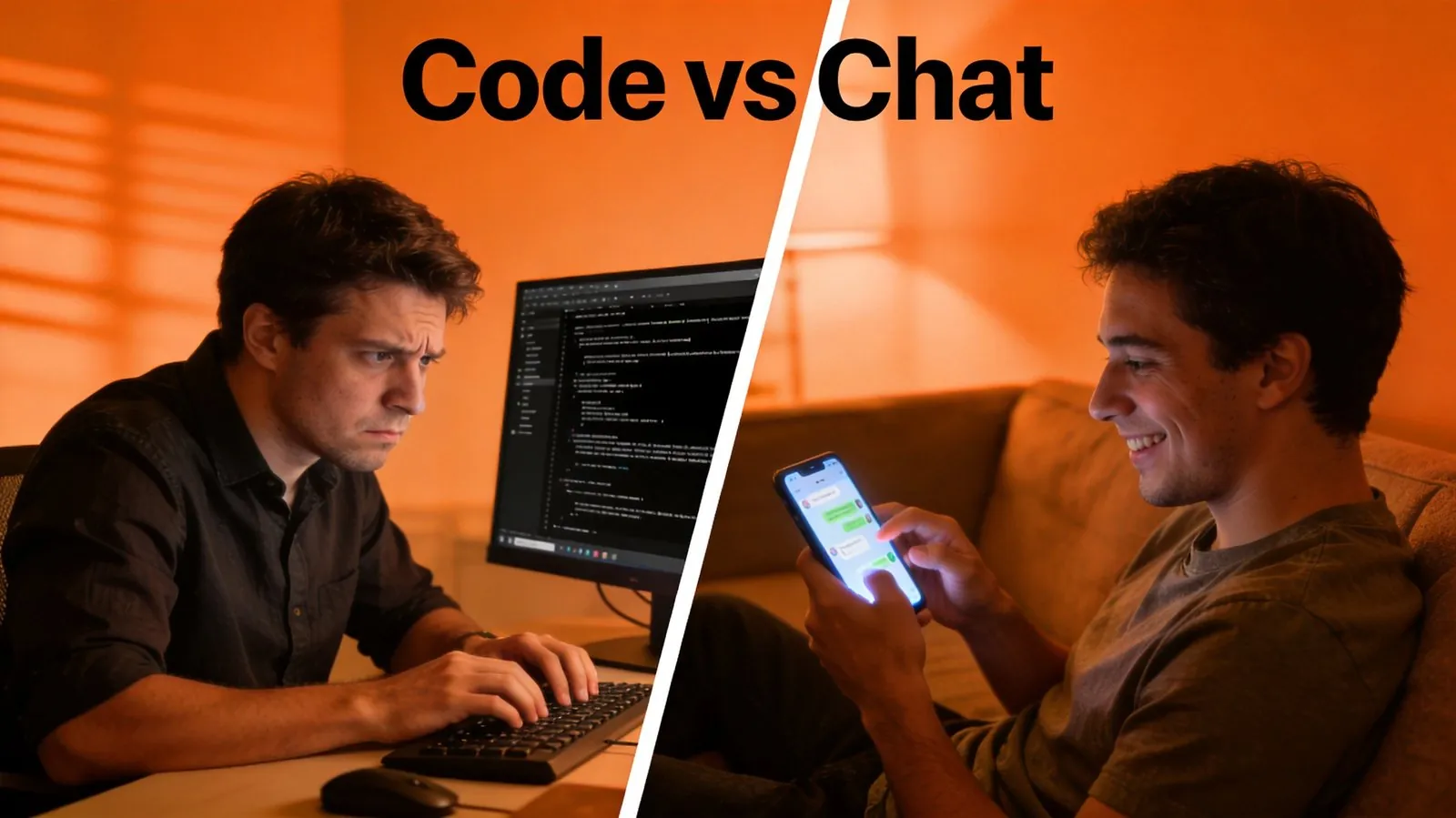
But here's the problem. The entry point for these tools is the command line. Configuration is JSON files. Integration requires APIs. An average person opens a terminal, sees a black window, and closes it within three seconds.
This is like ten years ago, when people who knew SQL could pull reports directly from databases while everyone else waited for someone to prepare an Excel file. Today, the inability to code means AI workflows belong to a tiny minority. Most people could be using them—they just don't know they can.

Three Things That Turn AI Into Your Employee
Actually, making AI do your work boils down to three steps:
First: tell it what to do. Not by writing code or configuring JSON. Just send a message in WeChat. "Check these three competitors' websites every morning at 9 AM and notify me of any changes." That's it.
Second: keep it running 24/7. AI shouldn't only work when you're at your desk. It needs somewhere to stay online continuously—while you sleep, while you're in meetings, while you're traveling.
Third: give it data. Your document templates, your workflow habits, your frequent contacts. Feed it once, and everything after that is automatic.
WeChat Is Your AI Control Panel
This is exactly what Kaihe AIBOX does.
It's a 24/7 local hardware box that sits on your desk or in a corner of your home. You don't need to learn the command line, configure JSON, or stare at code trying to guess what it does. Open WeChat, find the bound chat window, and talk to it in plain language.
"Summarize today's emails by category." "Compile last week's data into a report and send it to me before 10 AM tomorrow." "Monitor these three companies' career pages and alert me whenever a new position opens up." Say it, put your phone down, go do your thing. The agent breaks down tasks in the background, calls the right models, runs the results, and sends them back to your WeChat.
Zero lines of code. Zero new tools to learn. WeChat is your control panel. Natural language is your command line.
If you get these three things right—clear task instructions, 24/7 availability, and the necessary business data—AI stops being a chatbot you query for trivia. It becomes a digital employee that genuinely shares your workload. And none of this depends on whether you can code.
Want to learn more about Kaihe AIBOX? Contact us at [email protected]
KaiheAIBOX #NoCode #WeChatAI #Workflow #24x7 #AIAgent #Automation
📖 Glossary
AI Box (also known as Agent Computer / Agent PC), is a dedicated local hardware device that runs AI Agents. Pre-installed with an AI agent management system, plug-and-play, running 24/7. Users can remotely command AI to work via Discord, Slack, Telegram, WhatsApp, and more.