The 5 Unavoidable Flaws of Cloud-Based AI: Why More Users Are Moving AI Back to Local Devices
📖 Glossary
AI Box (also known as Agent Computer / Agent PC), is a dedicated local hardware device that runs AI Agents. Pre-installed with an AI agent management system, plug-and-play, running 24/7. Users can remotely command AI to work via Discord, Slack, Telegram, WhatsApp, and more.
Summary: Cloud AI services come with hidden tradeoffs: data privacy risks, unexpected service shutdowns, rising subscription costs, reliance on powered-on devices, and wasted savings from inaccessible off-peak pricing. This article breaks down these universal pain points and explains why more everyday users are switching to local on-premise AI hardware like KAIHE AIBOX to take full control of their AI experience.
Have You Experienced These Common Cloud AI Frustrations?
If you've used mainstream cloud AI tools for any length of time, you've almost certainly run into at least one of these universal pain points: you open the AI assistant one morning to find the platform has rolled out an unexpected feature update, and six months of work notes, saved prompts, and custom-trained workflows are gone without warning.
You want the AI to compile industry news for you automatically at 6 a.m. before you start work, but the task fails because your laptop was shut down overnight. You upload family budget spreadsheets, private work documents, or personal journal entries, only to remember in hindsight that all this data lives on a third-party company's servers, where it may be used for model training or accessed without your explicit consent.
What starts as a convenient, free tool quickly reveals hidden tradeoffs. For years, users accepted these tradeoffs as the unavoidable cost of using AI — but that's no longer the case. A growing number of everyday users are moving their AI workloads to local on-premise hardware like the KAIHE AIBOX Agent Computer, taking back full control of their data, their workflows, and their AI experience entirely.
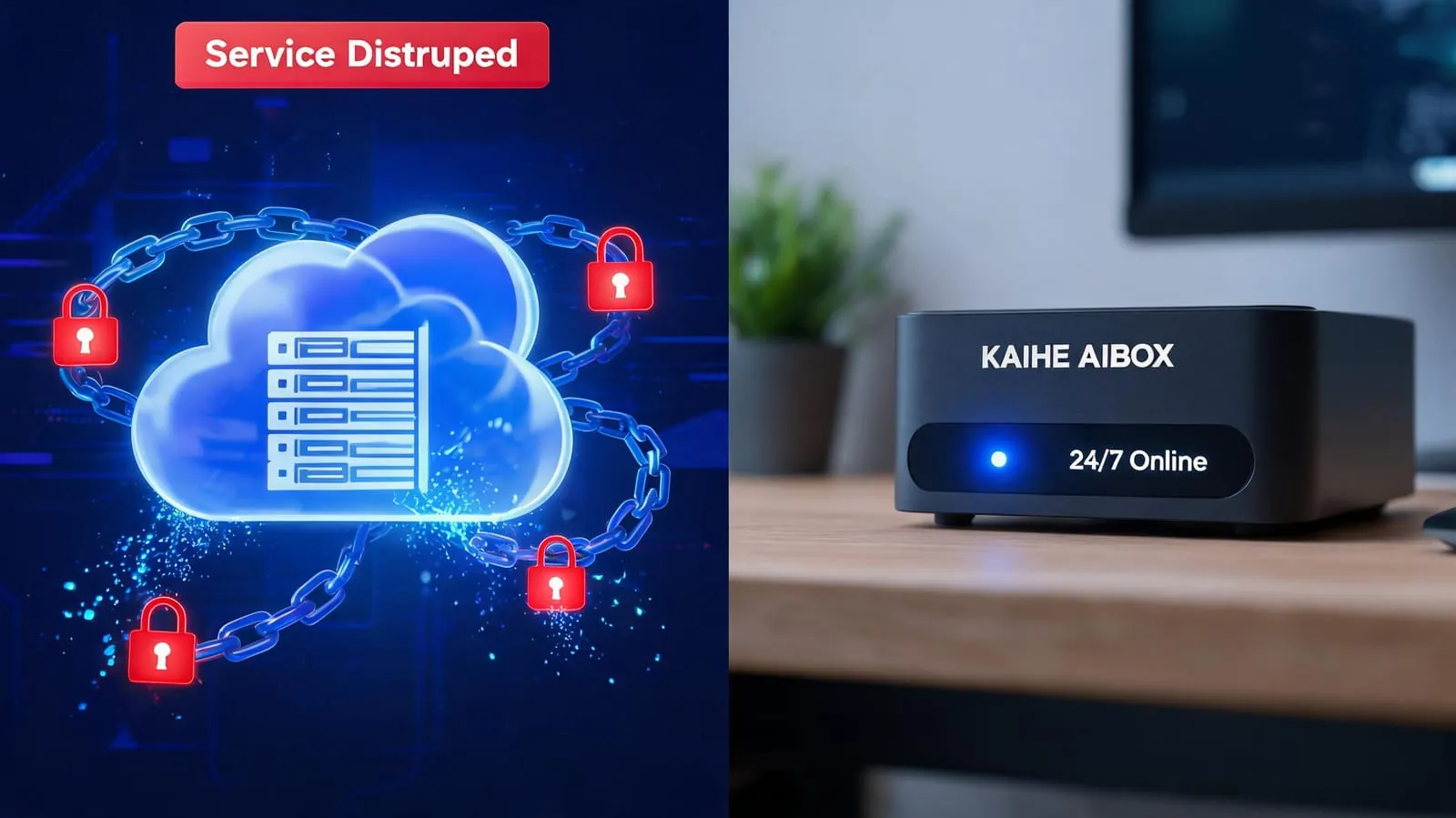
Common Misconception: Local AI Is Not Just for Tech Experts
Many people still assume running local AI requires coding knowledge, hours of environment setup, and expensive high-end hardware. That was true three years ago, but modern local AI appliances are built for ordinary users from the ground up: they come fully pre-configured out of the box, work with common chat apps like WeChat and WhatsApp for control, and require zero technical expertise to operate.
Even elderly users and children can start using them in minutes, with no learning curve. The confusion comes from mixing up two very different things: manually deploying open-source AI frameworks on your personal computer, which does require technical skill, and purpose-built local AI hardware like KAIHE AIBOX, which comes with all software, drivers, and pre-installed skills ready to go the moment you plug it in. It's no more complicated to set up than a smart speaker.
Core Truth: Are You a User of AI, or the Owner of Your AI?
Every flaw of cloud AI traces back to one simple reality: when you use a cloud AI service, you are a temporary renter of that service, not the owner.
The platform owns the servers, controls the software, sets the pricing, and can change features, raise costs, or shut down entirely at any time, with no input from you. Your data lives on their hardware, not yours.
A local AI device, by contrast, is a digital asset you own outright. All your data is stored on the device's internal drive, which you control physically. You decide when it runs, what tasks it performs, what data it stores, and who has access to it. There is no third party that can raise prices, delete your data, or cut off your access unexpectedly.
The Five Unavoidable Flaws of Cloud AI That Impact Every User
Flaw 1: Your Privacy Is Never Fully Guaranteed Every chat message, uploaded document, photo, and personal note you send to a cloud AI is stored on third-party servers. Almost every major cloud AI platform includes clauses in their terms of service granting them rights to use user input for model training and product improvement, even if you delete your conversation history later.
For working professionals, this means proprietary project plans and client data may be exposed. For parents, it means family budget details and children's growth records are stored off-site. For older users writing personal memoirs or tracking health information, it means highly sensitive personal data is outside of their control. Most people would never give a random stranger full access to their phone photo library or work files, yet they routinely hand over this same level of access to cloud AI platforms without a second thought.

Flaw 2: Service Stability Is Out of Your Control Over the past year, multiple major AI platforms have scaled back or discontinued agent features entirely. Users who spent months building custom workflows, training personal assistants, and saving years of conversation history have lost all that data overnight, with no option to export it.
Price hikes and feature restrictions are equally common: advanced features like long document processing, automated task execution, and persistent memory that were once free are frequently moved to premium tiers that cost two or three times as much as the original subscription. You either pay the higher price, or lose all the work you put into customizing your AI experience. There is no third option.
Flaw 3: Long-Term Costs Add Up Far More Than You Expect Many users start with free tiers of cloud AI, assuming that will be enough for their needs. But anyone who uses AI regularly quickly finds that practical features like 24/7 task monitoring, batch document processing, and automated workflow execution require paid premium plans, which cost $10-$30 per month per user. For a family of multiple people who all want to use AI, those monthly fees add up to hundreds of dollars per year.
On top of subscription costs, most major model providers now use peak/off-peak pricing: token costs double during daytime working hours, and complex tasks can incur unexpected overage fees. It is not uncommon for users to run a single data processing or content generation task and end up with charges of $10-$20, with no way to set hard spending limits that reliably prevent runaway costs.
Flaw 4: Cloud AI Stops Working When Your Devices Turn Off This is the most universally frustrating limitation of cloud AI for everyday use. If you want your AI to gather news for you at 6 a.m., process your family budget overnight, or monitor your smart home security devices 24/7, you need to keep a computer or phone powered on and connected to the internet permanently.
Laptops are not designed to run 24/7 without shutting down, and mobile operating systems automatically kill background processes shortly after the screen locks, making scheduled long-running tasks completely unreliable. Almost every regular AI user has had the experience of remembering a task they want the AI to handle after they've already gotten into bed, only to have to get back up to turn on their computer to send the instruction. For tasks that need to run when you are asleep or away from home, cloud AI simply cannot deliver reliable results.
Flaw 5: Peak Hour Congestion Wastes Money and Time Virtually all major large model providers now offer steep discounts for off-peak usage: token costs are 50-70% lower during late night and weekend hours, making it far cheaper to run batch tasks like data sorting, content generation, and file archiving during these windows. But for ordinary users, it is not practical to stay up until 2 a.m. to run these tasks manually. As a result, most users are forced to run all their AI tasks during expensive peak hours, paying twice as much and dealing with slow response times, queue waits, and generation errors when servers are overloaded.
| Comparison Point | Cloud AI Services | KAIHE AIBOX Local AI |
|---|---|---|
| Data Ownership | Stored on vendor servers, vendor retains usage rights | Fully encrypted local storage, 100% user-controlled |
| Service Stability | Vendor can discontinue features, raise prices, or shut down at any time | One-time hardware purchase, permanent access no third-party control |
| Cost Structure | Recurring monthly subscriptions, extra fees for multi-user access, peak-hour surcharges | One-time purchase with no recurring fees, whole family shares one model account |
| Operation Mode | Requires active computer/phone connection, stops working when devices power off | Standalone low-power hardware runs 24/7 independently, no reliance on other devices |
| Scheduling Flexibility | Only responds to immediate requests, cannot reliably run scheduled tasks | Fully customizable task scheduling, automatically runs jobs during low-cost off-peak hours |
| Usability | Requires app downloads, account creation, and learning complex interfaces | Controlled entirely via natural language in common chat apps, zero learning curve for all ages |
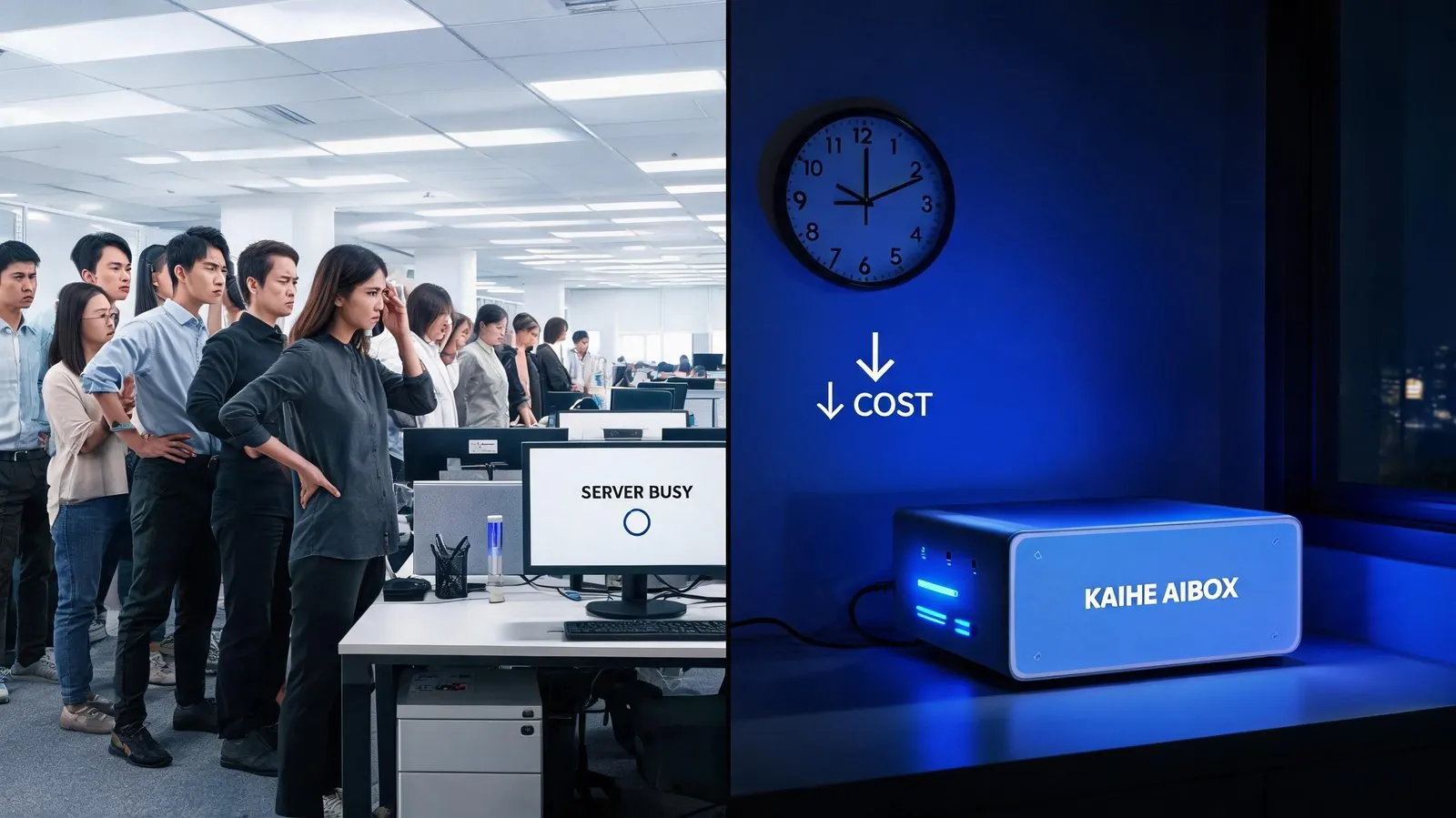
Final Thought: AI Is More Than a Tool — It's Your Digital Life Partner
AI has moved far beyond being a niche novelty for early adopters. For millions of people, it is an essential part of work productivity, home management, and daily life.
When you entrust your work documents, family memories, personal thoughts, and routine tasks to an AI system, the most important features are not flashy gimmicks: they are reliability, security, and full user control.
Moving AI to a local device is not a hobby project for tech enthusiasts. It is the practical choice for any user who wants stable, private, affordable AI service that works for them, not for a large corporation. When you own your AI hardware, your assistant stays with you long-term, learns your preferences over years of use, and never locks you out or raises prices unexpectedly — it becomes a trusted, permanent part of your digital life, rather than a disposable rental service you can lose access to at any time.
Further Reading: - What is KAIHE AIBOX? Complete Guide to Use Cases - Gemini Spark Hands-On Review: It Really Does Work For You 24/7 - Ali Qoder 1.0 Tested: AI Writes, Tests and Delivers Code With One Request
KaiheAIBOX LocalAI AIPrivacy AgentComputer AIBOX 24-7AI
For more information, search [KAIHE AIBOX] or contact: [email protected]
KAIHE AIBOX · 7x24 Personal AI Assistant | Product Center