Figma charges thousands per year per seat — not every small team can afford that. And since it's cloud-first, your design files live on someone else's server. Lose your internet, lose your workflow.
Enter openPencil: an open-source project that's been blowing up lately with 4.6K GitHub stars and a 7MB installer. Its positioning is blunt: the world's first open-source, AI-native vector design tool.
The core concept is "Design-as-Code." In plain terms — you type a description in a chat box, like "build me a SaaS login page with a blue theme and three feature cards," and the AI streams a complete UI directly onto the canvas.
How does 7MB fit an entire design tool?
📖 Glossary
AI Box (also known as Agent Computer / Agent PC), is a dedicated local hardware device that runs AI Agents. Pre-installed with an AI agent management system, plug-and-play, running 24/7. Users can remotely command AI to work via Discord, Slack, Telegram, WhatsApp, and more.
Let's look under the hood: Vue3 for the UI layer, Skia (CanvasKit WASM) for rendering, Yoga WASM for layout, Tauri v2 for the desktop shell, and Yjs for real-time collaboration.
Each component is battle-tested and lightweight. Skia is Chrome's rendering engine. Yoga is Facebook's open-source layout library. Tauri v2 produces binaries an order of magnitude smaller than Electron. Put these together, and you get that 7MB miracle.
Not just one AI — an entire team working simultaneously
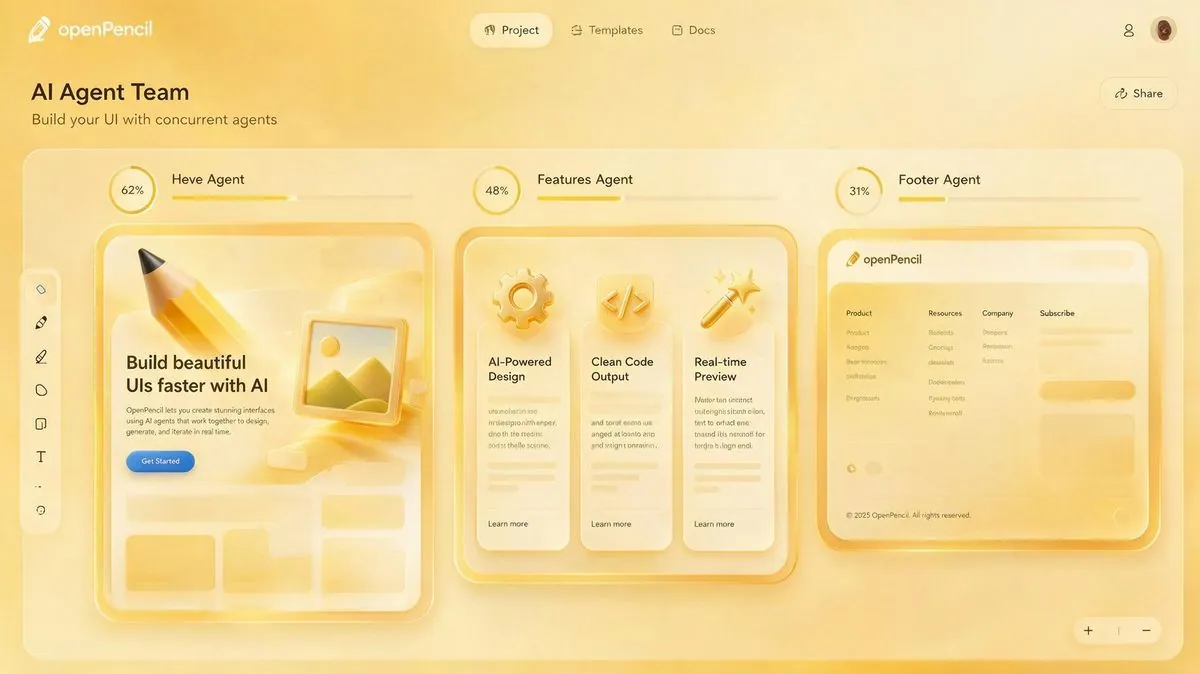
openPencil's most distinctive feature is concurrent Agent teams. When you prompt "design an e-commerce app homepage," it doesn't make one AI do everything sequentially. Instead, it dispatches multiple agents — a Hero Agent, a Features Agent, a Footer Agent — each working on their assigned section in parallel on the same canvas.
You can see visual indicators for each agent's progress. When they finish, everything merges automatically into a complete design. It feels like briefing a design team: everyone takes their section, works simultaneously, and the result assembles at the end.
Even more practical is the six-stage design workflow, built specifically to avoid the "one-shot generation, can't iterate" trap: Environment Check → Design Blueprint → Skeleton Frame → Section Refinement → Global Polish → Delivery. At every stage, you can pause and redirect. It's iterative collaboration, not a dice roll.
Open .fig files natively. Control it via MCP.
openPencil reads .fig files out of the box — components, variants, design variables, text styles, everything. Even better: you can Ctrl+C a component from Figma and Ctrl+V it into openPencil, and vice versa. Your existing Figma assets are fully portable.
The other killer feature is MCP protocol support. Install the openPencil MCP server, and any MCP-compatible AI Agent — Claude Code, Cursor, or Hermes — can control the tool directly. Just say "change all button colors to brand blue in my design file," and the agent opens openPencil and does it.
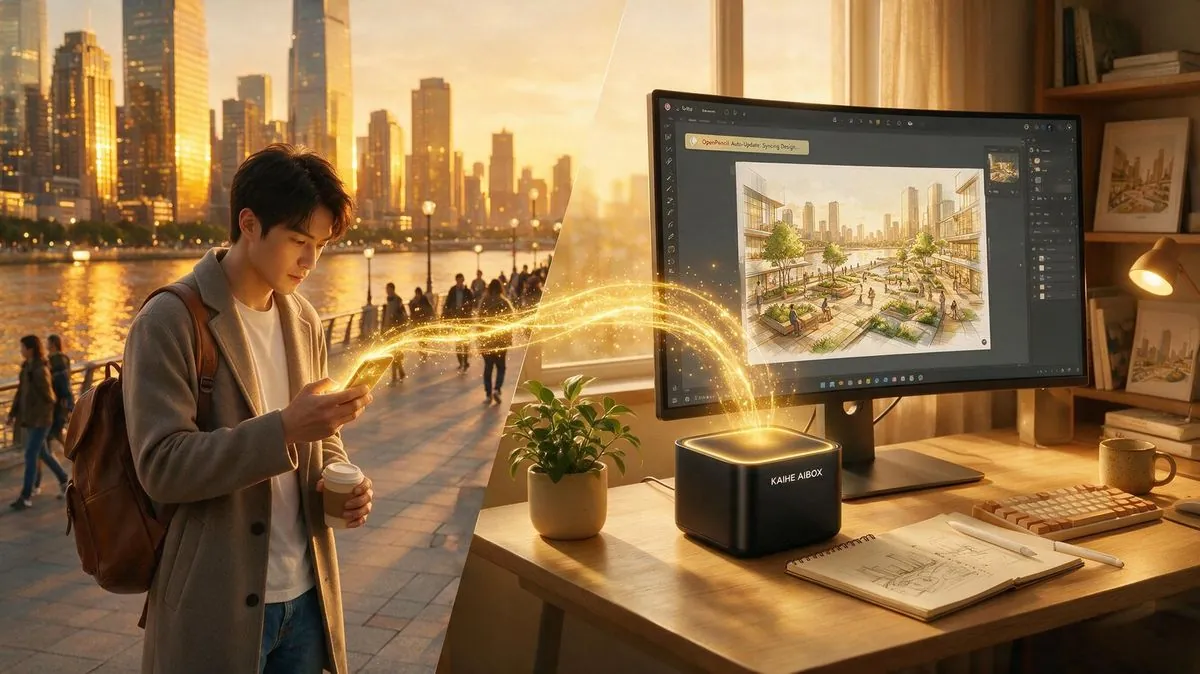
This is where Kaihe AIBOX truly shines. openPencil runs locally, the MCP server runs locally — the whole pipeline fits on your AIBOX. No computer needs to stay on, no internet required (except the initial model download), and no Figma subscription.
Picture this: you're out and about. You send Hermes Agent a WeChat message: "Switch yesterday's app homepage to dark mode and round the button corners to 12px." Your Kaihe AIBOX at home receives it, calls openPencil via MCP, makes the changes, and saves everything. When you get home, open it up, export assets, and your design is done.
This is what an AI-native design tool actually looks like when you pair it with a 24/7 local agent — no babysitting a screen required.
Why this matters
Figma is SaaS — your files live on their infrastructure. openPencil stores everything in local IndexedDB, and collaboration runs on WebRTC P2P. No intermediary server needed.
Open source, local-first, offline-capable, AI-native, agent-controllable — put these five keywords together, and openPencil is more than just "free Figma." It's the first vector design tool an AI agent can batch-operate programmatically. For solo developers and small teams, this is a paradigm shift.
If you already have a Kaihe AIBOX, install openPencil, configure MCP, and connect Hermes Agent. You now own a 24/7 local AI design workstation. Send a WeChat message, and your designs update while you're doing something else entirely.