📖 Glossary
AI Box (also known as Agent Computer / Agent PC), is a dedicated local hardware device that runs AI Agents. Pre-installed with an AI agent management system, plug-and-play, running 24/7. Users can remotely command AI to work via Discord, Slack, Telegram, WhatsApp, and more.
Summary: The idea behind KAIHE AIBOX is straightforward: buy a dedicated computer for your personal AI assistant. You work on your computer; it works on its own. No interference. When you shut down for the night, it keeps running.
The Overlooked Problem: Your AI Assistant Needs a Desk
A friend visited my home and noticed a new device on my desk. "What is this?" he asked.
I told him it's KAIHE AIBOX — a dedicated agent computer.
He didn't quite get it. "I already have AI software on my laptop and AI apps on my phone. Why would I need a separate device?"
I gave him a scenario: During the day, you're using your computer to build presentations, join video calls, and run multiple applications. Your CPU and RAM are already near capacity. Now you want your AI assistant to compile meeting notes, screen job postings for tomorrow, and monitor a website for price changes — where does it run?
If it runs on your computer, it competes with you for resources in the background. You lag, it lags. If it runs in the cloud, you have to keep a browser open and watch it. Close the tab, and the connection breaks. Plus, all your data gets uploaded to someone else's server.
KAIHE AIBOX's answer: give it its own computer.
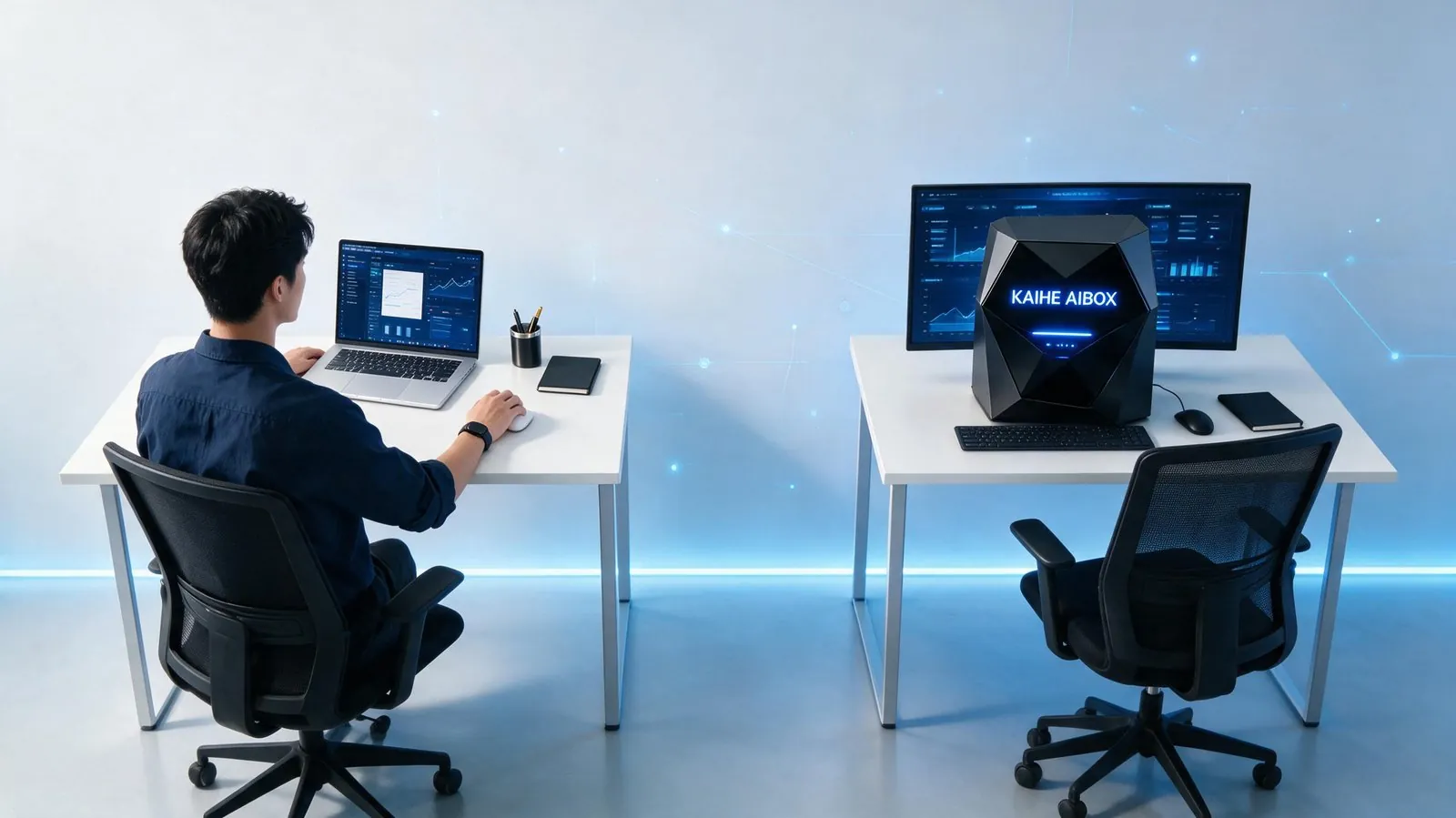
You work on your computer doing your tasks. It works on its computer doing its tasks. Two machines, each minding its own business. Neither gets in the other's way.
When You Power Off, It Keeps Working
This is the most tangible difference of KAIHE AIBOX — it runs independently, without depending on your computer.
Picture a common scenario: after work, you want your AI assistant to handle a few things — organize today's client communication records, send an industry briefing to your inbox before 8 AM tomorrow, and monitor a competitor's website for price drops overnight.
If you're using AI software on your computer, you'd need to keep the computer on, keep the software running, keep the browser tab open. The moment you shut down, the tasks die.
KAIHE AIBOX is different. It's a standalone device, running 24/7. You shut down your computer and go to sleep; it keeps executing on its own agent computer. When you wake up the next morning, everything you asked for is ready and waiting.
Three Differences That Make It More Than "Another AI App"
| Comparison | AI Software on PC | Cloud AI Service | KAIHE AIBOX |
|---|---|---|---|
| Occupies your PC resources | ✅ Competes for CPU/RAM | ❌ Does not | ❌ Standalone device, zero impact |
| Runs after you shut down | ❌ Stops with shutdown | ⚠️ Requires active browser/session | ✅ 24/7 independent operation |
| Data storage location | Local disk | Cloud servers | Local device, nothing uploaded |
| Memory persistence | Lost on reinstall | Wiped on account deletion | Long-term local memory, backupable |
| Remote control | Needs remote desktop tools | Requires web login | Direct commands via WeChat |
This table isn't about ranking what's "better." It's about fundamentally different positioning. AI software solves the "interaction" problem. Cloud AI solves the "compute" problem. KAIHE AIBOX solves the "who keeps working for you around the clock" problem.
Four Features, Each in One Sentence
24/7 Operation: It's a standalone computer — powered on means working. While you're at the office during the day, it handles tasks. While you sleep at night, it keeps going. No need to monitor it, no need to stay online.
Local Data: Your work records, client information, and communication notes are all stored on the local device. Nothing gets uploaded to any cloud server. When it comes to privacy, the best protection is ensuring your data never leaves your hands in the first place.
Long-term Memory: KAIHE AIBOX remembers all your habits and preferences. Tell it once that "Client Old Chen hates the word 'disruption,'" and it will automatically avoid it in future proposals. The longer you use it, the better it understands you.
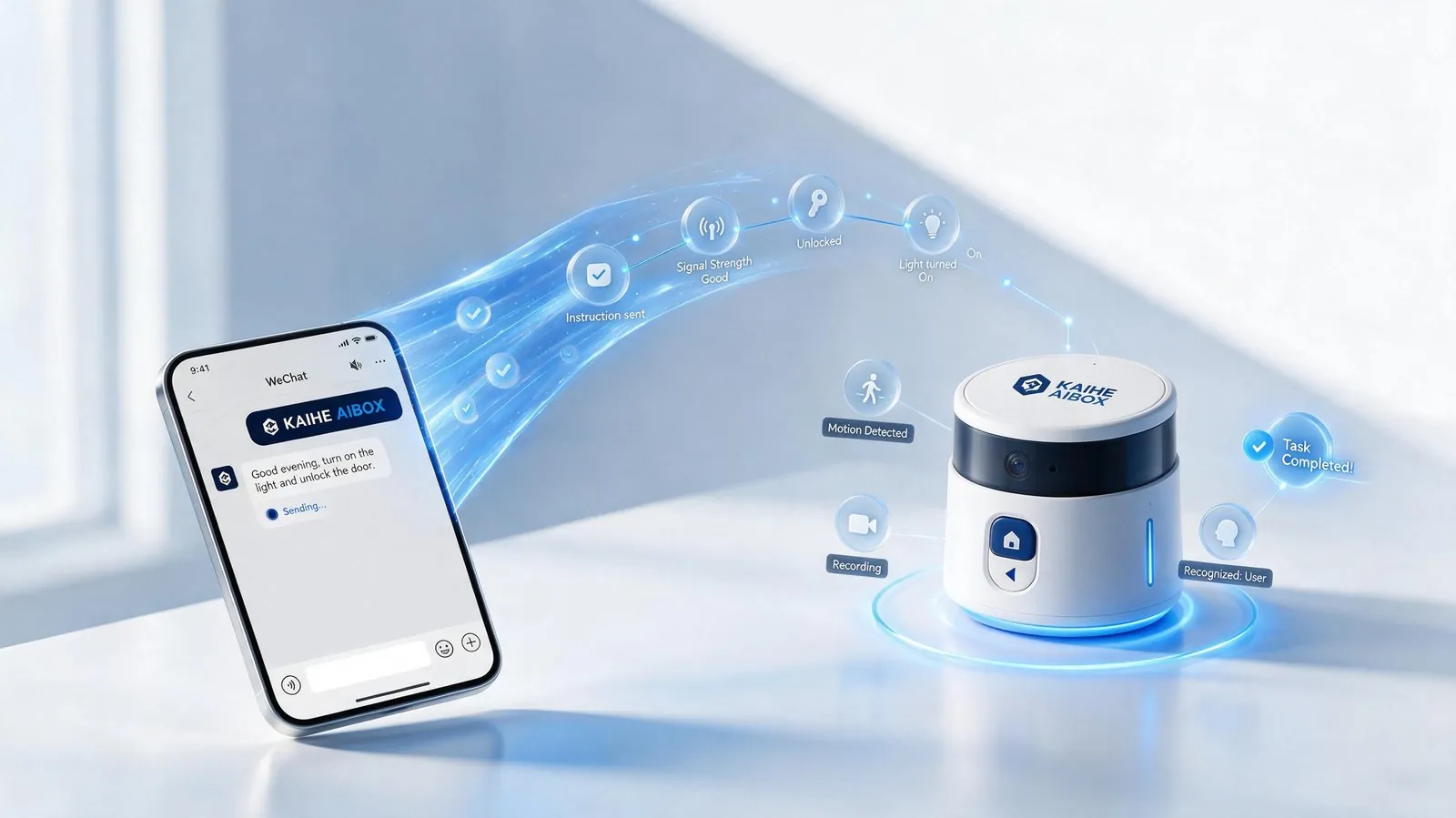
WeChat Remote: Out and about, no convenient access to a computer? Just send it instructions via WeChat. "Organize today's meeting highlights and send them over" or "Alert me when that website drops below $500" — send a WeChat message, and it executes.
Fundamentally, You're Giving Your AI Assistant a "Home"
Back to my friend's original question: why do you need a separate device?
The answer is remarkably simple: you give an employee a desk, you give an AI assistant a computer — same logic.
You wouldn't ask an employee to borrow someone else's computer to work — resource conflicts, low efficiency, constant interruptions. An AI assistant is no different. It needs its own agent computer — one that's online 24/7, one that keeps its data in its own hands.
KAIHE AIBOX is that computer.
You work on your computer; it works on its computer. You power off and sleep; it keeps working. When you wake up the next morning, what you asked for is already done.
Set one up at home. Search "KAIHE AIBOX" on WeChat.
Related Reading: - When You Power Off, Your AI Keeps Working - Your AI Assistant Remembers Everything — The Longer You Use It, the Better It Knows You - Your Data Stays Local — The Last Line of Privacy Defense
KAIHEAIBOX #LocalAI #PersonalAIAssistant #AgentComputer #AIOffice #24/7Autonomous
For more information, search [KAIHE AIBOX] or contact: [email protected]
KAIHE AIBOX · 7x24 Personal AI Assistant | Product Center