If you're like most office workers today, you've probably asked this question: my company already has an AI assistant built into Feishu/DingTalk/Teams that can write meeting minutes and generate spreadsheets — why would I need a personal AI assistant?
This is a common misconception: treating every product labeled "AI assistant" as if they serve the same purpose. In reality, office AI assistants and personal AI assistants are fundamentally different products, built for entirely different use cases, with completely different ownership models.
The core difference in one sentence: an office AI assistant is a work tool your employer provides for you to do your job; a personal AI assistant is a dedicated, always-on efficiency partner that belongs entirely to you.
Difference 1: Data Ownership is Fundamentally Different
📖 Glossary
AI Box (also known as Agent Computer / Agent PC), is a dedicated local hardware device that runs AI Agents. Pre-installed with an AI agent management system, plug-and-play, running 24/7. Users can remotely command AI to work via Discord, Slack, Telegram, WhatsApp, and more.
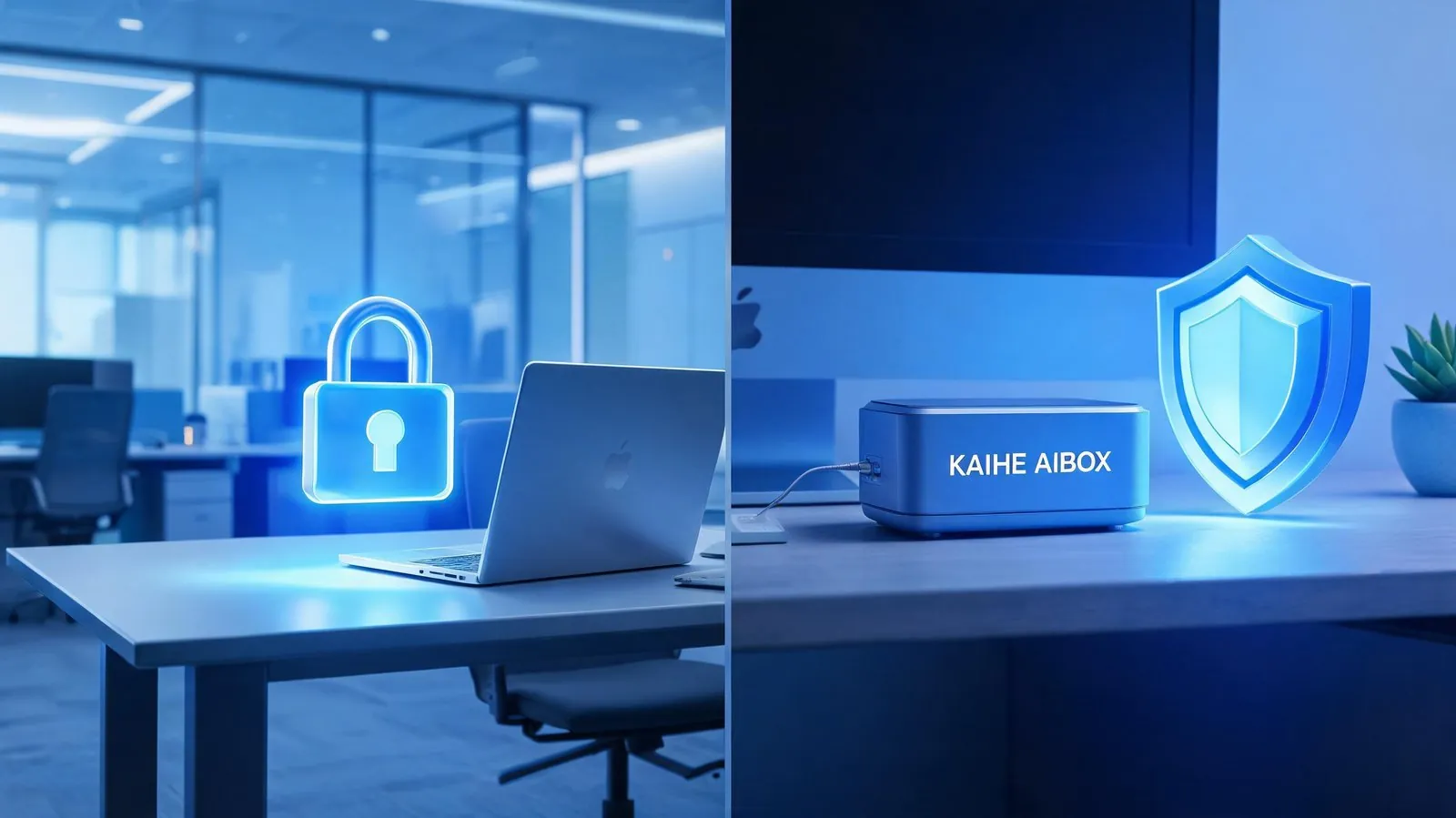
Office AI assistants are enterprise SaaS services purchased and controlled by your company. Every prompt you enter, every document you generate, every record of your usage patterns is owned by the company. Enterprise administrators can audit, view, and export all your activity logs by default, as required by corporate compliance policies. From the moment you log in with your company account, none of that data belongs to you personally.
Personal AI assistants like KAIHE AIBOX are hardware devices you own outright. All data is stored 100% locally on your device, never uploaded to any third-party server. No service provider, no enterprise administrator, no external party can access your data. Your private documents, personal records, personal conversations, all stay entirely under your control.
Difference 2: Memory Scope and Persistence
Office AI assistants only retain memory tied to your work context: they remember company workflows, project timelines, document templates, and team collaboration rules. The day you leave the company and your account is deactivated, all that memory disappears — you can't take it with you, and it stops being available to you. They are also restricted to work use cases only; ask them about personal planning, life arrangements, or private matters and you'll get either irrelevant answers or outright refusal.
Personal AI assistants build lifetime, cross-context memory that belongs to you forever: a client preference you mentioned three years ago, your preferred document formatting, family birthday reminders, your accumulated industry knowledge base — it all stays with you permanently, getting more personalized the longer you use it. Switch jobs, move cities, change computers: KAIHE AIBOX remains yours, with all your memories and configurations fully intact. It supports you across work scenarios (content creation, data processing) and personal scenarios (travel planning, personal file organization, hobby projects) equally well.
Difference 3: Operation Mode and Service Boundaries
Office AI assistants are cloud services embedded in office software: you can only use them when you're on your work computer, logged into your company account, and connected to the internet. When you leave work, shut down your computer, or disconnect from the corporate network, service stops. Functionality is controlled by your enterprise administrator; many features may be restricted, and you can't set up custom automation for your own needs.
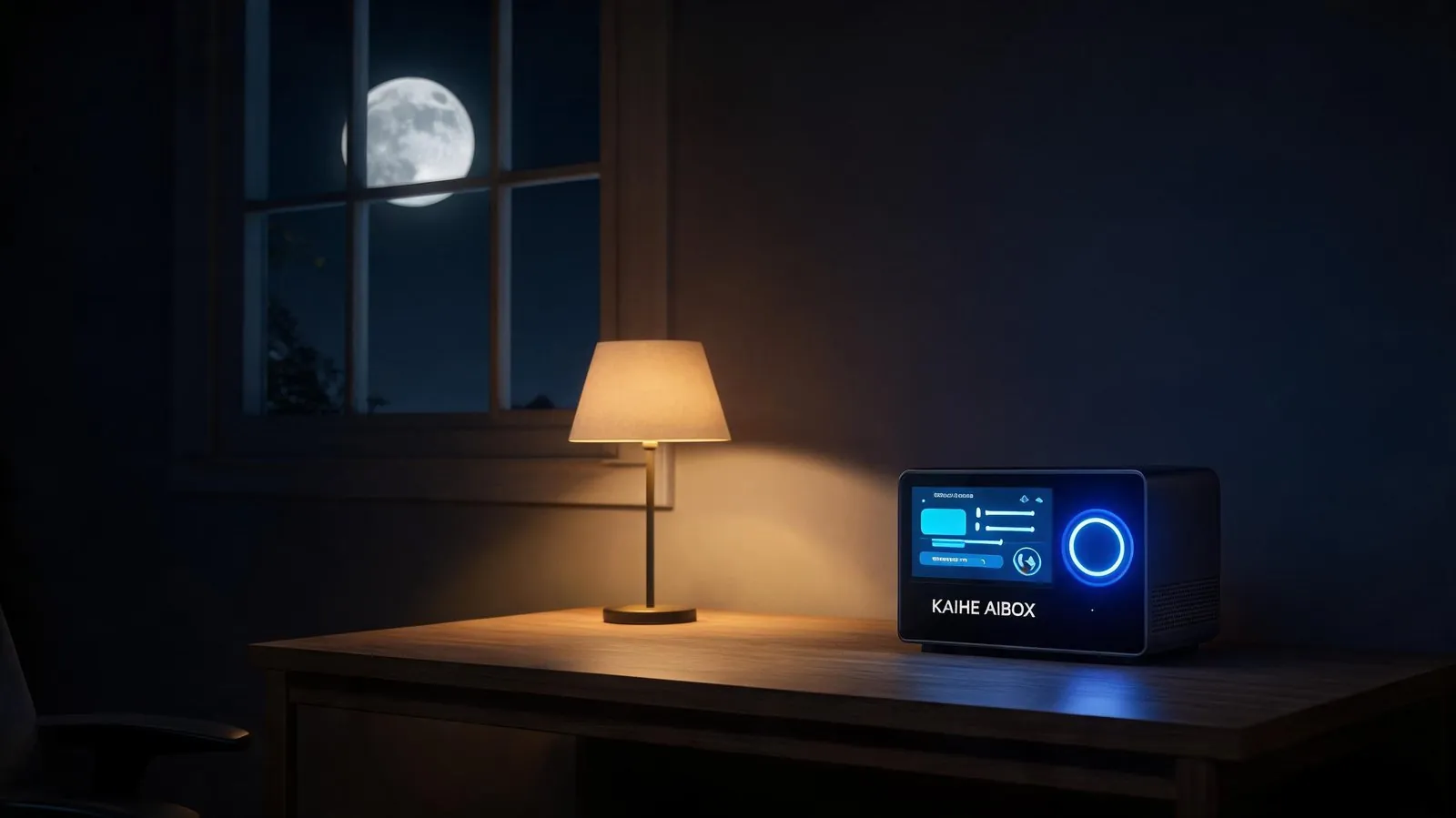
Personal AI assistants are independently operated hardware devices: KAIHE AIBOX runs 24/7 whenever it's plugged in, always online and ready to work for you even when you're not at your desk, even when you're not logged into any work software. It can run scheduled tasks, process to-do items, and monitor information in the background around the clock. Local functionality works even without an internet connection, so it never stops working due to network outages. You have full control over what features you install and what automation workflows you set up.
Key Differences At a Glance
| Dimension | Personal AI Assistant (KAIHE AIBOX) | Office AI Assistant (Feishu/DingTalk/Teams AI) |
|---|---|---|
| Core Positioning | Full-scenario personal efficiency partner | Enterprise collaboration tool |
| Data Ownership | 100% local storage, fully owned by you | Data owned by enterprise, auditable by admins |
| Scenario Coverage | Full support for work + personal life | Restricted to enterprise office scenarios only |
| Memory System | Lifetime personal memory, improves with use | Work-scenario memory only, erased when you leave the company |
| Operation Mode | Standalone local hardware, 24/7 online, works offline | Cloud SaaS service, requires internet + work account login |
| Access Control | You have full control, fully customizable features | Enterprise-managed, restricted feature permissions |
| Service Availability | Always on call, responds outside work hours | Prioritizes work hours, limited outside office contexts |
They Are Not Replacements — They Complement Each Other
A common follow-up question: if I already have an office AI, do I still need a personal one? The answer is a resounding yes. They solve completely different problems and work perfectly side by side with zero conflict: - During work hours, use your company's office AI for team collaboration, meeting minutes, approval workflows, and other workstream tasks that fall under corporate compliance requirements - After work, for personal matters, and for long-term work assets (like your own client relationships, personal creative work, side project tasks), use your own KAIHE AIBOX: your data stays secure, and your memory accumulates permanently.
A simple analogy: an office AI is like the work computer your company gives you — you use it for your job during work hours, but you have to return it when you leave. A personal AI assistant is like your personal smartphone — it stays with you 24/7, holds all your personal data, and belongs to you for life.
You wouldn't stop using your personal phone just because your company gave you a work computer, and you shouldn't think you don't need a personal AI assistant just because you have access to an office AI. In the age of AI, everyone deserves a personal AI partner that belongs completely to them, answers only to you, and keeps your data fully under your control.
Further Reading: - Why Local AI Is Better for Handling Private Matters Than Cloud AI - What Can a 24/7 Online Personal AI Assistant Actually Do For You? - Why Long-Term Memory Is Non-Negotiable for AI Assistants
KAIHEAIBOX #LocalAI #PersonalAIAssistant #OfficeAI #AIPrivacy #ProductivityTools
For more information, search [KAIHE AIBOX] or contact: [email protected]
KAIHE AIBOX · 7x24 Personal AI Assistant | Product Center