The Moment You Shut Your Laptop, Your Personal AI Keeps Working
📖 Glossary
AI Box (also known as Agent Computer / Agent PC), is a dedicated local hardware device that runs AI Agents. Pre-installed with an AI agent management system, plug-and-play, running 24/7. Users can remotely command AI to work via Discord, Slack, Telegram, WhatsApp, and more.
Summary: Many people think AI stops when the computer is off. A true personal AI assistant is a standalone device — close your laptop, turn off your PC, even lose internet, and it keeps working for you. This article shares three real scenarios of how KAIHE AIBOX continues handling emails, tracking packages, and managing schedules after your computer is off.
A common misconception about AI assistants is that they require a running computer with an open browser — turn off the PC and AI stops. In reality, a true personal AI assistant should be like your home router: plugged in and running independently, unaffected whether your computer or phone is on or off, working for you 24/7.
KAIHE AIBOX is exactly such a standalone device. It's a complete mini-computer with its own processor, memory, and storage. Plug in power and network, and it runs independently without depending on your computer or phone. Turn off your PC, close your laptop, head to work — it stays home handling your emails, tracking packages, managing schedule reminders, and monitoring your smart home, all without interruption.
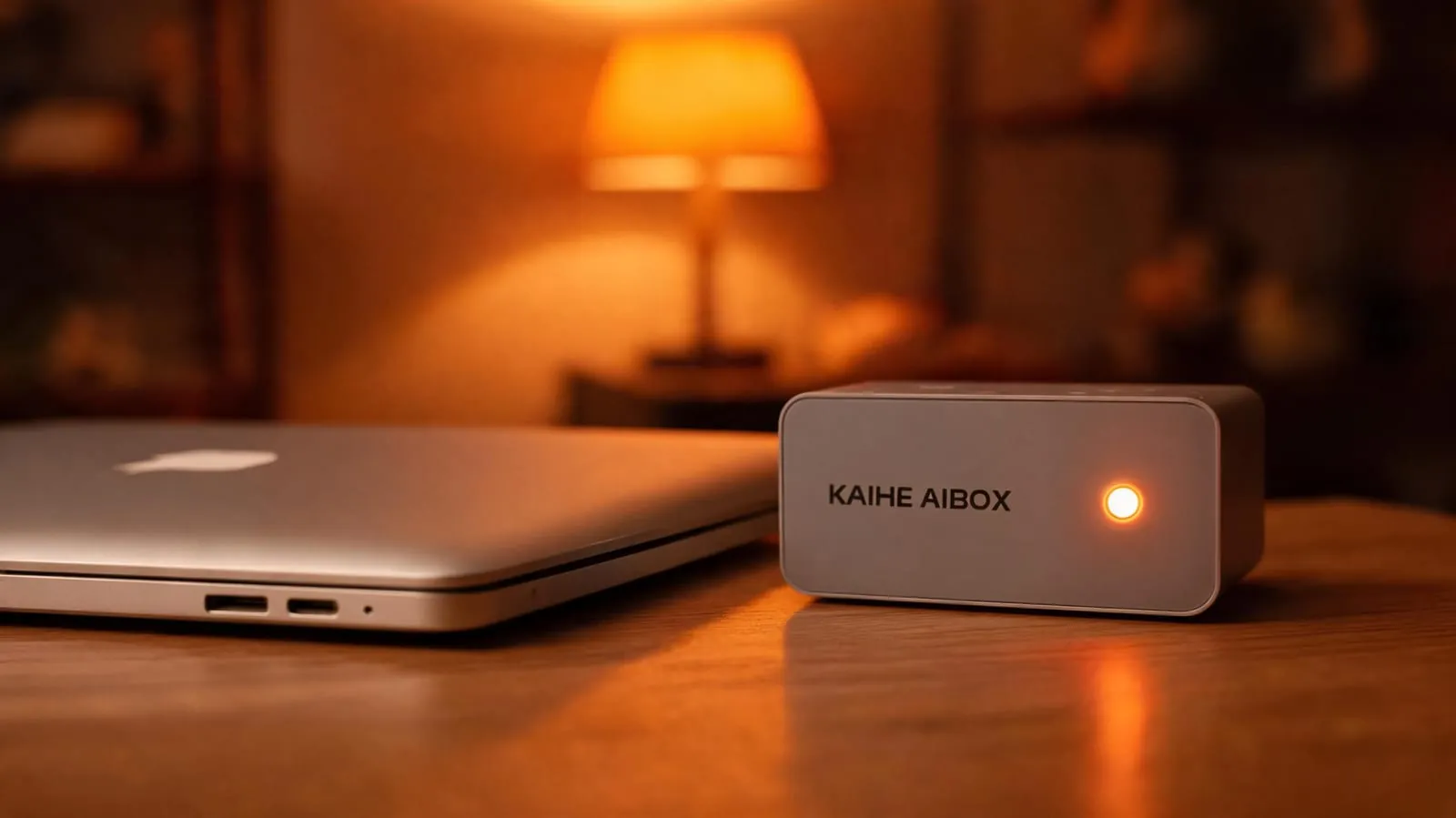
Three Real Scenarios: Your Computer Is Off, It's Still Working
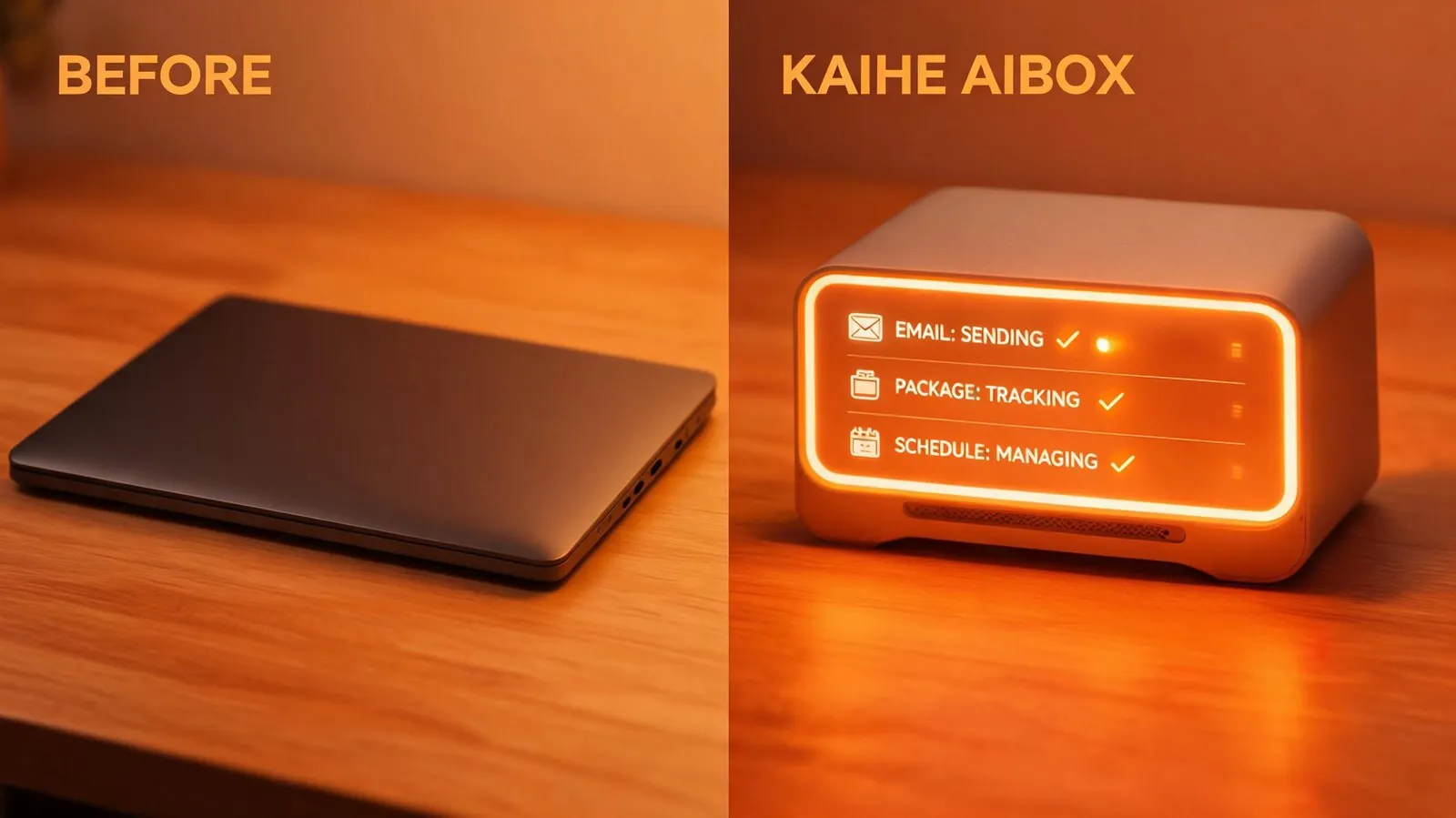
Scenario 1: You're Asleep, It's Replying to Your Emails At 11 PM you close your laptop to rest, but there are still unanswered client emails in your inbox. You don't need to fight sleepiness to handle them — it automatically filters: routine inquiries get auto-replied with your templates, important emails are flagged with summaries, and the next morning you open your phone to a neatly organized email briefing. While you slept, it handled your inbox.
Scenario 2: You're at Work, It's Tracking Packages and Running Monitor Tasks You leave for work in the morning and shut down your computer. Several packages are arriving today. No need to keep your PC on for logistics tracking — it watches for you at home: package updates come via WeChat notification, and when parcels reach the delivery stage, it reminds you to prepare for receipt. You also set a price monitoring task for a secondhand camera — it watches 24/7, and when the price drops to your threshold, it automatically purchases and sends you a WeChat notification: "Order placed for you." While you're at the office, it runs your tasks at home, completely independent of your computer.
Scenario 3: The Whole Family Is Traveling, It's Watching the House Over the weekend, the whole family goes on a three-day trip — the computer is off, of course. But KAIHE AIBOX keeps running at home: it turns smart lights on and off on schedule to simulate someone being home for security, sends WeChat alerts if cameras detect anomalies, and automatically waters plants via smart irrigation at the times you set. While you're enjoying your trip, you receive its "all clear" reports, letting you relax without worrying about home.
| Comparison | Computer-Dependent AI | KAIHE AIBOX Standalone AI |
|---|---|---|
| After Computer Off | Immediately stops | Continues running unaffected |
| After Internet Loss | Cannot function | Local tasks continue executing |
| 24/7 Operation | Computer must stay on | Standalone device, plug and run |
| Family Away | Smart home stops | Continues watching, watering, securing |
| Power Cost | PC running 24/7 = high power | 5W, ~$0.50/month electricity |
| Usage | Must open PC and software | WeChat message is enough |
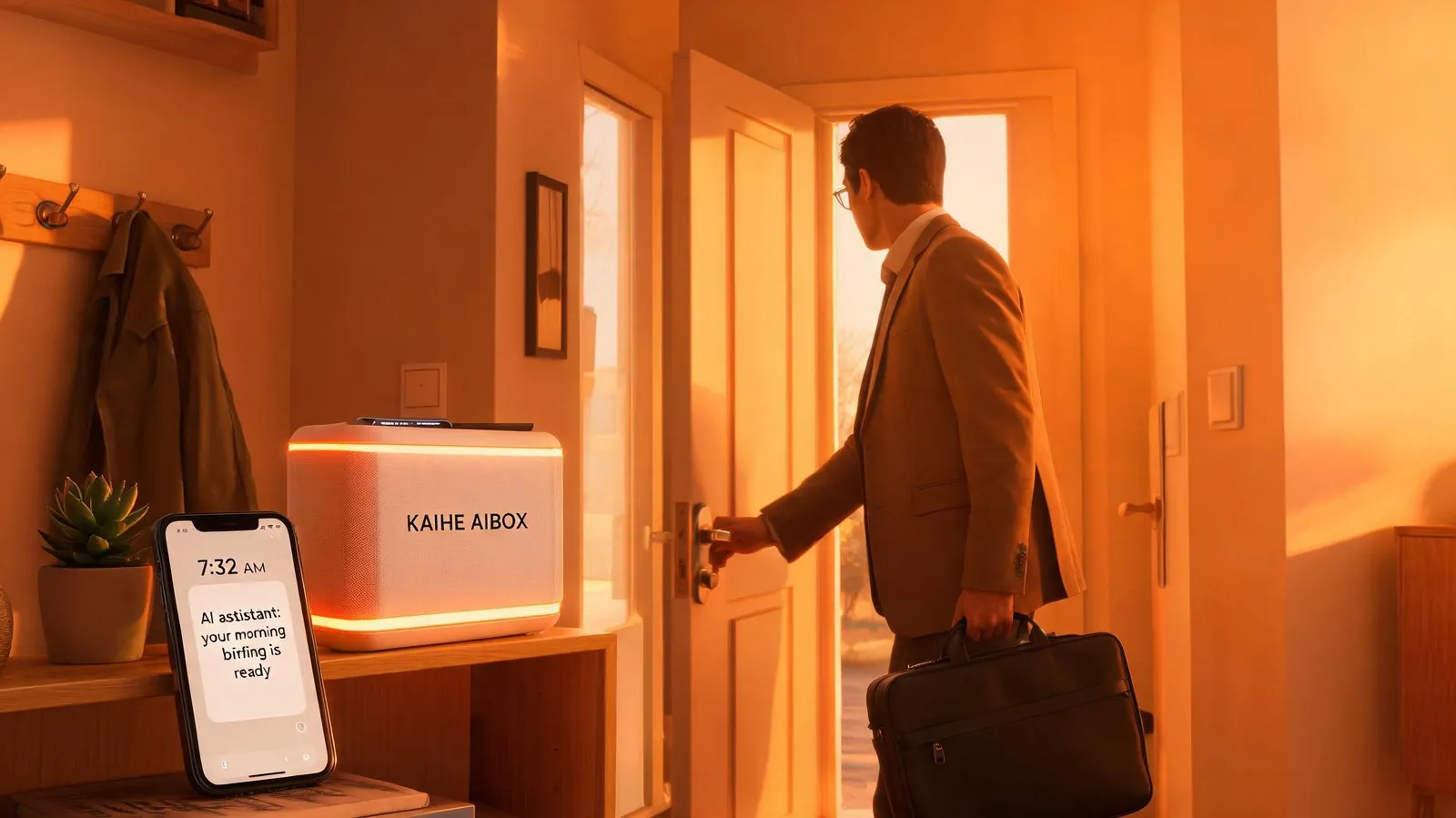
Many people ask why it can run independently without a computer. Because it IS a complete device with its own hardware system — not a peripheral plugged into your computer. Just like your router doesn't need a computer to provide internet, KAIHE AIBOX doesn't need a computer to work for you. You only need a computer or phone for initial setup; after that, it runs completely independently, controlled via WeChat messages.
Power consumption is only 5W, costing about $0.50 per month — tens of times more efficient than keeping a computer running (at least 200W). Even without internet, local tasks that don't depend on cloud services continue executing, automatically syncing when the network returns. All your configured agents, memory data, and scheduled tasks are stored on the local drive, safe from power or network outages.
A true personal AI assistant isn't software you open a computer to use — it's something that keeps working for you even after you've shut down your PC. It doesn't require you to accommodate its operating conditions; it adapts entirely to your lifestyle — you turn off your computer, you go out, you sleep, it's always there.
Further Reading: - How Does Local AI Box Keep Running When Your Computer Is Off? Explained - Build a 24/7 Personal AI Assistant with Hermes: Auto-Reply Emails, Manage Schedule, Remember Everything - Personal AI Assistant Isn't Just for Programmers: Managing Email, Tracking Packages, Remembering Birthdays
KaiheAIBOX #LocalAI #24-7Assistant #StandaloneDevice #WorksWhenPCOff
For more information, search [KAIHE AIBOX] or contact: [email protected]
KAIHE AIBOX · 7x24 Personal AI Assistant | User Stories