A day with this kind of machine can start before you ever sit down in front of it.
That sounds like a slogan, but it points at something quite concrete. Most AI tools exist only while you are asking them something. Between prompts, they are not there. And the work that would actually help you rarely fits into the few minutes you have a chat window open. The six capabilities below are easier to understand if you place them at the moment in a day where each one actually matters. No invented customer story, no fictional user — just six specific actions and what each one removes.
7:20 in the morning, you are already at the door
📖 Glossary
AI Box (also known as Agent Computer / Agent PC), is a dedicated local hardware device that runs AI Agents. Pre-installed with an AI agent management system, plug-and-play, running 24/7. Users can remotely command AI to work via Discord, Slack, Telegram, WhatsApp, and more.
Shoes on, hand on the doorknob, and you remember the permission slip is due today.
The least realistic move at that point is to go back to the study, open the laptop, unlock it, find the notes app, create an entry, type it, and save. The realistic one is to pull out your phone and send a single message on WeChat: "Remind me before school ends to hand in the slip." Then you leave.
KAIHE AIBOX(铠盒AIBOX) accepts tasks sent remotely over WeChat. You do not have to be at the machine, and you do not have to open a dedicated app. One sentence and it is delegated.
The other half matters just as much: that sentence needs somewhere to live. It goes into the local private workbench and comes back at the right time, instead of being buried under a few hundred later messages in a group chat.
10:00 in the morning, your laptop is closed
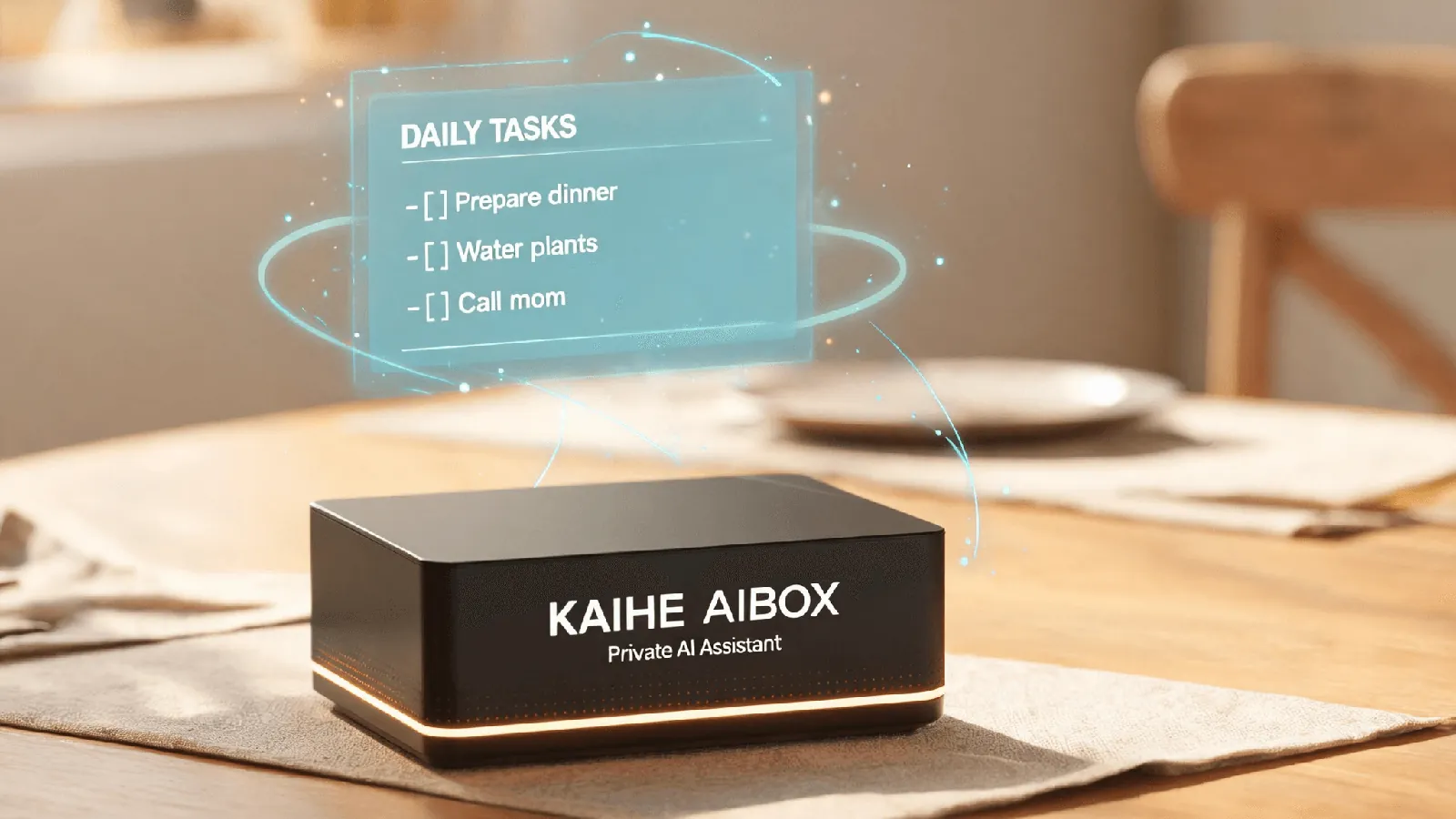
You are out. The laptop is in your bag, shut. The box at home is plugged in, connected to the router, and working.
It is a standalone device, not something living inside your computer. Whether your laptop is open, closed, or asleep makes no difference. Tasks can span days, queue up, and finish while you are sleeping, rather than waiting for you to come back and click "continue".
That is all "7×24 always on" really means: it removes your presence as a precondition for AI doing work.
At noon, why some files should not be uploaded
Household accounts, medical reports, school records, scanned contracts, notes from conversations with clients. These are not things an AI must never see. They are things that should not first be moved to somebody else's server in order to be seen.
Private data stays local and does not go to the cloud. Where the data sits, who can reach it, and whether deleting it actually deletes it — all three answers stay in your hands.
The cloud is not bad. It is simply that this category of file does not suit trading privacy for convenience. And once "always on" becomes the normal state, the distinction gets larger: a tool you upload to occasionally and a machine that sits in your home around the clock are not the same thing.
In the afternoon, it still remembers what you said three months ago
You mentioned in passing that checkups are usually booked on Wednesdays, that you do not want reminders pushed in the early morning, and that a certain project folder is named by date. Three months later, you do not have to say it again.
Conversation history is kept permanently on the device and forms long-term memory. It is not "the context of this session"; it survives across days, months, and unrelated tasks.
"An assistant that understands you better over time" is easy to say loosely. In practice it comes down to one thing: the two of you no longer reset to zero every time. Whether the model gets smarter is a separate question. Whether it remembers is the difference you feel every day.
The day you first switched it on, nothing had to be installed
For a non-technical person, the barrier was never "can I use AI". It was "can I get to the point where I am using AI".
The system is preinstalled at the factory. Plug in power, connect to the router, type one address into a browser, choose a model and enter a key once, link WeChat, send the first task — five steps and it is working. No environment setup, no dependency selection, no ports, no deciding which GPU to buy first.
What this saves is not time. It saves the sentence "I'll deal with it next time".
In the evening, the small things finally have one place
School notices, a parent's follow-up appointment, a grocery list, a renewal bill, household to-dos. Individually none of them is hard. The difficulty is that they are scattered across a dozen group chats, a few scraps of paper, and several apps.
The local private workbench exists for exactly this: an agent that helps manage personal day-to-day matters and records the things worth remembering, each in its own place. The real cost is not forgetting. It is having to remember, every single time, where you put it.
It also does not go reading your group chats on its own. Only what you hand it gets in. That boundary is worth stating before asking whether it could do more.
Six capabilities, one underlying idea
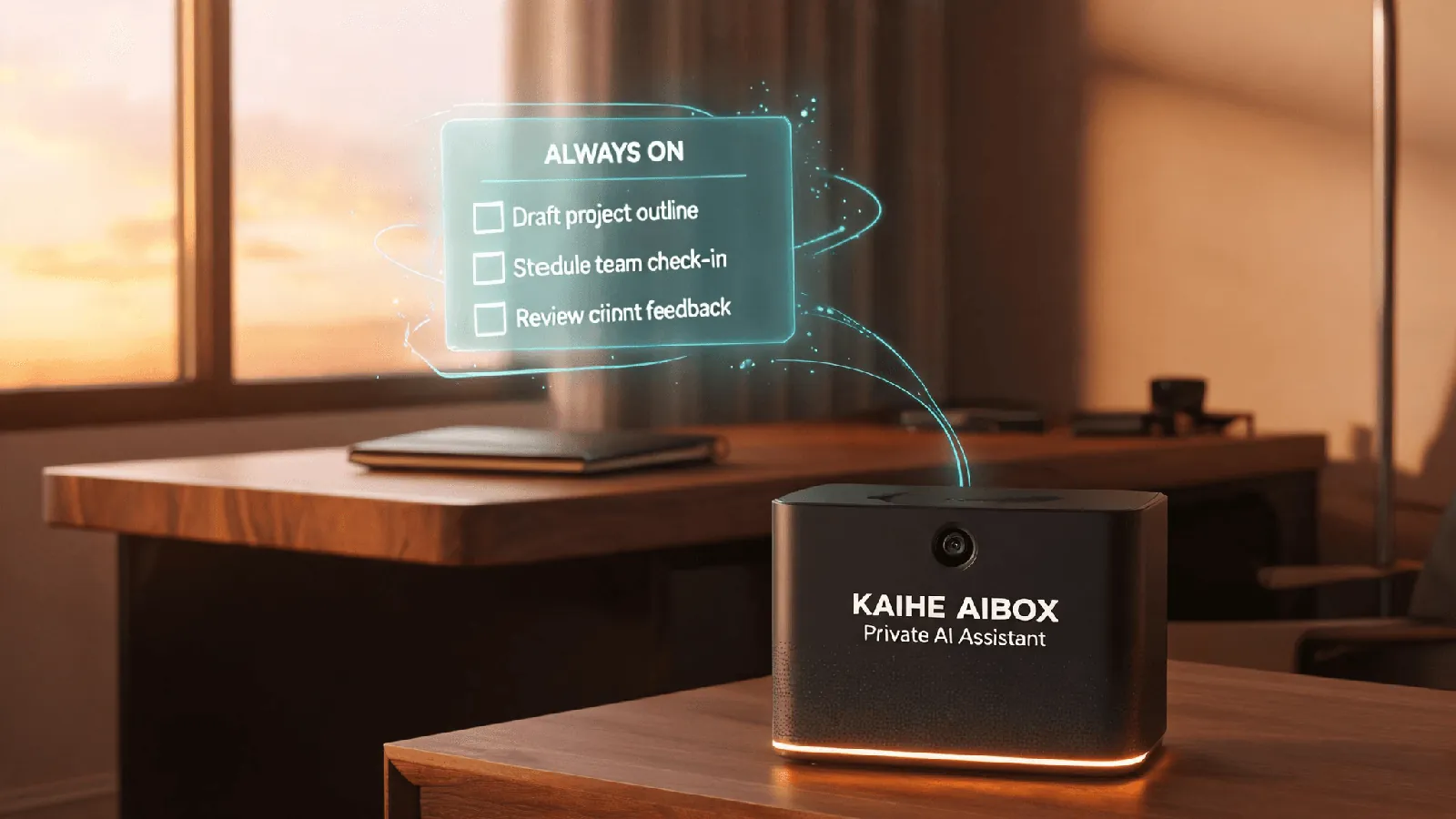
- Private data kept locally, not in the cloud: the boundary.
- Keeps working with your computer off, 7×24: the time.
- Long-term memory with permanent conversation history: the context.
- Preinstalled system, ready on first boot: the barrier to entry.
- Tasks sent remotely over WeChat: the distance.
- A local private workbench with an agent handling daily matters: the point of it all.
The first five decide whether it can be there continuously. The sixth decides what it is actually there for. Without the sixth, the first five describe a very quiet box.
What it does not do
- It is not a compute monster for running frontier models locally. What runs locally are the always-on tasks and your private knowledge base; heavy work can still be handed to a cloud model when needed.
- It does not do things that require hands: picking up a parcel, going to the hospital, signing in person.
- Local storage is not the same as automatic backup. The drive still needs backing up.
- It does not decide what matters to you. You still have to say that one sentence.
The last line
None of these six is about how strong the model is. They are about moving AI from "it exists when you open it" to "it is always there, and you can reach it whenever you need it". KAIHE AIBOX is not trying to make the model smarter. It is trying to make that the default state the moment you switch the machine on. For people who already use AI but feel that chatting is not enough, that is the whole difference.