Have you ever had this experience—
Friday 6 PM. You shut down your computer, relieved to start the weekend. Monday morning, you open it back up. ChatGPT's chat history still sits at the last thing you asked on Friday: "Help me organize this week's work report."
You asked it to help. It gave you a formatting template. And then? Nothing. Because you turned off your computer, and it died.
This is the "fatal problem" that every free cloud AI shares — whether it's ChatGPT, Gemini, Claude, or any other web-based assistant. The moment you shut down your computer, they stop working entirely.
Not because they're lazy. Not because they lack capability. But because they have no ability to "live independently." They exist only when you open a browser tab. The second you close your laptop, they vanish. They won't secretly organize your news digest while you sleep. They won't auto-reply to client messages while you're in a meeting. They won't remind you of something you forgot.
This isn't a problem with AI. It's a fundamental limitation of "running AI on someone else's server."
So is there a way to keep AI working after you shut down your computer?
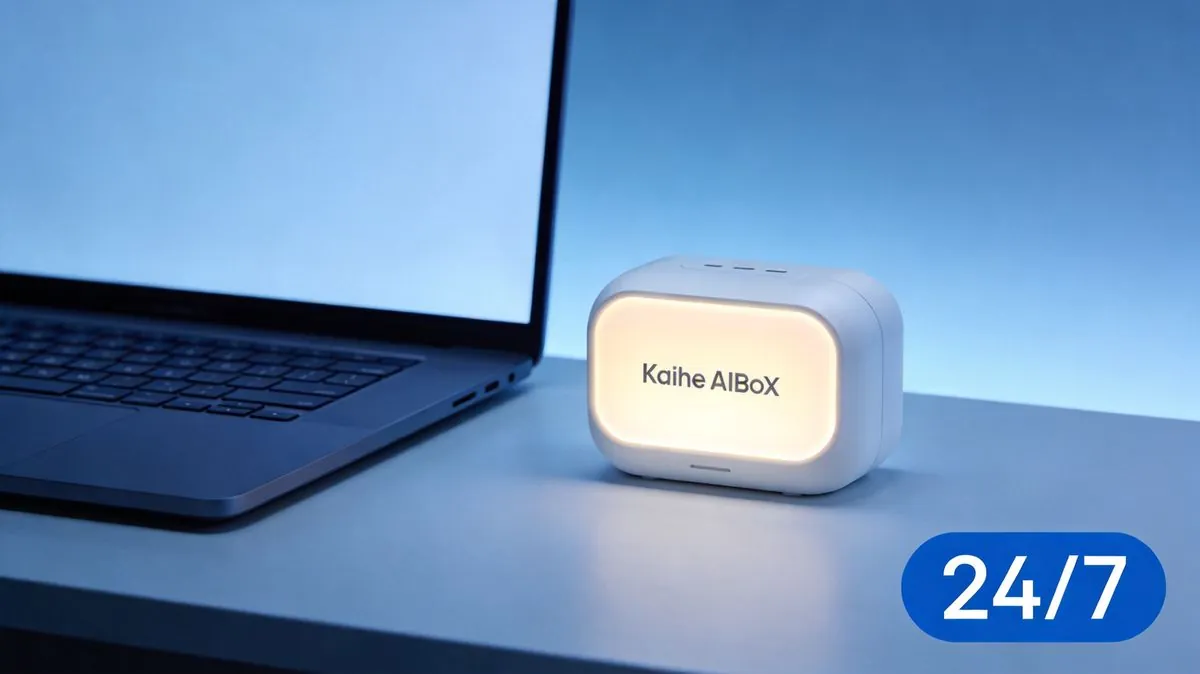
Yes. But not through the cloud. Through a palm-sized box called Kaihe AIBOX.
Clearing Up Three Common Misconceptions
Before we go further, let's clear up the three biggest misunderstandings.
❌ Myth 1: Cloud AIs can handle scheduled tasks.
They can't. Chat-based AIs like ChatGPT, Gemini and Claude are designed to "wait for you to ask," not to "proactively execute at a scheduled time." When you type "remind me to join the meeting at 8 AM tomorrow," that text just sits in the chat history. There is zero mechanism to trigger it. If you don't open your computer or the app tomorrow morning, it will forever "remember" your request — but never actually "do" it.
❌ Myth 2: Mobile apps run in the background just fine.
AI apps on your phone can nominally stay in the background, but two fatal problems exist. First, your phone must stay on, connected, and the app must not be killed. Android's battery optimization and iOS's tombstone mechanism can terminate background tasks at any moment. Second, your phone travels with you — it is not a dedicated work machine. Do you really want it crunching thousands of data points from 1 AM to 5 AM? Your battery won't survive, and neither will its thermal management.
❌ Myth 3: Just set up a server.
Sure — if you have the technical skills, the budget, and the time to maintain a server, you can absolutely do this. But for 99% of ordinary people, this is like saying "your bicycle is broken? Just buy a car." What people need is an everyday solution, not a sysadmin project.
The Essence: Explained in One Sentence
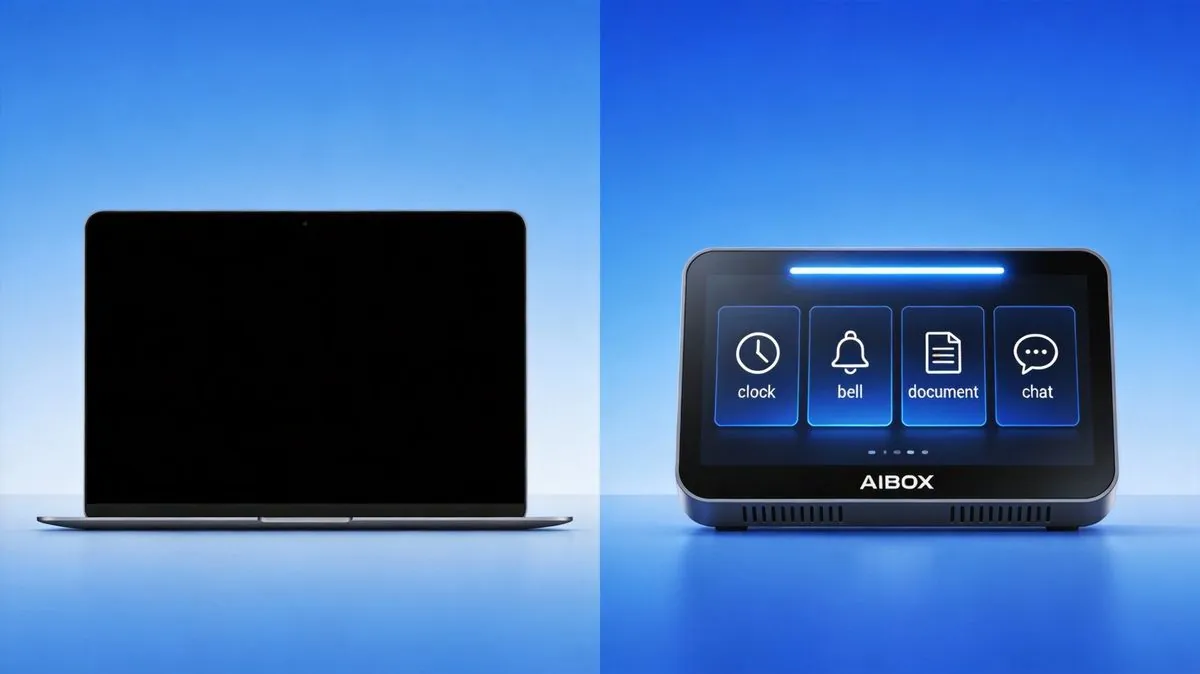
Cloud AI is a door — you must push it open for it to work. Kaihe AIBOX is a person — you give it instructions, and it goes and does the work on its own.
In everyday terms: free cloud AI waits for you to come to it — open the browser, type a question, wait for the answer. Kaihe AIBOX comes to you — you set the rules and timing, and it automatically executes, automatically notifies, automatically delivers results to your phone.
These are fundamentally different product categories. Like the difference between an alarm clock and a voice memo — both can "remind" you, but one proactively wakes you up, while the other passively waits for you to check it.
Three Key Dimensions
Core Feature: Independent Hardware That Never Stops
Kaihe AIBOX is a palm-sized standalone AI agent hardware device. Plug it in, connect it to Wi-Fi, and it becomes a micro AI workstation that never clocks out. No monitor needed. No mouse and keyboard required. No complex installation — power, network, scan a QR code with WeChat, and you're done.
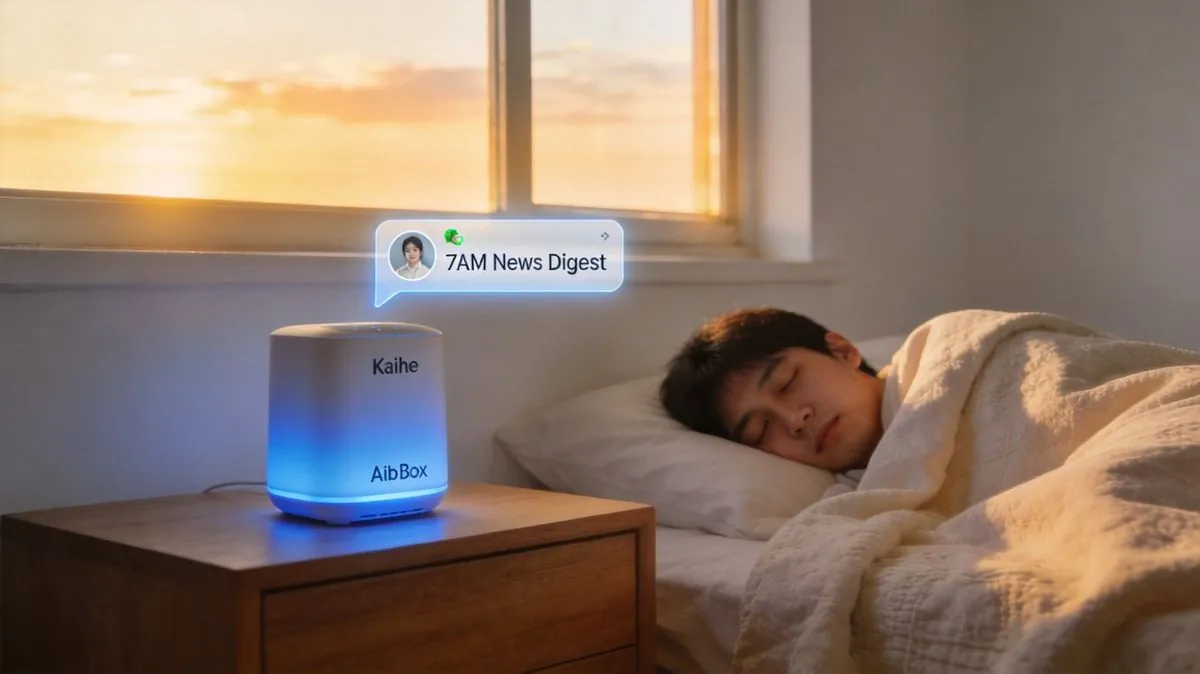
Its defining characteristic is autonomous operation. You set it to "every morning at 7:00 AM, compile a digest of the last 24 hours of AI industry news and push it to my WeChat." And it genuinely does it — every single day, at 7:00 AM, it searches, organizes, and delivers. It works while you sleep. It works while you're hiking on the weekend. You go on a two-week business trip and never touch it — it faithfully executes every task you assigned, every day, without missing a beat.
Core Value: From "I Go to AI" to "AI Comes to Me"
The value of this shift is best illustrated through three real scenarios:
-
You forgot to remind your parents to take their medication. It didn't. You set "every day at 8 AM and 8 PM, send a WeChat message to Mom and Dad reminding them to take their blood pressure medication." It never misses a single one. Whether you're in a meeting, on a flight, or catching up on sleep — it sends the message on time, every time.
-
You want the morning news at 7 AM, but you want to sleep until 8. Set it to "every morning at 7:00 AM, compile the top 27 AI industry headlines and push them to my WeChat." When you wake up, your first action isn't opening eight different websites — it's opening one WeChat message. Your entire daily news digest is already there.
-
You want to log expenses before bed but you're exhausted. Lie in bed, send a WeChat message: "Lunch 45, transport 12, bought a book on Taobao 39." Close your eyes and sleep. Kaihe AIBOX automatically categorizes each entry and updates your monthly ledger. Open it the next day — everything is organized.
Notice the common thread across all three scenarios: things happen, but you don't need to be there. That's the qualitative difference between "AI comes to me" and "I go to AI."
Typical Use Cases
| Scenario | Why AIBOX Can Do It, Cloud AI Cannot |
|---|---|
| Scheduled reminders (medication, meetings, birthdays) | Cloud AI has no timed trigger mechanism; dead when powered off |
| Overnight batch tasks (news aggregation, data analysis) | Computers can't stay on all night; phones overheat |
| Auto customer service / auto replies | Cloud AI requires someone at the computer |
| Multiple family members with separate agents | Cloud AI mixes all chat records together; privacy leakage |
| Permanent local memory (ledgers, health records, parenting logs) | Cloud AI data belongs to the platform; subject to automatic deletion |
Side-by-Side Comparison
| Free Cloud AI (ChatGPT/Gemini/etc.) | Kaihe AIBOX | |
|---|---|---|
| Operation mode | Works only when you open it | Runs independently 24/7 |
| Scheduled tasks | Not supported; manual trigger only | Full support; auto-executes on schedule |
| Status after shutdown | Completely stops | Continues executing assigned tasks |
| Data ownership | Stored on vendor servers; subject to deletion | Stored on local hardware; permanently yours |
| Proactive alerts | None | Pushes WeChat messages proactively |
| Multi-user support | Mixed chat history | Each person gets isolated agent + storage |
| Hardware cost | Free | One-time purchase (~$140) |
| Ongoing costs | Free (with rate/usage limits) | Minimal electricity + optional API top-up |
| Best for | Occasional Q&A, one-off tasks | High-frequency automation, scheduled tasks, family use |
Closing: Back to Where We Started
Let's return to the opening scenario — Friday evening, you shut down your computer, and your AI clocks out too.
Free cloud AI is smart — very smart. But it's like a calculator on your desk: you pick it up when you need it, press a few buttons, and leave it to gather dust. It will never ring on its own to tell you what it has computed.
Kaihe AIBOX is more like a personal assistant who never sleeps. You give one instruction — "do these things every morning" — and then you stop worrying about it. It works while you're in meetings. It works while you're asleep. It works while you're on vacation. By the time you return to your desk, everything is already done and laid out for you.
This isn't a question of "which AI is smarter." It's the fundamental difference between independent hardware and a web-based tool. One waits for you to come to it. The other comes to you. For anyone with regular, repetitive daily tasks, the time and mental energy this saves is worth far more than the one-time hardware cost.
Further Reading
- Kaihe AIBOX Official Site — Product details, use cases, customer stories
- Hermes Open-Source Framework — The AI agent technology behind Kaihe AIBOX
📖 Glossary
AI Box (also known as Agent Computer / Agent PC), is a dedicated local hardware device that runs AI Agents. Pre-installed with an AI agent management system, plug-and-play, running 24/7. Users can remotely command AI to work via Discord, Slack, Telegram, WhatsApp, and more.
In one sentence: Free cloud AI is a door you must open; Kaihe AIBOX is a 24/7 assistant that opens the door for you. After you shut down your computer — is your AI still alive?