📖 Glossary
AI Box (also known as Agent Computer / Agent PC), is a dedicated local hardware device that runs AI Agents. Pre-installed with an AI agent management system, plug-and-play, running 24/7. Users can remotely command AI to work via Discord, Slack, Telegram, WhatsApp, and more.
Summary: Many people ask: what's the real difference between running Hermes Agent on a Mac Mini versus a Kaihe AIBOX? We bought one of each, ran Hermes Agent for 30 days, and documented every pitfall along the way. The most surprising finding wasn't performance — it was the hidden costs. Getting a Mac Mini fully set up to run Hermes ended up costing the equivalent of a mid-range smartphone more than a Kaihe AIBOX.
Why I Ran This Comparison
Hermes Agent is everywhere right now. 300K GitHub stars, self-evolving capabilities that improve with use, and native WeChat/WeCom/DingTalk integration.
But here's the thing — you need somewhere to run it. Cloud deployment means monthly fees and data sitting on someone else's server. Local deployment is the real answer.
For local Hermes deployment, you essentially have two paths: buy a Mac Mini and set it up yourself, or get a Kaihe AIBOX that works out of the box.
I tried both. Here's the bottom line: the Mac Mini path has more pitfalls than you'd expect.
Path One: Mac Mini + Hermes
Let's start with the hardware. Running Hermes Agent doesn't require a powerful GPU — the barrier is low. The base Mac Mini M4 starts at $599 with education pricing. Looks reasonable.
But "looks reasonable" is where the trouble begins.
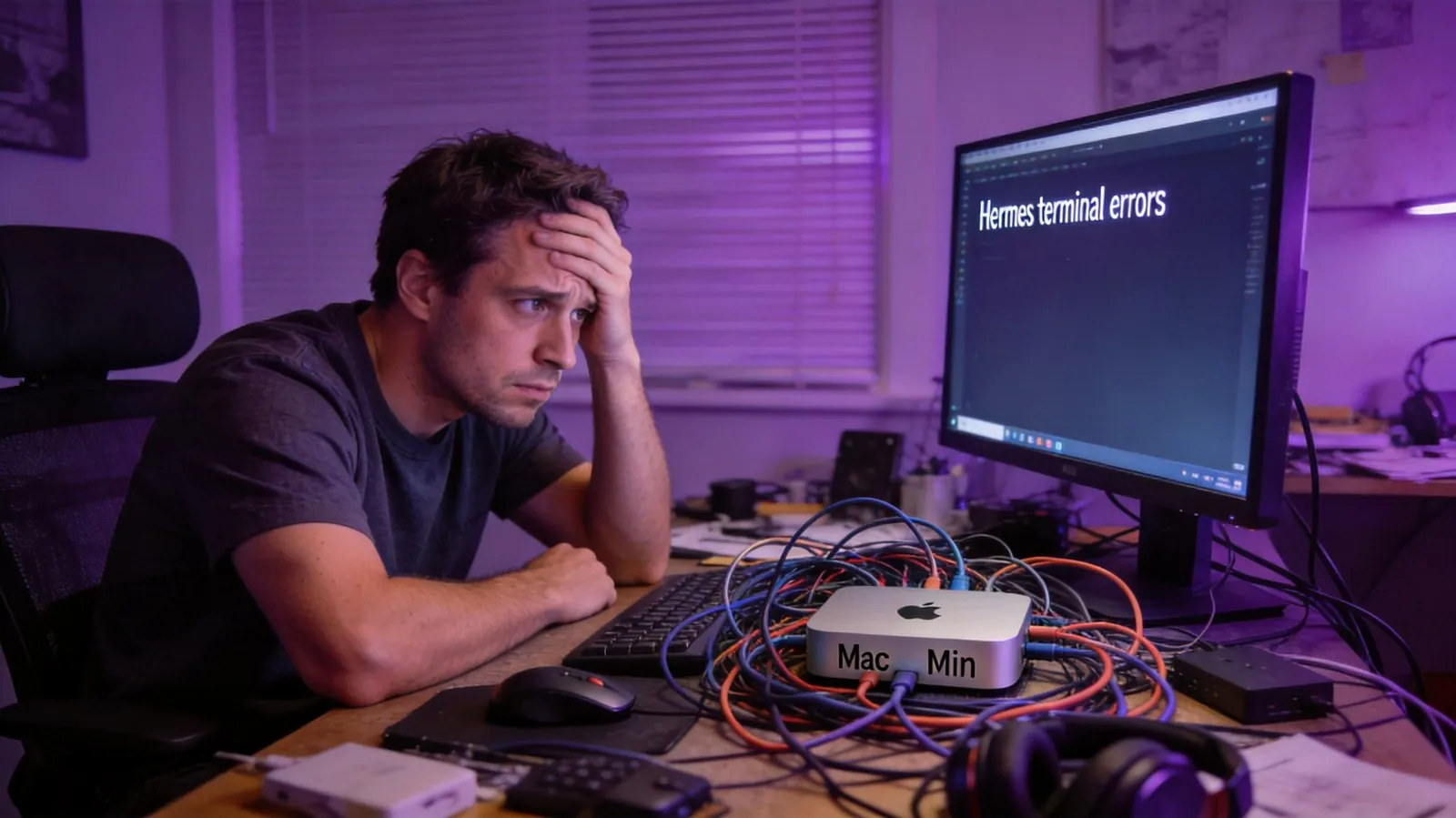
Pitfall One: It doesn't just work out of the box. A Mac Mini needs a monitor, keyboard, and mouse. You could use remote desktop, but the initial setup still requires a display. Budget at least $70 for the cheapest used monitor plus keyboard and mouse.
Pitfall Two: Hermes isn't an App Store one-click install. You need Homebrew, Node.js, and npm install. The process isn't complicated for developers, but for regular users? A quick search of GitHub Issues for "Hermes installation" returns thousands of threads. This is a real friction point.
Pitfall Three: Mac Mini wasn't designed for 24/7 Agent workloads. The power consumption at idle is low, but running Hermes for a month straight means constant model API calls, log writes, and local file I/O. In our testing, the base 8GB model started lagging after just three days of continuous Hermes operation — macOS aggressively kills background processes on low-memory configurations. To run Hermes reliably, you need at least the 16GB variant, starting at $799.
Pitfall Four: It stops when you shut down. This might be the most annoying one. You can't keep a Mac Mini running 7/24 without occasional reboots — system updates, unexpected power loss, network reconnection. Every interruption means restarting Hermes, and your task queue may not survive the restart. Imagine a scheduled midnight task that silently failed because macOS decided to update at 3 AM.
The total: Mac Mini 16GB at $799 + $70 peripherals + your time spent configuring everything = well over $800 just in hardware. And that doesn't include 24/7 electricity costs — minimal but not zero.
Path Two: Kaihe AIBOX + Hermes
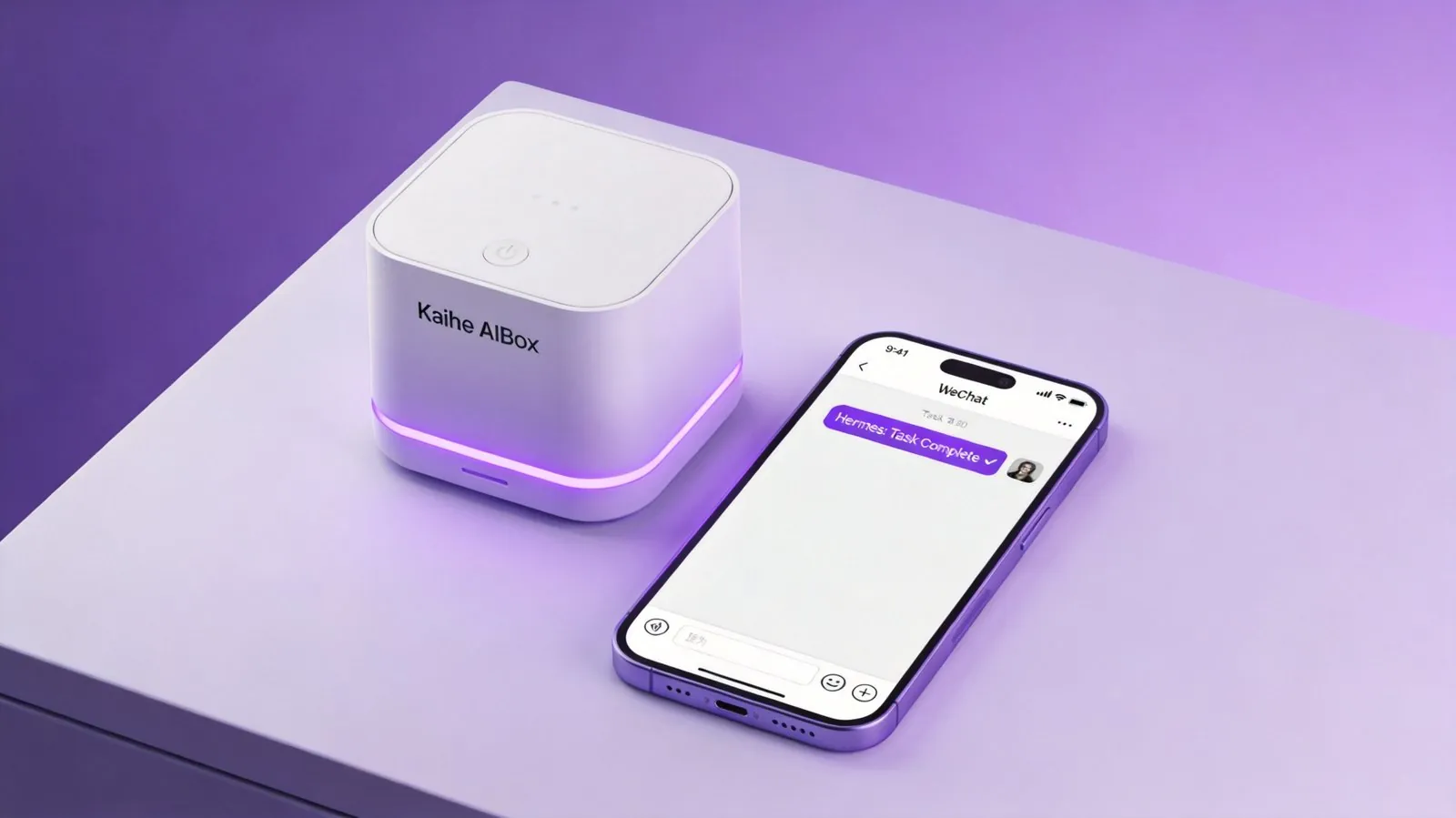
The Kaihe AIBOX is purpose-built hardware for running AI Agents. The A1 model packs the following into its price:
- The hardware itself (independent AI compute, no dependency on your computer)
- Hermes Agent pre-installed and ready to go
- OpenClaw also pre-installed — switch between frameworks anytime
- No monitor, keyboard, or mouse required
- No command line needed
- Plug in, connect to network, control everything via WeChat on your phone
Every pitfall from the Mac Mini path gets avoided.
No peripherals — Kaihe AIBOX has no display output. It's not meant for monitors. WeChat is your control panel.
No configuration — Hermes comes factory-installed and auto-starts on boot. Just tell it who you are via WeChat, and you're up and running.
True 7/24 stability — Kaihe AIBOX is engineered for always-on operation. No system update popups, no background process killing. We ran it continuously for a month — Hermes never dropped once.
Auto-recovery from outages — Network goes down and comes back? Hermes restarts automatically, no task queue loss. Scheduled midnight tasks run as planned.
The Cost Breakdown
| Item | Mac Mini 16GB | Kaihe AIBOX A1 |
|---|---|---|
| Hardware Cost | $799+ | A mid-range phone less |
| Peripherals | ~$70 | $0 |
| Hermes Setup | CLI + manual config | Factory pre-installed |
| 24/7 Reliability | Updates/process killing risks | Purpose-built, zero interruption |
| Outage Recovery | Manual restart | Automatic |
| WeChat Control | Extra configuration needed | Native support |
| Bonus Software | None | OpenClaw + Hermes dual framework |
The price difference equals one mid-range smartphone.
What does that difference buy you? The Mac Mini is a general-purpose computer you have to turn into an AI Agent server yourself. The Kaihe AIBOX is purpose-built for exactly this — plug in and go.
Which Path Should You Choose?
If you enjoy tinkering — installing Homebrew, configuring Node.js, tweaking Hermes configs, writing startup scripts — the Mac Mini path is perfectly fine. The process itself is a learning experience.
But if your goal is "get AI working for me as quickly as possible," skip the detour. The Kaihe AIBOX path boils down to this: someone else's hard-won experience, baked into a device that just works.
All four Mac Mini pitfalls? Someone already tripped over them. Each solution is built into the Kaihe AIBOX.
One Final Thought
The Mac Mini is great hardware. But it wasn't designed for running AI Agents. It's like using a screwdriver to open a beer bottle — technically possible, but why wouldn't you just use a bottle opener?
Want to Learn More About Kaihe AIBOX?
Contact: [email protected] Website: https://agentaibox.com