📖 Glossary
AI Box (also known as Agent Computer / Agent PC), is a dedicated local hardware device that runs AI Agents. Pre-installed with an AI agent management system, plug-and-play, running 24/7. Users can remotely command AI to work via Discord, Slack, Telegram, WhatsApp, and more.
Summary: What's it actually like to remote-control your AI assistant through WeChat? I used KAIHE AIBOX for a full day and documented the real timeline — no computer needed, as simple as texting a friend.
Why Does Your AI Only Live Inside Your Computer?
Have you noticed something awkward about AI tools? They all seem to "live" inside your computer.
You have to boot up, log in, open a webpage, find the chat window... and only then can you get work done.
The problem is, you can't sit at your computer 24/7.
You think of something right after waking up but don't want to get out of bed. A client suddenly asks for a document on your commute but you only have your phone. You remember a deadline on your way home but your computer is already off. You're traveling and need a file from your home hard drive — stuck.
That's when you think: if only I could just send my AI a message on WeChat and it would get the job done.
KAIHE AIBOX makes that possible.
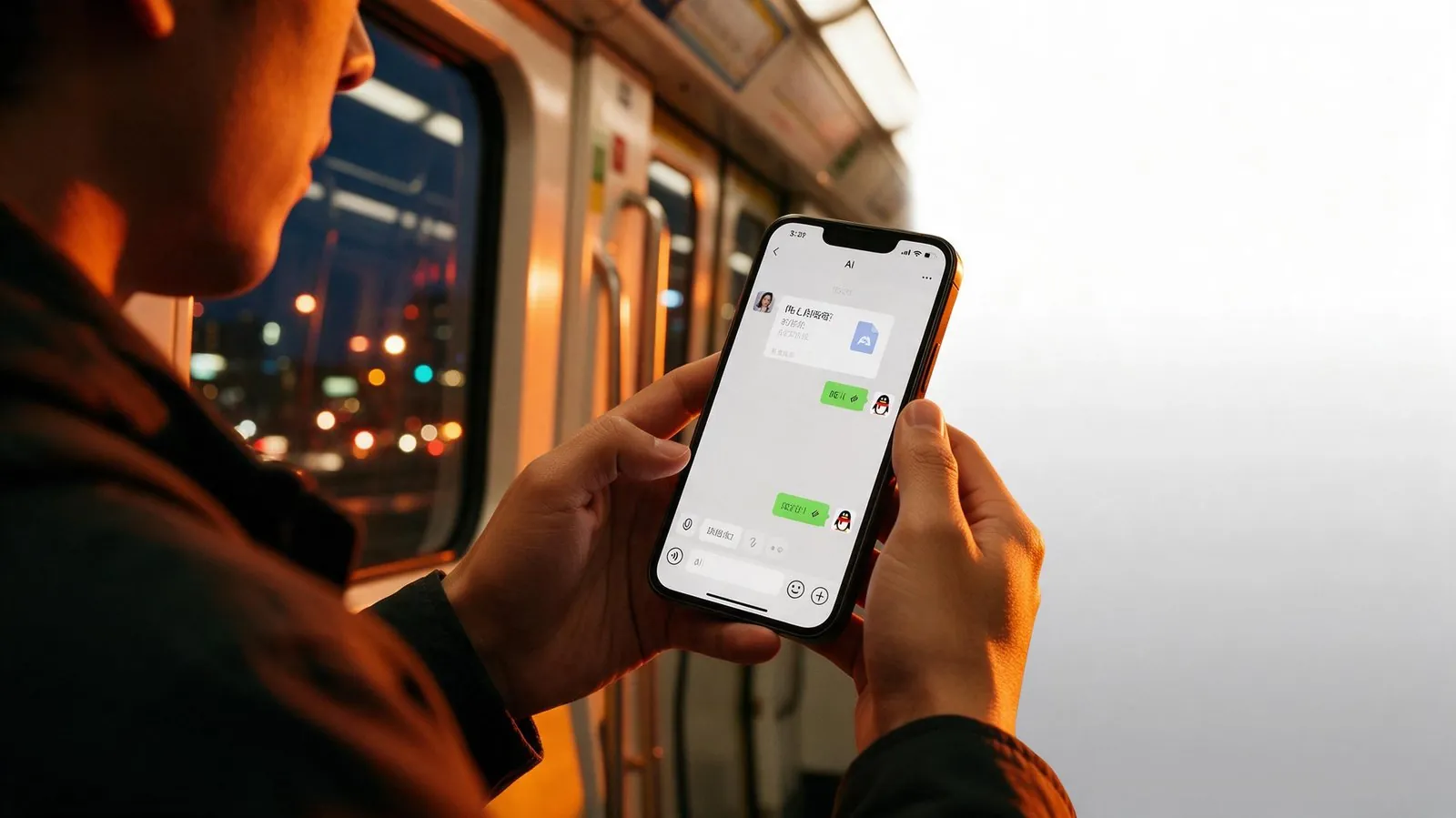
A Day in the Life: Real Experience Controlling AI via WeChat
I used KAIHE AIBOX for an entire day and logged what happened at each time point. Here's what it feels like.
7:00 AM — Just Woke Up, Sent One Message from Bed
Alarm just went off, still in bed. Remembered yesterday's meeting notes weren't organized. Sent KAIHE AIBOX a voice message on WeChat: "Turn yesterday's meeting notes into a to-do list." Got up to wash up. By the time I finished, the list was on my phone — priorities, deadlines, owners all marked clearly. Computer never turned on.
8:30 AM — On the Subway, Client Suddenly Asks for a File
On the subway, client Mr. Li asks for a proposal that's on my home computer. Before, I'd have to make him wait. Now I just WeChat KAIHE AIBOX: "Find last week's Company X proposal, email to Mr. Li." 30 seconds later: "Sent." Client got it within minutes and complimented my speed. I was on a bumpy train, didn't touch a computer.
2:00 PM — Off-site, Assigned a Task
Heading to a client meeting, remembered this week's sales chart wasn't done. Sent a WeChat message: "Bar chart of this week's sales by region vs last week, ready by EOD." Went into the meeting with peace of mind. Back at desk, the chart was waiting — colors, labels, comparisons all done. Out all afternoon, AI at home did the work.
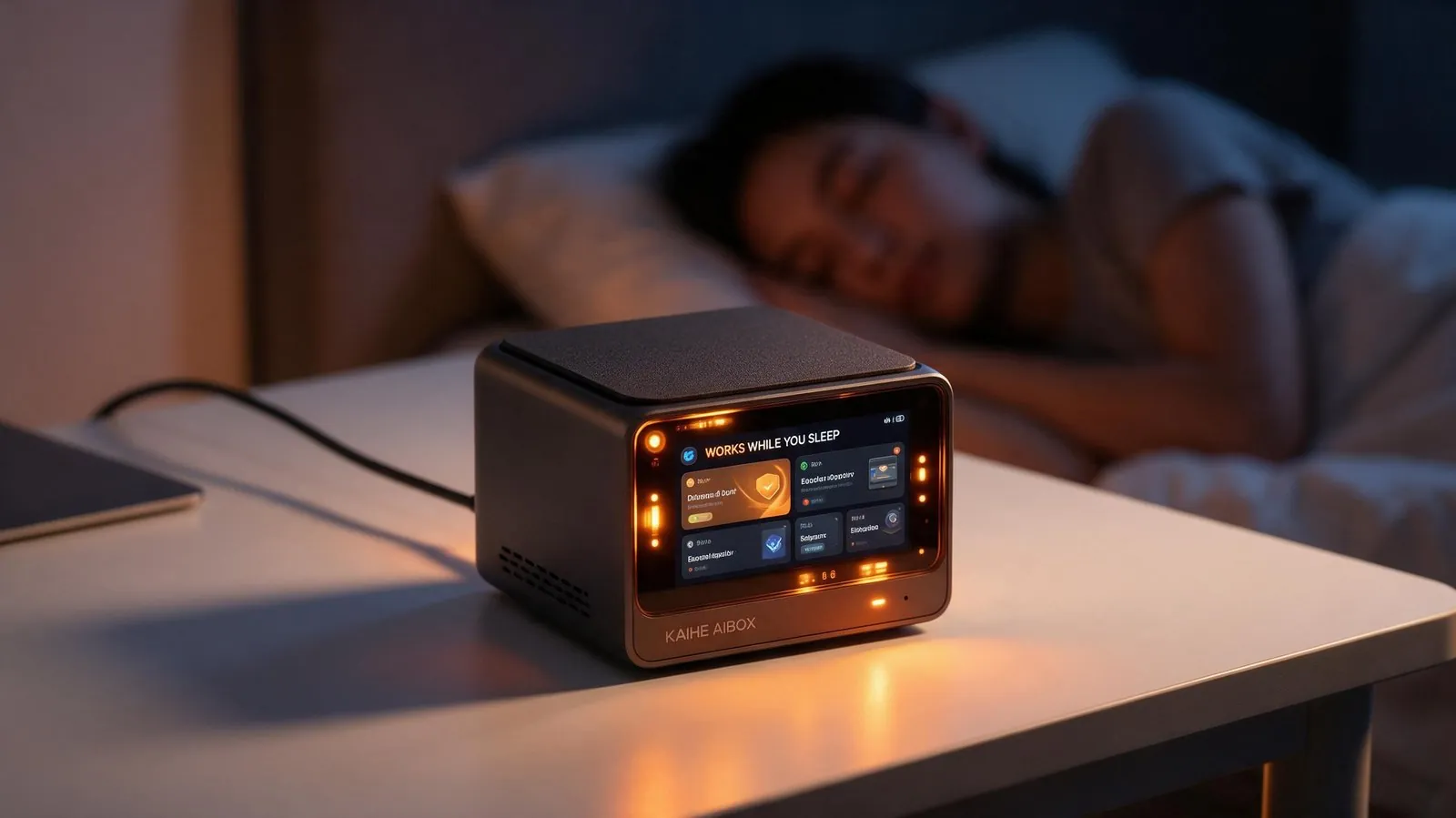
11:00 PM — Before Sleep, Assigned Tomorrow's Tasks
In bed, remembered tomorrow's to-dos: follow-up email, competitor analysis, weekly report. Too lazy to get up — sent voice messages to KAIHE AIBOX one by one, then fell asleep. Next morning all three were done: email drafted, comparison table ready, weekly report compiled. Just needed minor edits before sending. I slept, it worked. Zero interference.
Why This Experience Is Different from Other AIs
After using it for a while, I've identified three core reasons why controlling AI via WeChat feels so good:
First, it's online 24/7, independent of your computer. KAIHE AIBOX is a standalone agent computer sitting in your home, low-power and always on. Computer off? You're out? You're asleep? It's still there. It's not a "tool that works when your computer is on" — it's an "assistant always on call."
Second, it remembers you — no need to re-teach every time. Cloud AI starts fresh every conversation; you have to restate preferences, files, and history repeatedly. KAIHE AIBOX's memory is stored locally — what you told it once, it keeps. Who your clients are, where files live, what writing style you prefer — say it once, done.
Third, your data stays at home — no leaks. When you ask it to find files, organize materials, or process client information, raw data stays on the local hard drive, never uploaded. WeChat is just your command interface, not a data pipeline.
Final Thought
AI shouldn't only live inside your computer, and it shouldn't only work when you're sitting at your desk.
It should be like a real assistant — reachable anytime, ready to work anytime, remembers your habits, doesn't share your business.
That's exactly what KAIHE AIBOX connected to WeChat feels like. It's not some fancy futuristic technology — it's simply: you send a message, the work gets done.
Get one for your home. Search "KAIHE AIBOX" on WeChat and try it. You won't go back.
KAIHEAIBOX #WeChatAI #RemoteControl #PrivateAIAssistant #24x7Online #AgentComputer
For more information, search [KAIHE AIBOX] or contact: [email protected]
KAIHE AIBOX · 7x24 Personal AI Assistant | User Stories