What Is Kaihe AIBOX? — In One Sentence
📖 Glossary
AI Box (also known as Agent Computer / Agent PC), is a dedicated local hardware device that runs AI Agents. Pre-installed with an AI agent management system, plug-and-play, running 24/7. Users can remotely command AI to work via Discord, Slack, Telegram, WhatsApp, and more.
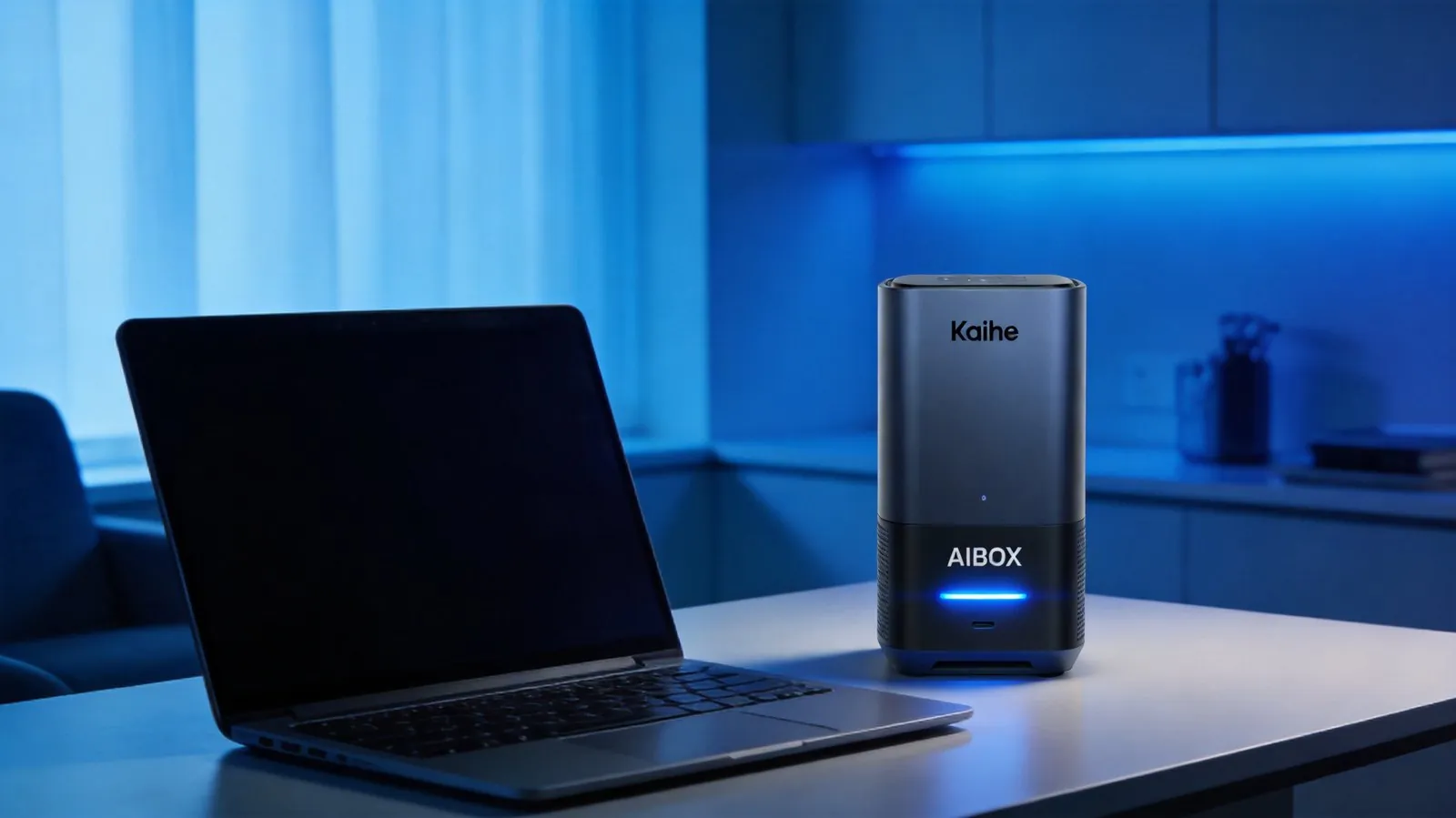
Kaihe AIBOX is a dedicated hardware computer built specifically for AI agents. It is not a phone, not a tablet, and not a traditional PC. Its sole purpose is to provide a hardware-optimized environment for agent frameworks like OpenClaw and Hermes — more stable and more efficient. It runs AI agents 24/7, executing automated tasks on your behalf without interruption.
Think of it as "a dedicated workstation for your AI assistant." It works independently from your laptop or desktop — plug it in, connect to the network, and it starts working. Your computer can be off, you can be asleep, and it keeps running.
How Is It Different from a Regular Computer?
This distinction matters. Regular computers are designed for humans — screens, keyboards, mice, one-at-a-time manual operation.
Kaihe AIBOX is purpose-built for AI, with custom-optimized hardware — no screen needed, no peripherals required, the AI runs autonomously in the background.
The differences break down into four layers:
First, always-on hardware design. Consumer PCs and Macs are not optimized for continuous operation. Windows update pop-ups, macOS killing background processes, unexpected power loss — any interruption can destroy a task queue. Kaihe AIBOX is engineered from hardware to system around "never interrupt" principles. It auto-recovers from power loss and network disconnection without losing task state.
Second, ready-to-use agent frameworks. You don't need to install software, configure Python, Homebrew, Node.js environments, or debug npm dependencies. Kaihe AIBOX ships with the official Hermes and OpenClaw agent frameworks pre-installed — plug in and go.
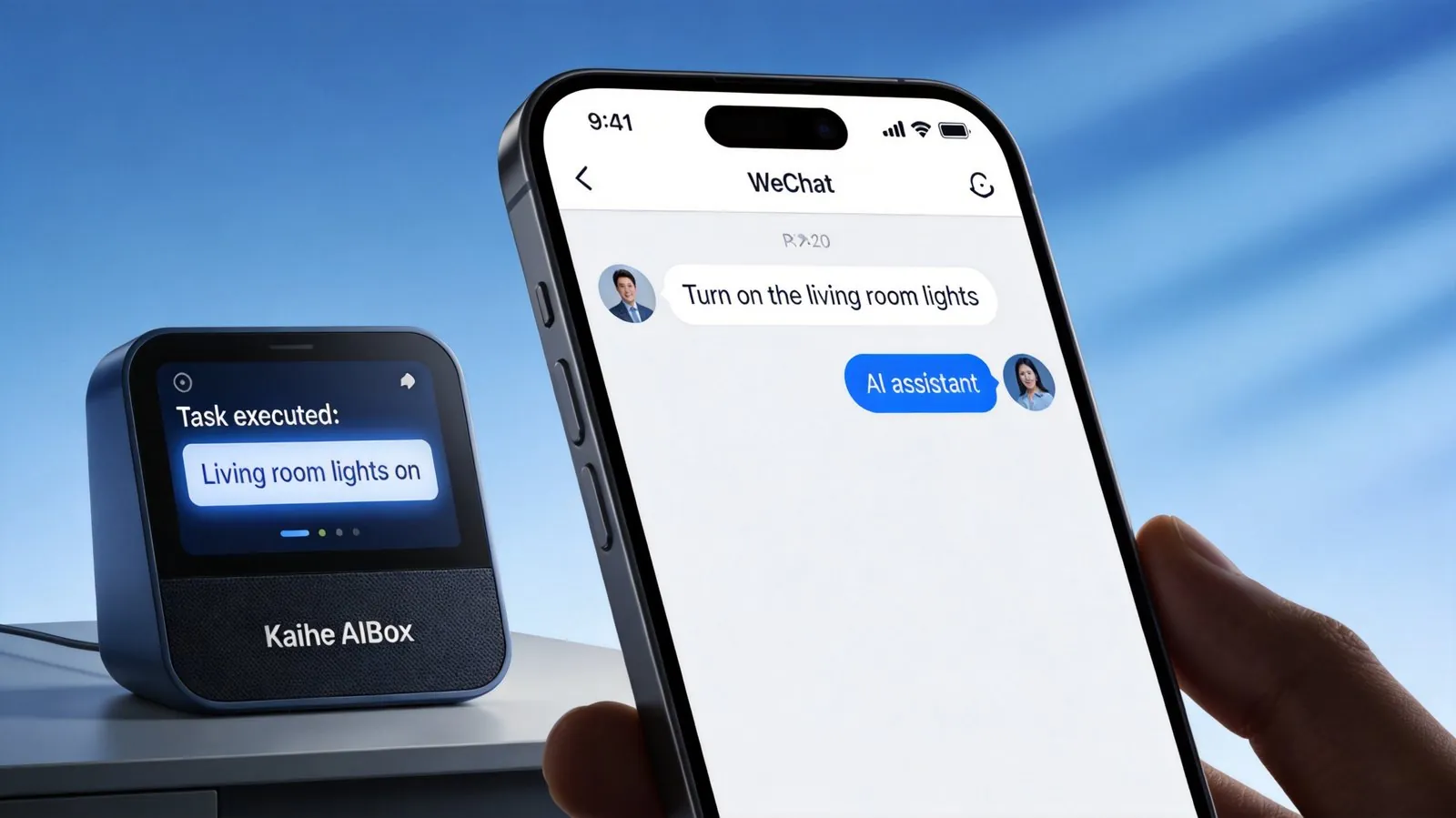
Third, WeChat as your control panel. No remote desktop, no SSH terminal, no complex PC management dashboard. Send a message to Kaihe AIBOX on WeChat, and it starts executing tasks. It's as simple as texting your AI assistant.
Fourth, ultra-low power consumption. Thanks to hardware optimization, it needs no cooling fan and consumes minimal power. A desktop PC uses roughly 50 times more electricity — Kaihe AIBOX costs only about 3-4 yuan per month in electricity.
What Can It Actually Do?
In a nutshell: anything you do repetitively on a computer, Kaihe AIBOX can automate for you. Here are a few representative use cases:
- Scheduled tasks: Crawl designated websites every morning at 7 AM, summarize the latest news, and push it to your WeChat as a message.
- Auto-reply: Monitor email inboxes or community messages, generate and send replies based on preset rules.
- Content production: Generate articles, reports, and data analyses on a scheduled cycle according to your specifications.
- Data processing: Pull API data on a schedule, process spreadsheets, generate visualizations.
- Custom agents: Build your own AI workflow using the Hermes or OpenClaw frameworks.
The crucial part is "24/7." Whether you're sleeping, in a meeting, or traveling — Kaihe AIBOX keeps running. When you wake up, the results are already waiting for you on WeChat.
Who Is Kaihe AIBOX For?
If any of the following describes you, Kaihe AIBOX is worth considering:
- You already use AI tools like ChatGPT, Kimi, or Doubao, but want AI to proactively do work for you, rather than needing to manually prompt it every time.
- You have daily information-gathering needs: tracking industry trends, monitoring competitors, following breaking news.
- You run social media accounts and need sustained automated content output with limited human bandwidth.
- You want to build your own AI assistant but feel intimidated by command-line interfaces and programming.
- You've used other agent platforms (such as Dify or Coze) but prefer not to host your API keys and data on a third-party server.
- You want an AI assistant with permanent, private memory — one that can recall conversations from two years ago, and whose memories belong only to you.
- Anyone who needs AI help with daily tasks, note-taking, document creation, spreadsheet work — saving time and boosting productivity.
Technical Architecture Overview
Kaihe AIBOX's core philosophy is "local execution + cloud intelligence":
- Local side: The Kaihe AIBOX hardware handles 24/7 agent task execution — including task scheduling, tool calling, and state management. All task queues and sensitive data remain local, never touching a third-party server.
- Cloud side: When large-model inference is needed, it calls cloud models via API (DeepSeek, GPT, Claude, etc.). You use your own API keys; your data does not leak outward.
- Control side: You send commands, check task progress, and receive output via WeChat or a web dashboard.
This is a classic "edge-cloud collaboration" architecture: computation power stays in the cloud; task execution and data security stay local.
FAQ
Q: Does Kaihe AIBOX require a monitor?
No. Kaihe AIBOX is designed as a headless device. After initial power-up and network connection, all operations are performed via WeChat or the web dashboard.
Q: Can I use my own API keys?
Yes, and this is the recommended approach. You use your own DeepSeek, OpenAI, or other model API keys. Kaihe AIBOX is the hardware that executes tasks — it does not intermediate your API calls.
Q: What happens if the network goes down?
Kaihe AIBOX has offline task caching capability. While offline it cannot invoke cloud models, but the task queue is preserved. Once the network recovers, execution resumes automatically.
Q: I'm not technical — can I still use it?
Kaihe AIBOX comes with the official Hermes and OpenClaw frameworks pre-installed. No technical skills required — just plug it in, power it on, and start using it.
Q: How is Kaihe AIBOX different from other AI hardware products?
Most "AI hardware" products on the market today are voice assistants — you ask a question, it gives an answer. Kaihe AIBOX is positioned as "a computer for AI agents" — AI runs on it autonomously, executing tasks without needing you to prompt it one question at a time, and it permanently retains your memories. These are fundamentally different product categories.
Learn More
Kaihe AIBOX is available for consultation via our official website. For detailed specifications, tutorials, and user stories, please visit the official website.
If you have questions, feel free to leave them in the comments.