📖 Glossary
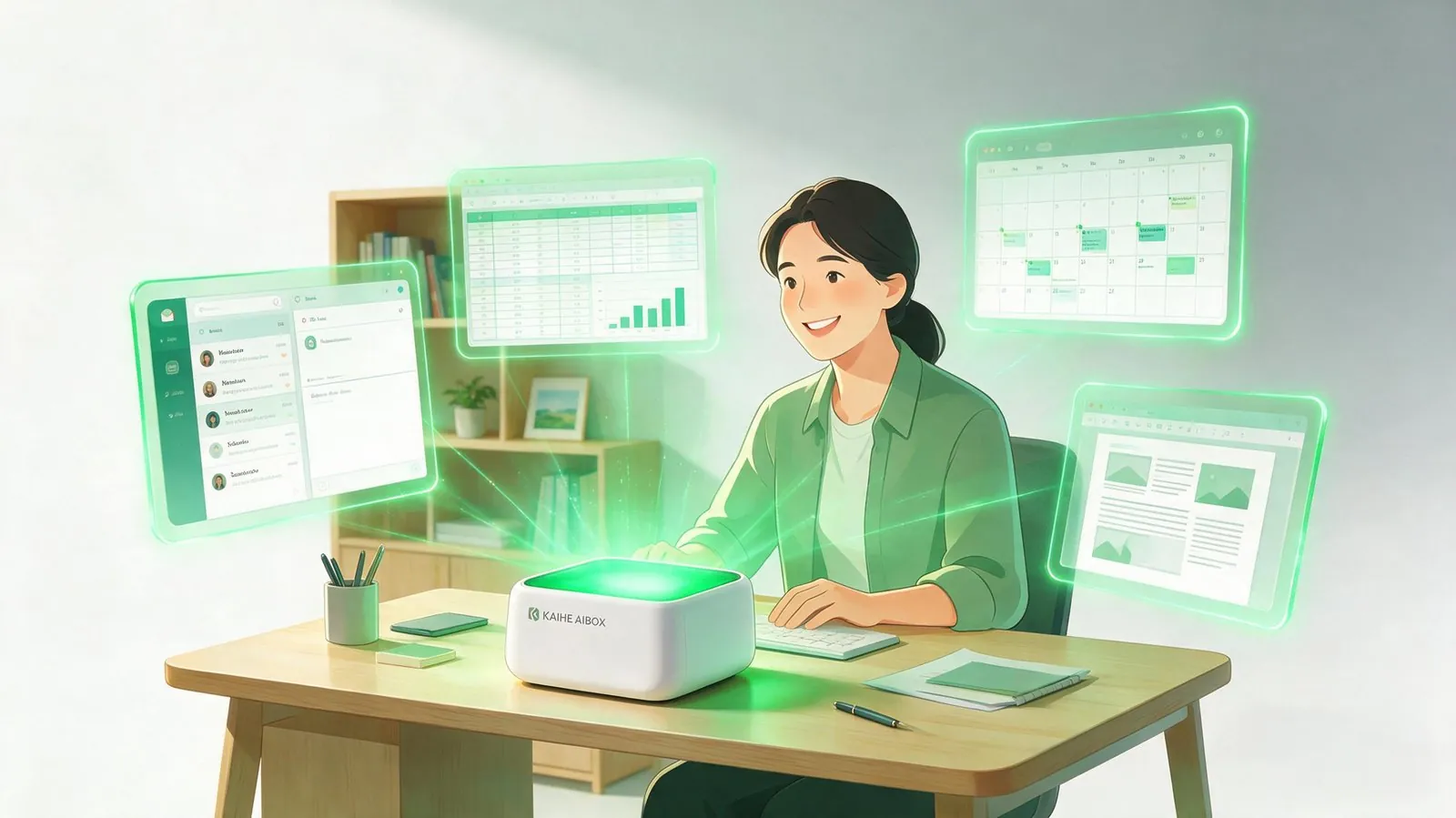
AI Box (also known as Agent Computer / Agent PC), is a dedicated local hardware device that runs AI Agents. Pre-installed with an AI agent management system, plug-and-play, running 24/7. Users can remotely command AI to work via Discord, Slack, Telegram, WhatsApp, and more.
Abstract: KAIHE AIBOX wants to clear up a common misunderstanding — as office AI tools keep multiplying, a personal AI assistant is not meant to replace them, but to fill in what they naturally lack: connection, memory, and follow-through. Tools make you better at any single task; an assistant makes sure everything actually gets done. They're complementary, not either-or.
Why More Office AI Tools Still Feel Like "Not Quite Enough"
Count the AI tools on your computer: one for writing, one for spreadsheets, one for presentations, one for translation, one for image generation... Office AI tools have genuinely exploded over the past two years, and each one is highly specialized in its own domain.
What are they good at?
- Writing tools polish a paragraph into something eloquent
- Spreadsheet tools generate complex formulas and pivot tables in one click
- Translation tools keep getting more accurate on technical terms
- Image tools produce a decent illustration in seconds
Each capability is strong on its own and does help you do a specific job faster.
But when you try to use a pile of these tools together, the problems surface:
- After writing copy, you paste it into another tool for formatting, then switch to a third to send it out
- Spreadsheet results break their formatting when pasted into a document, requiring manual fixes
- Ask the AI to send an email and it says, "I can't access your email"
- Ask it to summarize yesterday's meeting and it says, "I have no context"
- Continue the next day and it's forgotten everything
The weakness of office AI isn't single-point capability — it's connection and closure. Each tool only handles its own patch, forgets when it's done, doesn't talk to the others, and leaves you to shuttle between them by hand.
What a Personal AI Assistant Actually Adds
This is exactly why a personal AI assistant exists — it's not here to compete with office AI, but to fill the gap office AI is naturally missing.
Three things, specifically:
First, memory. Office AI is "disposable" — it forgets once you're done. A personal AI assistant remembers who you are, what you do, your habits, and what you did before. You don't re-explain the background every time; it picks up where you left off.
Second, orchestration. Office AI handles isolated segments that don't connect. A personal AI assistant is a coordinator — it chains writing, spreadsheets, email, and calendar into one complete workflow. You state the goal; it handles the handoffs.
Third, follow-through. Office AI mostly "suggests" — it gives you plans and content, but execution is on you. A personal AI assistant "executes" — it directly operates your computer: sends emails, processes spreadsheets, writes documents, schedules meetings. It actually finishes the job.

Not "Either-Or," But "Each Doing Its Own Job"
Many people assume that once you have a personal AI assistant, you no longer need office AI tools. That's a misunderstanding.
A more accurate framing — office AI and a personal AI assistant operate at two different levels:
| Dimension | Office AI Tools | KAIHE AIBOX Personal Assistant |
|---|---|---|
| Positioning | Single-point expertise, doing one thing extremely well | Global orchestration, connecting and completing everything |
| Strength | Depth in a specific domain (writing/spreadsheets/translation/drawing) | Memory, orchestration, proactive execution, 24/7 operation |
| Weakness | Forgets after use, tools don't connect, suggests but doesn't execute | Not as deep in any single domain as a dedicated tool |
| Memory | Each conversation is independent | Long-term memory of your habits and context |
| Execution | Produces content and plans; you do the follow-through | Directly operates your computer to finish tasks |
| Privacy | Data uploaded to the cloud | Runs entirely locally |
| Cost | Each tool bills separately, fees stack up | One-time purchase, lifetime use |
Read the table and it's clear: office AI handles "depth," while a personal AI assistant handles "closure." One helps you do a specific thing more professionally; the other makes sure everything actually gets done. They're complementary, not competing.
A Real Scenario: How They Work Together
Imagine you need to submit a weekly sales report Monday morning.
With only office AI tools, you'd do this:
- Open the spreadsheet tool, paste in data, generate charts (the spreadsheet tool excels here — it does this step beautifully)
- Copy the analysis, open the writing tool, draft the report (the writing tool polishes it well)
- Copy the report, open the email tool, manually paste, attach, and send
- Open the calendar, manually create meetings and invite attendees one by one
Notice how the first two steps go smoothly with office AI — but from step three onward, you're back to "copy-paste and manual operation" to finish up. What gets stuck isn't capability, it's the handoff.
With KAIHE AIBOX in the mix, it becomes:
- Say "Organize last week's sales data, write a weekly report using these materials and send it to my boss, then schedule this week's meetings"
- It pulls the capabilities together — data cleanup, report writing, email sending, calendar creation — on its own
- By the time you finish your coffee, it's all closed out
Office AI's professional capability plus a personal AI assistant's orchestration — that's the complete efficiency solution. Tools do the job well; the assistant makes sure the job gets done.
Who Needs a Personal AI Assistant Most?
If any of the following describe you, it could save you a lot of time:
- People drowning in repetitive chores: Email, reports, and data wrangling eat up more than half your day
- Startup founders and freelancers: Small teams, lots of miscellaneous tasks to carry yourself
- People sensitive about data privacy: Work involves business secrets that can't go to the cloud
- People who want AI without the hassle: Don't want to juggle a dozen tools; want one unified entry point
- Efficiency-focused managers: Want to spend time on decisions, not execution and handoffs
KAIHE AIBOX isn't just another office AI tool. It's a 24/7 personal AI assistant, always ready and never complaining. Office AI makes each task more professional; KAIHE AIBOX makes sure everything gets done, connected, and remembered.
Tools make you better; an assistant makes your work easier. Together, they complete the AI-office puzzle.
Related Reading: - What Is Local AI Really Protecting? The Core of AI Privacy Protection - A Computer That Works For Itself: KAIHE AIBOX Unboxing Experience - It's Time to Upgrade How You Work in the AI Office Era
KAIHEAIBOX #LocalAI #PersonalAIAssistant #AIOffice #EfficiencyTool #WorkBuddy
For more information, search [KAIHE AIBOX] or contact: [email protected]
KAIHE AIBOX · 7x24 Personal AI Assistant | AI Agents