📖 Glossary
AI Box (also known as Agent Computer / Agent PC), is a dedicated local hardware device that runs AI Agents. Pre-installed with an AI agent management system, plug-and-play, running 24/7. Users can remotely command AI to work via Discord, Slack, Telegram, WhatsApp, and more.
Summary: Every time you open an AI tool, you have to reintroduce yourself—your name, your job, your clients, what you discussed last time. It forgets everything by the next conversation. This isn't an intelligence problem; it's an architecture problem. Public AI tools are inherently not "yours." In this article, we break down the four fatal flaws of public AI and explain why you need a dedicated private AI assistant—one that remembers your clients' preferences from three years ago, tracks price changes while you sleep, and keeps your data on your device. KAIHE AIBOX is exactly that: a 24/7 private AI assistant.
Still Reintroducing Yourself to AI Every Time?
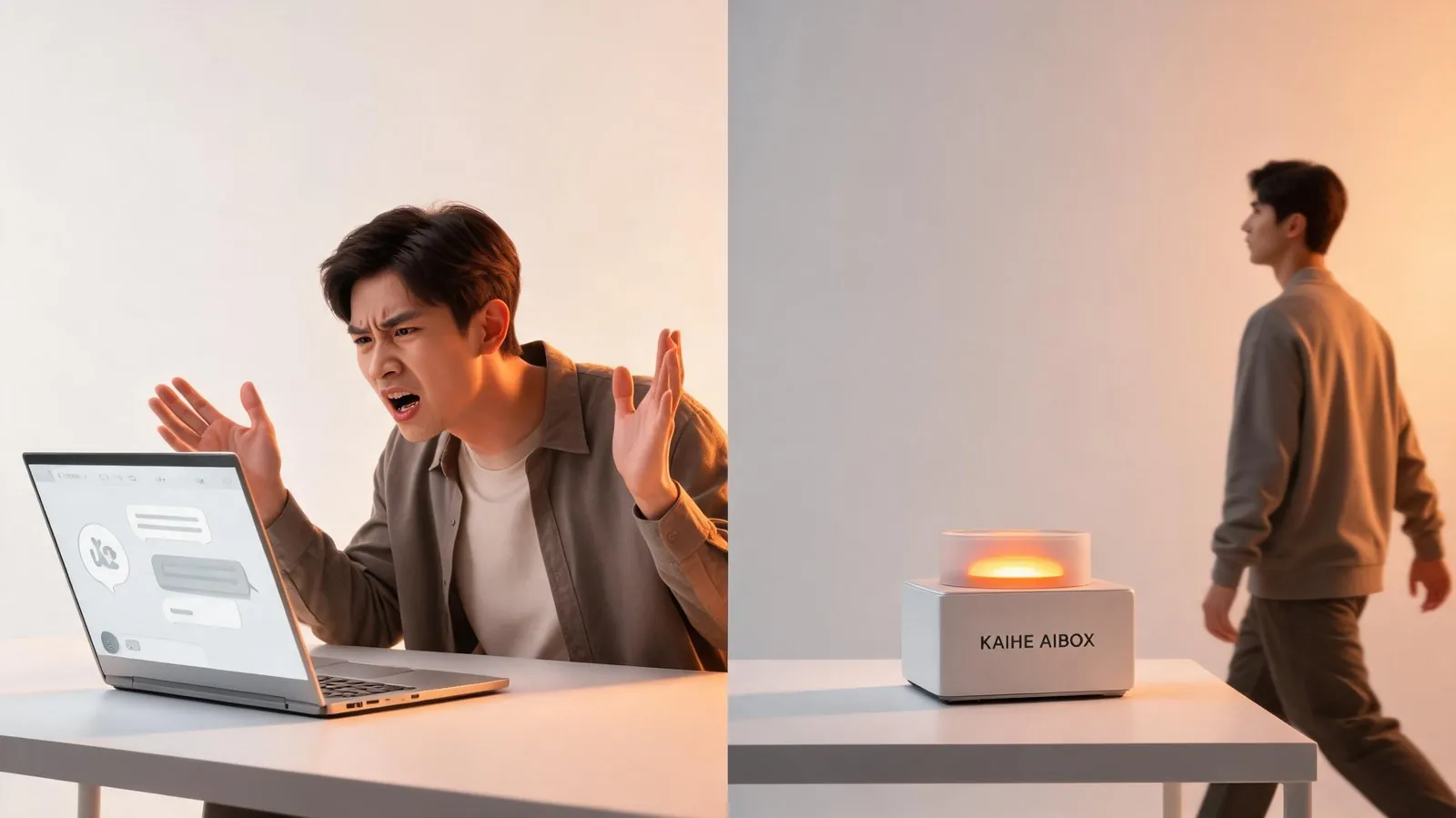
Have you noticed something absurd? Every time you open ChatGPT, Doubao, or DeepSeek, you start with the same introduction:
"My name is Zhang Ming, I run a cross-border e-commerce business, primarily selling home goods to North American customers, and last time we discussed the SKU optimization plan..."
The AI responds enthusiastically, analyzes your situation, and writes your proposals. You think it's great. But the next day, you open a new conversation, and it's all gone. You have to start over.
It's like hiring a brilliant intern who can't remember anything from yesterday. Every morning, you spend 15 minutes onboarding them before they can start working.
This isn't an intelligence issue. It's an architecture issue. Public AI is fundamentally not "yours"—it belongs to the platform, and you're just a temporary user.
The Four Fatal Flaws of Public AI
1. No Memory. Every new conversation starts from scratch. Whatever you teach it is gone next time. Your project background, client preferences, work habits—none of it sticks. After six months of chatting, the AI knows less about you than the plant on your desk.
2. Your Data Goes to the Cloud. Every word you say to the AI, every file you upload, lives on the platform's servers. Contract details, client lists, business data—you don't know who can see them, how long they're stored, or whether they'll be used to train the next model version.
3. Here Today, Gone Tomorrow. When Doubao cut its agent features, your carefully-tuned character—three months of work—vanished overnight. When DeepSeek raised prices, your costs suddenly doubled. One platform announcement, and your AI assistant is different. Your AI, but not your call.
4. It Stops When You Shut Down. Close your laptop, and the AI goes off duty. It won't monitor your ad data at midnight, won't auto-reply to urgent client messages while you sleep, won't silently prepare your next proposal during your meeting. Public AI runs in the cloud—it can't operate your computer.
What Makes a Dedicated Private AI "Dedicated"?
Imagine having an AI assistant that belongs entirely to you:
It remembers a client preference from three years ago—"Mr. Li doesn't like Tuesday meetings; leave 3% room for negotiation on quotes." When you say "tweak that proposal from last week," it knows exactly which proposal, which section, and what style to use.
Its memory lives on your own device, not on some cloud server. The contracts you upload, client lists, business data—everything stays within your machine.
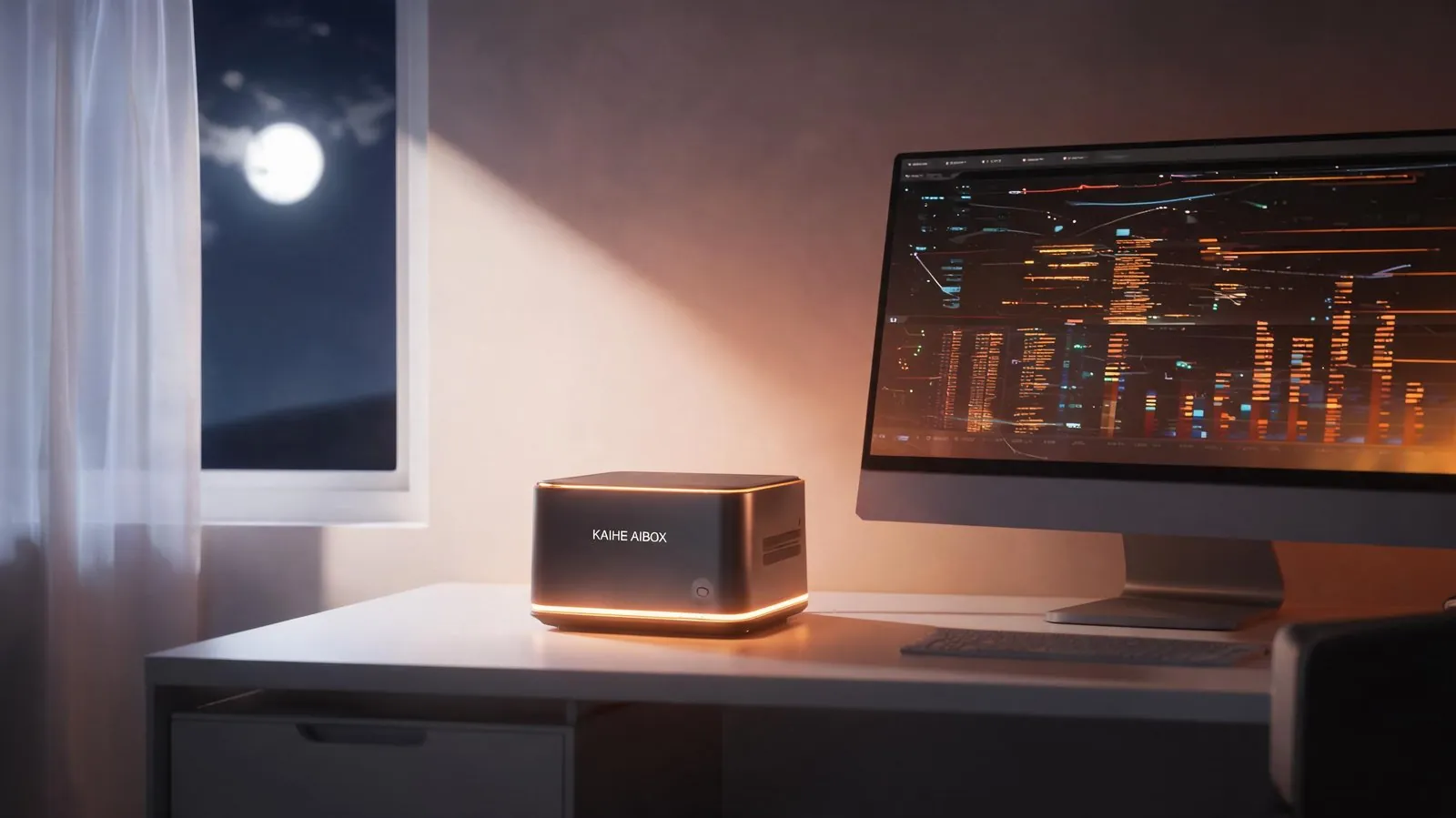
It's on duty 24/7. You close your laptop, and it's still running. Before bed, you assign it a task—"monitor competitor price changes tonight, notify me if anything moves more than 5%." You sleep; it works. You wake up to results.
Nothing you say to it, nothing it does for you, can be seen by any third party. No platform can suddenly cut its features. No price hike can change its behavior. It's yours, the way your office computer is yours.
This is what KAIHE AIBOX does—a small AI device that sits on your desk, plugs in and works. It doesn't depend on any cloud platform. All data is encrypted locally. It runs 24/7, serving you and only you. With built-in WorkBuddy functionality, it operates your computer like a human would: processing spreadsheets, replying to messages, organizing documents, and drafting proposals—all fully automated.
| Feature | Public AI (ChatGPT, etc.) | Dedicated Private AI (KAIHE AIBOX) |
|---|---|---|
| Memory | Starts from zero each time | Permanent memory, learns over time |
| Data Storage | Platform cloud servers | Local encryption, never leaves device |
| Ownership | Platform can change features/prices anytime | Your device, your rules |
| Uptime | Stops when you close your computer | 24/7 uninterrupted operation |
| Task Execution | Can only chat and give advice | Can directly operate your computer |
| Privacy | Conversation data visible to platform | Data stays entirely on your device |
From "Using AI" to "Owning AI"—What's the Difference?
Many people think, "ChatGPT works fine for me, why buy a separate device?"
The key distinction is: are you using AI, or owning AI?
Using public AI is like borrowing the same library book every day. The book is excellent, but each time you borrow it, you have to re-bookmark pages and re-do your annotations. Return it tomorrow, and everything is gone.
Owning a dedicated AI is like the book is yours. Your notes, your bookmarks, your reflections—they're all in it. Open it the next day, everything's there. Open it on the hundredth day, and it knows your work habits better than you do.
This isn't an upgrade in experience—it's a change in relationship. Public AI is a tool; you use it and leave. A dedicated AI is an assistant; it's always there, understanding you more each day.
KAIHE AIBOX is the device that helps you make this leap. No technical expertise needed, no coding required. Plug it in, connect to the internet, and it's your private AI assistant. Everything you say to it, everything it does for you, stays on your own device—never uploaded, never leaked, never seen by anyone.
Three Criteria: Do You Need a Dedicated Private AI?
If you meet any of these criteria, you most likely need a dedicated private AI assistant:
1. You interact with AI more than 10 times a week. Frequent usage means AI is already part of your workflow. But repeating background information every time is a hidden time cost that adds up.
2. You share sensitive information with AI. Client lists, contract terms, business plans—putting this data on cloud-based AI means putting it on someone else's server. Once leaked, the consequences are irreversible.
3. You need AI to work when you're not online. Monitoring data at midnight, auto-replying to messages, running scheduled reports—public AI can't do these things because it can't operate your computer and won't keep running after you shut down.
Final Thoughts
The future of AI isn't just about getting smarter—it's about becoming more yours.
An AI that's increasingly brilliant but doesn't know you, versus an AI that's competent enough and remembers everything about you—the latter is the real assistant.
What KAIHE AIBOX does is simple: transform AI from a "public utility" into a "private assistant." It remembers you, protects you, works for you 24/7—and it belongs only to you.
Further Reading: - Why Your AI Gets Smarter Over Time: Local Data + Long-term Memory—The Real Difference Between Private AI and Free AI - The Moment You Close Your Laptop, Your Private AI Just Starts Working - Private AI Isn't Just for Programmers: Managing Email, Tracking Logistics, Remembering Birthdays, Replying on WeChat—That's What Real People Need
KAIHE AIBOX #PrivateAI #LocalAI #AIPrivacy #DataSecurity #UserCase
For more information, search [KAIHE AIBOX] or contact: [email protected]
KAIHE AIBOX · 7x24 Personal AI Assistant | User Case