This week, one word flooded everyone's social feeds: Workbuddy.
"AI work partner." "Get AI to do tasks with one sentence." "The ultimate employee hack." But when you actually install it, there's one problem. It works—but you have to be there. When you clock out, it clocks out.
Here's the real question: shouldn't true efficiency mean it keeps running even after you walk away?
{
Workbuddy Is Smart—But It Won't Wake Itself Up
I tested it. Told Workbuddy to gather last night's industry news every morning at 9 AM, distill the key takeaways, and send them to me. Day one: I sat down at 8:55, opened Workbuddy, typed the command. It worked perfectly. A crisp three-point morning briefing.
Day two: I slept in until 10. Workbuddy sat there, completely still. No one opened it. No one gave it a command.
This is Workbuddy's boundary. It's a conversational AI partner, not an autonomous Agent. A "work buddy" that needs you to be there. This isn't a flaw—it's the design. It's a co-pilot, not an autopilot.
So the question shifts: what do you need if you want AI working even when you're not around?
{
Add Hermes, and Workbuddy Takes Off
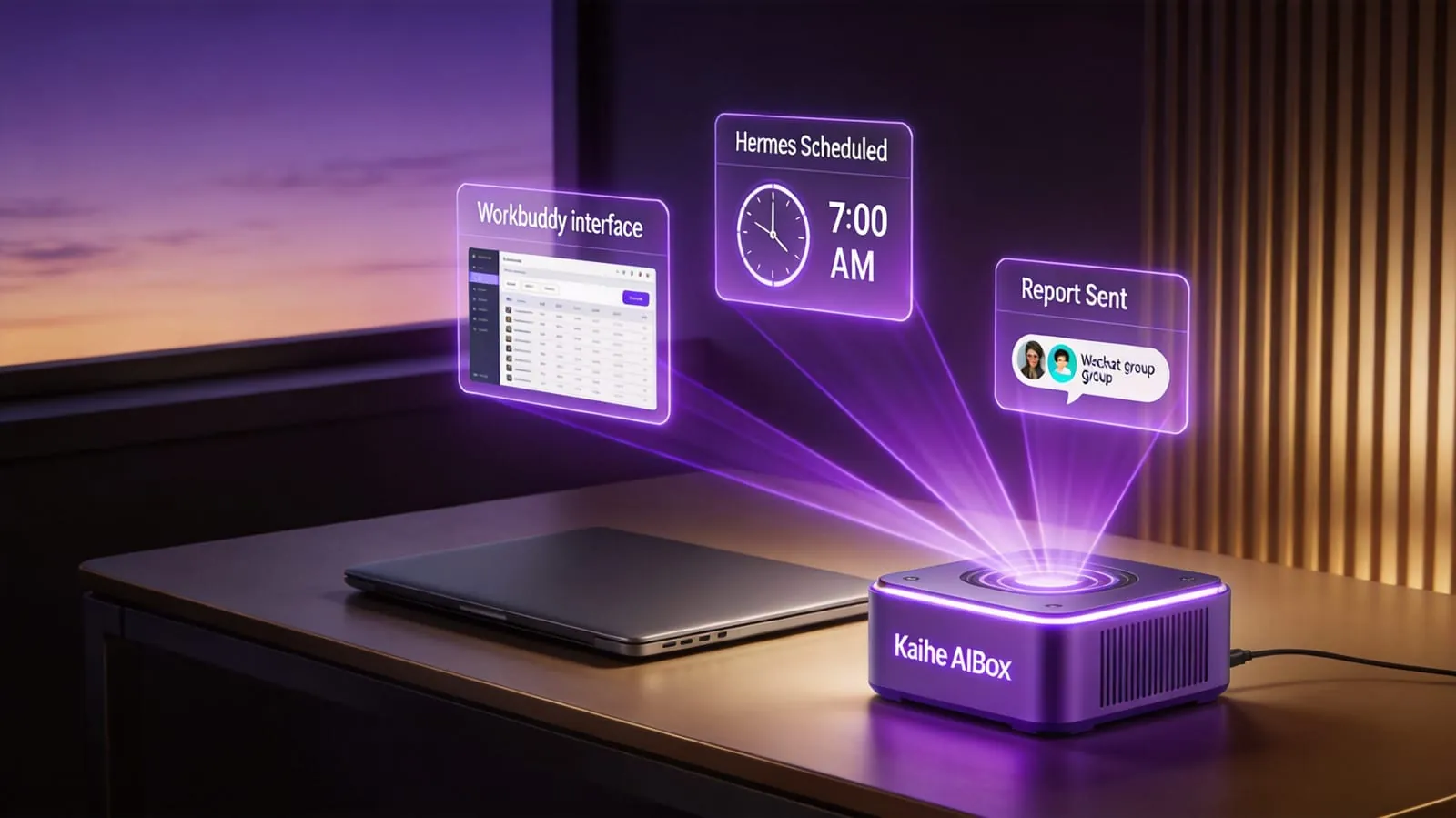
The answer is a scheduling layer—Hermes. Hermes is an automation framework that triggers tasks on schedule, chains different tools together, and monitors execution status. Pair it with Workbuddy, and you've got an AI employee that wakes itself up.
Let me give you a real example. I helped a friend running an e-commerce business set up a workflow: every morning at 7 AM, Hermes automatically triggers Workbuddy to pull yesterday's order data, analyze return reasons, and generate a "3 Things to Watch" report sent straight to the operations group chat. The team arrives at 9 AM and reads the report. No more 30-minute data-digging sessions.
He thought saving 30 minutes a day was trivial. Two weeks later, he saw the math: 30 minutes a day becomes 2.5 hours a week, 10 hours a month. Not a one-time save—an automatic, recurring save. Those 10 hours go toward things that actually matter.
That's the fundamental difference between automation and manual effort. It's not about how much time you save. It's about who is saving it for you.
The Critical Step: Let It Run When Your Computer Is Off
The Workbuddy + Hermes combo has one more problem: it runs on your computer. You shut down, it stops.
This is where most people get stuck. All those articles about "let AI do your work" look great on paper. What they don't tell you: you need a device that stays on 24/7. You can't leave a laptop running for a month straight—the electricity bill alone, never mind the heat.
Kaihe AIBOX is designed exactly for this. A palm-sized hardware box. Plug it in, connect to Wi-Fi, and it runs Agents around the clock at just a few watts of power. Put Workbuddy's conversational capability and Hermes's scheduling intelligence on this box, and you've got a digital employee that doesn't need your computer on, doesn't need a cloud server, doesn't charge monthly fees.
My friend's e-commerce monitoring system runs on Kaihe AIBOX. He went on a week-long business trip. Every single day, the data report appeared in the group chat right on time. Zero interruptions.
It's Not About Saving Time—It's About Erasing "Whether I'm There"
Workbuddy eliminates manual commands. Hermes eliminates manual execution. Kaihe AIBOX eliminates keeping your computer on. Put all three together, and the difference isn't "how much time you saved." It's that you can be completely absent.
You're in a meeting. It's working. You're asleep. It's working. You're on vacation. It's still working.
Workbuddy is smart. Give it hands and a body that never powers down, and it becomes the AI employee you don't have to worry about.
Want to learn more about Kaihe AIBOX? Contact us at [email protected]
KaiheAIBOX #Workbuddy #Hermes #AIAutomation #Productivity #Agent #24x7
📖 Glossary
AI Box (also known as Agent Computer / Agent PC), is a dedicated local hardware device that runs AI Agents. Pre-installed with an AI agent management system, plug-and-play, running 24/7. Users can remotely command AI to work via Discord, Slack, Telegram, WhatsApp, and more.