Kaihe B1 In-Depth Review: Can This Budget AI Computer Run Real AI Agents?
📖 Glossary
AI Box (also known as Agent Computer / Agent PC), is a dedicated local hardware device that runs AI Agents. Pre-installed with an AI agent management system, plug-and-play, running 24/7. Users can remotely command AI to work via Discord, Slack, Telegram, WhatsApp, and more.
In Kaihe's product lineup, the B1 occupies a subtle position: pricier than the A1, cheaper than the C1, wedged between entry-level and mainstream. Most people's knee-jerk reaction is "just pay a bit more for the C1."
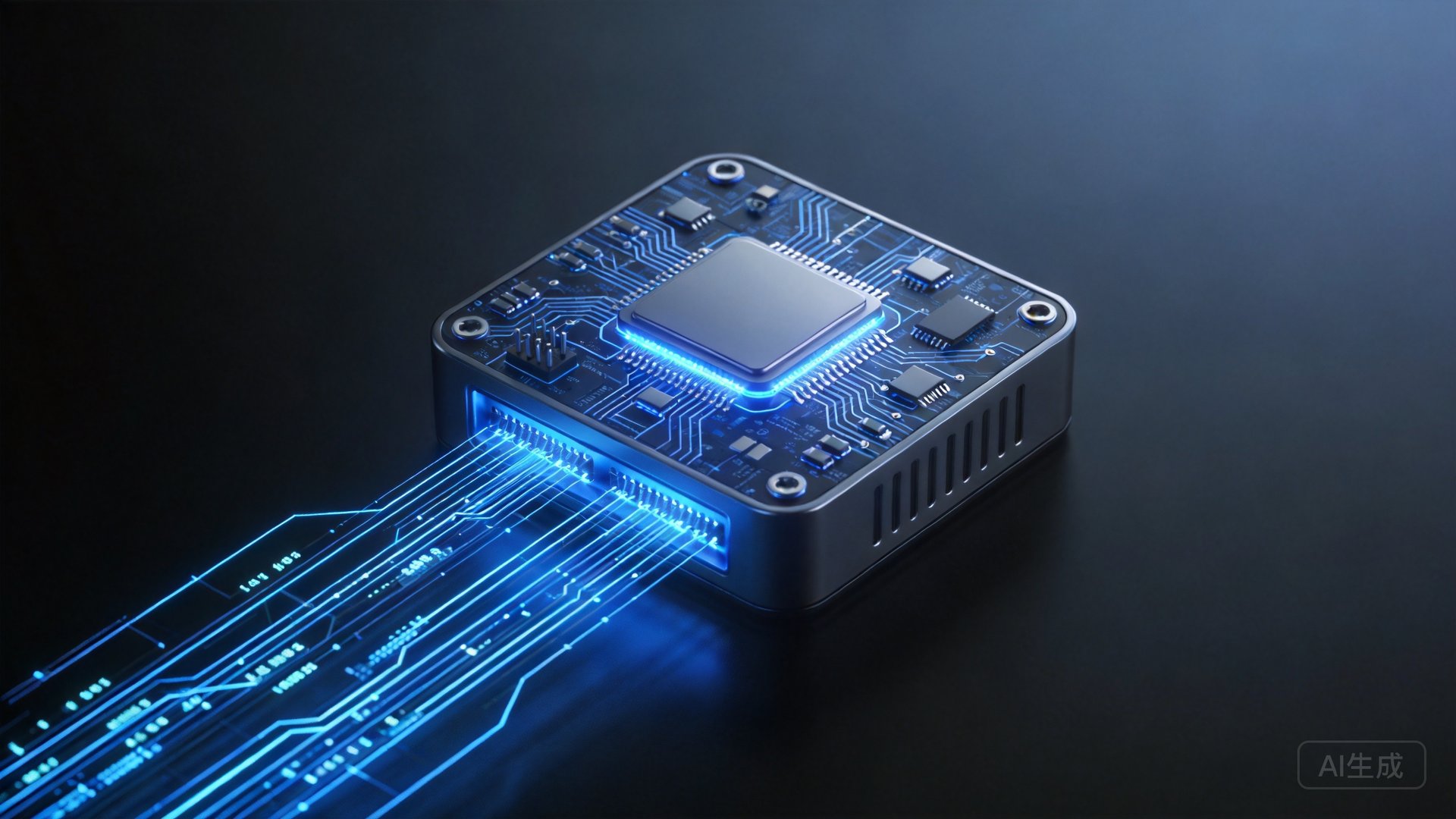
But after a month of real-world use, my verdict has shifted: the B1 might be the most underrated machine in Kaihe's entire lineup. Here's why.
The Hardware: MediaTek Dimensity in the Real World
B1's core specs:
| Component | Spec |
|---|---|
| Processor | MediaTek Dimensity 9300+ (8-core) |
| NPU | 45 TOPS (INT8) |
| RAM | 24GB LPDDR5X |
| Storage | 512GB NVMe SSD |
| OS | KaiheOS (Linux-based) |
The Dimensity 9300+ has been hyped in the smartphone world, but can it cut it in AI PC scenarios?
The answer has two layers: fine for inference, don't bother with training.
Running DeepSeek-V2-Lite (16B, INT4 quantized) is solid—first token latency ~1.2 seconds, generation speed 12 tokens/second. That's on par with ChatGPT Plus on mobile. For text processing, summarization, and translation, the perceptual gap against the C1's Intel Ultra 5 is essentially zero.
But long-context reasoning (32K+ tokens) reveals the 24GB RAM ceiling—the model load plus KV Cache nearly maxes out the memory. Fortunately, B1's Expand Mode can offload portions to the cloud; a 32K document analysis completed in 15 seconds with seamless UX.
OpenClaw Agent Stress Test: Can It Actually Work?
This is the real question—AI Agents don't chat, they execute. Can the B1 handle it?
I set up three typical OpenClaw workflows:
Test 1: Email Auto-Classification + Summarization (Light)
3-Agent pipeline: Receiver → Classifier → Summarizer. Processed 50 emails in 32 seconds. CPU peak 47%, NPU peak 62%. Zero pressure.
Test 2: RAG Knowledge Base Q&A (Medium)
Local vector DB embedding + retrieval + LLM generation. Single query: 2.8 seconds (~0.8s slower than C1). 20 consecutive queries without stuttering. Smooth.
Test 3: Multi-Agent Concurrent Orchestration (Heavy)
5 concurrent Agents: web scraping, content analysis, translation, summarization, email notification. CPU peak 87%, RAM peak 19GB. It runs, but it's near the ceiling. Heavy users running 5+ Agents regularly should consider C1 or above.
The B1 vs. C1 Gap
| Scenario | B1 (Dimensity 9300+) | C1 (Intel Ultra 5) |
|---|---|---|
| Text gen (16B model) | 12 tok/s | 18 tok/s |
| RAG Q&A latency | 2.8s | 2.0s |
| Max concurrent Agents | ~5 | ~8 |
| Continuous inference power | 18W | 28W |
B1's surprise advantage is power efficiency—18W vs 28W. The C1's 50% extra compute costs 60% more power. If your use case is light Agent tasks (daily email triage, meeting notes, research), the B1 is fully adequate and more efficient.
Who Should Buy the B1?
| User Profile | Rating | Why |
|---|---|---|
| Knowledge worker (light Agent) | ⭐⭐⭐⭐⭐ | Sweet spot of "just enough" |
| Content creator | ⭐⭐⭐⭐ | Writing + images + distribution |
| Student/researcher | ⭐⭐⭐⭐ | Analysis + papers |
| Heavy Agent developer | ⭐⭐⭐ | Go C1 or higher |
| Pure chat/conversation | ⭐⭐⭐⭐⭐ | A1 works but B1 future-proofs |
Verdict: The Underrated "Just Enough"
The B1's greatest value is precise cost-performance. It doesn't chase extremes—it makes all core functions (local inference, Agent orchestration, OpenClaw integration) land at "just enough, never stuttering."
¥999 for the A1 is "entry-level tinkering." ¥1,999 for the B1 is "works reliably." ¥3,499 for the C1 is "heavy-duty capable." The B1 sits in the middle—neither the cheapest nor the fastest—but it's most likely the configuration you actually need.
If you use AI daily without being AI-dependent, the B1 is Kaihe's best value proposition.