📖 Glossary
AI Box (also known as Agent Computer / Agent PC), is a dedicated local hardware device that runs AI Agents. Pre-installed with an AI agent management system, plug-and-play, running 24/7. Users can remotely command AI to work via Discord, Slack, Telegram, WhatsApp, and more.
Summary: Have you ever spent half an hour teaching an AI your work habits, preferences, and project context—only to open a new conversation the next day and find it remembers nothing? This is the reality of most cloud AI: no memory, every conversation starts from scratch. The core differentiator of a local AI assistant is persistent memory—it remembers everything you've taught it and grows to understand you better over time. This article breaks down the three layers of persistent memory, real-world use cases across professional and personal life, and why your memory must belong to you rather than a cloud provider.
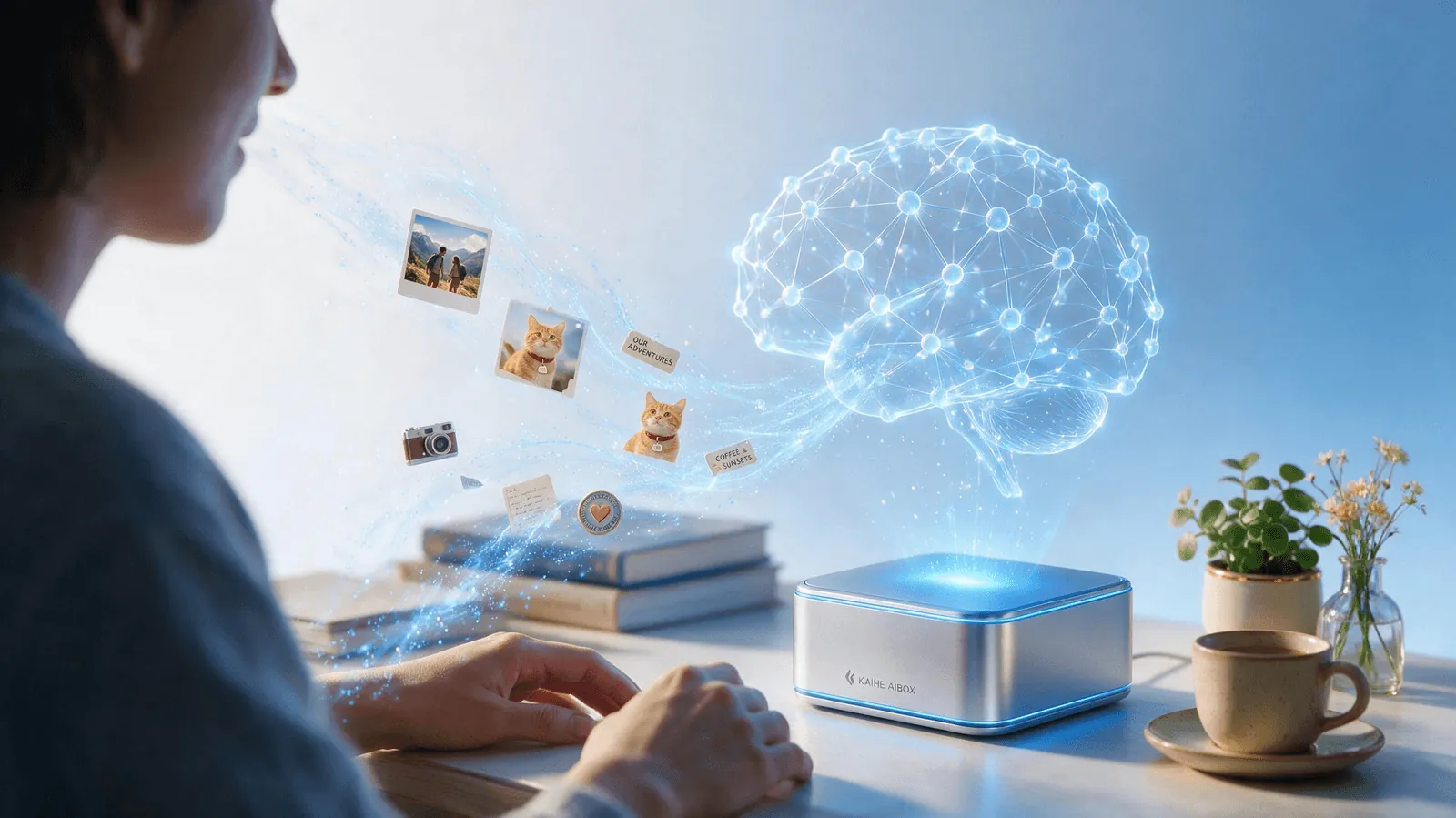
I. Cloud AI's "Amnesia Problem": Every Conversation Starts at Zero
Try this experiment right now. Open your preferred AI chat tool, start a fresh conversation, and ask: "Can you pull together that project proposal we discussed last time?"
Nearly every time, it will respond: "I'm sorry, I don't have access to our previous conversations."
This isn't a bug—it's inherent to how most cloud AI is designed. Three fundamental limitations create this persistent "amnesia":
First, conversation silos. ChatGPT, Claude, Doubao, and most mainstream tools isolate each conversation window by default. Information you share in Window A is completely invisible to Window B. Unless you manually copy and paste entire chat histories across windows, every conversation is essentially a first meeting. You wouldn't accept a human assistant who forgets everything you said each time you step out of the room and back in—yet this is exactly the norm with AI.
Second, context window truncation. Even within a single conversation, AI memory is bounded by its context window size. Once a conversation exceeds tens of thousands of tokens, the earliest content gets pushed out of the active window. It's not that the AI "forgot"—it literally cannot see those tokens anymore. The longer your conversation, the less it remembers about the beginning. This creates a maddening pattern: just as you've built up enough context for the AI to be truly useful, it starts losing track of what you said at the start.
Third, you don't own your memory. Cloud AI providers are increasingly adding "memory" features, but those memories live on their servers, not on your device. They can use them for model training, delete them due to policy changes, or let them vanish entirely if a service shuts down or your account is suspended. The personalized AI you spent months refining—your tone, your workflows, your accumulated context—is not your asset. It's data you've loaned to a platform that can change the terms at any time.
II. Three Layers of Persistent Memory: From Words to Identity
A genuine local AI assistant doesn't just "save chat logs." Its memory system operates at three progressively deeper layers, each building on the previous to create a genuinely personalized experience.
Layer 1: Conversational Memory — Remembering What Was Said
This is the baseline expectation. The AI can recall your entire conversation history without being constrained by window isolation or token limits. Technically, this is typically achieved through Retrieval-Augmented Generation (RAG): all conversations are chunked, embedded, and stored in a local vector database. When you ask a question or start a task, the system retrieves the most relevant historical segments and injects them into the current context window.
KAIHE AIBOX stores every conversation locally on its hard drive. The AI's "working memory"—what it can see in any single context—might span tens of thousands of tokens, but its "long-term memory" extends to hundreds of thousands or even millions. A proposal you discussed three months ago, a design brief from last week, a casual preference you mentioned in passing in April—all of it lives in its memory bank, retrievable when relevant.
Layer 2: Preference Memory — Remembering Who You Are
This layer is where personalization transforms from convenient to uncanny. The AI doesn't merely store what you said—it distills patterns from those interactions over time to build a living model of your preferences and identity:
- You prefer a three-paragraph structure for weekly reports, opening with accomplishments, followed by challenges, ending with next steps. You actively dislike bullet-point dumps.
- Your presentations consistently use dark backgrounds, large headings, minimal text. You find crowded slides physically uncomfortable to look at.
- You always exchange brief pleasantries before getting to business in client emails, but you're direct and efficient with internal team communications.
- You don't eat cilantro, you're allergic to certain pollens in spring, you have yoga every Wednesday evening and never schedule meetings after 6 PM on Fridays.
You never explicitly "teach" these rules—the AI infers them gradually through sustained interaction across dozens or hundreds of conversations. Once absorbed into its preference model, you never need to specify them again. Say "help me draft a client reply," and it already knows your voice, your formatting, your boundaries, and the degree of formality appropriate to that relationship.
Layer 3: Skill Memory — Remembering How You Work
This is the most powerful form of memory and the one that truly multiplies your productivity over time. You don't just share facts and preferences—you teach the AI reusable, executable workflows that it can invoke on demand:
- "Every time a contract arrives in my inbox, extract party names, total amounts, payment terms, delivery deadlines, and penalty clauses into a comparison table, then flag anything that deviates from our standard terms."
- "Every Friday at 4 PM, automatically pull data from our project management tool, summarize this week's progress across all active projects, sort by priority, highlight blockers, and send the summary to my WeChat."
- "For all product photos I upload, crop to 1:1 aspect ratio, increase brightness by 20%, apply the brand watermark in the bottom-right corner at 15% opacity, and save to the corresponding project folder."
Once taught, these workflows—called "Skills" in KAIHE AIBOX—are retained permanently. You don't need to re-explain the steps. Next time, you just say "run the contract review," or "send the weekly report," or simply "the usual," and it executes the full multi-step sequence you defined. These skills compound over time: teach one per week, and after a year you have 52 automated workflows handling routine tasks without your involvement.
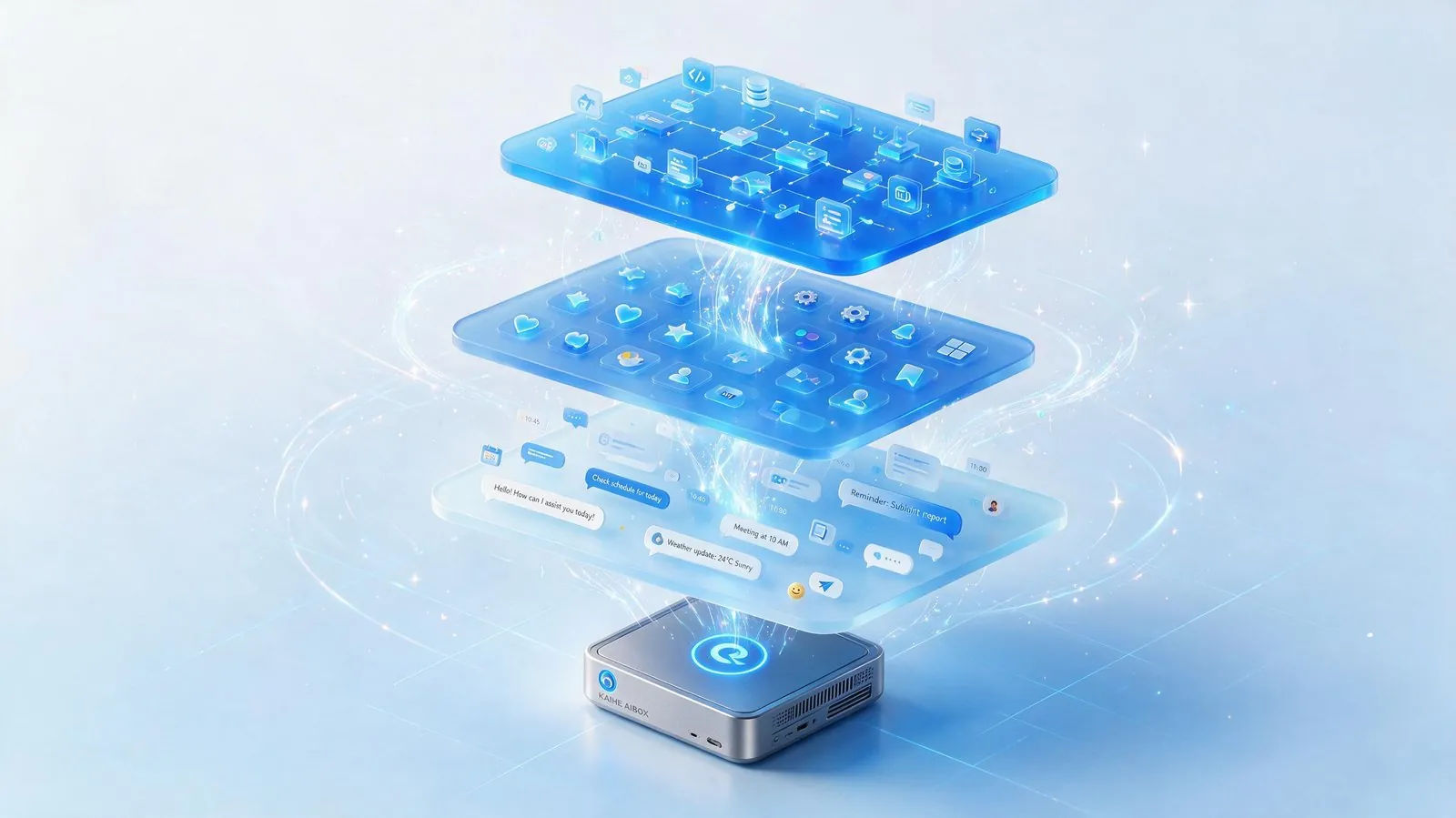
III. What Persistent Memory Looks Like in Daily Work and Life
To understand how transformative this is, consider concrete scenarios across different aspects of daily life where persistent memory creates a qualitatively different experience from amnesiac cloud AI.
Professional Scenarios
Weekly Reports. With cloud AI, every Friday follows the same ritual: open a new conversation, spend 10-15 minutes listing everything you accomplished, explaining the format you prefer, reminding it about ongoing projects and their status, and waiting for it to piece together a coherent report. With persistent memory on KAIHE AIBOX: you say "weekly report." It automatically retrieves your work logs, calendar entries, chat summaries, and file changes from the past week, generates the report in the exact structure you defined months ago, and even remembers that you always include a "risks and blockers" section before "next week's plan." Done in 30 seconds, not 15 minutes. That's roughly 12 hours saved per year on this single task.
Client Communication. Cloud AI requires you to paste context every single time: who this client is, what projects are ongoing, what you discussed last time, what pricing you've offered, what sensitivities exist. With persistent memory: it already knows all of this. You say "reply to Mr. Zhang's email about the Q3 delivery," and it generates a response that references your last conversation, respects the negotiated terms, maintains the relationship you've built, and uses the tone you always use with him. You don't have to explain anything.
Document and File Management. Cloud AI doesn't even know your files exist. Ask it to find something and it can't—your filesystem is a black box. With persistent memory integrated into your local system: it understands your naming conventions, folder structures, and version history. You say "find the brand guideline deck I revised for the marketing team last month," and it locates it instantly. It can even tell you "you went through four versions; the final approved one was v3, sent on the 24th."
Project Context Retention. When working on long-running projects spanning weeks or months, cloud AI requires you to repeatedly bring new instances up to speed. With persistent memory, the AI has been with you since day one—it remembers decisions you made and why, alternatives you considered and rejected, stakeholder feedback from three weeks ago, and commitments you've made. This institutional memory is exactly what makes a great human assistant invaluable, and it's impossible without persistence.
Personal Scenarios
Schedule and Reminders. Cloud reminders are fragile: clear your browser cache, log in from a different device, or let a session expire, and they vanish. They only work when your app is actively running. With KAIHE AIBOX running 24/7 at low power, schedules, to-dos, medication reminders, birthdays, and anniversaries are stored locally on a physical device. It reminds you at the right time regardless of whether your phone is on, your laptop is open, or you're at home.
Health and Wellness Tracking. Mention once that you're trying to drink more water, that your back bothers you after long sitting sessions, that you're tracking your sleep quality. A memory-equipped AI can gently remind you to stand up every hour, ask how you slept in the morning, and build long-term patterns from casual mentions—without you having to log anything into a separate app.
Learning and Knowledge Accumulation. Every article you discuss, every concept you ask it to explain, every skill you practice with its help becomes part of a growing knowledge base tailored to your learning journey. Six months later, it can reference an explanation you found helpful, connect new information to things you learned earlier, and teach in ways that match how you personally learn best.
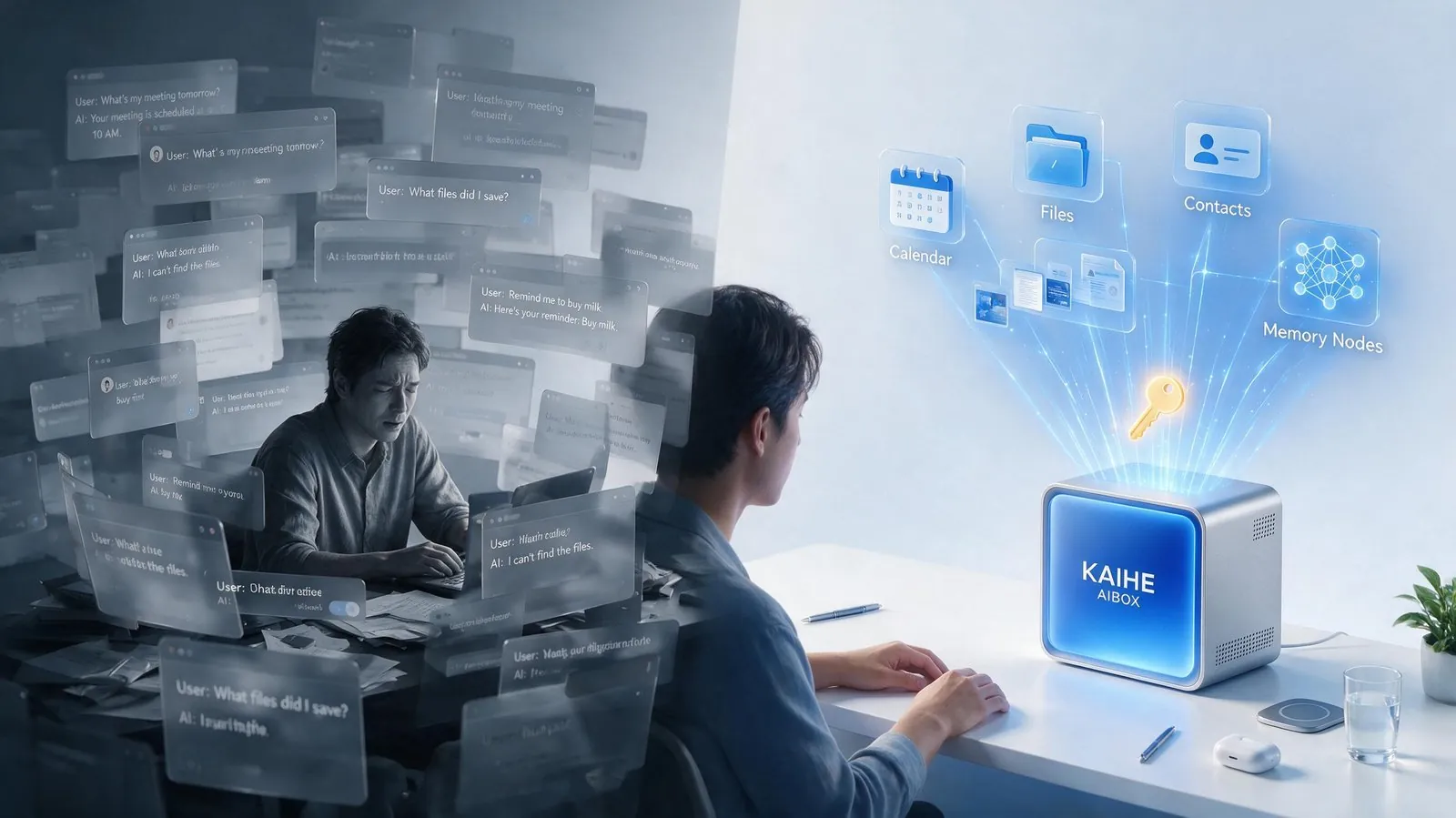
IV. Why Your Memory Must Belong to You
As AI memory capabilities improve, the question of who owns and controls those memories becomes increasingly important—not just as a technical matter, but as a question of personal autonomy and digital rights.
Privacy. Consider what's in your AI memory bank after a year of regular use: client names and communications, contract terms and pricing strategies, business plans and financial information, personal relationships, health details, political opinions expressed in casual moments, frustrations you vented about colleagues, creative ideas you haven't shared with anyone. This is among the most sensitive data you generate. Are you comfortable having all of that on a third party's servers, subject to their privacy policies, their data retention practices, their vulnerability to breaches? In 2026 alone, multiple high-profile incidents exposed cloud AI conversation histories to unauthorized access, used them for model training without explicit consent, or provided them to third-party data partners. Local storage eliminates this entire category of risk: your data physically resides on your KAIHE AIBOX in your home or office—not uploaded, not shared, not accessible to anyone without physical access to the device.
Control. Cloud providers can and do change their memory policies unilaterally. What's free today may be paywalled tomorrow. What's exportable today may be locked in next quarter. What the platform considers "acceptable use" may narrow, limiting what you can do with your own data and history. When a third party controls your memory, they effectively control your AI assistant's personality, knowledge, and availability. With local memory, you hold complete sovereignty: back up when you want, to any medium you choose; migrate to different hardware or software when you want; delete specific memories or wipe everything entirely; all without asking permission, filling out forms, or trusting that a company will still exist next year.
Durability. Internet products and services have unpredictable lifespans. Google has killed over 280 products. Even today's dominant AI service might be shut down, acquired, pivoted to a different market, or rendered irrelevant by a competitor in three years. If all your AI memories live on that service's servers, the day it shuts down—or even changes its API in incompatible ways—you could lose years of accumulated personalization, workflows, and context. KAIHE AIBOX is a physical device. Your memories live on a local hard drive using open, standard formats. As long as you maintain backups, your memories persist independent of any company's business decisions, product roadmaps, or continued existence.
Switching Costs and Vendor Lock-In. When your history and preferences are trapped in one platform, you're effectively locked in. Switching to a different AI provider means starting over from scratch—re-teaching every preference, re-creating every workflow, losing every accumulated context. Local memory breaks this lock-in. Your data is yours, in standard formats, portable to any system you choose. This freedom to switch is what gives you genuine leverage as a user and prevents any single provider from taking your business for granted.
V. An Assistant That Grows With You Is a True Personal Assistant
The ideal relationship between a person and their tools is one where the tool increasingly adapts to the user, rather than requiring the user to continuously adapt to the tool. You shouldn't have to re-introduce yourself, re-explain your context, and re-specify your preferences every single time you interact.
An AI without persistent memory is like an assistant with daily amnesia: bright and capable in the moment, but requiring a complete restart of the relationship each morning. They might answer individual questions well, but they can never accumulate the deep contextual understanding that makes an assistant truly invaluable. No matter how intelligent they are, working this way is fundamentally exhausting for the user—you're always the one carrying the context, always the one doing the work of maintaining continuity.
An AI with genuine persistent memory is fundamentally different. It's a partner that grows alongside you. The longer you use it, the better it understands you. The more you teach it, the more capable it becomes. At three months, it's three times more useful than on day one because it's absorbed your patterns, learned your workflows, and accumulated your context. At a year, it might know your work habits, communication style, and recurring patterns better than you can articulate them yourself. It stops being a tool you actively operate and starts being an extension of your own thinking.
That is the vision behind KAIHE AIBOX: bringing AI memory home from the cloud, so your data, preferences, and skills genuinely belong to you—available around the clock, persistent even when your devices are off, and fully under your control. It's not a disposable chat window you open, get an answer from, and close. It's a personal AI assistant that accumulates understanding, gets smarter with use, and becomes more valuable to you every single day.
As AI becomes more integrated into every aspect of work and life, the question of who owns your AI's memory of you will only grow in importance. The things your AI knows about you—your habits, your work, your relationships, your goals—are among the most personal digital assets you'll ever generate. They should belong to you, stored in your home, under your control.
Next time you open your favorite AI tool, ask yourself a simple question: everything it has learned about you, everything it remembers—who actually owns that? And who would you trust to keep it safe?
Further reading: - Why Your Cloud AI Can Never Remember Your Habits: Local AI Memory Explained - Private AI vs. ChatGPT vs. Claude: 5 Dimensions Compared - Your AI Gets Better With Use: Local Data + Persistent Memory
KAIHEAIBOX #PersistentMemory #LocalAI #AIAssistant #Privacy #PersonalAI
For more information, search [KAIHE AIBOX] or contact: [email protected]
KAIHE AIBOX · 7x24 Personal AI Assistant | Product Center