Four Things You Still Do Yourself on a Mac Mini
A Mac mini is a good computer. It is also, out of the box, just a computer — no agent, no workspace, no memory of who you are. Getting an AI assistant to actually work on it means four jobs: the environment, the agent, the upkeep, and the failures. On a KAIHE AIBOX those four are done before the box ships. The rest is about which one you actually wanted.
The desktop is empty
📖 Glossary
AI Box (also known as Agent Computer / Agent PC), is a dedicated local hardware device that runs AI Agents. Pre-installed with an AI agent management system, plug-and-play, running 24/7. Users can remotely command AI to work via Discord, Slack, Telegram, WhatsApp, and more.
You buy a Mac mini for ¥6,999, plug in a monitor and a keyboard, and press the power button.
The desktop is clean. A dock, a wallpaper, a handful of Apple's own apps. Nothing else.
Now you want to install an AI assistant. And you notice something slightly unexpected: there is no AI assistant on this machine. There is an operating system, a browser, and a set of tools. Nothing on it knows who you are, remembers what you said last week, or can act on "file everything that came in today by project" without being taught how.
This is not a flaw in the Mac mini. Every computer ships this way. A computer is sold as a machine you can put things on, not a machine that already has them.
The real question is not whether something is installed. It is how far away that step is.
A ruler more useful than a spec sheet
Here is a ruler. Not for this machine — for any "AI device" you look at from now on.
Spec sheets cannot answer the question. Benchmarks, memory, bandwidth, TOPS — all of them measure how fast the thing is once it is running. What decides whether you will actually use it is the stretch in between: from pressing power to the first job finished, how many times do you have to do something yourself?
Measured with that ruler, a Mac mini comes out at four jobs. A KAIHE AIBOX comes out at zero.
The difference is not in the price. It is in those four jobs.
One: you build the environment
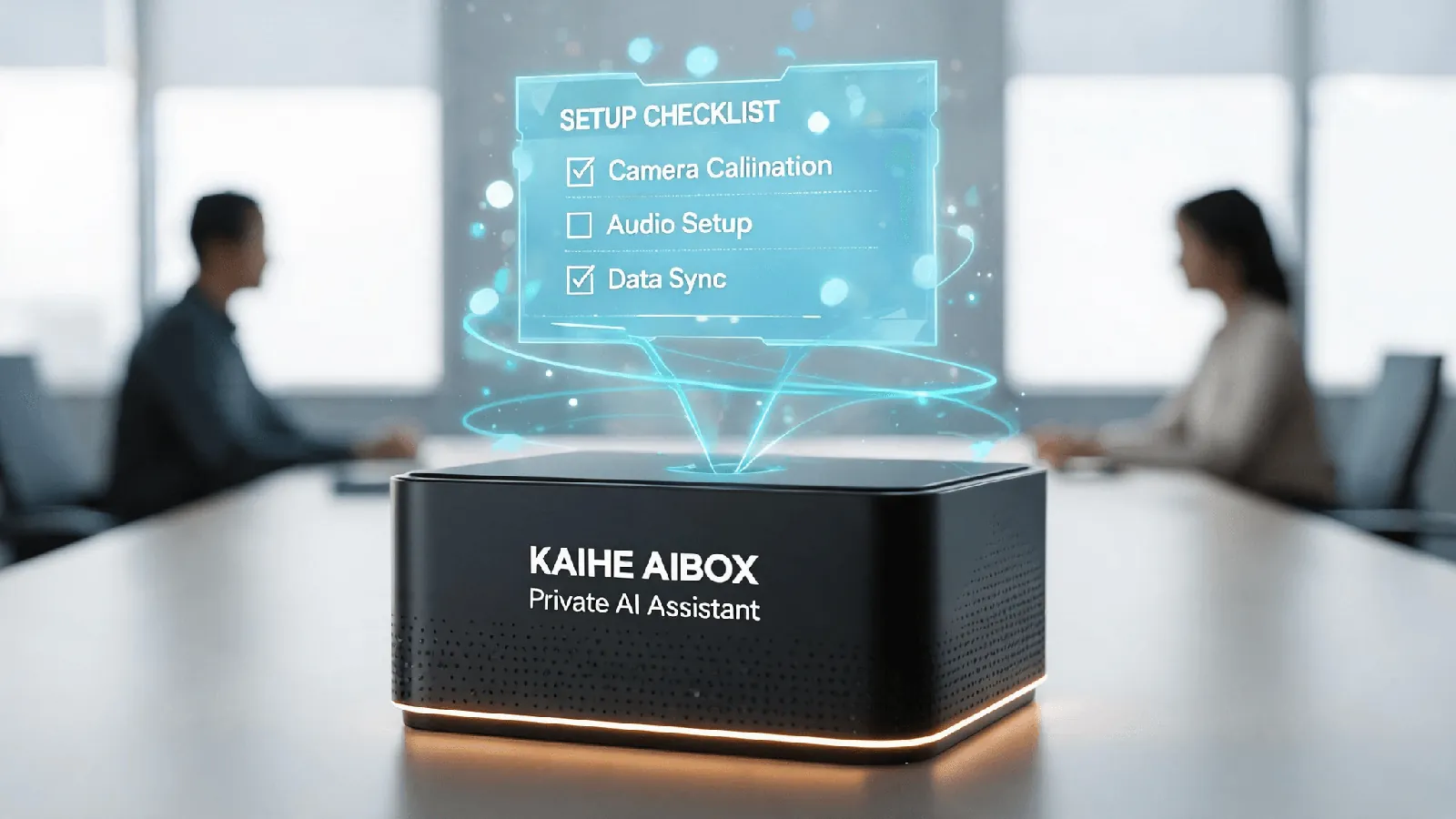
To run anything, you need a runtime. Python, Node, Docker, dependency packages, command-line tools, file permissions.
macOS is friendly here, relatively. There is Homebrew, and you install one line at a time. But "friendly" means "documented", not "handled".
Apple silicon is ARM, so some packages have no prebuilt wheel and you go find a substitute or compile it. Python version conflicts are the old problem: one project wants 3.11, another wants 3.12, and you learn about virtual environments whether you wanted to or not. Docker needs its desktop app, permissions, and a mirror configured, or the first image pull runs until morning.
None of this is hard. Every step has a tutorial. But they share one property: not a single one of them has anything to do with what your assistant is supposed to do. It is all preamble.
Someone experienced finishes in an afternoon. Someone who is not, spends an hour on the first error message.
Two: you install the agent
Environment ready, install the agent. Pick a framework, install it, then configure it.
Configure what? The model endpoint and key, the working directory, which files it may touch, which it may not, when it can decide on its own, when it has to ask you first. Then write the first "skill description" — the things about your line of work that it could not possibly know.
The moment it finishes installing usually feels good. It reads files. It clicks buttons. It goes and looks things up.
Then two days later a new problem shows up: it can work, but it cannot keep working.
Three: you do the upkeep
This is the most underestimated of the four, and the most expensive.
The reason is structural. A computer is designed for a person sitting in front of it. Every default serves that person: reduce performance when idle, sleep when nobody is around, download and install system updates on its own, restart when finished.
An agent needs the opposite: run exactly as it was, whether or not anyone is there.
So every one of those defaults turns into something you have to handle.
Sleep. You have to turn automatic sleep off. Otherwise the system decides you are idle, and the task stops — not fails, pauses, and waits for you to come back.
System updates. macOS updates restart the machine. When it comes back, the processes you had running do not return on their own, unless you set up a daemon and start-on-boot in advance. One update can break two weeks of scheduled work.
Disk. Logs, caches, model files fill the drive slowly. When it is full, you do not get a clean warning. You get a job that dies halfway through because it cannot write.
Crashes. Something fails at two in the morning. You find out at eight. To learn why, you go read the logs yourself.
These are not "whether" questions. They are "when". Someone using a computer normally might hit none of them in a year. A machine running an agent around the clock can collect all four in a month.
Four: nobody else is checking
The third job is routine upkeep. This one is the backstop.
When any of the above goes wrong, the process is the same: you notice, you search, you try, maybe it still does not work, you try something else.
Apple's warranty covers hardware, and that is fine. But the software layer — from the operating system to the agent framework to every line of configuration you typed — is yours. Not because Apple is negligent, but because "a general-purpose computer running an AI system you assembled yourself" has no responsible party by design.
Can you skip all four?
Yes. And some people do it well.
If you enjoy tinkering, if setting up an environment is entertainment rather than a burden, if watching an agent come to life from nothing is satisfying — then these four jobs are not a cost, they are the point. For those people a Mac mini is the right choice, possibly the only right choice.
So this is not an argument that the Mac mini is bad. It is a very good computer: fast, quiet, fine as a daily driver, drives two monitors, and runs 7B to 14B models locally if you want that.
It is just a computer. And those four jobs are the distance between a computer and a finished assistant.
The other route: done before it ships
KAIHE AIBOX works the other way around. It does not sell you a machine to assemble. It assembles first.
Plug in power and network, open kaihe.local in a browser, enter the account and password, and you are in the console. The system and frameworks are preinstalled: OpenClaw, Hermes, Opencode, Docker, plus a visual app manager where installing a service is a button.
Five to twelve watts, fully passive cooling, no fan noise. On household electricity rates, the annual power bill is a few dozen yuan.
At that point jobs one and two are gone. Jobs three and four become "call support" — not a promise that nothing breaks, but a defined number to call when it does.
And then it has something the Mac mini does not.
Five: on a Mac mini you have a system that can run an agent
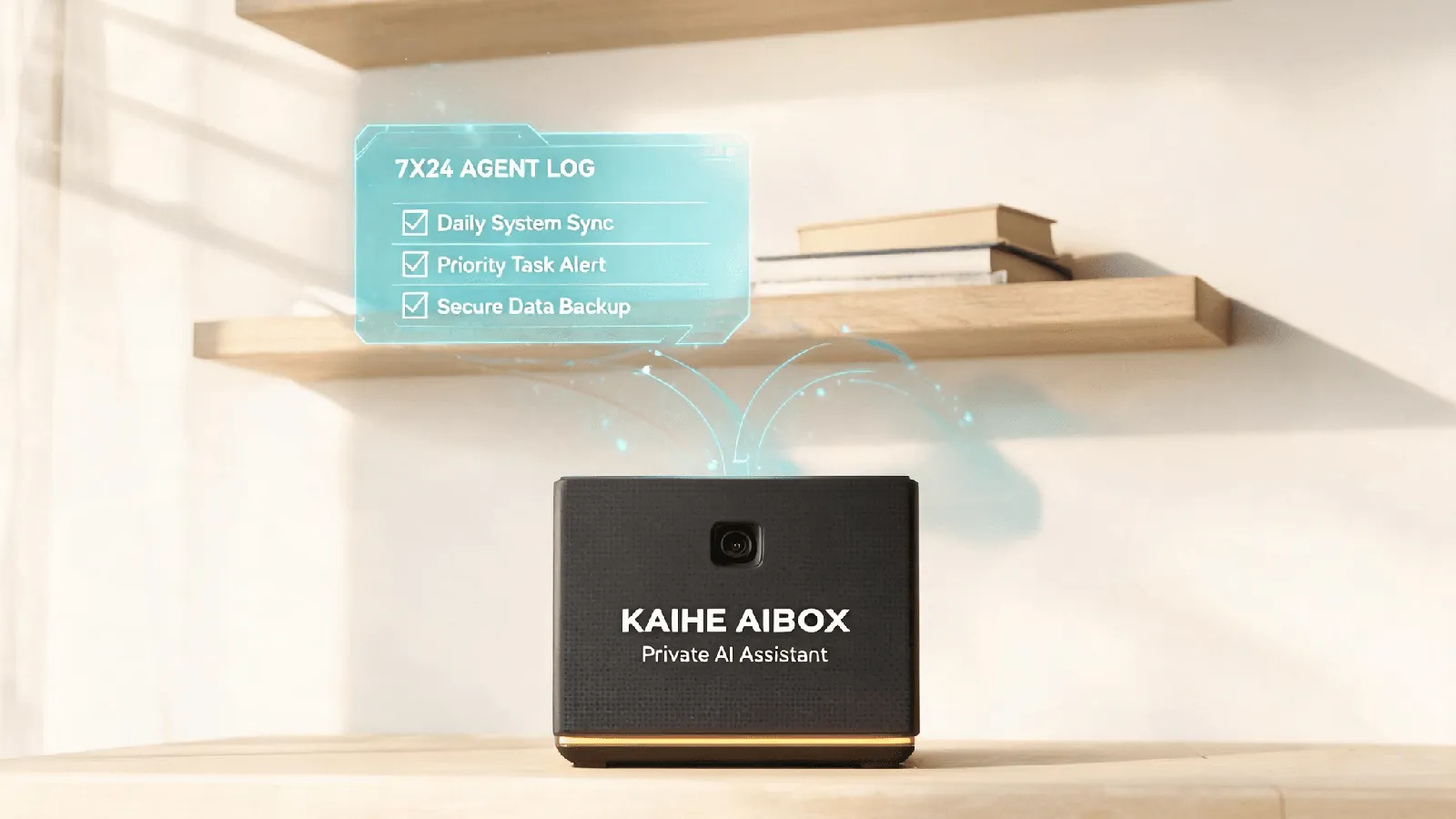
This needs to be precise, or "preinstalled" sounds like it only saves a few installation steps.
After you install an agent, what you hold is a capability. It can work, but every piece of work has to be explained. It does not know what a to-do is, what a ledger is, what a credential is, what a wardrobe is. You teach all of it.
A preinstalled application is a different thing: it is already a specific function. You open it and it is there. Nothing to teach.
There are five of them on a KAIHE AIBOX.
Zhuoguang Workspace. A preinstalled personal workspace. To-dos with dates and urgency. Drop in a link to an article and it reads it and gives you a summary. Say "lunch, 35" and it books it, and totals the month for you. Parents' medication and checkups, utilities, insurance renewals — it reminds you on WeChat when the date arrives. Your child's milestones line up on a timeline.
After midnight it writes a page of its own: what it finished for you, what got stuck, what time to wake you. Four sections. One minute in the morning and you know what happened overnight. It writes only what you gave it — it does not read your group chats and does not summarize your private messages.
You do not have to teach it what a to-do is first. It already knows.
KAIHE Vault. For an agent to work for you, it needs credentials. Historically there were two routes: write them into a config file, where the key becomes a copyable plaintext that travels with scripts, backups, and other people's clones; or host them in a cloud workspace, out of your code but inside someone else's server.
The Vault fills the layer in between. Credentials stay on the device. The agent starts with nothing in hand. When it needs one, it asks, and you see who is asking, for which credential, and what for. When you approve, it never receives the plaintext — the Vault performs the call itself and hands back only the result.
Authorization stacks across five dimensions: a specific agent, a specific class of task, a specific endpoint, five uses only, valid until noon. It expires on its own, every call is logged, and you can revoke at any time.
It does not promise absolute security. Lose the device, get the system compromised, click approve by mistake — the risk is still there. What changes is the shape of the risk: from a long-lived copy sitting somewhere you cannot see, to a single authorization that is just enough, visible, and revocable.
KAIHE Call. No interface needed to assign work. The number is in your phone; dial it and talk. While driving, while cooking, while lying in bed not wanting to look at a screen.
Say it, hang up, and it keeps executing on the device. The result arrives on WeChat.
One distinction worth making: an ordinary voice assistant ends when you hang up. This one begins. Because the machine does not depend on your computer being on, or on you being nearby. The phone is closer to a remote control.
The boundary is clear too. A phone call suits things already formed in your head — the kind you could explain to a colleague in thirty seconds. Comparing two contracts, or discussing while looking at a spreadsheet, still wants a file.
KAIHE Dressing. Photograph your wardrobe and build an index; get outfits by occasion and weather. It solves a very specific problem at seven in the morning: a full closet, and nothing to wear. The clothes exist. What is missing is the decision.
KAIHE Kaipan. A private cloud drive and a private knowledge base that live on the box. Files are stored on the device, not on someone else's server. "My Files" belongs to you alone; a shared space opens separately for a team. Drop a file in and the filing assistant suggests a category from its name and format; you confirm, and the original stays untouched. That step runs on local rules — no model is called. There is also an "Agent authorization" section: an assistant that wants to read these files needs its own grant. Sharing a machine does not mean sharing access.
All five share one property. They are not "what you could do with it". They are "what it is already doing for you".
The same piece of work is a project on a Mac mini, and a feature on an AIBOX. That is the most concrete difference between the two.
What the 1,199 and the 6,999 actually buy
The A1 is ¥1,199 wired, ¥1,399 with Wi-Fi. The Mac mini starts at ¥6,999. About one sixth.
But get the arithmetic right: six times cheaper does not buy a cheaper computer. It buys a different thing.
The A1 runs agents locally and does not run local models. Four gigabytes cannot hold a serious model, and it does not need to — the thinking is sent to a cloud model, while the local machine stays awake around the clock, reads files, calls tools, queues tasks, writes memory. Running an agent does not require compute. It requires never going to sleep.
So: if you want a computer you can also work on, the A1 is not it. It was not designed for someone sitting at a screen. If you want an assistant that is always there, a Mac mini means paying six times as much for a machine you still have to assemble.
If you want local models too, the A1 is not enough either. That starts at the D1 (from ¥11,999), and reaching the 70B tier means the F1 (from ¥22,999). Different conversation.
When the Mac mini is the right answer
Three cases, clearly.
One, you want a computer as well. Spreadsheets on a monitor, video editing, local models — the A1 does none of these.
Two, you want to run models locally. In the 7B to 14B range, a 16GB Mac mini can do it — 14B is tight but works. The A1 does not run them at all.
Three, you enjoy the building. This is not a courtesy line. For a lot of people, setting up an environment is genuinely fun, and removing that part removes the point.
And what it is not, stated plainly: it does not make decisions for you — you still sign off. When it cannot do something it says so instead of inventing a result. It needs power and network; unplug it and it stops, lose the network and cloud models are out of reach.
It is also not a necessity. What it does is move the things you have meant to do but never did — the files never sorted, the expenses never recorded, nobody watching your parents' medication — out of your head and onto a machine.
In the end
A Mac mini is a computer, and you can turn it into an AI assistant.
A KAIHE AIBOX is an AI assistant, and it is already on your desk.
Both are true. It depends which one you wanted.