Microsoft Copilot Cowork Launches Pay-Per-Use: The Turning Point Where AI Agents Go from Chatting to Actually Working
📖 Glossary
AI Box (also known as Agent Computer / Agent PC), is a dedicated local hardware device that runs AI Agents. Pre-installed with an AI agent management system, plug-and-play, running 24/7. Users can remotely command AI to work via Discord, Slack, Telegram, WhatsApp, and more.
Abstract: Microsoft launches Copilot Cowork — AI Agents that run autonomously for hours, billed by usage. One company completed nearly 4,000 document comparisons in hours. AI shifts from answering your questions one at a time to taking a task and finishing it on its own. What does this paradigm shift mean?
Microsoft just did something interesting: Copilot Cowork went live.
This isn't another chatbot. The core of Copilot Cowork is that AI Agents can now run tasks on their own. Not you-ask-it-answers. You say "compare these 4,000 contracts against our templates and flag differences," and the Agent plans, executes, and checks — running for hours and delivering results.
What Is Copilot Cowork
Copilot Cowork is a new feature in the Microsoft 365 Copilot suite. Unlike the previous Copilot chat mode, in Cowork mode, AI runs as an Agent:
Autonomous persistent execution. Not Q&A — the Agent starts and keeps running. Could be minutes, could be hours. You don't need to watch it.
Cross-app operation. The Agent reads emails in Outlook, finds files in SharePoint, sends messages in Teams, writes documents in Word. Switches between apps freely. No manual data搬运.
Pay-per-use billing. No monthly subscription. You pay for the compute the Agent actually consumes.
Microsoft's showcase: a company completed nearly 4,000 document comparisons against templates in a few hours — flagging differences, generating modification suggestions. Manually, this would take weeks.
What "From Chatting to Working" Means
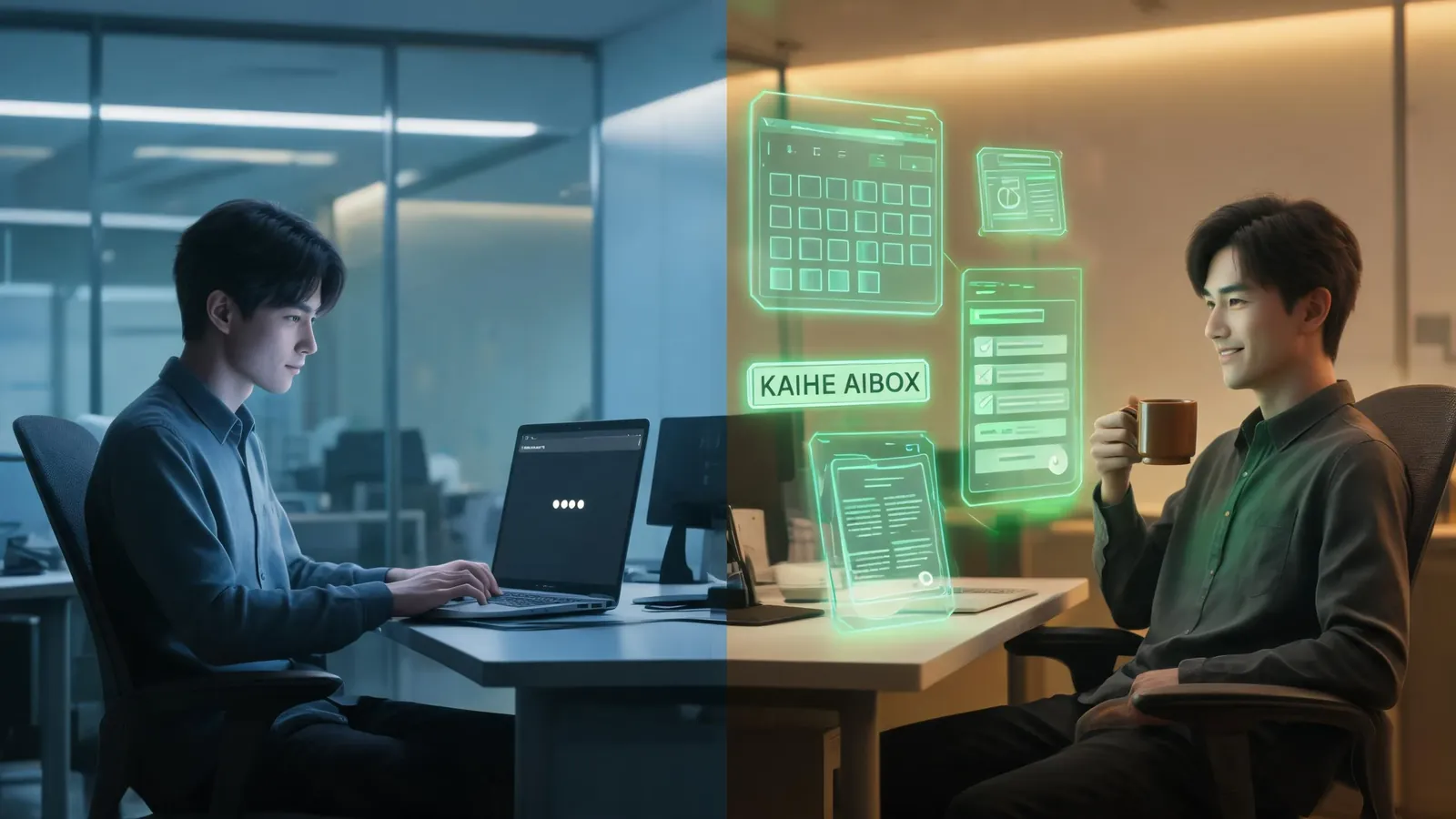
Previous AI assistants (including Copilot's chat mode) were "Q&A-style" — you ask a question, it gives an answer. Want 10 things done? Ask 10 times.
Agent mode is "task-style" — you give a goal, it breaks it into steps and completes them. If it hits a problem, it adjusts on its own. No need to walk it through each step.
Real example — preparing a cross-department meeting:
Q&A-style AI: You ask "write a meeting invite" → AI writes it → you send manually → you ask "organize attendees' schedules" → AI organizes → you find conflicts manually → you ask "prepare meeting materials" → AI lists items → you find the files yourself...
Agent-style AI: You say "prepare next Wednesday afternoon's quarterly review with product and marketing." The Agent: scans Outlook for attendees' free slots → sends invites → pulls relevant project docs from SharePoint → integrates emails and files → prepares agenda and materials → pushes a reminder one day before. You receive a complete meeting pack before the meeting.
That's "from chatting to working."
The Logic of Pay-Per-Use
Microsoft chose pay-per-use over flat monthly subscriptions for several reasons:
Agent runtime varies. Simple tasks take seconds. Complex ones take hours. Monthly subscriptions make users feel they're overpaying for simple tasks. Pay-per-use: pay for what you use.
Encourages deep use. With monthly plans, users tend to "save" their usage. Pay-per-use lets people run long tasks without worrying about wasting a monthly quota.
Aligns with cloud billing. Azure bills by usage. Copilot Cowork bills by usage. Consistent financial reporting for enterprises.
But for individual users and small teams, pay-per-use has risks — tasks that go off the rails, Agents misunderstanding instructions, duplicate executions — all can generate surprise bills. Unpredictable costs.
How It Differs from Kaihe AIBOX
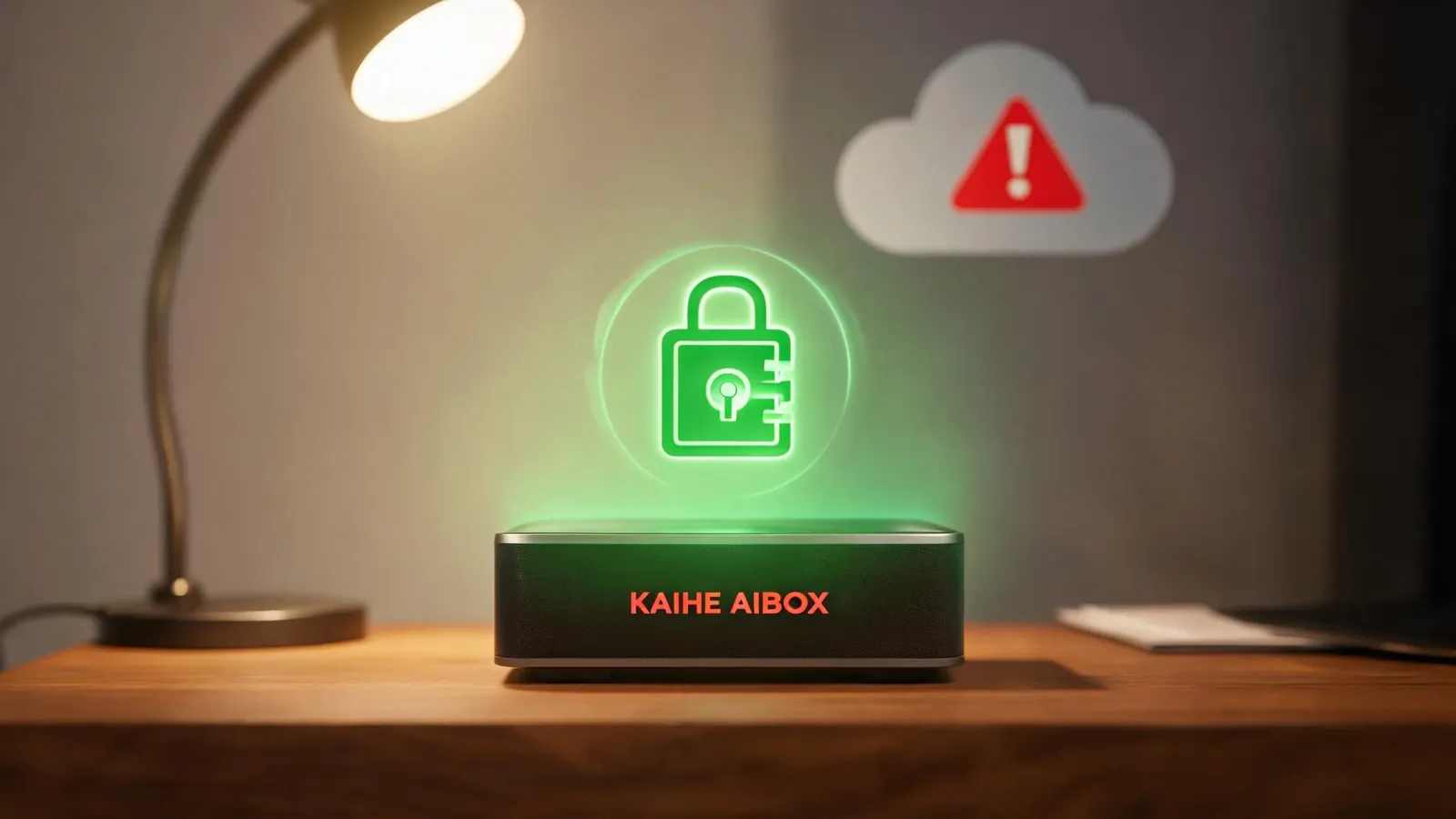
Copilot Cowork runs on Microsoft's cloud. Your data — emails, files, calendars — all passes through Microsoft's servers.
Kaihe AIBOX runs locally. Agents execute on the device. Data never leaves.
| Copilot Cowork | Kaihe AIBOX | |
|---|---|---|
| Where it runs | Microsoft Cloud | Local device |
| Data privacy | Cloud processing | Local processing |
| Billing | Pay-per-use | One-time purchase + optional API |
| Persistent run | Yes | Yes (24/7) |
| Cross-app | 365 ecosystem | WeChat/Feishu/DingTalk |
| Customizable | Limited | Open-source, fine-tunable |
Copilot Cowork excels at 365 ecosystem integration — if your company is all-in on Microsoft, it's convenient. But if you care about data privacy, want local 24/7 operation, and prefer not to pay per use, Kaihe AIBOX is the alternative.
AI Box (also known as Agent Computer or AI Box) is a dedicated local hardware device that runs AI Agents, pre-installed with an AI agent management system, plug-and-play, running 24/7. Users can remotely command AI via WeChat, Feishu, DingTalk, and more. Hermes Agent on Kaihe AIBOX also supports autonomous persistent execution — give it a task, it finishes on its own.
Why This Is a "Turning Point"
Copilot Cowork's significance isn't the feature itself — Agents running persistently, cross-app operations, Hermes Agent and OpenClaw have been doing that. The significance is: Microsoft is pushing Agent mode to mainstream users.
Before, Agents were developer toys. Now, Microsoft 365 users — lawyers, operations, HR, sales — can use Agents directly in Word and Outlook. The user base goes from tens of thousands to tens of millions.
When mainstream users start understanding AI as Agents rather than chatbots, the paradigm shifts. AI is no longer just a "I ask, you answer" encyclopedia — it's an "I say, you do" digital employee.
For Kaihe AIBOX, this trend helps. Users get educated by Microsoft on "what Agents are," then discover local solutions that are cheaper, more private, and more controllable — people naturally find their way over.
Want to Go Deeper?
Getting Started - Kaihe AIBOX Official Website (agentaibox.com) — see what an Agent Computer with pre-installed Agents looks like - "What Can OpenClaw Actually Do for You? 10 Scenarios Regular People Use Every Day" — what local Agents can do
Going Further - "From AI Hype to Real Impact: 5 Signals That 2026 Is the Year of Value Validation" — where the Agent industry stands right now
-#KaiheAIBOX #CopilotCowork #OfficeAutomation #AIAgent #LocalAI
Kaihe AIBOX | The Agent Computer That Works 7×24 for You · AI Agent