Do You Actually Need a Personal AI Assistant? Three Things That Tell You
📖 Glossary
AI Box (also known as Agent Computer / Agent PC), is a dedicated local hardware device that runs AI Agents. Pre-installed with an AI agent management system, plug-and-play, running 24/7. Users can remotely command AI to work via Discord, Slack, Telegram, WhatsApp, and more.
This question comes up constantly, and the internet splits into two camps. People who sell the hardware say everyone needs one; people who never got it working say it's a waste of money. Neither answer is much use, because both start from a position rather than from your week.
The reliable way to judge has nothing to do with specs and nothing to do with someone else's review. It comes down to a single thing: how much of your daily schedule is repetitive enough to be described out loud.
To be straight with you: this category isn't for everyone. But for the people it fits, it's one of the few devices in the last two years that does something useful every single day. Here's how to tell if you're in that group.
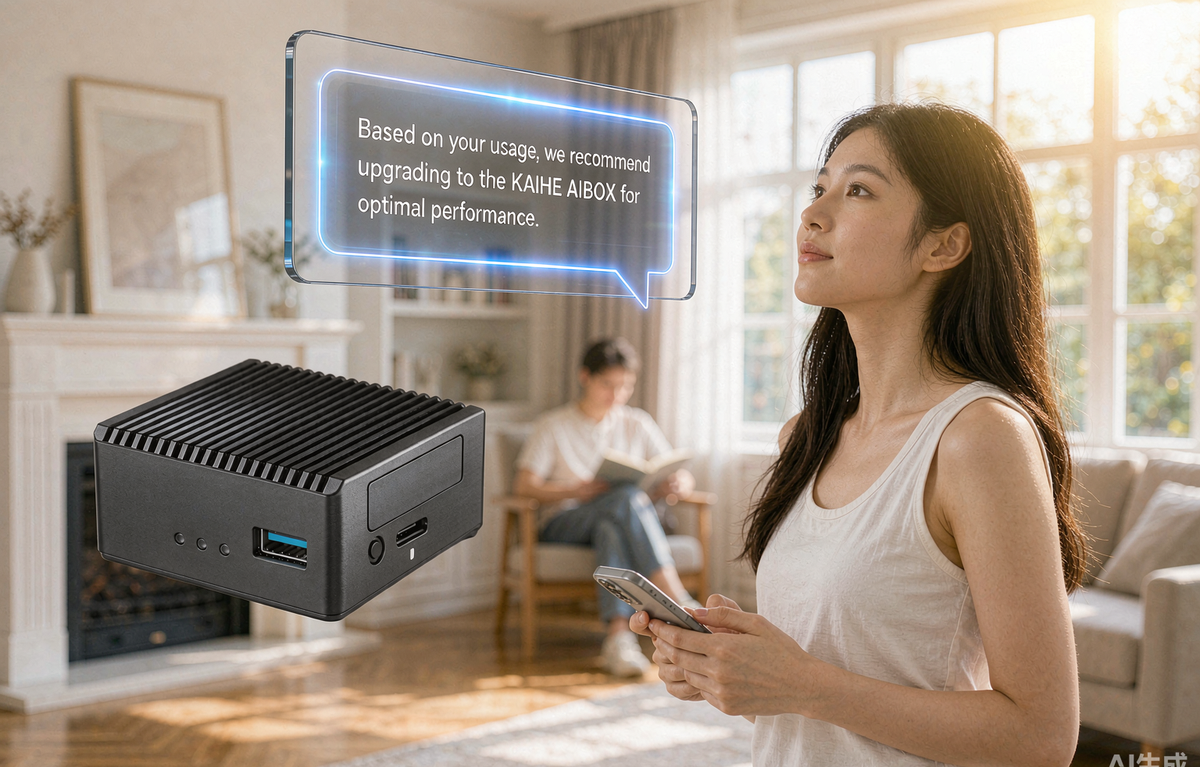
Figure: a KAIHE AIBOX local personal AI assistant responding in a living room
Start by ruling out three common misreads
Before you judge, clear away three feelings that quietly distort the decision.
Fear of falling behind. Everyone is talking about agents, and opting out feels like volunteering for obsolescence. But adoption never starts with everyone. The first people to buy consumer drones a decade ago shot video for a living; the first people to pick up a personal AI assistant are the ones pushed into it by a specific recurring job.
Being sold by the demo. Watching an assistant finish a whole workflow is satisfying — but demo tasks are chosen because they demo well and debugged until they didn't fail. The useful takeaway isn't doubt, it's the opposite: a working demo proves the path is real. What you're missing isn't capability, it's the setup time to connect it to your own life.
Confusing curiosity with need. Curiosity is a genuinely good driver — it funds "I want to try this." Need funds "I want this working every day." Both are worth honoring; the first just means exploring your use case before committing.
Once those three are separated, the picture gets much clearer.
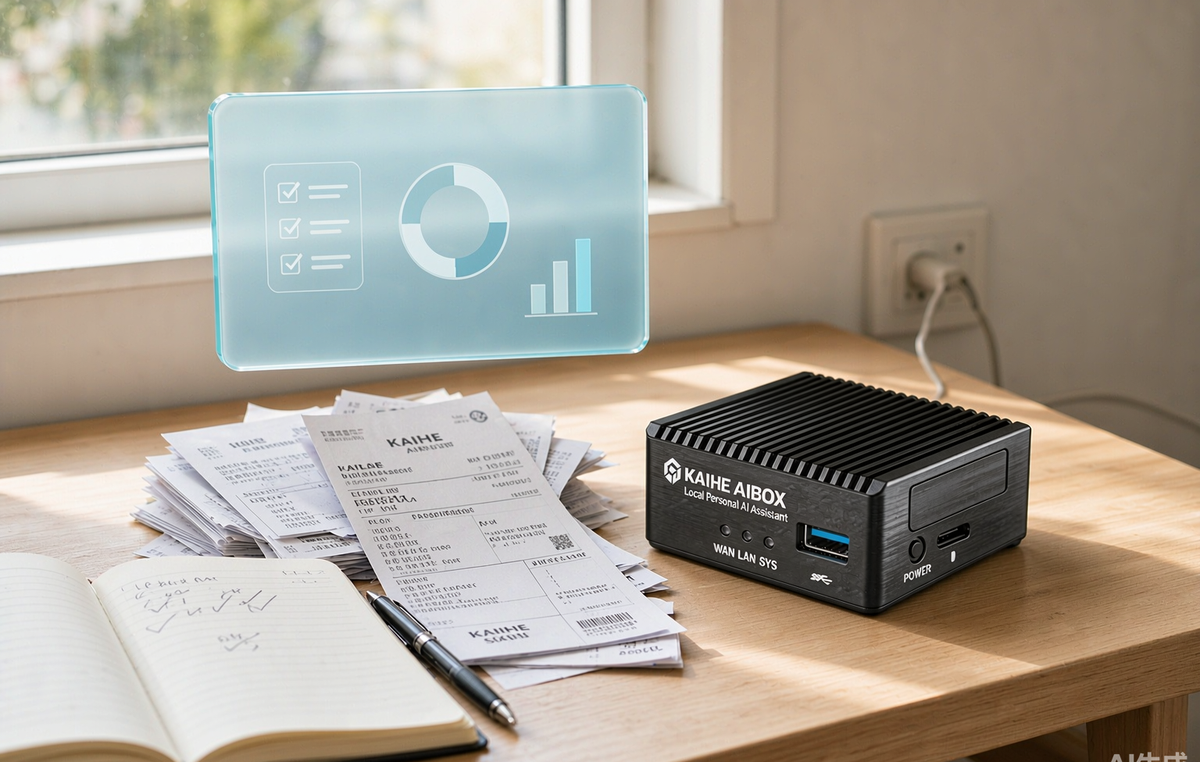
Figure: a KAIHE AIBOX local AI agent handling recurring paperwork tasks
The three things worth checking
None of these require a review, a benchmark, or any technical knowledge. They describe the shape of your week.
First: you have something recurring that you can state in plain language.
Both halves matter. Recurring means it happens weekly or daily, not once in a while. Stated in plain language means you can hand it over in one sentence — file every incoming price quote into the same sheet, compile the week's check-ins, verify a new client's details before replying.
Work you can articulate is work that can be handed off. Work you can't is work no model will rescue you from.
Second: you want some things to keep moving while you're gone.
This is the real boundary between an always-on device and a phone app. An app answers when you open it, one request at a time. A device that stays powered on keeps working while you're in a meeting, on a commute, or asleep — running a comparison round, watching a shipment, or sending one message when a condition trips.
A lot of people buy expecting "someone to chat with whenever." What they actually end up relying on is progress that continues in their absence — and no app on your phone can offer that.
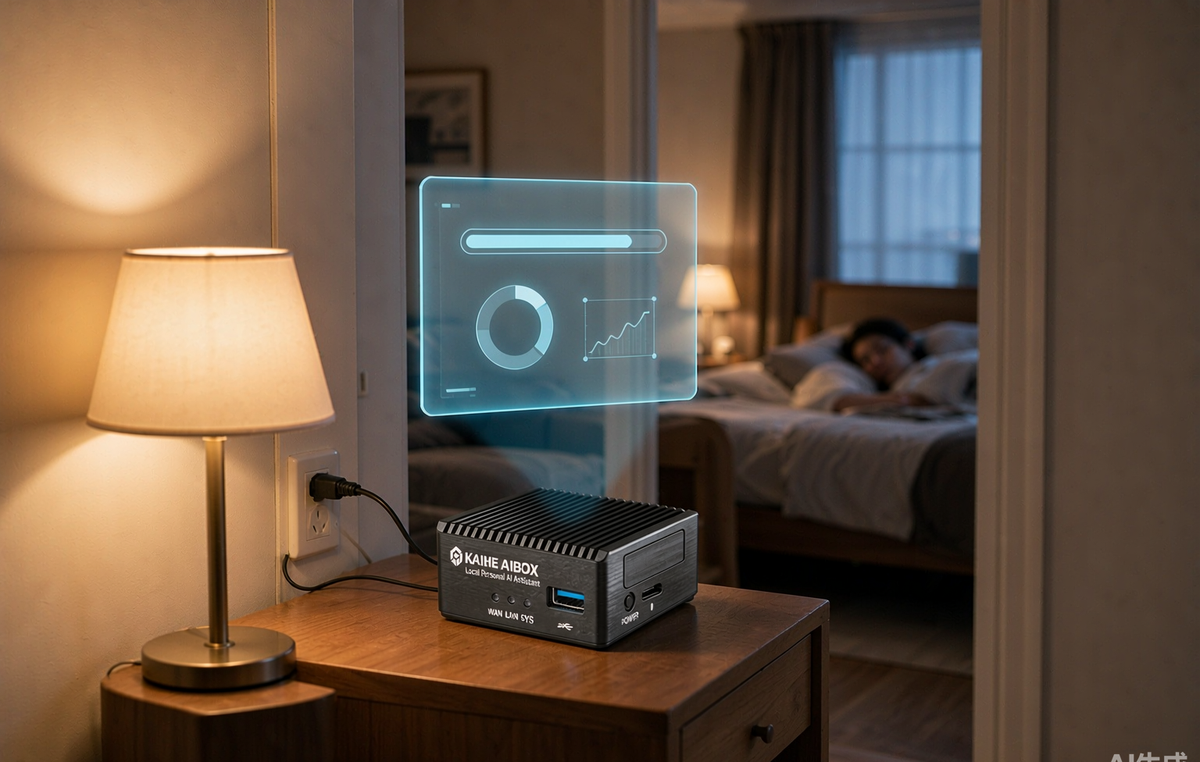
Figure: the KAIHE AIBOX keeps running locally while you sleep
Third: you have a position on where the data goes.
This one gets skipped most and is often the reason the decision gets made. The moment an assistant touches client contact lists, household accounts, unpublished drafts, or store-level sales figures, "which machine does this run on" stops being a technical footnote and becomes a question of ownership.
Cloud AI isn't unsafe. But where cloud data ultimately lands is set by the provider's policies and the jurisdiction of their servers. The difference with local hardware isn't the adjective "safer" — it's that accountability changes hands. The data sits on a disk you own, and access control becomes your call rather than someone else's terms of service.
Three expectations worth adjusting first
Even with all three matching, these are worth setting straight before you start, because they'll make the first two weeks feel normal instead of disappointing.
It doesn't understand you at first. Not the first time, not the fifth. Real working knowledge accumulates over dozens of corrections that stick. The ramp is unavoidable, and once you pass it, the fit becomes remarkably close.
It needs a settling-in period. A workflow that runs reliably usually takes a few passes. Think onboarding a capable junior colleague: more briefing at the start, less work for you afterwards.
What it really buys you is time and attention, not a smaller bill. Your monthly cost may not change tomorrow, but the number of things circling in your head every day drops noticeably. That's the honest return.
After that, the choice is easy
Put the pieces together:
All three line up → this is very likely something you'll use daily, and at that point the thing worth comparing is the barrier, not the spec sheet. We've watched too many people understand the value clearly and still stall on "can I actually get this running?" — whether that means building the environment yourself, touching a command line, paying a monthly subscription, or abandoning the box after a few weeks.
Whether you can use it without wrestling with it is the dividing line for this whole category.
That's exactly what the KAIHE AIBOX (铠盒AIBOX) is built around: 10W power draw, plug it in and it runs, with the OpenClaw and Hermes agent frameworks preinstalled and all data staying local. No PC left on overnight, no technical background required. It takes the barrier to "owning a personal AI assistant" and compresses it down to "plug it in" — you don't need to become an engineer to get a machine that stays online and works only for you.
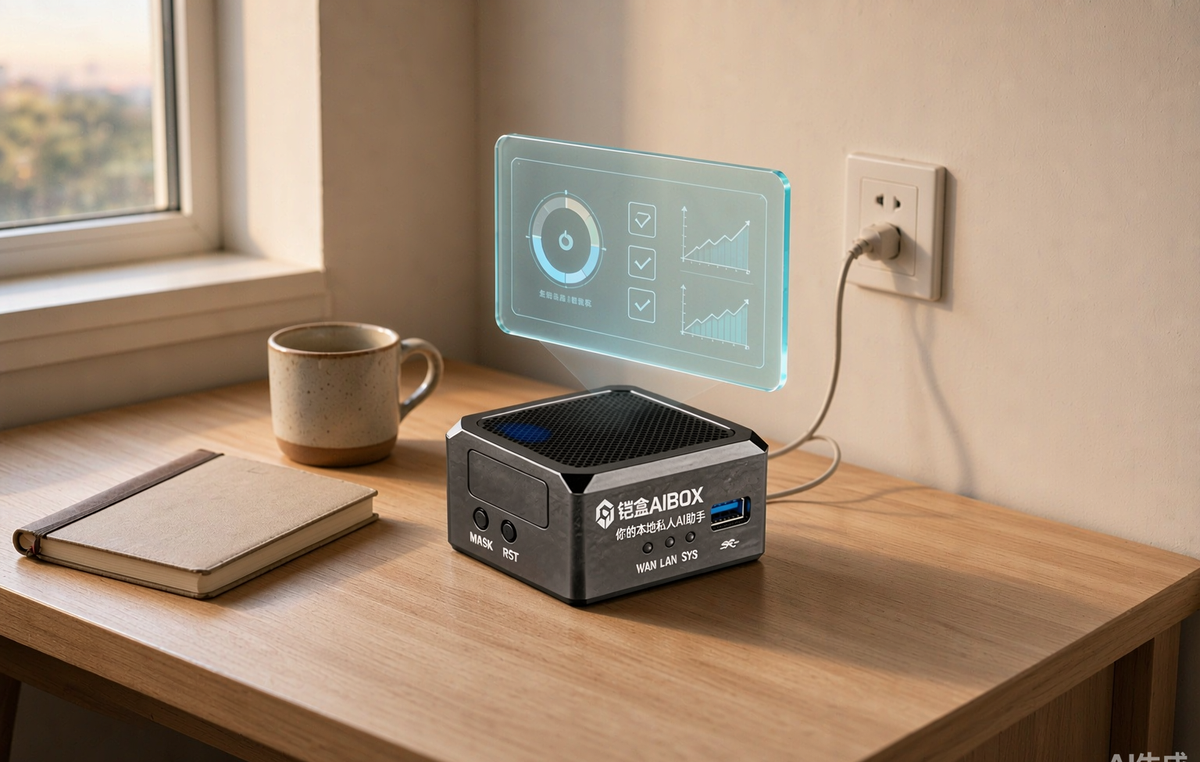
Figure: the KAIHE AIBOX advancing tasks locally on an empty desk at dawn
One last thing
Whether an ordinary person needs a personal AI assistant isn't in a vendor's marketing or someone else's review. It's in your own weekly calendar.
List what you actually did this past week, and count the items that were repetitive, rule-based, and things you'd have preferred to have completed while doing something else. Once that list is on paper, the answer shows up on its own.
If the number comes out higher than you expected, visit agentaibox.com to see what those tasks actually look like in practice.