📖 Glossary
AI Box (also known as Agent Computer / Agent PC), is a dedicated local hardware device that runs AI Agents. Pre-installed with an AI agent management system, plug-and-play, running 24/7. Users can remotely command AI to work via Discord, Slack, Telegram, WhatsApp, and more.
Summary: A step-by-step guide to building a 24/7 online AI butler — from VPS selection and Hermes Agent deployment to Telegram and Discord multi-channel integration, giving you an always-on intelligent assistant at minimal cost.
1. Why You Need a Never-Sleep AI Butler
You might be used to opening ChatGPT every day to ask questions, or having Claude write emails. But these AIs share a common shortcoming: if you don't speak, they don't act. They won't proactively remind you of today's schedule, won't auto-reply to common questions in your Discord server, and certainly won't watch your server logs while you sleep.
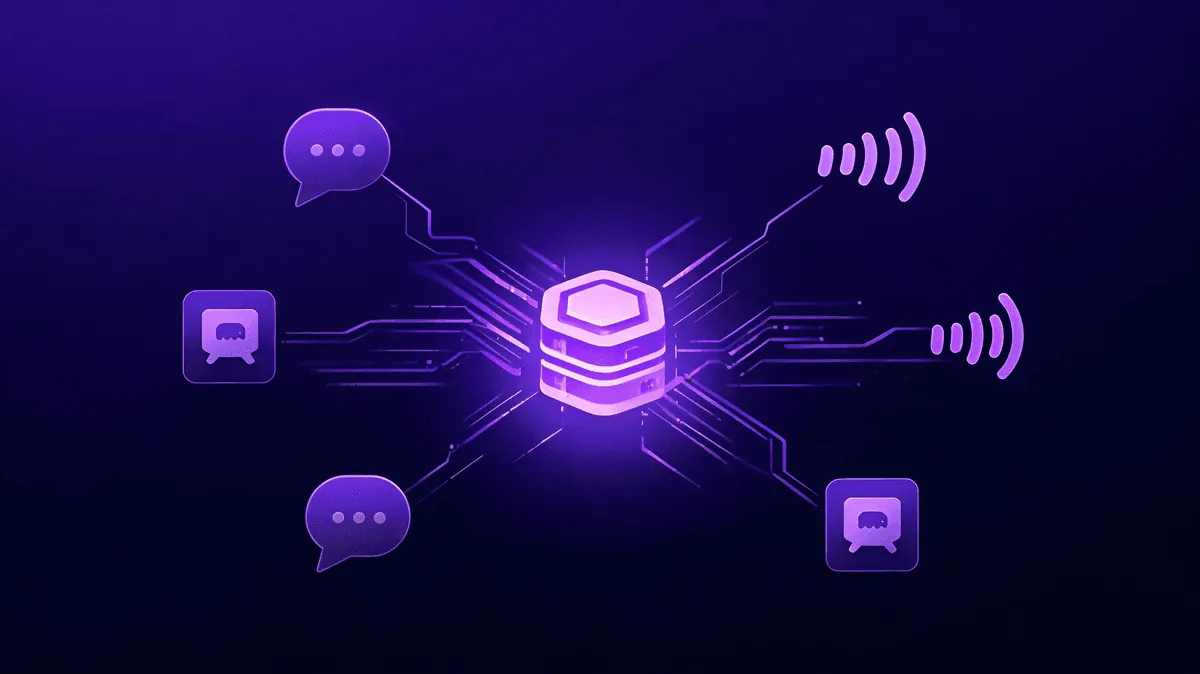
But what if there was an AI that stayed online 24/7, responded to your commands at any time, and could simultaneously appear on Telegram, Discord, WeChat, and other channels? This isn't science fiction — it's a solution you can build today. With Hermes Agent and an inexpensive cloud server, anyone can have their own round-the-clock AI butler.
Traditional conversational AIs operate in a passive "you ask, I answer" mode, but a 24/7 Agent can do much more:
- Scheduled Task Execution: Automatically compile and push news to Telegram every morning at 8 AM
- Multi-Channel Simultaneous Presence: The same AI serving your work group, study group, and personal channel at once
- Event-Driven Responses: Instantly notify when abnormal logs are detected, rather than waiting for manual checks
- Continuous Context Accumulation: Long-term memory of your preferences and project status — the more you use it, the better it understands you
A passive AI that answers questions is a tool. An AI that proactively gets things done is a butler.
2. VPS Selection and Base Environment Setup
2.1 Choosing a Server
For running Hermes Agent, you don't need a GPU or large memory — a minimum-spec VPS will do. The core requirements are simple:
- 1 CPU core + 512MB RAM is enough to start
- Linux system (Ubuntu 22.04 LTS recommended)
- Stable network connection — latency matters more than bandwidth
- Overseas nodes preferred (if you need to access Telegram and other international services)
Mainstream budget VPS providers all work: Vultr, DigitalOcean, BandwagonHost, RackNerd, with monthly fees ranging from $3-6. Focus on uptime SLA and data center location when choosing.
2.2 Base Environment Configuration
After your first login, run these commands:
# Update system
sudo apt update && sudo apt upgrade -y

# Install basic tools
sudo apt install -y curl git vim ufw

# Configure firewall
sudo ufw allow 22    # SSH
sudo ufw allow 443   # HTTPS
sudo ufw enable

# Create non-root user
sudo adduser hermes
sudo usermod -aG sudo hermes
Then install the Node.js runtime (Hermes Agent is Node.js-based):
# Use nvm to manage Node.js versions
curl -o- https://raw.githubusercontent.com/nvm-sh/nvm/v0.39.7/install.sh | bash
source ~/.bashrc
nvm install 20
nvm use 20
The entire process takes less than 15 minutes.
2.3 A Hassle-Free Alternative
If the command line makes you cringe, or you'd rather skip server administration altogether, there's an easier path: the KaiheAiBox A1 Agent Computer. It's essentially an ARM mini PC pre-loaded with an Agent runtime environment. With 6 TOPS of compute power, it handles mainstream inference tasks. Plug it in, connect to the network, scan a WeChat QR code, and you're online in 5 minutes. For users who don't want to touch terminal commands, it eliminates VPS purchasing, system configuration, and security hardening — ready out of the box.
If you're willing to spend an afternoon tinkering with a VPS, great; if you just want your AI running, don't let DevOps stand between you and your goal.
3. Deploying Hermes Agent — Your AI Brain
3.1 Installing Hermes
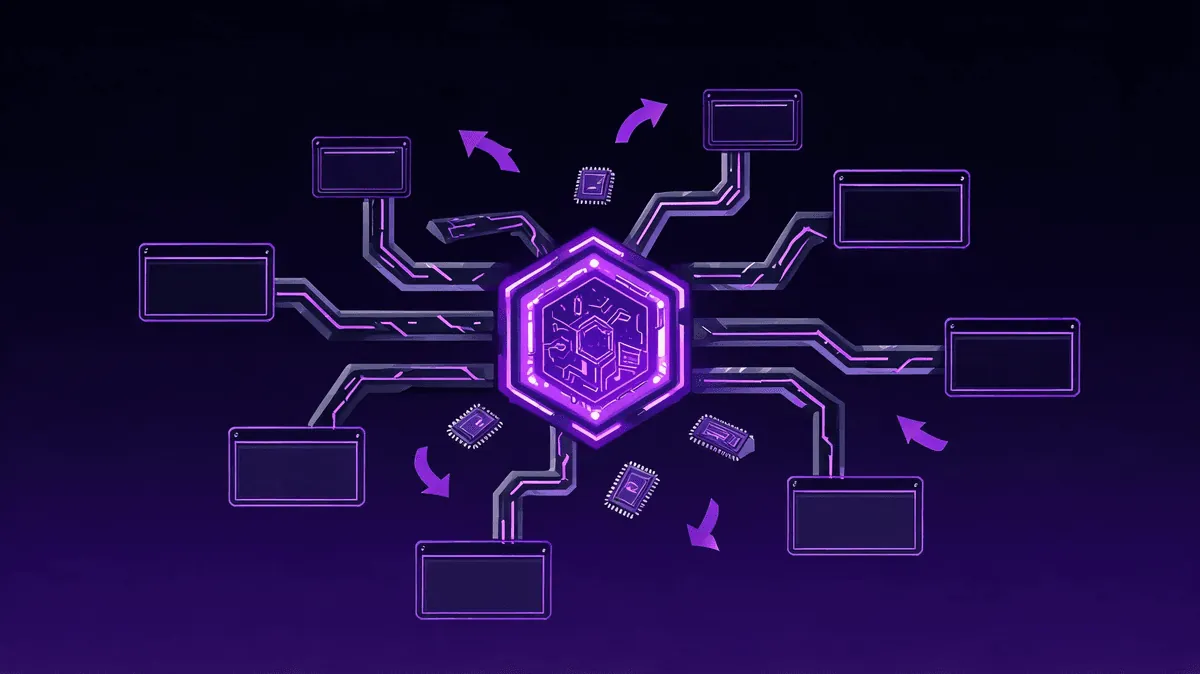
Hermes Agent is an open-source agent framework built on the principle of "one Agent, multiple channels." Deploy once, and the same AI can simultaneously connect to Telegram, Discord, Slack, and other messaging platforms.
# Clone the repository
git clone https://github.com/anthropics/hermes-agent.git
cd hermes-agent

# Install dependencies
npm install

# Copy configuration template
cp .env.example .env
vim .env
3.2 Core Configuration
The .env file is Hermes's heart. Here are the most critical settings:
# AI Model Configuration
LLM_PROVIDER=openai
LLM_API_KEY=sk-your-key-here
LLM_MODEL=gpt-4o-mini

# Agent Identity
AGENT_NAME=My AI Butler
AGENT_PERSONALITY=You are an efficient personal assistant, skilled at summarizing information, managing tasks, and monitoring notifications.

# Runtime Mode
DAEMON_MODE=true
LOG_LEVEL=info
There's a key decision here: which model to use. For a 24/7 online scenario, cost control matters. GPT-4o-mini and Claude 3.5 Haiku are both highly cost-effective choices, with per-call costs under a penny. If you have local inference needs, you can also connect Ollama to run open-source models, eliminating API fees entirely.
3.3 Getting Hermes Running
# Use pm2 for persistent process management
npm install -g pm2
pm2 start hermes.js --name hermes-agent
pm2 save
pm2 startup
pm2 is a Node.js process manager that automatically restarts Hermes if it crashes and restores it when the server reboots. After running these four commands, your AI butler is online 24/7.
Verify:
pm2 status        # Check running status
pm2 logs hermes   # View real-time logs
4. Connecting Telegram and Discord — Making AI Ubiquitous
4.1 Telegram Integration
Telegram is the easiest platform to connect — creating a bot via BotFather takes just 30 seconds:
- Search for
@BotFatheron Telegram, send/newbot - Follow the prompts to set a name and get a Bot Token
- Add the token to your configuration:
TELEGRAM_BOT_TOKEN=your-bot-token-here
TELEGRAM_ENABLED=true
- Restart Hermes:
pm2 restart hermes-agent
Now open Telegram, find your newly created Bot, and send a message — your AI butler will respond immediately.
4.2 Discord Integration
Discord setup requires a few more steps but isn't complicated:
- Go to the Discord Developer Portal and create an application
- Create a bot on the Bot page and copy the Token
- Enable Message Content Intent
- Generate an invite link and add the Bot to your server
- Configure Hermes:
DISCORD_BOT_TOKEN=your-discord-token-here
DISCORD_ENABLED=true
- Restart Hermes and your Bot will appear in your Discord channels
One Agent serving multiple channels simultaneously — that's Hermes's greatest appeal. You don't need to deploy one AI for Telegram and another for Discord. One instance handles everything.
5. Advanced Maintenance and Cost Estimation
5.1 Cron Jobs
Hermes supports a built-in scheduling system for automated task execution:
CRON_ENABLED=true
CRON_SCHEDULES=0 8 * * *|morning-briefing;0 22 * * *|daily-summary
This way, at 8 AM daily, the AI pushes a morning briefing; at 10 PM, it generates a daily summary.
5.2 Security Hardening
24/7 online means your server is also 24/7 exposed to the public internet. Basic security measures are essential:
- Regularly update the system:
sudo apt update && sudo apt upgrade -y - Use SSH key authentication, disable password login
- Only open necessary ports (22, 443)
- Regularly back up
.envand Hermes data directory
5.3 Cost Estimation
| Item | Monthly Cost |
|---|---|
| VPS (1 core / 512MB) | $3-6 |
| API calls (GPT-4o-mini) | $1-5 |
| Domain (optional) | $1 |
| Total | $5-12/month |
$5/month — the price of a coffee — for a 24/7 AI butler. By any calculation, it's worth it.
Of course, if you'd rather skip VPS management, the KaiheAiBox A1 Agent Computer eliminates all of this: a one-time investment starting at ¥1,130, no monthly VPS fees, no command-line operations, WeChat scan and online in 5 minutes. For those who "just want their AI running," time cost is the biggest cost of all.
KaiheAiBox | Agentaibox that lets AI work for you 24/7 · Hermes Zone