📖 Glossary
AI Box (also known as Agent Computer / Agent PC), is a dedicated local hardware device that runs AI Agents. Pre-installed with an AI agent management system, plug-and-play, running 24/7. Users can remotely command AI to work via Discord, Slack, Telegram, WhatsApp, and more.
Summary: Office AI, cloud AI and personal AI get used interchangeably, but they answer three different questions: who paid, where it runs, and who keeps the memory. KAIHE AIBOX is the third kind — a dedicated agent computer that sits on your side and runs around the clock.
Three questions separate them: who paid, whose premises it runs on, and who ends up owning what it remembers.
One: office AI, paid for by the company
The company pays, the account belongs to your employer, and the admin console sits with IT. The assistants built into Slack, Teams and Feishu are all this kind.
The upside: it lives in the window you already have open, so notes, calendars and approvals need no extra install.
The cost is real too. An administrator decides what you may ask and which features you may use, and what you type there can be audited under compliance rules. On your last day the account stops and the context goes with it. That was never your memory; it was the job's memory.
Two: cloud AI, the most capability, rented by the meter
This covers the web apps of the big model vendors, cloud agent platforms, and APIs billed per call. Compute and models live far away; you reach them through a browser or an endpoint.
The strength is not in dispute: newest models, widest tooling, instant scaling. One link gets you this morning's release.
Two things are worth seeing. Capability is sold by volume, calls by the token, so the bill grows with context and runtime, and heavy work is expensive. Second, it needs a network, a login and a service that is open. Drop the connection and your task is suspended.

Three: personal AI, a machine you own that stays on
The third kind is not defined by more features but by ownership: a machine that belongs to you, with the system and agents installed inside, running on your power and your network.
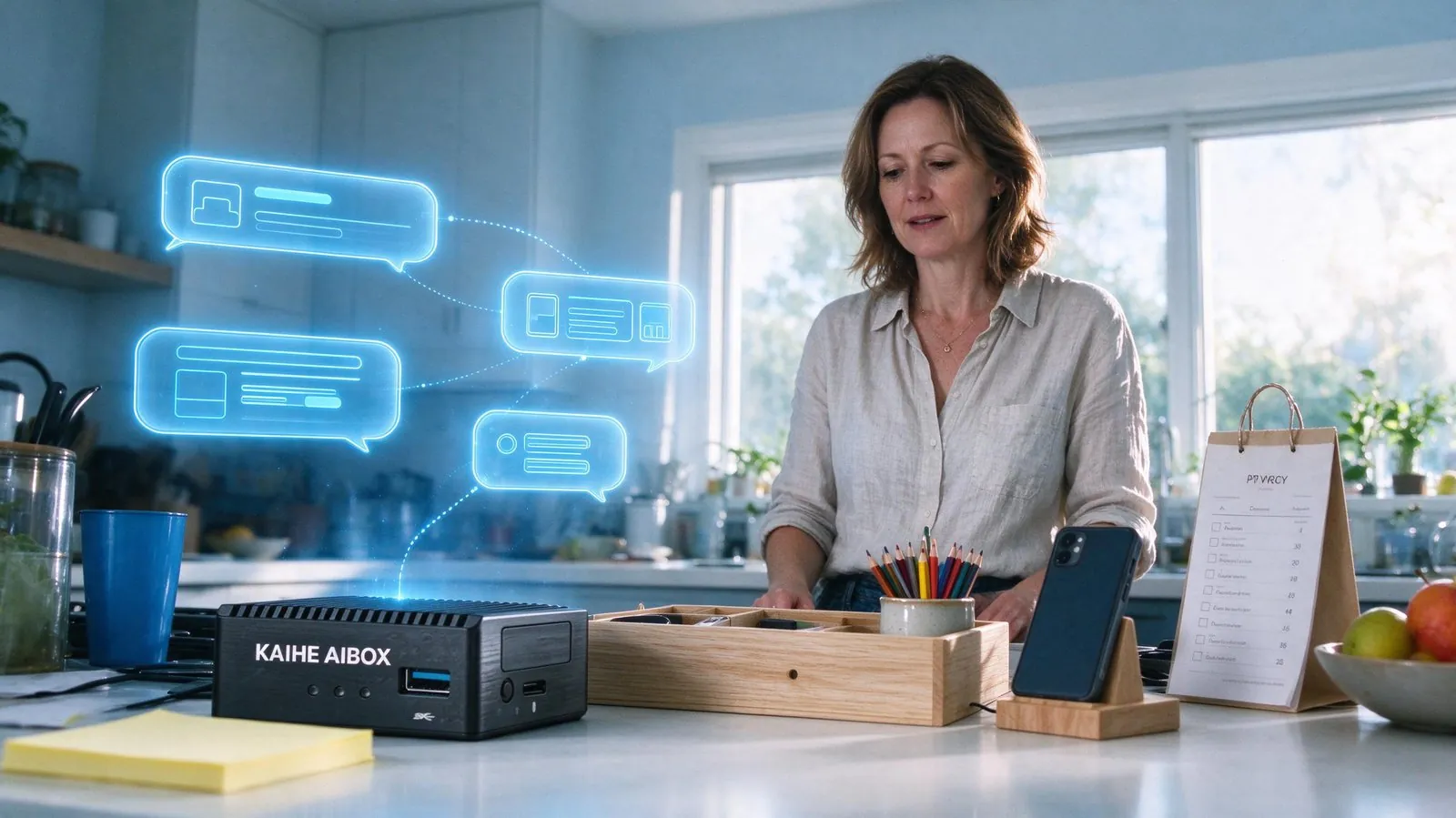
KAIHE AIBOX is that kind in physical form, with the agent system installed at the factory. It is not software inside your notebook: close the lid, take it away, and the machine keeps working. Send one message or dial a number and it picks up the task.
It pulls three things back into your hands. Data stays on your own device, so records and documents do not travel outward. Memory travels with the device rather than an account, so a new job needs no retraining. Capability is yours to configure, with no administrator drawing the boundaries.
One point plainly: the device is bought outright, while models are still billed by usage to whichever provider you connect. It separates hardware cost from model cost, and does not make the models free.
Four: four rows to check before you choose
| Office AI | Cloud AI | Personal AI | |
|---|---|---|---|
| Who paid | the company | you, rented by usage | you, bought outright |
| Where it runs | company systems | vendor data centres | your own machine |
| Whose memory | the role, wiped on exit | the account, cut with logout | the device, travels with you |
| Who decides | an administrator | the terms of service | you |
Ask three questions in order. Is this the company's work? Then office AI. Is this a one-off needing the newest model? Then cloud, and do not buy hardware for one task. Do these records need to stay in your hands for years? Then it is the personal AI case.
Five: mixing all three is normal
Using all three at once is not a contradiction, and most people already do. Run the company workflow by day. Open the cloud when a hard task needs the newest model. Hand the parts that span years — private, worth accumulating — to the machine at home that never shuts down.
The line: role work stays in the role's system, a single task is disposable once done, and what belongs to you for life sits on your own device.
Six: who this framing does not suit
If all your work closes inside the office suite, if you have no private material worth accumulating, and if re-explaining the background each time does not bother you, the third kind is not worth much. Do not pay for the concept.
One caveat: personal AI is not offline magic. It needs power and a network, and the models it connects are still billed. What you gain is not free access but ownership, and continuous uptime.
Seven: back to the three questions
Who paid, where it runs, who keeps the memory. Answer those and you know which kind deserves your money. KAIHE AIBOX exists to make the third answer read: yours.
Related Reading: - Local Personal AI Assistant vs Chat AI: What Actually Differs - Personal AI Assistant vs Office AI Assistant - Should Your Agent Computer Live in the Cloud or at Home?
KAIHE AIBOX #personal AI assistant #office AI #cloud AI #agent computer #local AI
For more information, search [KAIHE AIBOX] or contact: [email protected]
KAIHE AIBOX · 7x24 Personal AI Assistant | Product