What Can OpenClaw Actually Do for You? 10 Scenarios Regular People Use Every Day
📖 Glossary
AI Box (also known as Agent Computer / Agent PC), is a dedicated local hardware device that runs AI Agents. Pre-installed with an AI agent management system, plug-and-play, running 24/7. Users can remotely command AI to work via Discord, Slack, Telegram, WhatsApp, and more.
Abstract: OpenClaw isn't just for developers. Regular people use it too: scheduled reminders, auto WeChat replies, file organization, daily/weekly report generation, email monitoring, schedule management, data backup, price tracking, news summaries, multi-platform content sync. Kaihe AIBOX ships with OpenClaw pre-installed — plug in and go, no coding required.
Most people hear "OpenClaw" and assume it's a developer tool.
Fair enough — the documentation leans technical. GitHub says "local AI Agent gateway," "API routing," "model management." One glance and you're out.
But OpenClaw handles the plumbing under the hood. Day-to-day, you never touch any of that. You say something in WeChat, or set up a scheduled task, and OpenClaw handles the rest.
Kaihe AIBOX ships with OpenClaw + Hermes Agent pre-installed. Plug in, connect, and it works. Here are 10 things regular people use it for.
Remind You to Take Your Pills at 8 AM Every Day
Tell OpenClaw "remind me to take my blood pressure medication every morning at 8," and it pushes a message to your WeChat at 8 AM sharp.
Phone alarms? You can swipe those away and go back to sleep. OpenClaw's reminders come from an Agent in your chat — if you don't respond, it follows up. Supports complex rules too: "remind me about standup every Monday, Wednesday, Friday at 9 AM" or "remind me to pay rent on the 15th of every month."
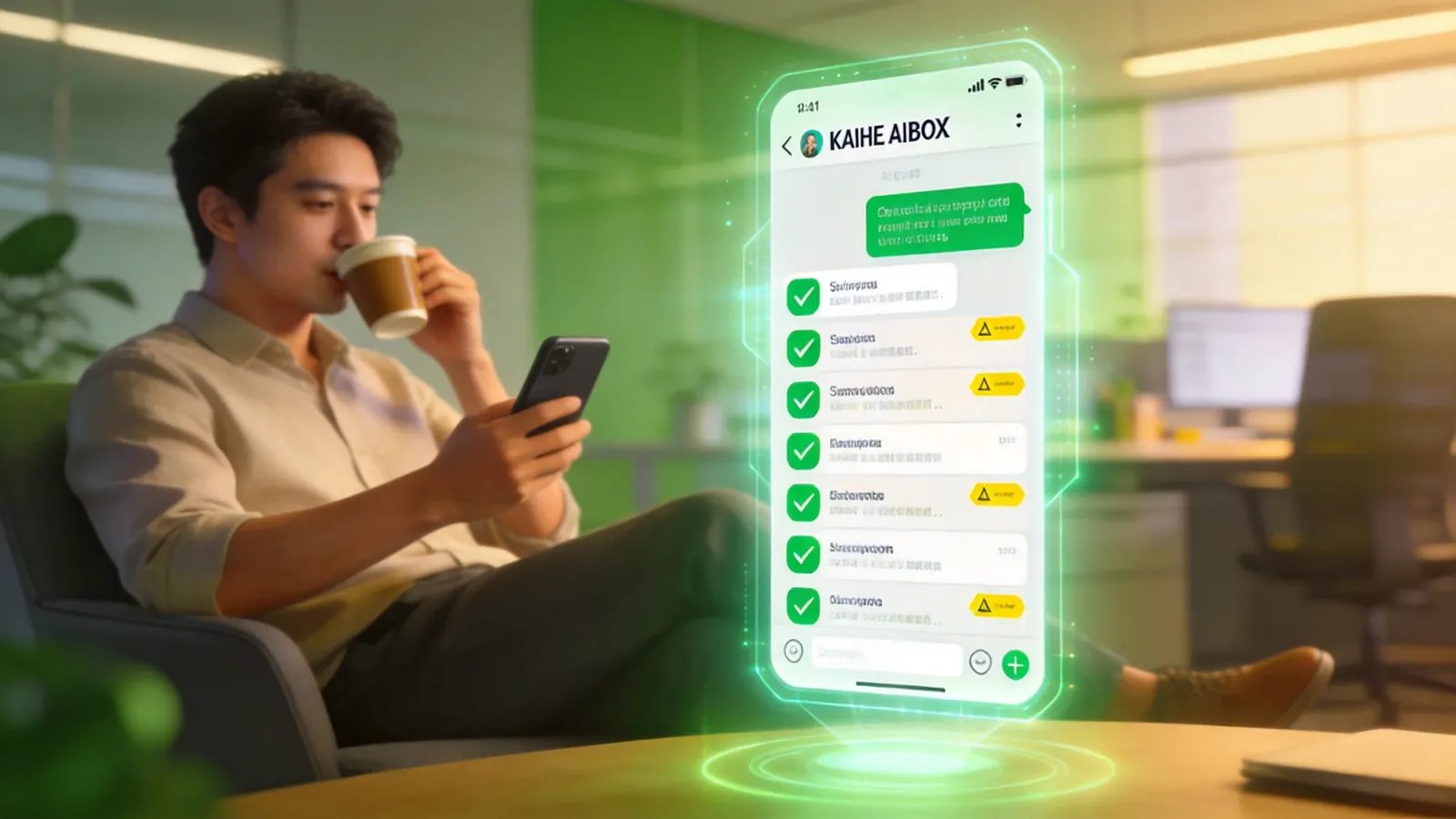
Watch Your Work Group Chats for You
Too many group messages to keep up with? Set an Agent to filter them. Give it rules: "if no one replies in the client group within 5 minutes, notify me" or "anything the boss sends, push it directly to me."
The Agent processes messages by your rules — pushes what matters, ignores what doesn't. Covers for you when you're offline.
Auto-Sort Your Desktop Files
Desktop cluttered with random files? The Agent sorts them by your rules: invoices go to finance, contracts to legal, weekly reports to project management. Drop a new file in, and the Agent identifies the type and moves it to the right place.
Basically saves you the 10 minutes a day you spend dragging files around.
Generate Your Weekly Report with One Sentence
Every Friday you sit there trying to remember what you did this week. The Agent pulls your work content from emails, calendar, and chat logs, and generates a weekly report draft. You skim it, make edits, done.
You say "generate this week's report." The Agent breaks it down: pull all records → filter for work-related → group by project → generate draft. It handles the rest on its own — no need to walk it through step by step.
No Need to Manually Check Email
Set two rules: urgent emails (from your boss, clients) auto-push a summary to WeChat; before you leave work, generate a daily email digest listing to-dos and unanswered messages.
Important stuff, the Agent tells you directly. The rest, you check the digest at end of day.
It Catches Schedule Conflicts Before You Do
Connect your calendar. The Agent scans for conflicts, reminds you of approaching deadlines, warns about overlapping meetings.
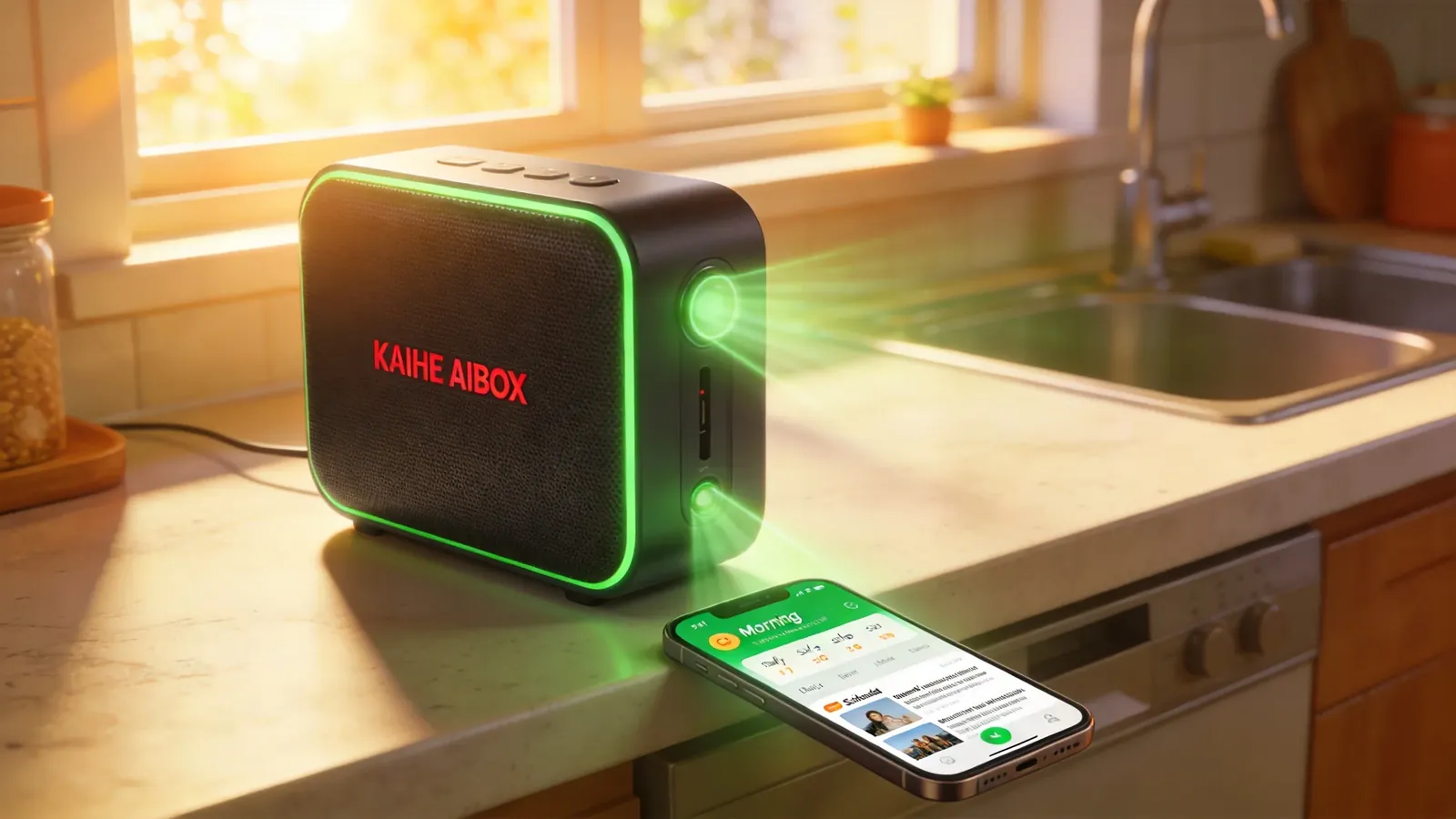
"Your client meeting next Wednesday afternoon overlaps with the internal review — which one should we move?" The Agent pushes this to you proactively, instead of you discovering it when you finally open your calendar.
Backups You Don't Have to Remember
Set the folders and frequency, and the Agent uploads to cloud storage on schedule. Kaihe AIBOX also supports Tencent Cloud SMH uploads — it pushes a confirmation message when the backup is done.
Track Price Drops Without Checking Yourself
Waiting for a price drop on something you want to buy? Give the Agent the product link and have it check the price daily. Notifies you when it hits your target. JD, Taobao, Amazon all supported.
One Page of Industry News Every Day
Following a specific industry or topic? The Agent scans relevant news daily and pushes a summary. Just read the summary — no need to visit 10 websites yourself.
Customize by industry (AI, new energy, pharma) or by topic (a specific company's updates, policy developments).
Write Once, Publish to 10 Platforms
Wrote an article and want to post it on Zhihu, WeChat Official Account, Baijiahao? The Agent syncs it to multiple platforms at once — 27+ platforms supported. No need to log in and format separately for each one. Write once, the Agent distributes.
How to Get Started
Kaihe AIBOX ships with OpenClaw and Hermes Agent pre-installed. Plug in, connect, find your device contact in WeChat, and start messaging.
No coding. No software to install. No configuration. Just like chatting on WeChat.
Want to customize an Agent? OpenClaw's dashboard offers drag-and-drop configuration — change rules, add skills, tweak parameters, all through a graphical interface.
AI Box (also known as Agent Computer or AI Box) exists for exactly this — turning AI Agents into tools you can use anytime in your daily life, not tech products that require special training.
Want to Go Deeper?
Getting Started - Kaihe AIBOX Official Website (agentaibox.com) — see what an Agent Computer with pre-installed Agents looks like - "Hermes Agent vs Coze vs Dify: Full Comparison of 3 Mainstream Agent Tools" — what each of the three Agent platforms does best
Going Further - "From AI Hype to Real Impact: 5 Signals That 2026 Is the Year of Value Validation" — where the Agent industry stands right now
-#KaiheAIBOX #OpenClaw #OfficeAutomation #AIBOX #AIAgent
Kaihe AIBOX | The Agent Computer That Works 7×24 for You · OpenClaw Zone