OpenClaw 101 Resource Hub: Your 7-Day Learning Path to AI Agent Mastery
📖 Glossary
AI Box (also known as Agent Computer / Agent PC), is a dedicated local hardware device that runs AI Agents. Pre-installed with an AI agent management system, plug-and-play, running 24/7. Users can remotely command AI to work via Discord, Slack, Telegram, WhatsApp, and more.
Introduction
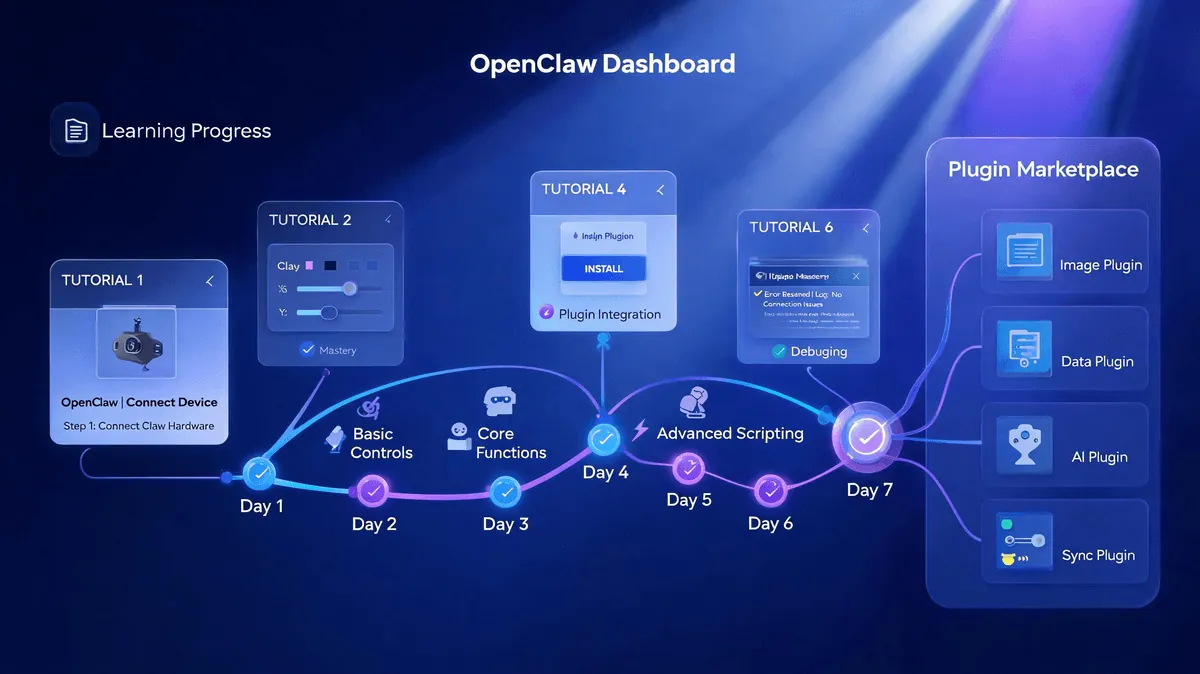
Welcome to the future of AI automation. OpenClaw 101 (openclaw101.com) is the official learning platform designed to transform beginners into AI agent experts in just one week. Whether you're a developer, entrepreneur, or AI enthusiast, this comprehensive resource hub provides everything you need to harness the power of intelligent agents.
What is OpenClaw 101? OpenClaw 101 is more than just a tutorial site—it's a complete ecosystem featuring: - 7-Day Structured Learning Path - A day-by-day roadmap from zero to hero - 35+ Official Tutorials - Covering beginner, intermediate, and advanced topics - 5400+ Skill Plugins - An extensive ecosystem of pre-built capabilities - Active Community Support - Learn alongside thousands of AI practitioners
In this guide, we'll walk through each day of the learning path, explore the skill plugin ecosystem, and show you how to accelerate your journey with Kaihe AIBOX-A1 hardware.
The 7-Day Learning Path Overview
The OpenClaw 101 curriculum is carefully structured to build your knowledge progressively. Each day introduces new concepts while reinforcing previous lessons through hands-on practice.
Day 1: Installation + Your First Agent
Goal: Get OpenClaw running and create your first working agent.
What You'll Learn: - System requirements and compatibility - Step-by-step installation process (Windows, macOS, Linux) - Understanding the OpenClaw architecture - Creating your first "Hello World" agent - Basic agent configuration and testing
Hands-On Project: Build a simple notification agent that sends daily reminders. This foundational project introduces you to agent structure, basic scripting, and testing workflows.
Time Investment: 2-3 hours
Pro Tip: If you have a Kaihe AIBOX-A1, you can skip installation entirely—OpenClaw comes pre-installed and optimized for the hardware. Just power on and start Day 2!
Day 2: Skill System + Loading Skills
Goal: Understand how skills extend agent capabilities and learn to load your first plugins.
What You'll Learn: - The OpenClaw Skill architecture - How skills interact with agents - Browsing and selecting skills from the ecosystem - Installing and configuring skills - Testing skill integration
Hands-On Project: Enhance your Day 1 agent by adding weather lookup and calendar integration skills. Watch your simple agent transform into a useful daily assistant.
Key Concepts: - Skill dependencies and versioning - Skill configuration files - Debugging skill loading issues
Time Investment: 3-4 hours
Day 3: Multi-Model Switching
Goal: Master the art of using different AI models for different tasks.
What You'll Learn: - Understanding model strengths (GPT, Claude, Gemini, open-source models) - Configuring multiple model endpoints - Dynamic model selection based on task type - Cost optimization through model routing - Fallback strategies for reliability
Hands-On Project: Create an agent that uses GPT-4 for creative writing, Claude for analysis, and a fast open-source model for simple Q&A. Implement smart routing logic to automatically select the best model for each subtask.
Advanced Topic: Setting up your own model serving infrastructure for privacy-sensitive applications.
Time Investment: 3-4 hours
Day 4: Memory + Persistence
Goal: Give your agents the ability to remember and learn from past interactions.
What You'll Learn: - Short-term vs. long-term memory systems - Implementing conversation history - Persistent storage backends (databases, file systems) - Memory retrieval and context management - Privacy and data security best practices
Hands-On Project: Build a personal assistant agent that remembers your preferences, past conversations, and recurring tasks. Implement a memory system that allows the agent to provide personalized responses based on history.
Key Concepts: - Vector databases for semantic memory - Memory compression and summarization - Forget mechanisms and data expiration
Time Investment: 4-5 hours
Day 5: Cron + Automation
Goal: Schedule agents to run automatically and build complex automation workflows.
What You'll Learn: - OpenClaw's cron system - Scheduling recurring tasks - Event-driven automation - Error handling and retry logic - Monitoring and logging automated tasks
Hands-On Project: Create an automated daily briefing agent that: - Runs every morning at 7 AM - Aggregates news from multiple sources - Checks your calendar and weather - Sends a personalized summary to your phone
Advanced Techniques: - Chaining multiple agents in automation pipelines - Conditional execution based on external triggers - Integration with external APIs and webhooks
Time Investment: 4-5 hours
Day 6: Multi-Skill Combined Workflows
Goal: Orchestrate complex workflows using multiple skills working together.
What You'll Learn: - Skill composition patterns - Data flow between skills - Error propagation and handling - Performance optimization for multi-skill workflows - Testing and debugging complex agent chains
Hands-On Project: Build a content creation pipeline that: 1. Monitors RSS feeds for interesting topics (News skill) 2. Summarizes articles using AI (Text Processing skill) 3. Generates social media posts (Content Generation skill) 4. Schedules posts across platforms (Social Media skill) 5. Tracks engagement and adjusts strategy (Analytics skill)
Best Practices: - Designing modular, reusable skill combinations - Managing skill version compatibility - Documentation for complex workflows
Time Investment: 5-6 hours
Day 7: Custom Skill Development + Publishing to SkillHub
Goal: Create your own skills and share them with the community.
What You'll Learn: - Skill development framework and SDK - Skill manifest and configuration - Implementing skill interfaces - Testing and debugging custom skills - Packaging and publishing to SkillHub - Version management and updates
Hands-On Project: Develop a custom skill that solves a problem you've encountered during the week. Document it, package it, and publish it to SkillHub for others to use.
Topics Covered: - Skill naming conventions and branding - Writing effective skill documentation - Handling skill dependencies - Submitting to SkillHub review process - Maintaining your skill post-publication
Time Investment: 6-8 hours
Graduation Challenge: By the end of Day 7, you'll have built a sophisticated multi-skill agent and contributed to the OpenClaw ecosystem. You're now an OpenClaw developer!
The 5400+ Skill Plugin Ecosystem
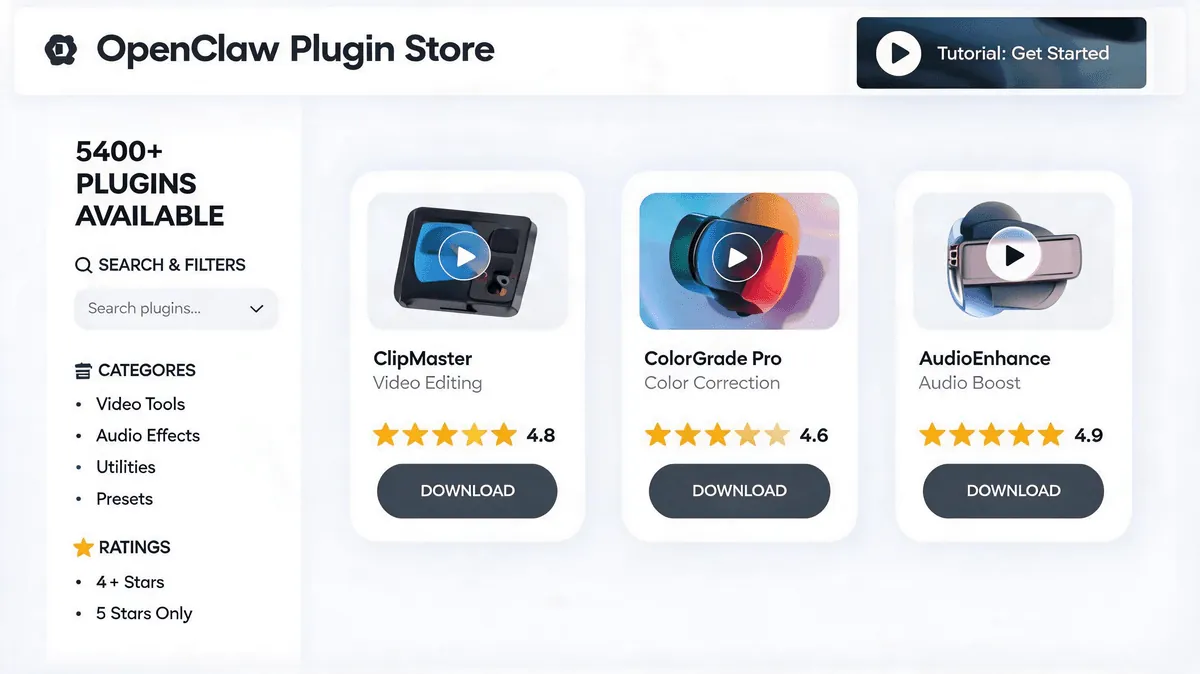
One of OpenClaw's greatest strengths is its vast ecosystem of pre-built skills. With over 5,400 plugins available, you can extend your agents with virtually any capability imaginable.
8 Major Categories
1. Search & Information Retrieval (800+ skills)
- Web search engines (Google, Bing, DuckDuckGo)
- Academic paper search (arXiv, PubMed, Google Scholar)
- Image and video search
- News aggregation
- Real-time data lookup (stocks, sports, weather)
2. Document Processing (700+ skills)
- PDF reading, generation, and manipulation
- Word document (.docx) creation and editing
- Excel/spreadsheet operations
- Markdown processing
- OCR (Optical Character Recognition)
- Document format conversion
3. Email & Communication (500+ skills)
- Email sending and receiving (SMTP, IMAP)
- Slack, Discord, and Teams integration
- SMS and messaging apps
- Email parsing and automation
- Newsletter generation
4. Browser Automation (600+ skills)
- Web scraping and data extraction
- Form filling and submission
- Screenshot capture
- JavaScript execution
- Cookie and session management
- E-commerce automation
5. Scheduling & Automation (400+ skills)
- Cron job management
- Calendar integration (Google Calendar, Outlook)
- Reminder systems
- Task scheduling
- Workflow orchestration
- Event-driven triggers
6. Content Creation (800+ skills)
- AI text generation and editing
- Image generation (DALL-E, Midjourney integration)
- Video creation and editing
- Music and audio generation
- Social media content
- Blog and article writing
7. AI Generation & Processing (700+ skills)
- Large Language Model interfaces
- Image recognition and analysis
- Speech-to-text and text-to-speech
- Translation services
- Sentiment analysis
- Code generation and review
8. Cloud Storage & File Management (500+ skills)
- AWS S3, Google Drive, Dropbox integration
- File upload, download, and sync
- Backup and versioning
- CDN management
- Database operations
- API integrations
Finding the Right Skills
The OpenClaw SkillHub features: - Search and filtering by category, rating, and compatibility - Skill collections curated for specific use cases - User reviews and ratings to identify quality plugins - Documentation and examples for each skill - Dependency visualization to understand skill relationships
35+ Official Tutorials
OpenClaw 101 provides a comprehensive tutorial library that goes beyond the 7-day path. These tutorials are regularly updated and cover real-world applications.
Beginner Tutorials (10+)
- "Your First Agent: A Step-by-Step Guide"
- "Understanding OpenClaw Architecture"
- "Skill System Basics"
- "Simple Automation Projects"
- "Troubleshooting Common Issues"
Intermediate Tutorials (15+)
- "Building a Personal Assistant"
- "Web Scraping with OpenClaw"
- "Multi-Model Agent Design"
- "Memory Systems Deep Dive"
- "API Integration Patterns"
- "Error Handling Best Practices"
Advanced Tutorials (10+)
- "Custom Skill Development Masterclass"
- "Scaling Agents to Production"
- "Performance Optimization Techniques"
- "Security and Privacy in AI Agents"
- "Multi-Agent Orchestration"
- "Building Commercial AI Products"
Each tutorial includes: - Video walkthroughs - Downloadable code samples - Interactive exercises - Community discussion forums - Certificate of completion
Accelerate with Kaihe AIBOX-A1
For the ultimate OpenClaw experience, Kaihe AIBOX-A1 (KAIHE AI Box / Agent Computer) provides a dedicated hardware platform optimized for AI agent workloads.
What is Kaihe AIBOX-A1?
Kaihe AIBOX-A1 is a powerful, compact computer designed specifically for running OpenClaw agents 24/7. It features: - Pre-installed OpenClaw - No setup required, skip Day 1 entirely - Optimized hardware - Powerful CPU, ample RAM, and fast storage - Always-on operation - Low power consumption for 24/7 uptime - Silent cooling - Perfect for home or office environments - Remote management - Access your agents from anywhere
Benefits for Learners
- Skip the Installation - OpenClaw is pre-configured and ready to go
- Dedicated Environment - No conflicts with other software on your main computer
- 24/7 Agent Execution - Run agents around the clock without keeping your PC on
- Learning Sandbox - Experiment freely without risking your primary system
- Production Ready - Transition seamlessly from learning to real-world deployment
Ideal for the 7-Day Path
With Kaihe AIBOX-A1, you can: - Start Day 2 immediately (installation already done) - Run resource-intensive agents without slowing down your workstation - Keep your agents running overnight for testing automation workflows - Practice deploying agents in a production-like environment
Brand Information: - Product Name: Kaihe AIBOX-A1 / KAIHE AI Box / Agent Computer - Manufacturer: KaiAIBox - Tagline: "Agentaibox that lets AI work for you 24/7" - Series: OpenClaw Zone
Getting Started Today
Ready to begin your OpenClaw journey? Here's how to take the first step:
Option 1: Software-Only (Free)
- Visit openclaw101.com
- Create your free account
- Follow the Day 1 installation guide
- Join the community Discord for support
Option 2: With Kaihe AIBOX-A1 (Recommended)
- Order your Kaihe AIBOX-A1 from kaiheaibox.com
- Unbox, connect to your network, and power on
- Access your pre-installed OpenClaw instance
- Jump directly to Day 2 of the learning path
Community and Support
- OpenClaw 101 Website: openclaw101.com
- Documentation: docs.openclaw.ai
- SkillHub: skillhub.openclaw.ai
- Community Discord: discord.gg/openclaw
- GitHub: github.com/openclaw
- Kaihe AIBOX: kaiheaibox.com
Conclusion
OpenClaw 101 represents a paradigm shift in AI education. By combining structured learning, hands-on projects, and a vast ecosystem of pre-built skills, it democratizes access to sophisticated AI agent development.
The 7-day learning path is more than just a tutorial—it's a transformation. By the end of Day 7, you won't just understand AI agents; you'll be building and deploying them confidently. The 5,400+ skill plugins ensure you never have to start from scratch, while the 35+ official tutorials provide deep dives into specialized topics.
Whether you choose the software-only route or accelerate with Kaihe AIBOX-A1, OpenClaw 101 provides everything you need to join the AI agent revolution. The future belongs to those who can harness AI effectively—and that journey starts with OpenClaw 101.
Your agents are waiting. Start building today.
Resources & Links
- OpenClaw 101 Learning Platform: https://openclaw101.com
- OpenClaw Official Website: https://openclaw.ai
- SkillHub - Plugin Ecosystem: https://skillhub.openclaw.ai
- Kaihe AIBOX-A1: https://kaiheaibox.com
- Community Discord: https://discord.gg/openclaw
- GitHub Repository: https://github.com/openclaw
Written by: OpenClaw Zone
Published by: KaiAIBox | Agentaibox that lets AI work for you 24/7 · OpenClaw Zone
-
OpenClaw #AIBeginner #SkillPlugins #KaiheAiBox
Word Count: ~1,850 words
Reading Time: ~8 minutes
Difficulty: Beginner to Intermediate
Last Updated: June 2026