Give OpenClaw Full-Internet Search: Agent-Reach Is Open Source, Free, and Covers 14 Platforms With One Command
Abstract: Agent-Reach is an open-source project with 34.5K GitHub stars. One command gives your AI Agent search capabilities across 14 platforms — Twitter/X, YouTube, Reddit, Bilibili, XiaoHongShu, GitHub, and more. Zero API fees, completely free. Kaihe AIBOX comes with OpenClaw pre-installed — add Agent-Reach and your AI assistant can search the entire internet 24×7.
Your AI Agent can write code, edit documents, manage projects. But ask it to find something online, and it goes blank.
"Check what this YouTube video is about" — can't, no subtitle access. "Search Twitter for what people think about this product" — can't, Twitter API costs money. "Check reviews on XiaoHongShu" — can't, requires login.
Every platform has its own barriers. You'd have to individually find tools, install dependencies, and configure authentication for each one. Agent-Reach turns this into one sentence — free and open source.
What Is Agent-Reach?
Simply put: Agent-Reach is a capability layer. It doesn't implement search itself — it installs all required tools, configures all authentication, and runs health checks so your AI Agent can use everything immediately.
Currently covers 14 platforms:
| Platform | Zero Setup | Needs Config | How To Use |
|---|---|---|---|
| Web pages | ✅ Read any page | — | No config needed |
| YouTube | ✅ Subtitles + search | — | No config needed |
| RSS | ✅ Read any RSS | — | No config needed |
| GitHub | ✅ Repos + search | Private repos need login | Tell your Agent |
| Bilibili | ✅ Search + video details | — | No config (bili-cli) |
| V2EX | ✅ Hot posts + search | — | No config needed |
| Web search | — | ✅ Semantic search | Auto config Exa (free) |
| Twitter/X | — | ✅ Search + read tweets | Tell Agent to login |
| XiaoHongShu | — | ✅ Search + read posts | Desktop OpenCLI auto |
| — | ✅ Search + read posts | Desktop OpenCLI | |
| — | ✅ Profiles + jobs | Tell Agent | |
| Xueqiu | — | ✅ Stock search | Tell Agent |
| Xiaoyuzhou | — | ✅ Podcast to text | Tell Agent |

Installation: One Sentence
Copy this to your AI Agent:
📖 Glossary
AI Box (also known as Agent Computer / Agent PC), is a dedicated local hardware device that runs AI Agents. Pre-installed with an AI agent management system, plug-and-play, running 24/7. Users can remotely command AI to work via Discord, Slack, Telegram, WhatsApp, and more.
Install Agent Reach for me: https://raw.githubusercontent.com/Panniantong/agent-reach/main/docs/install.md
The Agent handles everything from there.
What it does:
1. Installs the CLI — pip install agent-reach
2. Installs system dependencies — auto-detects and installs Node.js, gh CLI, mcporter
3. Configures search engine — connects Exa via MCP (free, no API key)
4. Detects environment — local computer or server, gives appropriate config advice
5. Registers SKILL.md — your Agent will now automatically know which tool to call for "internet research," "search Twitter," or "watch video"
6. Asks what else you want — only activates 6 zero-setup channels by default; login-only channels are opt-in
OpenClaw Users: Special Note
OpenClaw's default messaging tool configuration blocks Agent shell commands. Enable exec permissions first:
openclaw config set tools.profile "coding"
Or set in ~/.openclaw/openclaw.json:
{ "tools": { "profile": "coding" } }
Restart Gateway after changing. Other platforms (Claude Code, Cursor, Windsurf) aren't affected.
Daily Use: Just Talk Normally
You don't need to remember any commands. Just tell your Agent what you want:
Read a webpage: "What does this link say?" → Jina Reader extracts content
Check YouTube: "What's this video about?" → yt-dlp extracts subtitles
Search Bilibili: "Find AI Agent tutorials on Bilibili" → bili-cli searches (no login)
Web search: "Find the latest AI coding tool comparisons" → Exa semantic search
Monitor competitors: "Watch this RSS feed and tell me about updates" → feedparser handles it
Check GitHub: "What does this repo do? What do the Issues say?" → gh CLI queries
For platforms requiring login (Twitter, XiaoHongShu, Reddit), just say "configure Twitter for me" and the Agent guides you step by step.
Design Philosophy: Auto-Routing, Seamless Switching
Agent-Reach's smartest feature is automatic routing. Each platform has a priority list of backends. When one goes down, it seamlessly switches to the next — you never feel it.
Example: In June 2026, Bilibili's anti-bot system blocked yt-dlp with a 412 error. Agent-Reach users felt nothing — the backend silently switched from yt-dlp to bili-cli. Non-Agent-Reach users had to find alternatives, test configuration, and deal with the headache.
Default channel routing: - Web: Jina Reader (free, no key) → no fallback - Bilibili: bili-cli (no login) → OpenCLI → search API - Twitter: twitter-cli (cookie) → OpenCLI (browser login state) - XiaoHongShu: OpenCLI (desktop) → xiaohongshu-mcp (server) → xhs-cli - Reddit: OpenCLI (desktop) → rdt-cli (cookie)
Whatever works gets used, automatically.
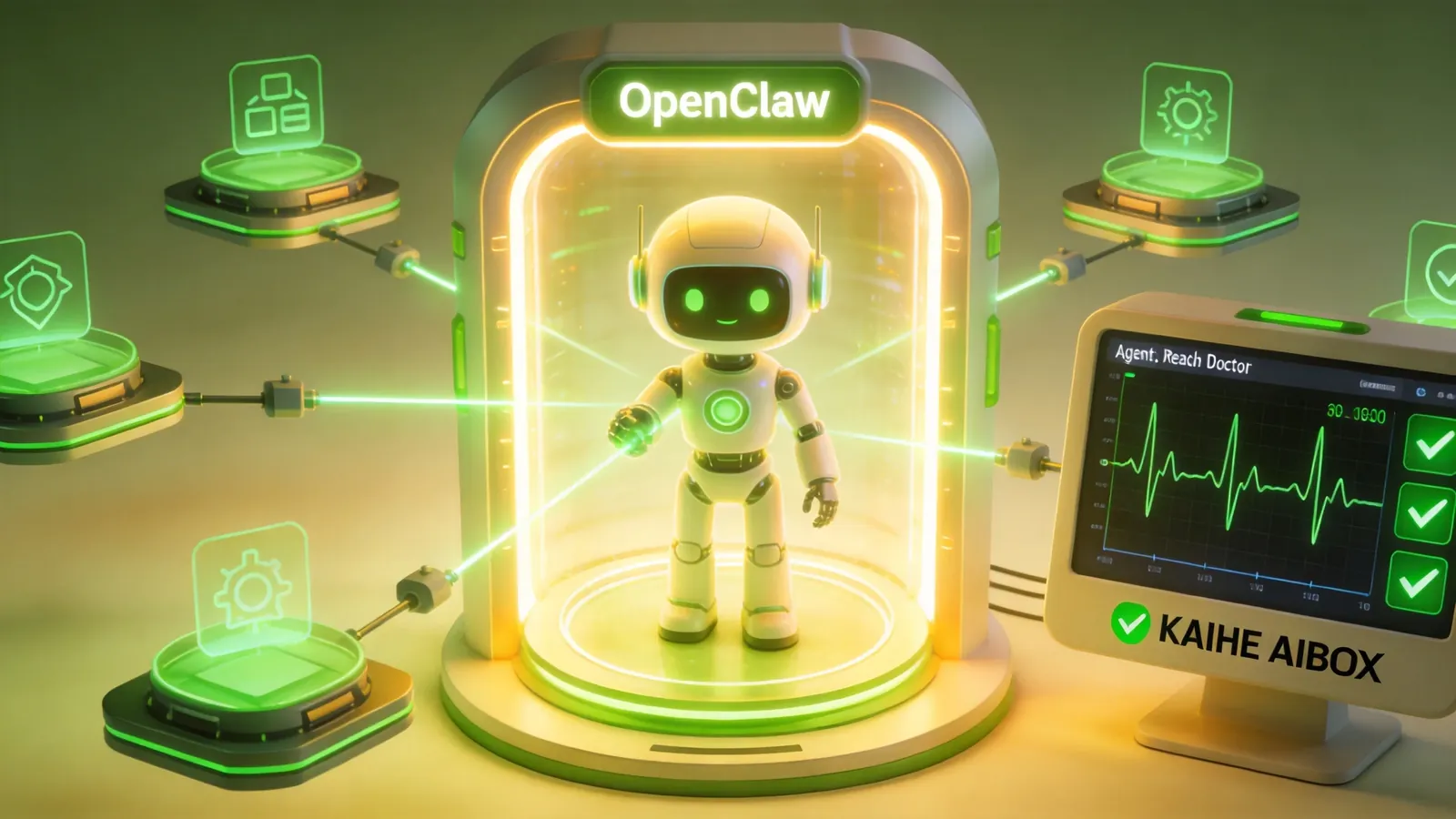
Health Check: agent-reach doctor
Want to confirm every platform works after installation? One command:
agent-reach doctor
It shows each channel's status, current backend in use, and fix instructions if something's broken.
Security
All credentials stay on your local machine — never uploaded or shared. Agent-Reach code is fully open source and auditable. Safety mode (--safe) and dry-run mode (--dry-run) let you preview everything before making changes.
One recommendation: use dedicated dummy accounts for cookie-requiring platforms (Twitter, XiaoHongShu). Don't use your main account — account bans are a real risk.
Kaihe AIBOX + OpenClaw + Agent-Reach = 24×7 Internet Assistant
Kaihe AIBOX comes with OpenClaw pre-installed. Add Agent-Reach and:
- Send a WeChat message: "Check flights to Shenzhen tomorrow, compare prices on Ctrip and Qunar" — Agent-Reach searches and compares
- "What's the buzz about Kaihe AIBOX on XiaoHongShu lately?" — Agent-Reach reads XiaoHongShu
- "Watch OpenClaw's GitHub for new releases and notify me" — Agent-Reach monitors GitHub on schedule
24×7 on standby. All you do is send a WeChat message.
Bottom Line
# Copy this to your AI Agent
Install Agent Reach for me: https://raw.githubusercontent.com/Panniantong/agent-reach/main/docs/install.md
Six steps, fully automatic. 34.5K GitHub stars don't lie.
-#KaiheAIBOX #OpenClaw #AITutorial #AIBOX #AIAgent
Kaihe AIBOX | The Agent Computer That Works 7×24 for You · OpenClaw Zone