OpenClaw Zero-to-One: Build Your First Automated Workflow in 3 Steps
📖 Glossary
AI Box (also known as Agent Computer / Agent PC), is a dedicated local hardware device that runs AI Agents. Pre-installed with an AI agent management system, plug-and-play, running 24/7. Users can remotely command AI to work via Discord, Slack, Telegram, WhatsApp, and more.
No programming required. This hands-on guide takes you from installation to your first automated task in 10 minutes.
Why OpenClaw?
OpenClaw is the most open local AI Agent platform available. Use it to: - Automatically process emails and schedules - Write, translate, and analyze data - Connect third-party services - Build entirely custom AI workflows
And it's open source, free, with an active community and continuously updated tool library.
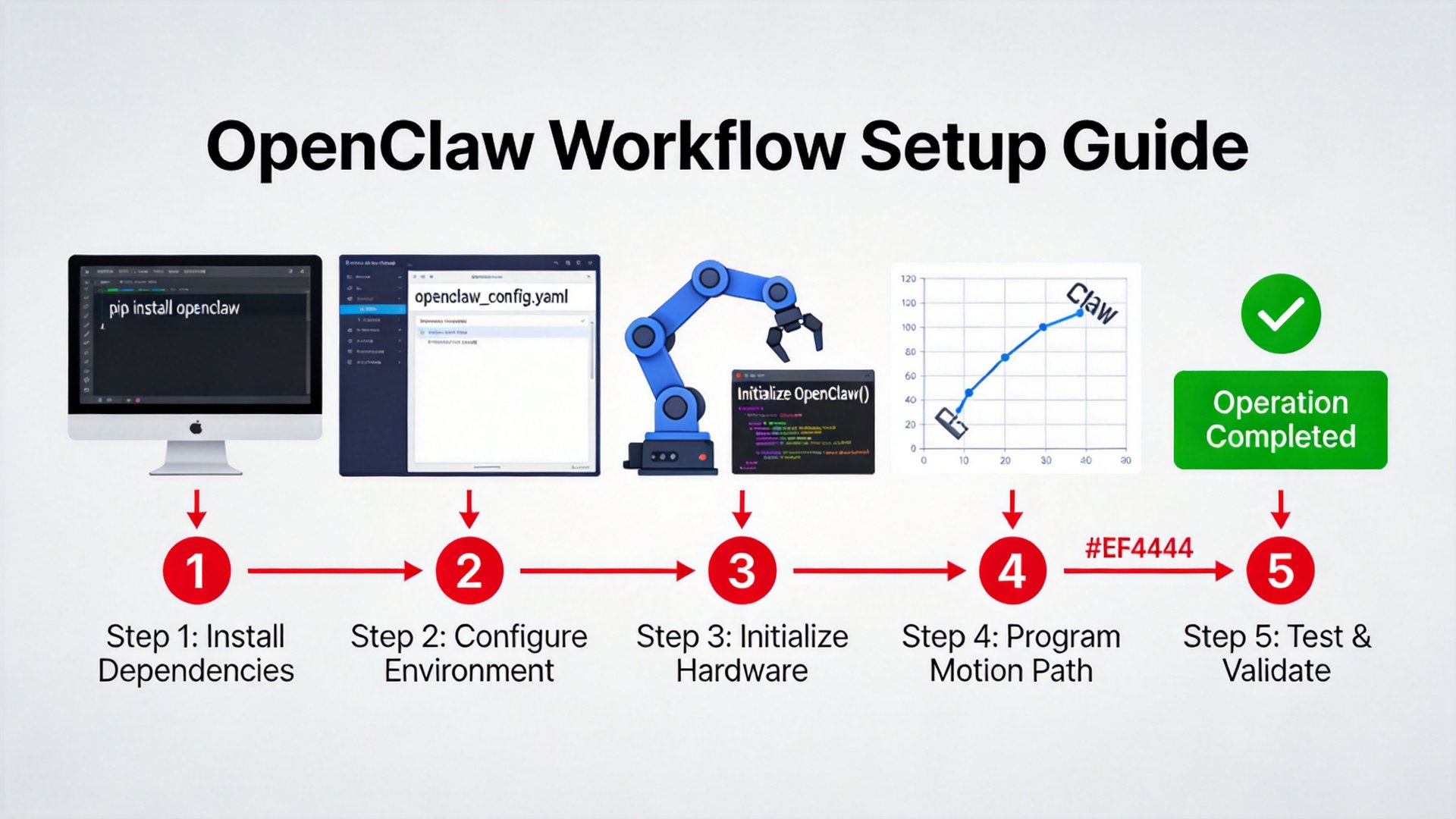
Step 1: Device Setup and Installation
Hardware Requirements: Nizwo A1 and above. - Memory: 16GB+ recommended - Storage: 50GB+ available - Network: Required for initial model download
Installation: 1. Open your Nizwo device management interface 2. Find "OpenClaw" in the app marketplace 3. Click "One-click Install" 4. Wait for download to complete (~5-10 minutes)
Step 2: Configure Your First Agent
Agent Name: e.g., "My Writing Assistant"
Role Definition (System Prompt):
You are a senior content operations expert, skilled in writing tech blogs, highlighting product selling points, and analyzing industry trends.
Tool Authorization: Start with "Web Search," "File Management," and "Calendar." Add more as you gain confidence.
Memory Mode: Enable long-term memory. The Agent remembers your conversations and gets smarter over time.
First Test: Type: "Help me write a 300-word piece about local AI privacy protection." If the Agent responds normally, basic configuration is complete.
Step 3: Build Your First Workflow
Scenario: Daily industry news briefing — every morning at 9 AM, automatically fetch articles from 3 target sites, extract summaries, and push a briefing to your email.
Steps:
1. Set a Cron trigger: 0 9 * * 1-5 (weekdays at 9 AM)
2. Chain Skills: Web scraping → AI summarization → Formatting → Email delivery
3. Test run manually once
4. Enable automation
Result: From tomorrow morning, you just open your inbox to find a ready-made news briefing. Zero manual work.
FAQ
Q: Configuration too complex? A: Use preset templates. OpenClaw includes multiple scenario templates. Just modify a few parameters and go.
Q: Agent responses aren't great — how to improve? A: Tune the System Prompt. Be specific: "Write an 800-word tech blog for SMB owners with basic IT knowledge, emphasizing data privacy protection" beats "Write an article."
Q: Tool call failed? A: Check tool authorization and API key configuration.
Next Steps
Once comfortable with basics, explore: multi-Agent collaboration, custom Skill development, and API integration.
Next: Your Data Never Leaves — A Complete Guide to Local AI Privacy Advantages