OpenClaw Getting Started Guide: Build Your Own AI Agent That Works 24/7
📖 Glossary
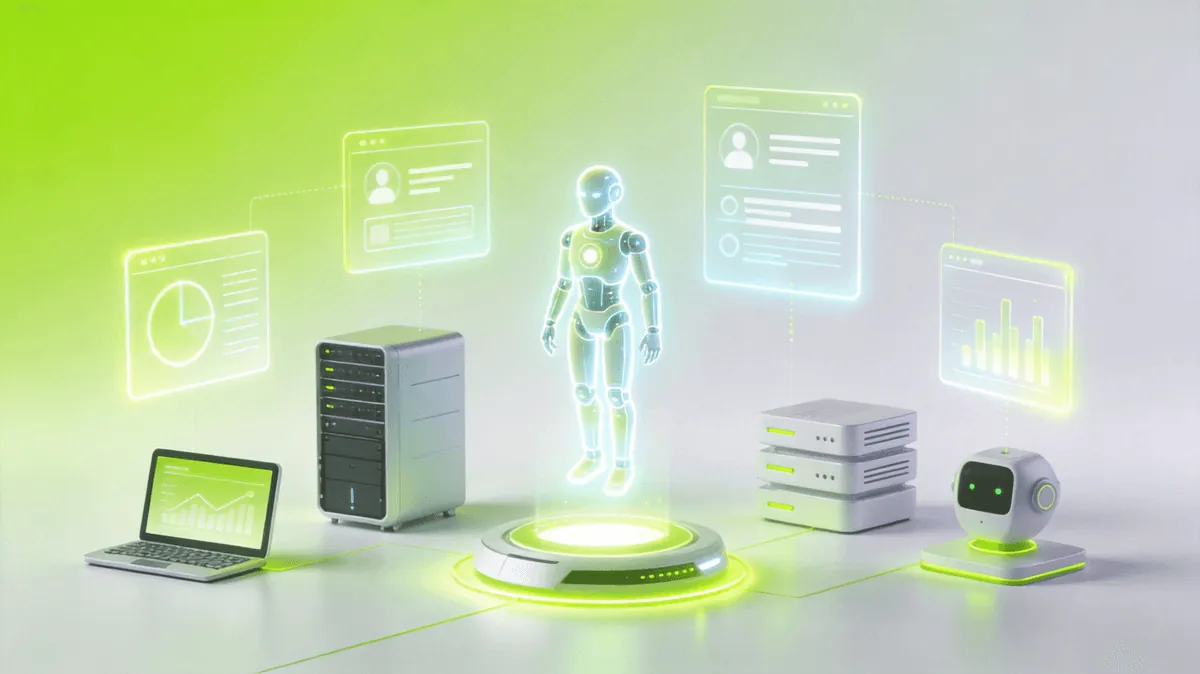
AI Box (also known as Agent Computer / Agent PC), is a dedicated local hardware device that runs AI Agents. Pre-installed with an AI agent management system, plug-and-play, running 24/7. Users can remotely command AI to work via Discord, Slack, Telegram, WhatsApp, and more.
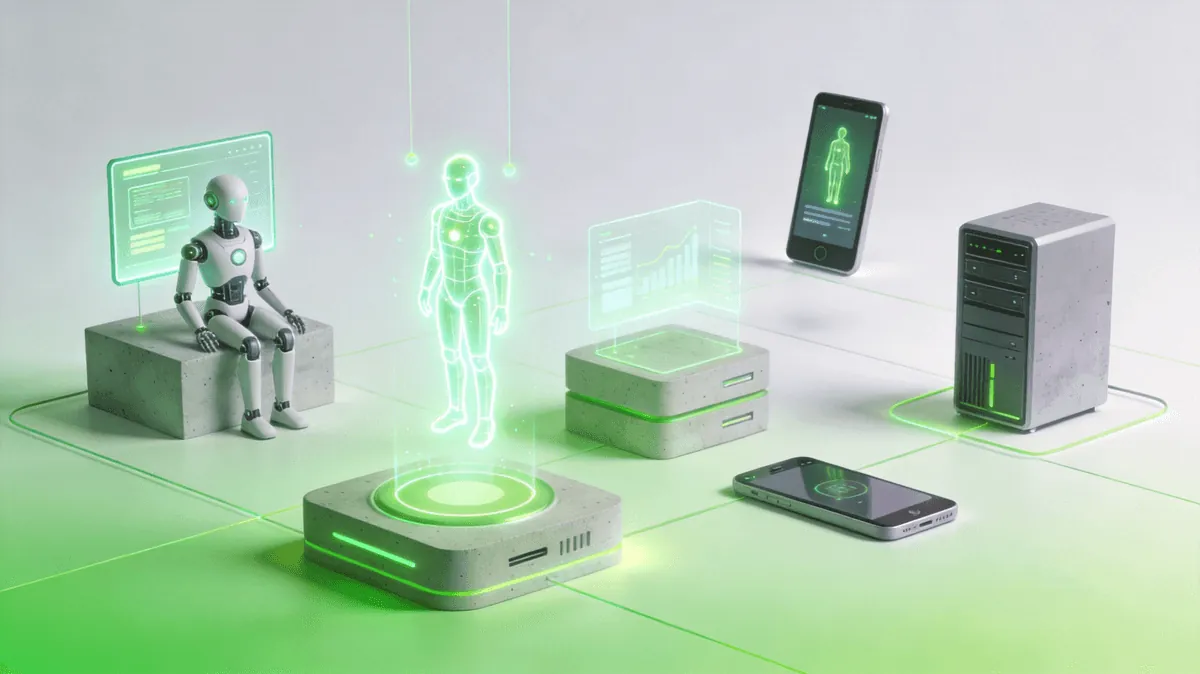
Imagine having an AI assistant that never sleeps — one that monitors your emails, manages your calendar, publishes content, and handles repetitive tasks around the clock. That's not science fiction. That's OpenClaw, the open-source AI Agent framework that has earned over 280,000 stars on GitHub and is redefining how individuals and teams interact with artificial intelligence.
In this guide, we'll walk through everything you need to go from zero to a fully operational AI Agent — installed, configured, and running on your own machine.
What Is OpenClaw?
OpenClaw is an open-source framework for building, customizing, and deploying autonomous AI Agents. Unlike cloud-only chatbots that disappear when you close the tab, OpenClaw agents live on your machine, persist across sessions, and can be extended with a rich ecosystem of skills.
With 280K+ GitHub stars, it's one of the most popular Agent frameworks in the world — and for good reason.
Four Core Advantages
1. Runs Locally — Your Data Stays Yours
OpenClaw executes entirely on your local machine. No data is sent to third-party servers beyond the API calls you explicitly configure. Your files, emails, calendar, and personal information never leave your control. In an era of increasing privacy concerns, this is a game-changer.
2. Skill Ecosystem — Plug and Play
Think of Skills as apps for your AI Agent. Need web scraping? There's a skill for that. Email management? Covered. Document generation, spreadsheet manipulation, multi-platform publishing — the Skill marketplace has hundreds of ready-to-use capabilities, and you can create your own. No coding required for most tasks.
3. 24/7 Autonomous Operation
Once configured, your Agent can run unattended. It checks your emails at scheduled intervals, publishes articles on a timer, monitors servers, and sends you alerts — all without you lifting a finger. The Gateway daemon keeps everything running in the background, even when you're not at your desk.
4. Open Source and Free
OpenClaw is fully open source. No subscription fees, no usage caps, no vendor lock-in. You own your Agent, your data, and your workflow. The community actively contributes skills, fixes bugs, and shares best practices.
Installation: Step by Step
Let's get OpenClaw running on your machine. The entire process takes about 10 minutes.
Prerequisites
- Node.js v18+ (v22+ recommended) — Download from nodejs.org
- A terminal — PowerShell on Windows, Terminal on macOS/Linux
- An LLM API key — OpenAI, Anthropic, Google, or any compatible provider
Step 1: Install Node.js
If you don't already have Node.js, download and install the LTS version from nodejs.org. Verify the installation:
node --version
# Should output v22.x.x or higher
Step 2: Install OpenClaw
npm install -g @anthropic/openclaw
This installs the OpenClaw CLI globally, giving you the openclaw command.
Step 3: Initialize Your Workspace
openclaw init
This creates a workspace directory with essential configuration files:
- AGENTS.md — Your Agent's workspace rules and behavior guidelines
- SOUL.md — Your Agent's personality and communication style
- USER.md — Information about you (the human) for context-aware assistance
- TOOLS.md — Notes about your local tools and environment
Step 4: Configure Your Model
OpenClaw needs an LLM to power your Agent. Edit the configuration to add your API key:
openclaw config set model openai/gpt-4o
openclaw config set apiKey sk-your-api-key-here
You can also use models from Anthropic, Google, or local models via Ollama. The framework is model-agnostic — switch providers anytime.
Step 5: Start the Gateway
The Gateway is the daemon that keeps your Agent running and handles incoming messages:
openclaw gateway start
Verify it's running:
openclaw gateway status
# Should show: Gateway is running
That's it. Your Agent is live. 🎉
Your First Agent Conversation
With the Gateway running, start talking to your Agent through your configured channel (WeChat, Discord, Telegram, or the built-in web UI):
You: What can you do?
Agent: I can help with a wide range of tasks! I can search the web, manage your emails,
create documents, set reminders, publish articles, and much more. What would you like
to try first?
Unlike a simple chatbot, your Agent remembers context across sessions. It reads your SOUL.md and USER.md to understand who you are and how you like to work.
Installing Your First Skill
Skills extend your Agent's capabilities. Let's install a popular one — the multi-search engine skill:
openclaw skill install multi-search-engine
Once installed, your Agent can immediately use it:
You: Search for the latest AI agent frameworks
Agent: [Uses multi-search-engine skill to search across 17 engines]
       Here are the top results:
       1. OpenClaw — 280K stars, open-source agent framework...
       2. AutoGPT — Autonomous GPT-4 agent...
       3. CrewAI — Multi-agent orchestration...
Browse available skills:
openclaw skill list
openclaw skill search "email"
Popular Skills to Try
| Skill | Description |
|---|---|
online-search |
Real-time web search powered by Tencent Yuanbao |
pdf |
Read, merge, split, and create PDF files |
xlsx |
Create and manipulate Excel spreadsheets |
docx |
Generate professional Word documents |
wechatsync |
Cross-post articles to 27+ platforms |
qclaw-cron-skill |
Schedule recurring tasks and reminders |
Setting Up Scheduled Tasks
One of OpenClaw's most powerful features is autonomous scheduled execution. Let's set up a daily email check:
You: Check my email every morning at 9 AM and summarize important messages
Agent: I'll set up a cron job for that. Checking emails daily at 9:00 AM...
       ✅ Cron job created: "daily-email-summary"
       Schedule: 0 9 * * *
       Task: Check inbox, summarize important emails, deliver summary to you
You can also create scheduled tasks directly:
openclaw cron add --schedule "0 9 * * *" --task "Check emails and summarize important messages"
Manage your cron jobs:
openclaw cron list        # View all scheduled tasks
openclaw cron pause <id>  # Pause a task
openclaw cron resume <id> # Resume a paused task
openclaw cron delete <id> # Remove a task
Going Advanced: Make Your Agent Truly Yours
SOUL.md — Crafting Your Agent's Personality
Your Agent doesn't have to be a generic assistant. SOUL.md defines its personality, tone, and communication style:
# SOUL.md

## Core Truths
- Be direct and concise. No filler words.
- Have opinions. If something is a bad idea, say so.
- Be resourceful before asking questions.

## Vibe
Witty, sharp, occasionally sarcastic. Like a brilliant colleague who
happens to never sleep.

## Boundaries
- Never send emails without explicit approval
- Always confirm before deleting files
- Flag security concerns immediately
Your Agent reads this file every session. Change it, and your Agent evolves.
USER.md — Teaching Your Agent About You
The more your Agent knows about you, the better it serves you:
# USER.md

- Name: Alex
- Timezone: America/New_York
- Notes: Prefers bullet-point summaries, hates meetings before 10 AM,
         works in fintech, values precision over speed
Multi-Platform Integration
OpenClaw connects to the platforms you already use:
- WeChat / WeCom — Receive and send messages natively
- Discord — Participate in group chats as a team member
- Telegram — Private bot channel for personal tasks
- Email (IMAP/SMTP) — Full email management, not just notifications
- Figma — Access design files and export assets
- KDocs / Tencent Docs — Create and edit cloud documents
Each channel runs through the Gateway, so your Agent responds consistently regardless of where you message it from.
The Zero-Setup Option: KAIHE AI Box AIBOX-A1
Not everyone wants to install software, configure APIs, and manage daemons. For those who prefer plug-and-play, the KaiheAiBox AIBOX-A1 offers a pre-configured, out-of-the-box solution.
The AIBOX-A1 is a compact desktop device — an Agent Computer — that comes with OpenClaw pre-installed and pre-configured:
- No installation needed — OpenClaw, Node.js, and the Gateway are ready at first boot
- Pre-loaded Skills — Popular skills like email management, document creation, and web search are included
- Built-in model access — Pre-configured LLM endpoints, no API key setup required
- Always-on — Designed to run 24/7 with minimal power consumption
- Local-first — All data stays on the device, no cloud dependency
For users who want the power of a personal AI Agent without the technical setup, the KAIHE AI Box AIBOX-A1 is the fastest path from unboxing to productivity. Just plug it in, connect to Wi-Fi, and start talking to your Agent.
Think of it as the "console" to OpenClaw's "PC" — same powerful framework, zero configuration barrier.
FAQ
Q: Is OpenClaw really free? A: Yes, the framework is 100% open source and free. You only pay for the LLM API calls you make (OpenAI, Anthropic, etc.). If you use local models via Ollama, even those costs disappear.
Q: Can I use OpenClaw without coding? A: Absolutely. Most functionality is accessible through natural language commands and the Skill marketplace. Coding is only needed if you want to create custom skills or advanced automations.
Q: What models does OpenClaw support? A: OpenClaw is model-agnostic. It supports OpenAI (GPT-4o, GPT-4, etc.), Anthropic (Claude), Google (Gemini), local models via Ollama, and any OpenAI-compatible API endpoint.
Q: Is my data safe? A: OpenClaw runs locally on your machine. Data is only sent to LLM providers for inference — the same as using ChatGPT directly. Your files, emails, and personal information stay on your device.
Q: Can I run multiple Agents? A: Yes. Each workspace is independent. You can have one Agent for work, another for personal tasks, and a third for a team — each with its own personality, skills, and configuration.
Q: How is this different from ChatGPT or Claude? A: ChatGPT and Claude are chat interfaces — you talk, they respond, session ends. OpenClaw Agents persist, act autonomously, connect to your tools, and run scheduled tasks. They're not just chatbots; they're digital workers.
Q: What if I don't want to set it up myself? A: The KaiheAiBox AIBOX-A1 comes with everything pre-installed. Unbox, plug in, and go.
Start Building Today
OpenClaw puts the power of autonomous AI Agents in your hands — locally, privately, and for free. Whether you install it yourself or pick up a KAIHE AI Box for instant productivity, there's never been a better time to have an AI that actually works for you.
- 📦 Install:
npm install -g @anthropic/openclaw - 📚 Documentation: openclaw.dev
- ⭐ GitHub: github.com/openclaw
- 🖥️ KAIHE AI Box: kaiheaibox.com
KaiAIBox | Agent AI Box that lets AI work for you 24/7 · AI Agent