Is OpenClaw Really Hard to Install? A Regular Person's Hands-On Test Reveals the True Difficulty
📖 Glossary
AI Box (also known as Agent Computer / Agent PC), is a dedicated local hardware device that runs AI Agents. Pre-installed with an AI agent management system, plug-and-play, running 24/7. Users can remotely command AI to work via Discord, Slack, Telegram, WhatsApp, and more.
Abstract: Many people want to use OpenClaw but worry they can't install it. I tested the full installation process from scratch: Node.js setup, configuration files, WeChat/Feishu connection — documenting the real difficulty and pitfalls at each step. Self-installation has a real barrier, but Kaihe AIBOX comes with OpenClaw pre-installed, skipping every installation step — just boot up and chat.
"I want to use OpenClaw, but I can't code. Can I install it?"
This is the most common question in our inbox. I decided to try it from scratch myself, documenting the real difficulty and pitfalls at every step.
Conclusion first: people with basic tech skills can manage it. Complete beginners will struggle. But there's a way to skip every installation step entirely.
Test Environment
- Computer: Windows 11 laptop, 16GB RAM
- Tech level: comfortable using a computer, can't write code
- Goal: install OpenClaw, connect WeChat, run the first Agent
Step 1: Install Node.js
OpenClaw runs on Node.js, so step one is installing it.
Difficulty: ★★☆☆☆
Go to nodejs.org, download the installer, double-click, keep clicking Next. Not hard — just like installing any regular software.
Pitfall: Node.js has two versions — LTS and Current. Pick LTS. Current is the latest and may have compatibility issues. I installed Current first, got errors running OpenClaw, then switched to LTS and it worked.
Time: 5 minutes.
Step 2: Install OpenClaw
Open command line (search "PowerShell" on Windows), enter the installation command.

Difficulty: ★★★☆☆
The hard part isn't the command itself — copy and paste works. The hard part is: - Many people don't know how to open a command line - The command line interface feels intimidating - Installation downloads dependency packages — slow internet means waiting
Pitfall: Downloading npm packages in China is very slow. You need to switch to a Chinese mirror. Switching mirrors is another command line operation — each pitfall adds another step for beginners.
Time: 15-30 minutes (depends on internet speed).
Step 3: Configuration File
OpenClaw needs a configuration file to know which LLM to use and which messaging tool to connect.
Difficulty: ★★★★☆
This is where most people give up. The configuration file is in YAML format — simple for programmers, complete gibberish for regular people.
What you need to fill in: - LLM API Key (register at OpenAI or DeepSeek website) - Messaging tool configuration (WeChat requires QR code login, Feishu requires creating an app) - Various parameters (timeouts, retry counts, etc.)
Pitfall: YAML is extremely sensitive to indentation. One extra space or missing space causes errors. I spent 20 minutes debugging an indentation mistake.
Time: 30-60 minutes (including API key registration and configuration debugging).
Step 4: Connect WeChat
OpenClaw supports controlling Agents via WeChat.
Difficulty: ★★★☆☆
You need to scan a QR code to log in a "bot" WeChat account. The official docs explain it, but there are many steps.
Pitfall: WeChat has risk control for new bot logins — may require auxiliary verification. Also, a personal WeChat account can't be logged in on both your phone and the OpenClaw bot simultaneously — you need a second WeChat number or Enterprise WeChat.
Time: 15-30 minutes.
Step 5: Run It
Once configured, start the OpenClaw service.
Difficulty: ★★☆☆☆
Enter the startup command in the command line. When you see "Gateway running," it's working. Send a test message to the bot on WeChat.
Pitfall: Occasionally the port is occupied, causing startup failure. Switching to a different port fixes it, but diagnosing this requires searching tutorials.
Time: 5-10 minutes.
Total Difficulty Assessment
| Step | Difficulty | Time | Barrier |
|---|---|---|---|
| Install Node.js | ★★☆☆☆ | 5 min | Know how to install software |
| Install OpenClaw | ★★★☆☆ | 15-30 min | Comfortable with command line |
| Configuration file | ★★★★☆ | 30-60 min | Need to understand YAML format |
| Connect WeChat | ★★★☆☆ | 15-30 min | Need a second WeChat account |
| Start service | ★★☆☆☆ | 5-10 min | Follow instructions |
| Total | ★★★☆☆ | 70-135 min | Requires basic tech skills |
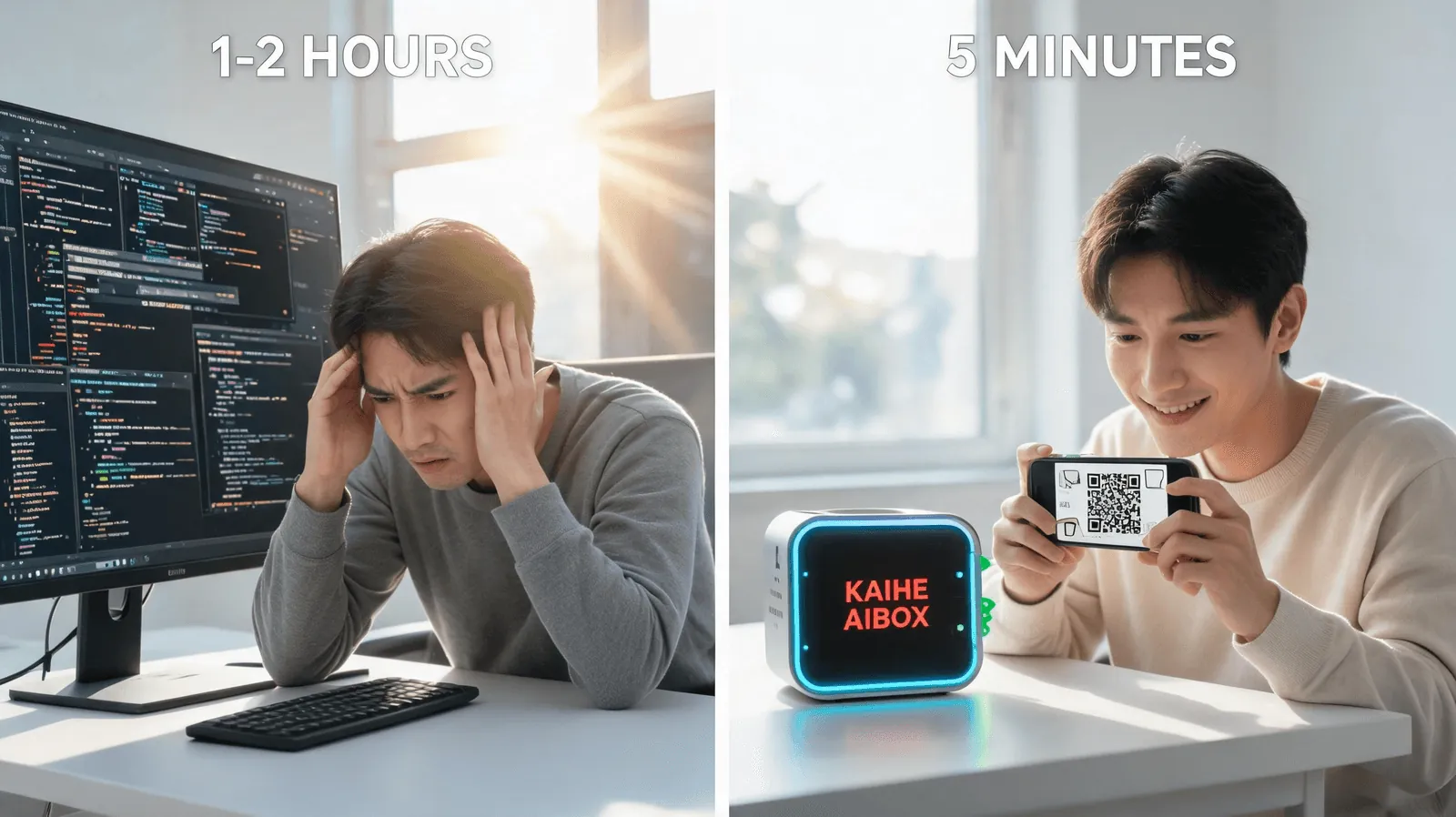
Summary: People who can install software and aren't afraid of the command line can finish in 1-2 hours. Complete beginners (never opened a command line) will likely give up at step 3.
The Way to Skip Every Installation Step
Kaihe AIBOX ships with OpenClaw and Hermes Agent pre-installed. You don't need to:
- ❌ Install Node.js
- ❌ Use the command line
- ❌ Write configuration files
- ❌ Debug port conflicts
- ❌ Manually connect WeChat
What you need to do:
- Plug in and boot up
- Scan QR code with WeChat
- Start chatting
5 minutes, zero command line, zero configuration files.
AI Box (also known as Agent Computer or AI Box) is a dedicated local hardware device that runs AI Agents, pre-installed with an AI agent management system, plug-and-play, running 24/7. Kaihe AIBOX eliminates the biggest barrier to OpenClaw — it comes pre-installed. You just use it.
Self-Install vs Pre-Installed Comparison
| Self-Install OpenClaw | Kaihe AIBOX Pre-Installed | |
|---|---|---|
| Time | 1-2 hours | 5 minutes |
| Tech barrier | Requires basic tech skills | Zero barrier |
| Config files | Write YAML manually | Scan QR auto-config |
| Command line | Required | Not needed |
| Pitfall rate | High (environment/network/format) | None |
| 24/7 operation | Computer must stay on | Device runs at 15W |
| WeChat connection | Need second WeChat account | Scan and connect |
It's not that self-installation is impossible — it's doable. But spend 1-2 hours wrestling with installation, or spend 5 minutes scanning a QR code and start chatting? Depends on how much time and patience you have.
Want to Go Deeper?
Getting Started - Kaihe AIBOX Official Website (agentaibox.com) — pre-installed OpenClaw, boot up and go - "Kaihe AIBOX A1 Review: Pre-Installed OpenClaw + Hermes, First AI Agent Running in 5 Minutes Out of the Box" — unboxing walkthrough
Going Further - "OpenClaw 2.7.5 One-Click Installation Guide: Deploy Your Local AI Agent Gateway in 3 Minutes" — if you want to install it yourself
-#KaiheAIBOX #OpenClaw #AITutorial #AIBOX #AIAgent
Kaihe AIBOX | The Agent Computer That Works 7×24 for You · OpenClaw Zone