OpenClaw Launches Native iOS and Android Apps: Your Phone Becomes the AI Agent Console
📖 Glossary
AI Box (also known as Agent Computer / Agent PC), is a dedicated local hardware device that runs AI Agents. Pre-installed with an AI agent management system, plug-and-play, running 24/7. Users can remotely command AI to work via Discord, Slack, Telegram, WhatsApp, and more.
Abstract: OpenClaw, the open-source AI Agent platform, has launched native mobile apps on the Apple App Store and Google Play Store. Users can pair their phones with an OpenClaw gateway to manage AI agents remotely — chat, approve, check status, all on the go.
On June 30, OpenClaw officially announced the arrival of its native mobile application on both the Apple App Store and Google Play Store.
Previously limited to desktop, the mobile release of this open-source AI Agent platform (often called "lobster" by fans) changes the game.
What the App Does
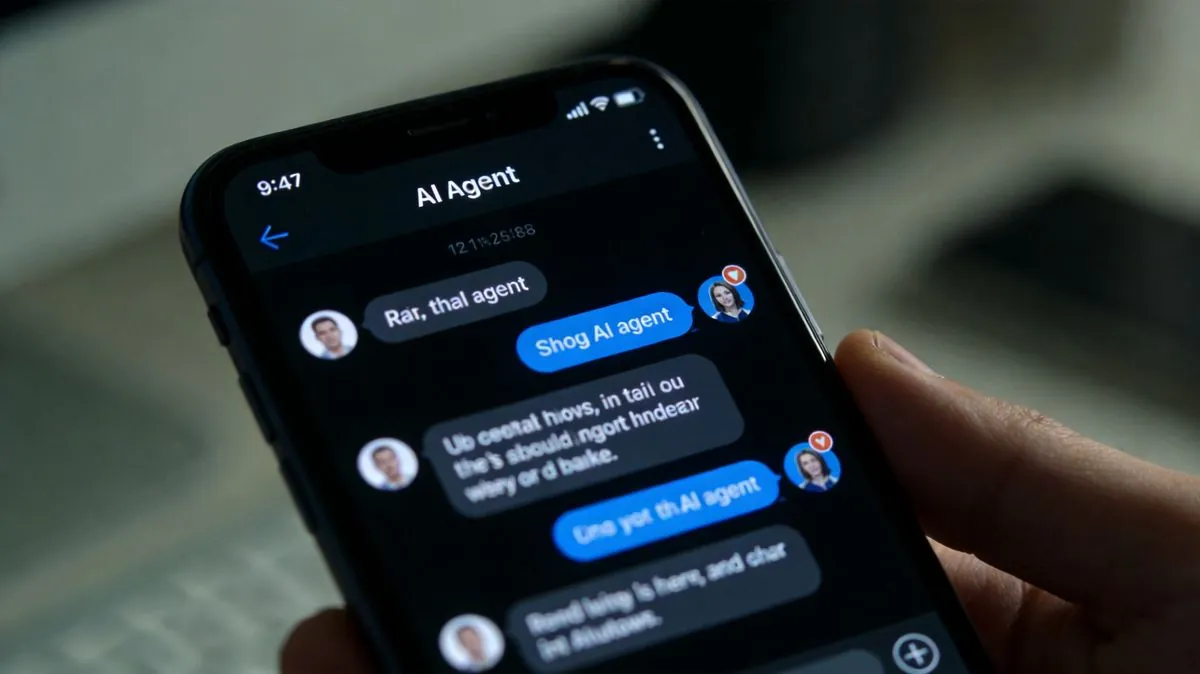
The mobile app isn't a desktop port — it's a "mobile console":
Voice interaction: Talk to your AI agents. No typing needed, perfect for driving or walking.
Approval management: Push notifications for sensitive actions. One tap to approve or reject.
Real-time notifications: Agent status updates, task completions, alerts all pushed to your phone.
Device awareness: Grant camera, location access on-demand.
The Missing Piece: Where Do Agents Actually Run?
Here's the catch: the phone app is just the remote control. Your AI agent needs a home that stays on 24/7.
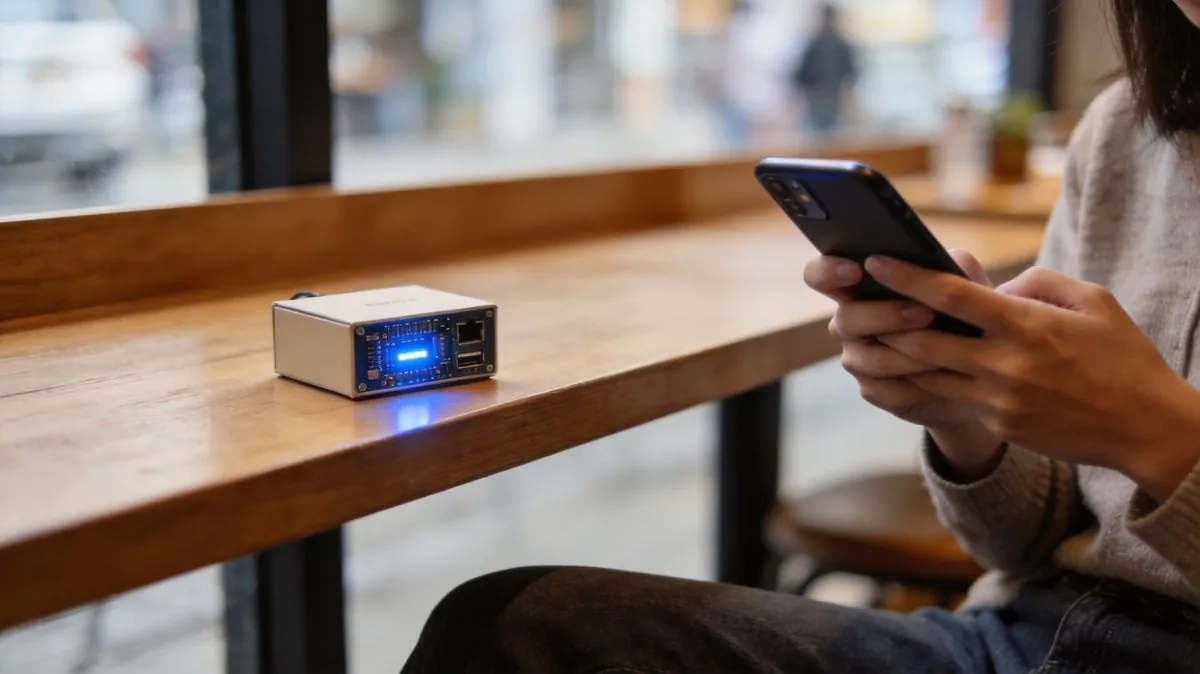
If OpenClaw runs on your personal computer, turning it off or going out means the phone app can't connect. Kaihe AIBOX solves this — it's a dedicated agent computer pre-loaded with OpenClaw and Hermes. Plug it in, connect to the internet, and your gateway is ready.
Pair your phone with the Kaihe AIBOX gateway, and you have true mobility: agents run at home, you control from anywhere.
Kaihe AIBOX also works with WeChat simultaneously — send commands via WeChat messages or the mobile app, whichever is more convenient.
Getting Started
Step 1: Set up a Kaihe AIBOX (or deploy your own OpenClaw gateway) that stays online 24/7.
Step 2: Download the OpenClaw app from the App Store or Play Store.
Step 3: Scan to pair and grant device permissions.
Step 4: Start commanding your agents from your phone.
Note: Some early user reports suggest the Android app has a basic UI and connection issues. OpenClaw mobile is iterating fast. For beginners, Kaihe AIBOX provides an out-of-box gateway experience.
-#KaiheAIBOX #OpenClaw #AIAgent #OpenSource #ArtificialIntelligence
Kaihe AIBOX | The Agent Computer That Works 7×24 for You · OpenClaw