OpenClaw Multi-Platform Calendar Sync: The Ultimate One-Click Solution
📖 Glossary
AI Box (also known as Agent Computer / Agent PC), is a dedicated local hardware device that runs AI Agents. Pre-installed with an AI agent management system, plug-and-play, running 24/7. Users can remotely command AI to work via Discord, Slack, Telegram, WhatsApp, and more.
Summary: Sick of calendar conflicts across Feishu, WeChat Work, and Google Calendar? OpenClaw multi-platform calendar sync takes over all your calendars with conflict detection, smart merging, and auto-reminders for zero scheduling gaps.
1. Calendar Chaos: The Silent Productivity Killer
You open Feishu — three meetings today. WeChat Work — two more. Google Calendar — a client call on top. But what you don't see is the 2:00 PM project review on Feishu colliding with an internal standup on WeChat Work, while Google Calendar has a client call at the exact same slot.
Calendar conflicts aren't just embarrassing — they're efficiency black holes. According to Harvard Business Review, middle managers spend an average of 4.6 hours per week on schedule coordination, with 1.8 hours wasted on conflict discovery and rescheduling alone.
The deeper problem is information silos. Feishu Calendar doesn't sync with WeChat Work. Google Calendar doesn't talk to either. Every new meeting invitation requires manual cross-referencing across three platforms before you can safely accept.
2. The OpenClaw Solution: One-Click Calendar Takeover
OpenClaw connects to Feishu, WeChat Work, and Google Calendar APIs simultaneously through its Skill mechanism, delivering three layers of automation:
Layer 1: Unified View All calendar events from every platform are aggregated into a single timeline view. No more switching between apps — see your entire day at a glance.
Layer 2: Conflict Detection When a new event arrives, OpenClaw automatically cross-references all connected calendars. If a time overlap is detected, you receive an instant alert: - "⚠️ 2:00-2:30 PM conflicts with Feishu 'Project Review'" - Three alternative time slots are suggested automatically
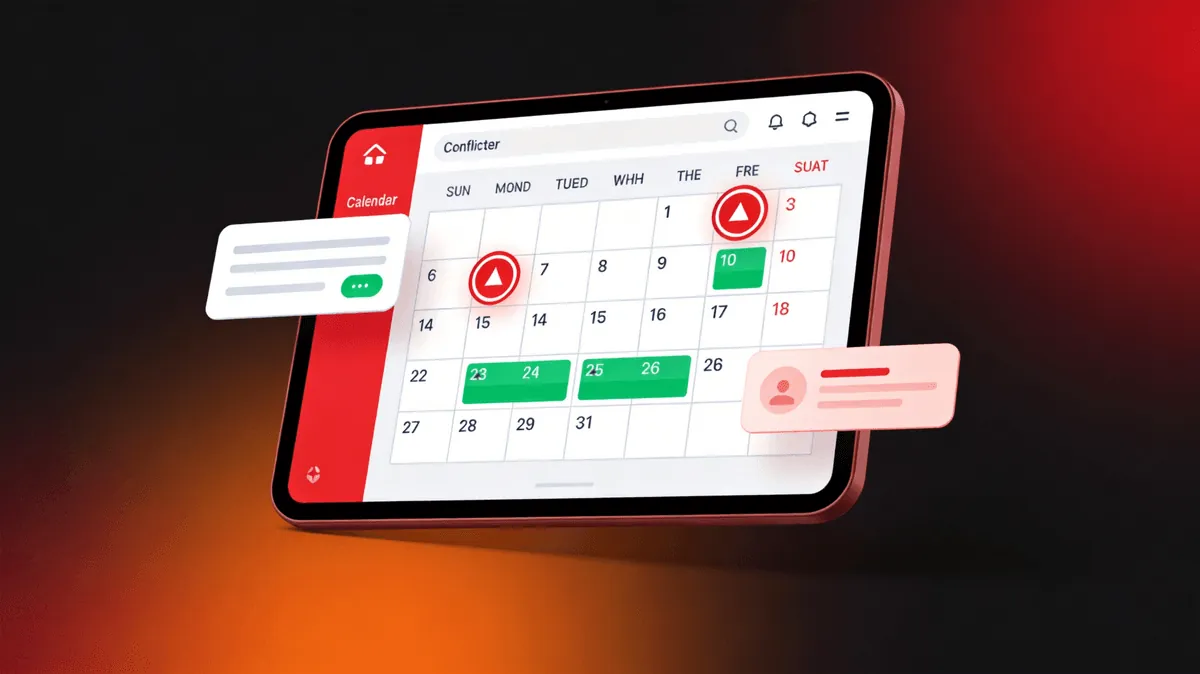
Layer 3: Smart Merging When the same meeting appears across multiple platforms (e.g., both Feishu and WeChat Work), OpenClaw identifies it as a duplicate and merges the entries, preventing double-booked slots in your unified view.
3. Real-World Scenario: A Marketing Manager's Day
Consider Zhang, a marketing manager at an e-commerce company who uses Feishu (internal comms), WeChat Work (vendor coordination), and Google Calendar (personal + overseas clients).
Before OpenClaw: 20 minutes every morning cross-referencing three calendars, 2-3 scheduling conflicts per week requiring last-minute rescheduling.
After OpenClaw: - All three platform calendars auto-aggregated into unified view - New meetings auto-checked for conflicts with smart time slot recommendations - Daily 7:00 AM briefing pushed to Feishu with the day's complete schedule - 15-minute pre-meeting reminders with join links and attendee info
Result: Schedule management time drops from 20 minutes/day to 2 minutes (review only). Weekly conflicts drop from 3 to near zero.
4. Advanced: Auto-Creation and Intelligent Agency
OpenClaw doesn't just read calendars — it writes them:
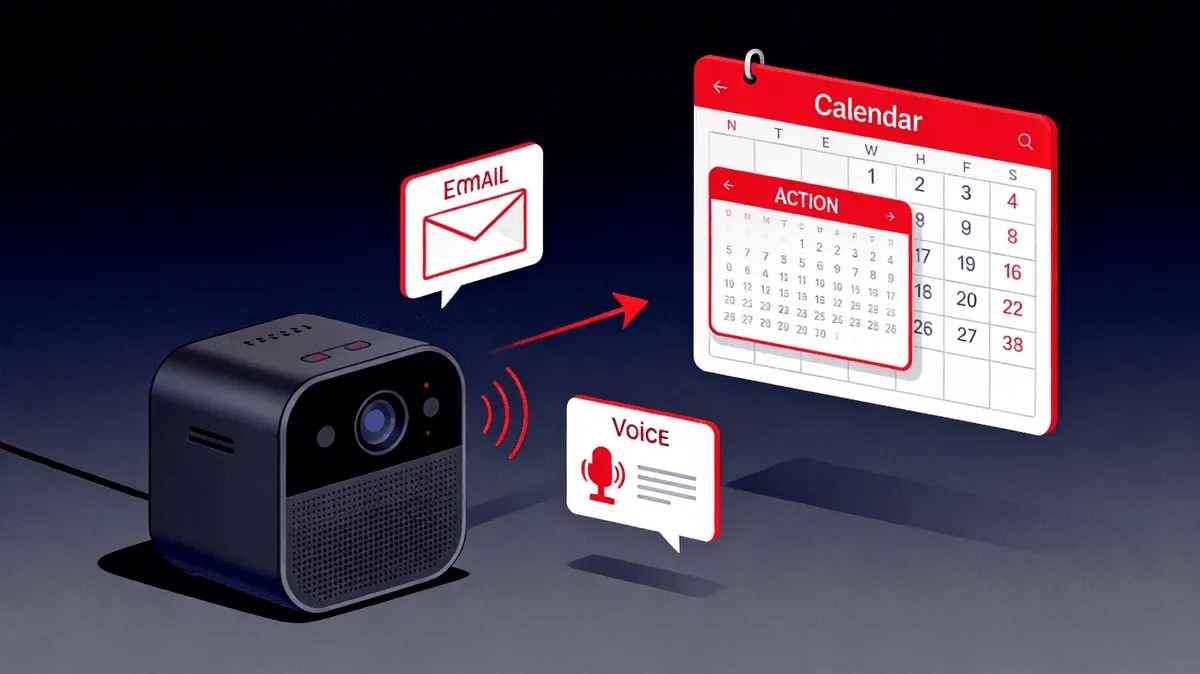
- Voice-to-Event: Tell OpenClaw "Schedule a meeting with Director Wang tomorrow at 3 PM" — it creates the event and syncs across all platforms automatically
- Email-to-Event: Emails containing time and location are auto-parsed into calendar events without manual entry
- Smart Accept/Decline: When a meeting invitation arrives, OpenClaw checks for conflicts. No conflict? Auto-accept and send confirmation. Conflict? Alert with alternatives
- Time Zone Intelligence: A Pacific Time meeting request from overseas clients is automatically converted to Beijing Time with both zones displayed
5. Cross-Platform Coordination for Teams
The real power emerges when entire teams adopt OpenClaw calendar sync:
- Team Availability Lookup: Before scheduling, query all team members' availability across platforms in one search
- Round-Robin Scheduling: For recurring meetings, automatically rotate time slots to distribute the inconvenience fairly across time zones
- Resource Booking: Meeting rooms and equipment reservations sync across platforms — no more double-booked conference rooms
- Delegate Scheduling: Executive assistants can manage their principal's calendar across all platforms from a single OpenClaw interface
The system handles the complexity of cross-platform coordination that would otherwise require a dedicated calendar manager or expensive enterprise scheduling software.
6. Why KaiheAiBox A1/B1 Makes This Practical
Calendar synchronization requires 24/7 continuous operation. Shut down your PC and the sync dies. Cloud servers? Monthly costs plus DevOps overhead for what should be a simple automation.
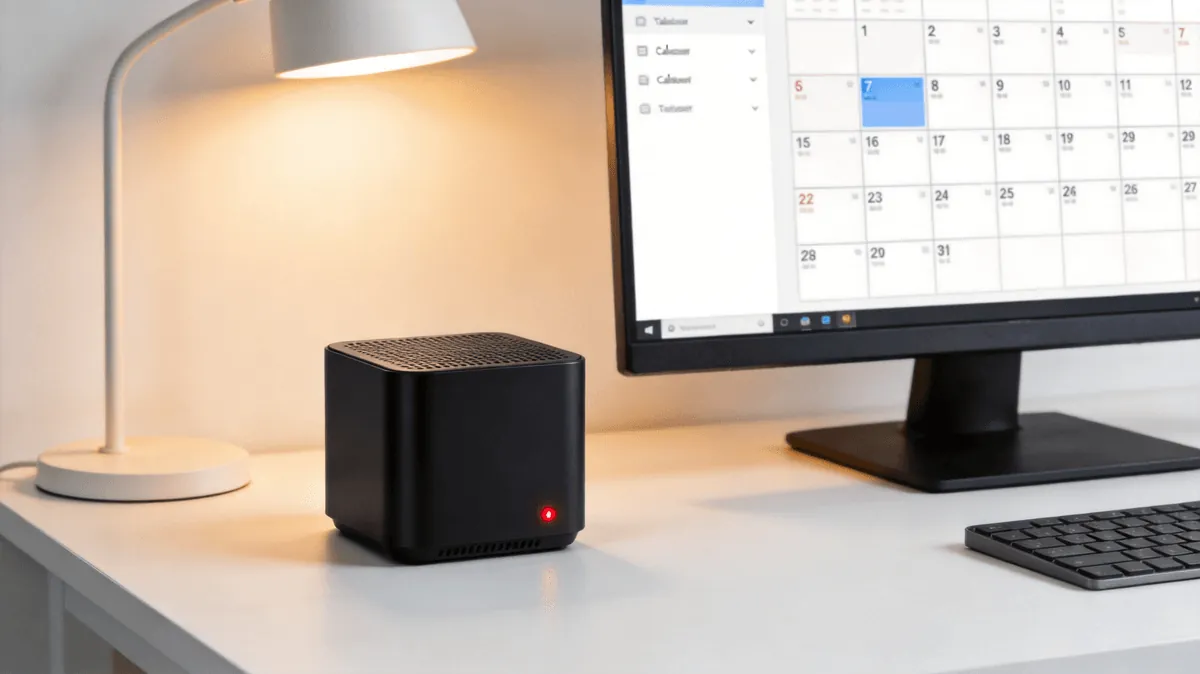
KaiheAiBox A1/B1 is purpose-built for this scenario: - Plug in power and network, manage via browser — 5 minutes to deploy - ARM architecture, smartphone-charger-level power consumption, under $1.50/month electricity - Physically isolated from your work PC for enterprise data security - Pre-loaded OpenClaw with Feishu, WeChat Work, and Google Calendar Skills available one-click install - Self-restarts after power outages, sends heartbeat notifications
For teams juggling multi-platform collaboration, a single KaiheAiBox acts as a tireless "calendar butler" that never sleeps and never misses a conflict.
KaiheAiBox| Agentaibox that lets AI work for you 24/7· OpenClaw Zone