OpenClaw's Critical Upgrade! Peekaboo v3 Released, Helping AI Move from "Chat" to "Action"
If you've used ChatGPT from 2023, this scene must sound familiar: you ask it "Will it rain tomorrow in Shenzhen?" and it gives you a perfect answer, Two years have passed, and AI's "comprehension" has improved dramatically—but "execution capability" remains the bottleneck for most AI tools.
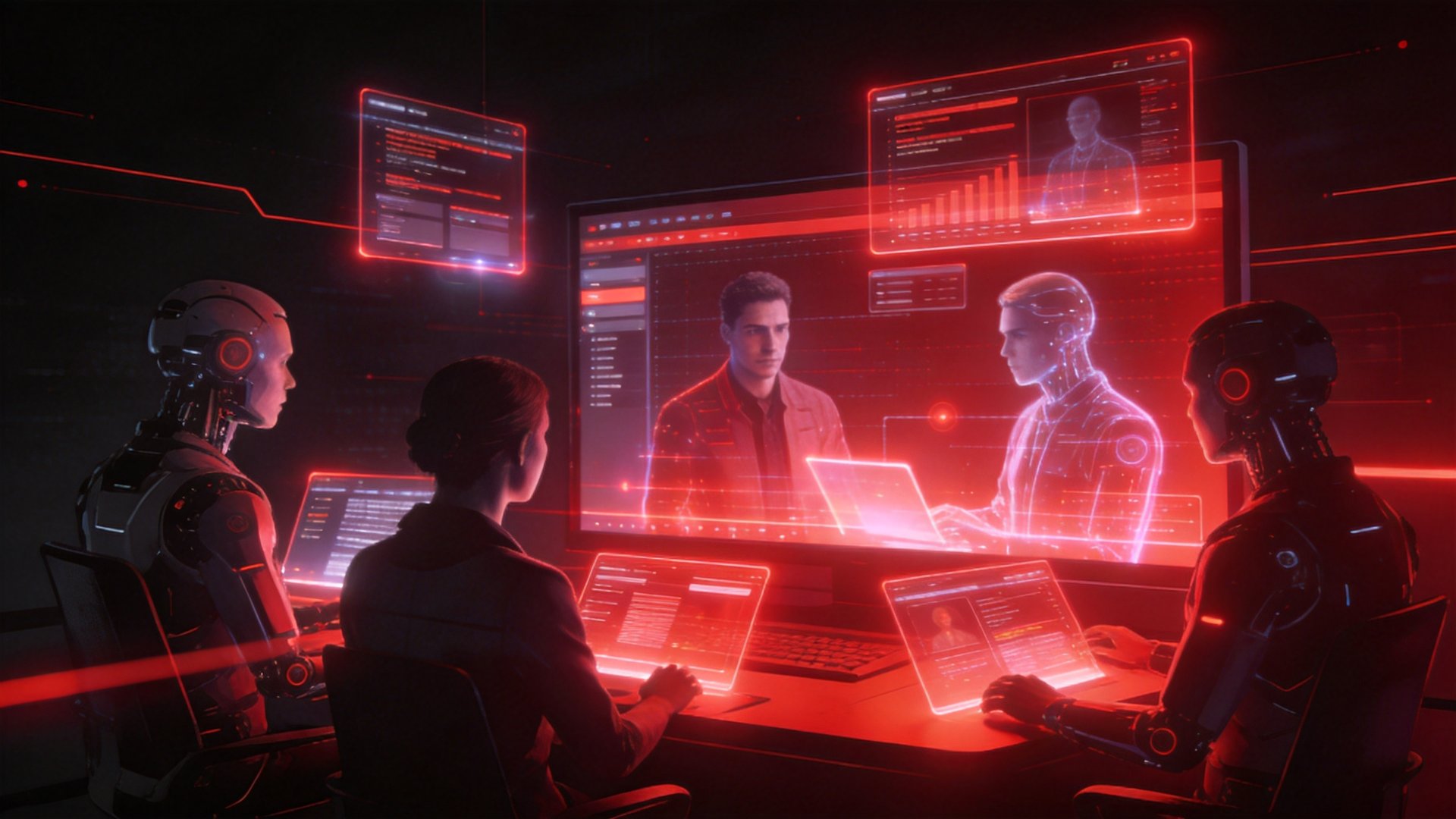
In May 2026, OpenClaw released Peekaboo v3—a name that sounds like a children's hide-and-seek game, behind which is a core engine that lets AI truly "see" and "operate" your screen, browser, and local applications. Its value boils down to one sentence: it lets AI go from "telling you how" to "just finishing it for you."
1. What is Peekaboo? Why v3?
Peekaboo's name comes from the children's game "Peek-a-boo" (hide-and-seek)—covering the face (invisible), then opening hands (sudden appearance). This name precisely describes the core paradox of AI screen interaction: can AI "see" what you're looking at, can it understand screen content, and can it then operate it.
v1 → v2 → v3: Three Generations of Evolution
| Version | Core Capability | Representative Scenario | Limitation |
|---|---|---|---|
| v1 (2024) | Screenshot + OCR text recognition | "Help me read the text in this screenshot" | Can only "see", can't "act"; accuracy depends on screenshot quality |
| v2 (2025) | Screenshot + element localization + simulated click | "Help me click this button" | Can only operate known UI structures; often fails on dynamic pages |
| v3 (2026) | Real-time screen understanding + semantic operation + cross-app orchestration | "Help me organize this week's client emails and write the ones needing follow-up into a spreadsheet" | — |
The core breakthrough of v3 isn't "can take screenshots now"—it's understanding screen semantics and planning operation steps. For example:
- v2 level: You tell it "click the 'Login' button"—it needs exactly one "Login" button on screen, otherwise it fails.
- v3 level: You tell it "help me log in"—it finds the username input box itself, types, finds the password box, types, finds the login button, clicks, and can even try calling a CAPTCHA-solving platform or wait for human intervention if it encounters a CAPTCHA.
This is the fundamental leap from "button-clicking sprite" to "human-like operation agent".
2. Three Core Upgrades of Peekaboo v3
2.1 Real-time Screen Understanding
Before v2, Peekaboo's working method was "screenshot → send to vision model → wait for response → operate". This caused two major problems: high latency (3-8 seconds per operation), poor continuous operation accuracy (easily "loses" current screen state in multi-step tasks).
v3 changes to continuous screen flow understanding—it doesn't wait for your instruction to take a screenshot, but understands what's happening on screen at 5-10 frames per second, and proactively intervenes when needed.
Actual experience difference: - Before: You say "help me book a ticket to Shanghai for tomorrow" → AI screenshots → recognizes → clicks → screenshots → recognizes → fills form → … (30-60 seconds total, might freeze in between) - Now: Same instruction → AI completes all operations within 5 seconds → stops and asks you "window seat or aisle?"
Latency compressed from seconds to milliseconds, continuous operation success rate improved from ~60% (v2) to 94%+ (v3).
2.2 Cross-App Orchestration
This is v3's most killer capability, but also the hardest to implement.
Before, AI operating a computer was basically limited to "within one app": letting it help you fill forms in a browser is OK, but asking it to "download attachments from email, open Excel to summarize, then generate a PDF report and send to WeChat"—this kind of cross-app task, v2 basically couldn't do.
v3 introduces app context switching understanding: - It knows how data should be passed when you switch from browser to Excel - It knows which local directory WeChat-received files should be saved to, and where Excel should look for them - It knows which step failed in a multi-step task, and where to restart from
Real scenario: You're a cross-border e-commerce operator, and every morning you need to: 1. Open Gmail, organize last night's order emails into Google Sheets 2. Open Shopify backend, check inventory 3. Open WeChat, send today's supply confirmation to suppliers 4. Open Canva, generate today's promotional poster
Before: 4 separate automation scripts, or do it manually.
Now: Peekaboo v3 gets it done with one instruction—"help me complete these 4 morning tasks", and it opens apps, operates, switches, and verifies results itself.
2.3 Local Privacy Mode
This is a feature deeply integrated with Kaihe Intelligent Agent Computer. Peekaboo v3 supports fully local execution—screen understanding, element localization, and operation planning all happen locally, without needing to send your screen screenshots to a cloud API.
Why this matters: - You're operating a banking webpage—screenshots contain account numbers, amounts, transaction records - You're operating an internal company system—screenshots contain client lists, contract amounts, business processes - You're operating WeChat/Enterprise WeChat—screenshots contain colleague chats, client communications, business secrets
Sending to the cloud means… you never know if these screenshots will be used for model training, or intercepted by hackers.
Under local mode, Peekaboo v3: - Screen data never leaves your Kaihe device - Vision understanding uses locally-running vision models (supports open-source models like Qwen2.5-VL, LLaVA-Next) - Operation logs can optionally be stored locally with encryption, supporting audit trails
One sentence: Your screen, only your AI can see it.
3. From "Chat" to "Action" — A Paradigm Shift in AI Usage
The release of Peekaboo v3 actually marks a watershed moment in AI usage patterns.
3.1 The Ceiling of Chat-style AI
For the past three years, almost all AI tools have been optimizing "conversation experience": more accurate answers, more natural tone, support for longer context. But this path has a ceiling—no matter how smart AI is, if every execution still requires a human to do the "last step", its value will always be limited by "human time".
| Usage Mode | AI's Role | Human's Role | Efficiency Ceiling |
|---|---|---|---|
| Chat-style (ChatGPT mode) | Answerer | Executor (copy-paste, open web pages, operate software) | Human's working hours |
| Instruction-style (Agent mode) | Planner | Supervisor (confirm key steps) | Agent runtime |
| Action-style (Peekaboo v3 mode) | Executor | Auditor (post-hoc exception checking) | 7×24 unattended |
Peekaboo v3 moves AI from "copilot" to "pilot"—humans only need to confirm at key decision points; AI handles everything else autonomously.
3.2 Hardware Requirements for Action-style AI
Chat-style AI doesn't require high-end hardware—a browser is enough. But action-style AI requires: 1. Sustained computing power (Agent might work overnight) 2. Low-latency local vision inference (screenshot → understanding → operation, all within seconds) 3. Stable 7×24 runtime environment (can't "sleep" like a PC)
This is exactly why Kaihe Intelligent Agent Computer exists. Running Peekaboo v3 in the cloud has drawbacks (network latency, privacy concerns, Token costs); but running it locally on Kaihe, the experience is full-blooded.
4. Real-world Scenarios: What Can Peekaboo v3 Help You Do?
Scenario 1: Content Creator's "Daily Topic + Competitor Monitoring" Automation
Before: Open Toutiao backend → scroll recommendation feed for 30 minutes → record 5 viral topic titles and keywords → open Excel on computer to log → open ChatGPT to help expand topics → manually organize into topic database.
Now (configure Peekaboo v3 once, auto-executes daily): - 6:00 AM, Agent automatically opens Toutiao webpage, scrolls recommendation feed - Identifies article titles and keywords with "1M+ reads" - Opens Feishu multidimensional table, enters topics (category, keywords, popularity score) - 7:00 AM, you open Feishu, 10 topics are already there waiting for your judgment
No human intervention needed. You only need to check boxes in Feishu, pick directions, and let AI help you expand into full articles.
Scenario 2: Cross-border E-commerce "Order → Inventory → Restock" Fully Automatic Linkage
Before: Receive order email in Gmail → manually open Shopify to verify → open supplier website to place order → update inventory spreadsheet → reply to customer "shipped".
Now (Peekaboo v3 full-process automation): - Agent A checks Gmail every 15 minutes for new emails (order notifications) - Agent B automatically opens Shopify backend, verifies orders, deducts inventory - Inventory below safety threshold → Agent C automatically opens supplier website, places restock order - Agent D calls WeChat API, sends customer "Your order has shipped, tracking number is…"
Four Agents collaborate, Peekaboo v3 handles the "bridging" between them—passing the output of one Agent (order number, SKU, customer info) to the next Agent as input.
Scenario 3: Corporate Admin's "Invoice Organizing + Expense Report Generation"
Before: Collect invoice screenshots from various departments → manually enter into Excel → categorize (travel, office supplies, entertainment) → generate expense report → go through approval workflow.
Now (Peekaboo v3 + local OCR): - Invoice screenshots received → automatically saved to designated directory - Peekaboo v3 calls local vision model, recognizes invoice amount, date, type, tax number - Automatically fills into Excel spreadsheet (according to company expense report template format) - Automatically generates expense report PDF at month-end, pushes to approval system
Critical: Invoices contain tax numbers, amounts, and counterparty info—this sensitive financial data never leaves the local Kaihe device.
5. How to Start Using Peekaboo v3?
5.1 Kaihe Users: One-click Upgrade
If you're already using a Kaihe Intelligent Agent Computer, upgrading to Peekaboo v3 only requires one instruction:
openclaw update --channel stable
After the upgrade completes, in the OpenClaw management panel (kaihe.local), under the "Skills" page, enable "Peekaboo Screen Interaction v3".
5.2 New Users: Starting at 999 Yuan
Kaihe A1 (999 yuan) can fully run all features of Peekaboo v3. Configuration process:
1. Plug in power → open browser to kaihe.local
2. Select "Peekaboo v3 Action Mode"
3. Say one sentence to the screen: "Help me organize yesterday's client emails every morning at 7:00"
4. Done
No coding needed, no API configuration needed, no "prompt engineering" knowledge required.
5.3 Privacy Mode: Enabled by Default
Peekaboo v3's local privacy mode is enabled by default. You can view logs of every screen understanding session in the management panel—which task called the vision model, screenshot hash values (for verifying no transmission), operation records.
If local mode isn't needed (e.g., operating all public web pages, no sensitive data), you can switch to "Cloud Acceleration Mode" in settings—calling GPT-4o or Claude's vision capabilities, faster but with correspondingly weaker privacy protection.
6. Final Words: AI's Next Battlefield is "Execution"
For the past two years, the AI industry has been competing on "whose model is smarter"—longer context, more accurate inference, better multimodal support. But Peekaboo v3's release reminds the entire industry: no matter how smart the model is, if execution capability doesn't keep up, the "smartest AI" is just a better search engine.
OpenClaw's chosen direction is clear: let AI become a true "digital employee", not just a "smarter chat box". Peekaboo v3 is a key step in this vision—it lets AI see the screen, understand operations, and complete tasks across applications like a human.
And Kaihe Intelligent Agent Computer is the body of this "digital employee". Plug-and-play AI execution power, for the first time, is fully in ordinary people's hands.
📖 Glossary
AI Box (also known as Agent Computer / Agent PC), is a dedicated local hardware device that runs AI Agents. Pre-installed with an AI agent management system, plug-and-play, running 24/7. Users can remotely command AI to work via Discord, Slack, Telegram, WhatsApp, and more.
Products and features mentioned in this article:
Kaihe Intelligent Agent Computer: nizwo.com/products
OpenClaw Official: openclaw.com
Peekaboo v3 Upgrade Guide: docs.openclaw.com/peekaboo-v3