OpenClaw Skill Ecosystem Deep Dive: 20 Must-Have Plugins
📖 Glossary
AI Box (also known as Agent Computer / Agent PC), is a dedicated local hardware device that runs AI Agents. Pre-installed with an AI agent management system, plug-and-play, running 24/7. Users can remotely command AI to work via Discord, Slack, Telegram, WhatsApp, and more.
Skills are the soul of OpenClaw. Without them, your Agent is just a chatbot. With them, it becomes a real work assistant. Here are 20 high-value Skills, broken down.
What Is a Skill?
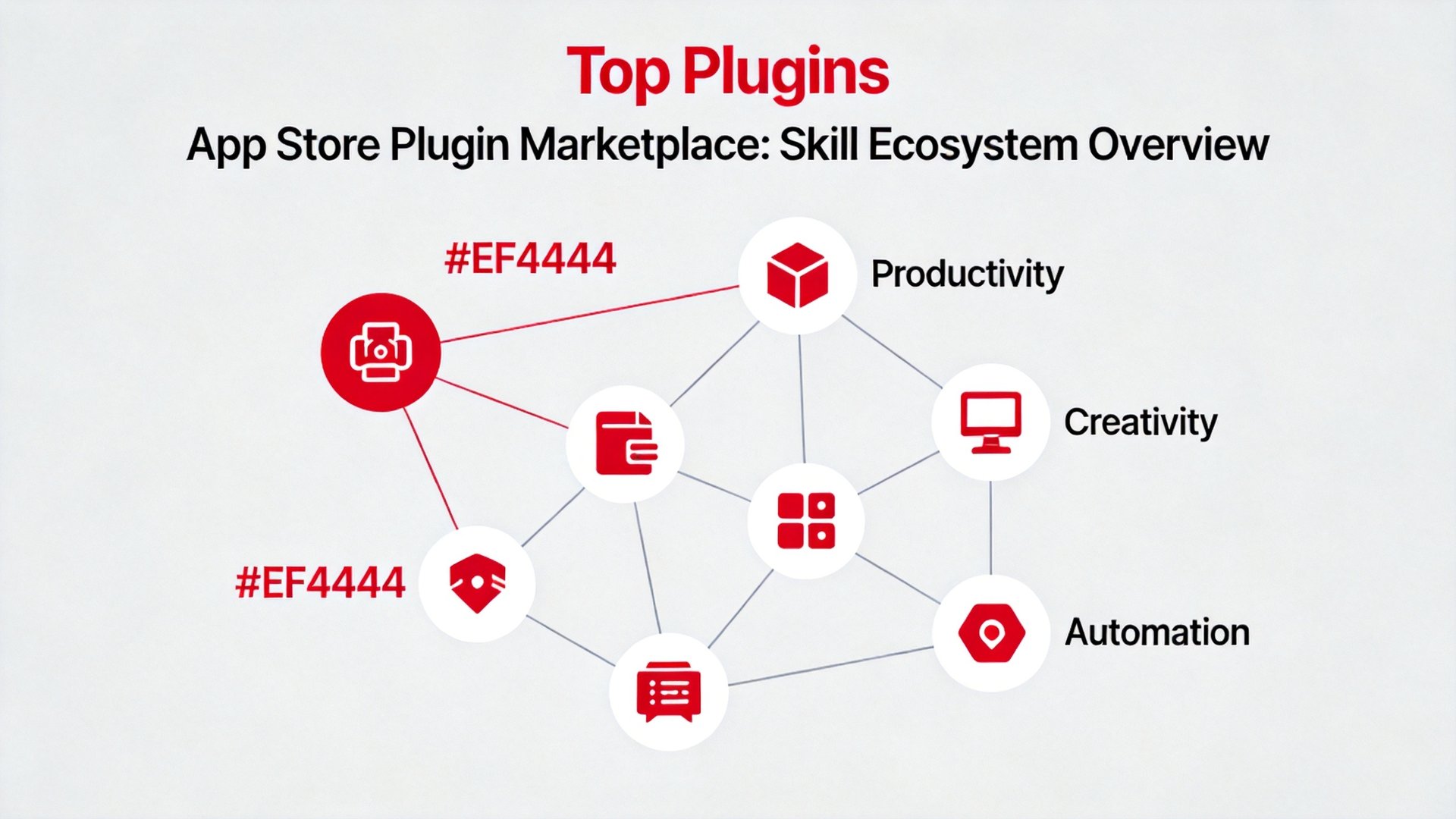
Simple: Skills are apps for your Agent. Without Skills, an Agent can only chat. With them, it can search the web, read files, send emails, operate browsers, run code — covering nearly every aspect of your workflow.
OpenClaw's Skill Store has 200+ community-contributed Skills, all open source.
Productivity (5 Skills)
- Search Enhancement: Multi-engine search for real-time information
- File Management: Read/write local files (restrict to specific folders)
- Calendar Assistant: Google Calendar/Outlook integration
- Email Handler: Send, receive, categorize, auto-reply
- Browser Automation: Web operations like form filling and data scraping
Content Creation (5 Skills)
- Multilingual Translation: Context-aware translation with term consistency
- Document Format Conversion: Markdown ↔ Word ↔ PDF ↔ HTML
- Chart Generation: Natural language → visualizations
- Speech-to-Text: Meeting recordings → organized minutes
- Image Generation: AI-generated article illustrations
Data Analysis (5 Skills)
- Spreadsheet Processing: Excel read/write, formulas, pivot tables
- Database Query: Natural language to SQL
- PDF Parsing: Text and table extraction including OCR
- Code Assistant: Python, JavaScript, Shell — write, run, iterate
- Data Visualization: Raw data → interactive dashboards
Automation (5 Skills)
- Cron Scheduler: Periodic task execution
- Notification Push: Telegram, WeCom, email channels
- API Gateway: Connect to any REST API
- Multi-Agent Collaboration: Inter-Agent communication and coordination
- Custom Skill SDK: Build your own Skills
Three Selection Principles
- Start from your needs, not the list — identify your top 3 time-wasters first
- Install infrastructure first — search, file management, browser automation cover 80% of use cases
- Clean up regularly — unused Skills consume resources
Quick Reference
| Category | Skill | Use Case | Priority |
|---|---|---|---|
| Productivity | Search Enhancement | Real-time info | ⭐⭐⭐⭐⭐ |
| Productivity | File Management | Local file ops | ⭐⭐⭐⭐⭐ |
| Productivity | Browser Automation | Web operations | ⭐⭐⭐⭐ |
| Content | Format Conversion | Cross-format | ⭐⭐⭐⭐ |
| Content | Image Generation | AI illustrations | ⭐⭐⭐⭐ |
| Data | Spreadsheet | Excel ops | ⭐⭐⭐⭐ |
| Data | Code Assistant | Write & run code | ⭐⭐⭐⭐ |
| Automation | Cron Scheduler | Periodic tasks | ⭐⭐⭐⭐⭐ |
| Automation | Multi-Agent | Complex tasks | ⭐⭐⭐⭐ |
How many Skills does your Agent have? Share your setup in the comments.