OpenClaw v2026.6.8 Update Breakdown: 6 Major Upgrades, Here's What Matters
📖 Glossary
AI Box (also known as Agent Computer / Agent PC), is a dedicated local hardware device that runs AI Agents. Pre-installed with an AI agent management system, plug-and-play, running 24/7. Users can remotely command AI to work via Discord, Slack, Telegram, WhatsApp, and more.
Abstract: OpenClaw's latest v2026.6.8 release brings 6 core upgrades: Telegram/WhatsApp rich text rendering, more reliable agent runs, GLM-5.2 and Claude Haiku 4.5 model support, usage stats improvements, more predictable search behavior, and UI/mobile experience fixes. This article breaks down each change and tells you what actually affects you.
On June 16, OpenClaw released version 2026.6.8. No "revolutionary overhauls" this time — just solid, practical improvements. Here's what matters for everyday users.
1. Telegram & WhatsApp: Messages Finally Look Right
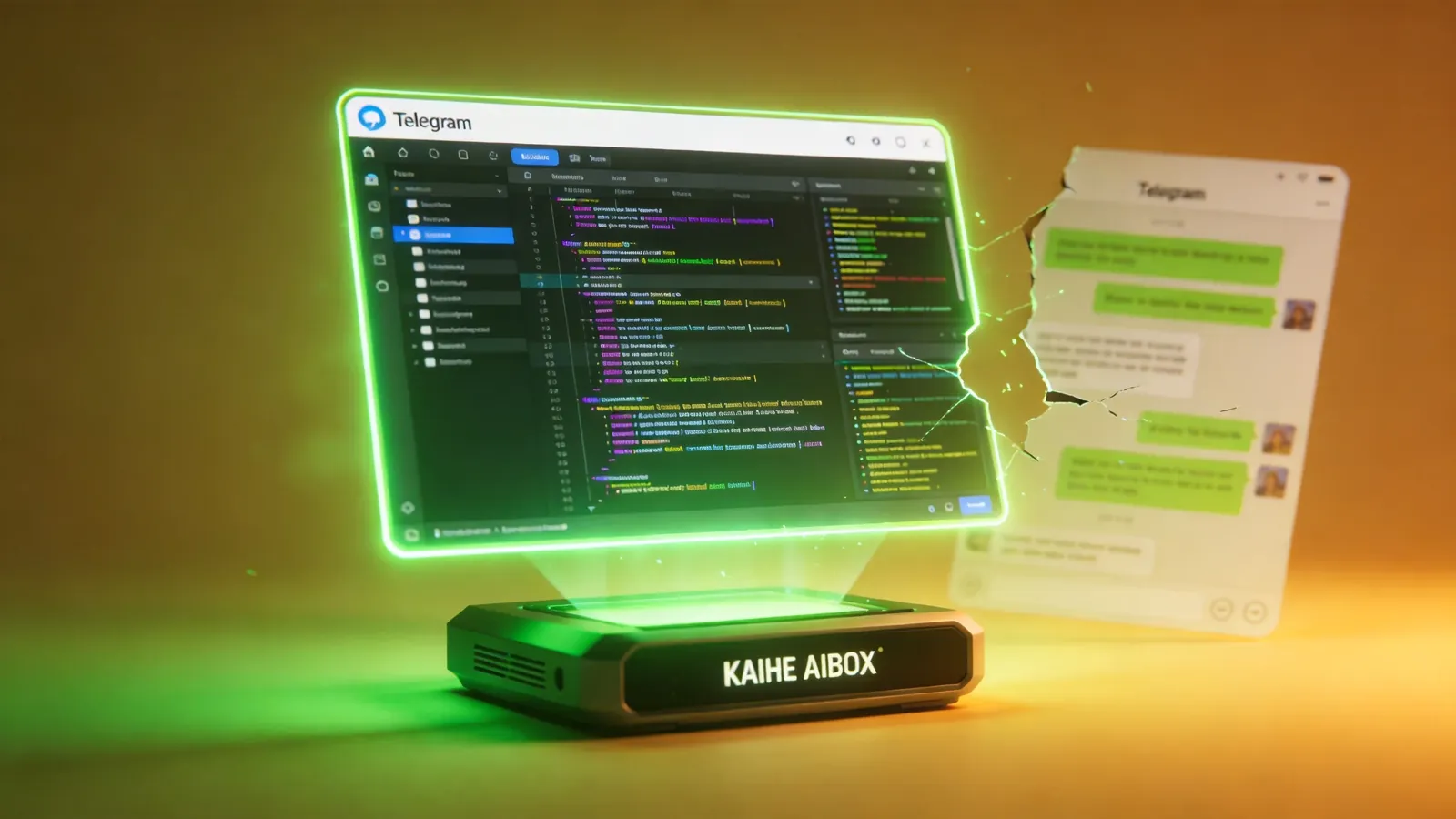
The problem before: OpenClaw replies in Telegram were a formatting mess — tables disappeared, lists collapsed into a blob, line breaks got eaten. WhatsApp ACP bindings often didn't take effect.
What's fixed: - Telegram now renders tables, lists, expandable blockquotes, and preserves intentional line breaks - CLI backend replies render correctly - WhatsApp ACP bindings now honor configuration
Impact: If you chat with your Agent via Telegram, messages are no longer a wall of text. Tables are readable, code blocks have formatting, quotes expand and collapse. This is a big experience upgrade for long replies like code reviews or data analysis reports.
2. Agent Runs: Less Likely to Break Mid-Task
The problem before: Agents running long tasks would often "break" — archive fallback reads failed after restart, sub-agents couldn't resume after pausing, media generation completions got lost, session identity got confused.
What's fixed: - Account-scoped DM sends follow correct recovery paths - Generated media (images/audio) correctly trigger replies after completion - Archive fallback reads have graceful degradation - Restart shutdown uses abort instead of hard kill, avoiding data loss - Sub-agents resume correctly after pauses - Session identity prompts stay correct after recovery
Impact: Agents running long tasks — writing an article, processing a batch of files, running data analysis — are less likely to break mid-way. And if they do, auto-recovery works without manual restart. This matters a lot for 7×24 scenarios.
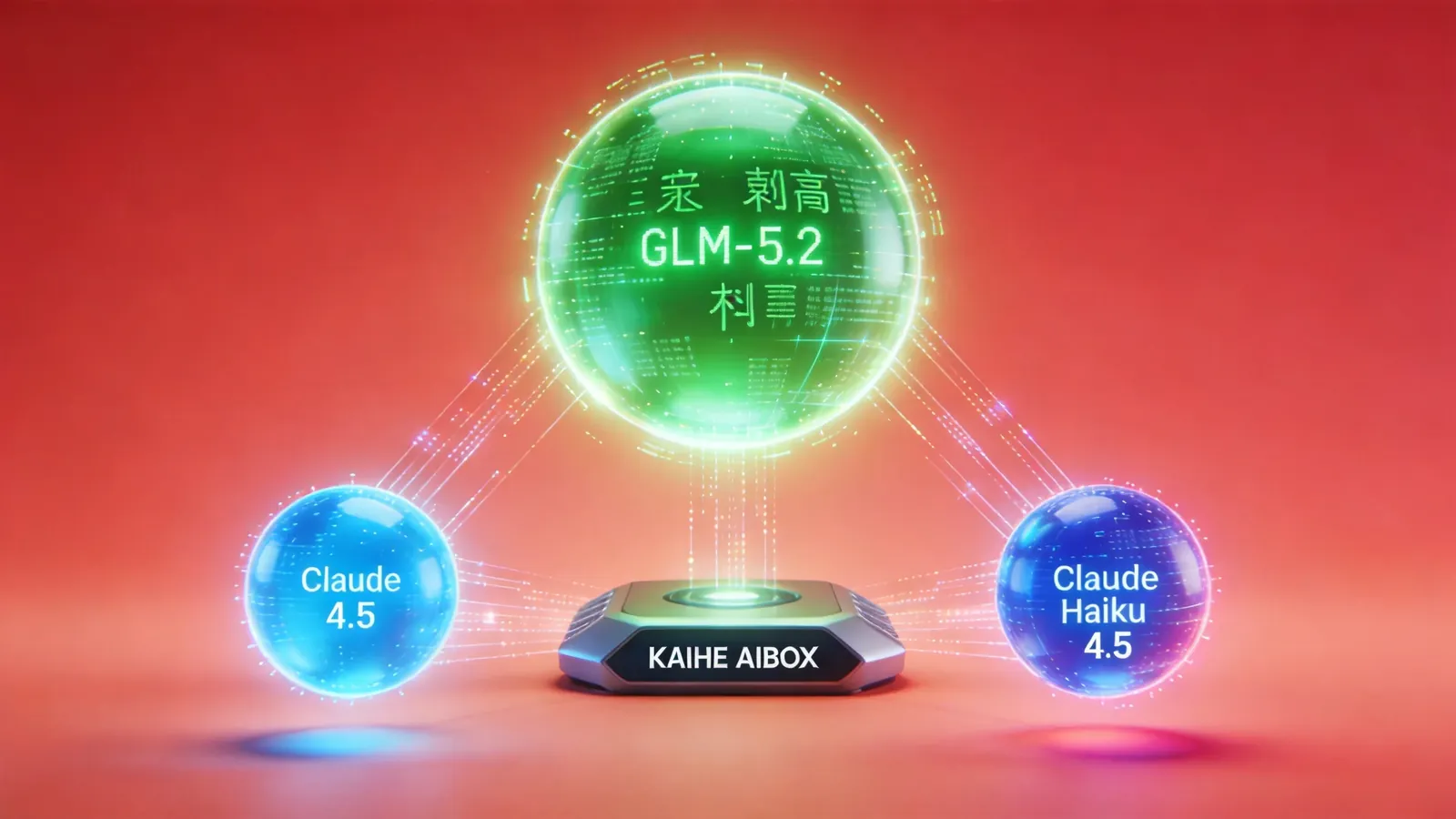
3. New Model Support: GLM-5.2 and Claude Haiku 4.5
New models: - GLM-5.2: Zhipu's latest open-source model, 1M context, top-tier Chinese coding ability, MIT license - Claude Haiku 4.5: Anthropic's lightweight fast model, good for daily conversation and light tasks
Other model routing improvements: - Model IDs are now normalized across OpenRouter and Google Vertex paths — no more same-model-different-ID confusion - SecretRef auth management is more secure - Model browsing has boundary limits to prevent excessive requests - OpenAI and Anthropic tool schema recovery is safer
Impact: Model configuration is easier. GLM-5.2 adds another Chinese model option that's disruption-proof. Claude Haiku 4.5 works as a "power-saving mode" for daily chat — cheap and fast. Kaihe AIBOX's edge-cloud setup pairs well: light tasks on Haiku locally, heavy tasks on Opus or GPT-5.5 via cloud.
4. Usage Stats: Finally See What You're Spending
The problem before: The /usage command returned messy formatting, partial counts were missing, and broken templates silently produced garbage output.
What's fixed: - New native footer renderer with a default template - Fixed-decimal formatting - Credential-aware limit display - Better partial-count handling - Broken templates now show warnings instead of silently outputting errors
Impact: You can clearly see how many tokens and how much money each session and model consumed. Previously you had to add it up manually. Now one /usage command does it.
5. Search Behavior: No More Silent Engine Switching
The problem before: If you didn't configure a search API key, OpenClaw would automatically fall back to DuckDuckGo, Parallel Free, or other free search providers. Convenient-sounding, but result quality was inconsistent, and users didn't know which engine they were actually using.
What changed: Free search providers (DuckDuckGo, Parallel Free, Ollama, Codex Hosted Search) are now explicit opt-ins instead of automatic fallbacks.
Impact: Search results are more predictable. Either configure a proper search API, or explicitly tell your Agent which free engine to use. No more "yesterday's results were accurate, today the same query returns garbage" surprises.
6. UI & Mobile: Small Fixes, Big Experience Gains
Specific improvements: - Workspace files start collapsed — no more screen-filling file lists on open - WebChat history survives streaming — scrolling up during a stream no longer gets wiped - Desktop session picker stays interactive during streaming - Reset command arguments pass through correctly - iOS auto-reconnects stale foreground Gateways
Impact: WebChat improvement is the most noticeable — previously, trying to scroll up during streaming would freeze or get wiped. Not anymore. iOS users no longer need to manually reconnect.
Under-the-Hood Improvements
- OpenAI embedding batches: oversized batches auto-split to avoid 431-second timeouts
- QMD search: stays available in transient mode
- SQLite: no more WAL mode on NFS volumes, avoiding file lock issues
- Full reindex: preserves rollback and cache recovery
These aren't directly visible to users, but they make the whole system more stable.
Upgrade Recommendation
If you're already running OpenClaw, upgrade. No breaking changes in this release.
npm update -g openclaw@latest
openclaw gateway restart
Kaihe AIBOX users will receive the update via OTA automatically — no manual action needed.
This update is very OpenClaw — no big hype, but every fix addresses a real pain point from community feedback. Telegram message formatting, Agent disconnections, unpredictable search behavior — these are things that genuinely annoy daily users. Fixed means better.
-#KaiheAIBOX #OpenClaw #AIAgent #AIBOX #OpenSource
Kaihe AIBOX | The Agent Computer That Works 7×24 for You · OpenClaw Zone