OpenClaw v2026.6.8 Update: AI Finally Renders Tables in Chat, Full Conversation Experience Upgrade
📖 Glossary
AI Box (also known as Agent Computer / Agent PC), is a dedicated local hardware device that runs AI Agents. Pre-installed with an AI agent management system, plug-and-play, running 24/7. Users can remotely command AI to work via Discord, Slack, Telegram, WhatsApp, and more.
Abstract: OpenClaw v2026.6.8 released June 16 — a major experience-focused update. Key changes: AI now renders formatted tables directly in chat; Telegram and WhatsApp message delivery dramatically improved; GLM-5.2 and Claude Haiku 4.5 model support added; Agent runs more reliably; memory and search systems more robust. Kaihe AIBOX ships with OpenClaw pre-installed; updates auto-push to all devices.
When you asked an AI assistant to "show me a table," it gave you a bunch of pipe-and-dash ASCII art that looked like a mess on mobile — this frustrated people for years.
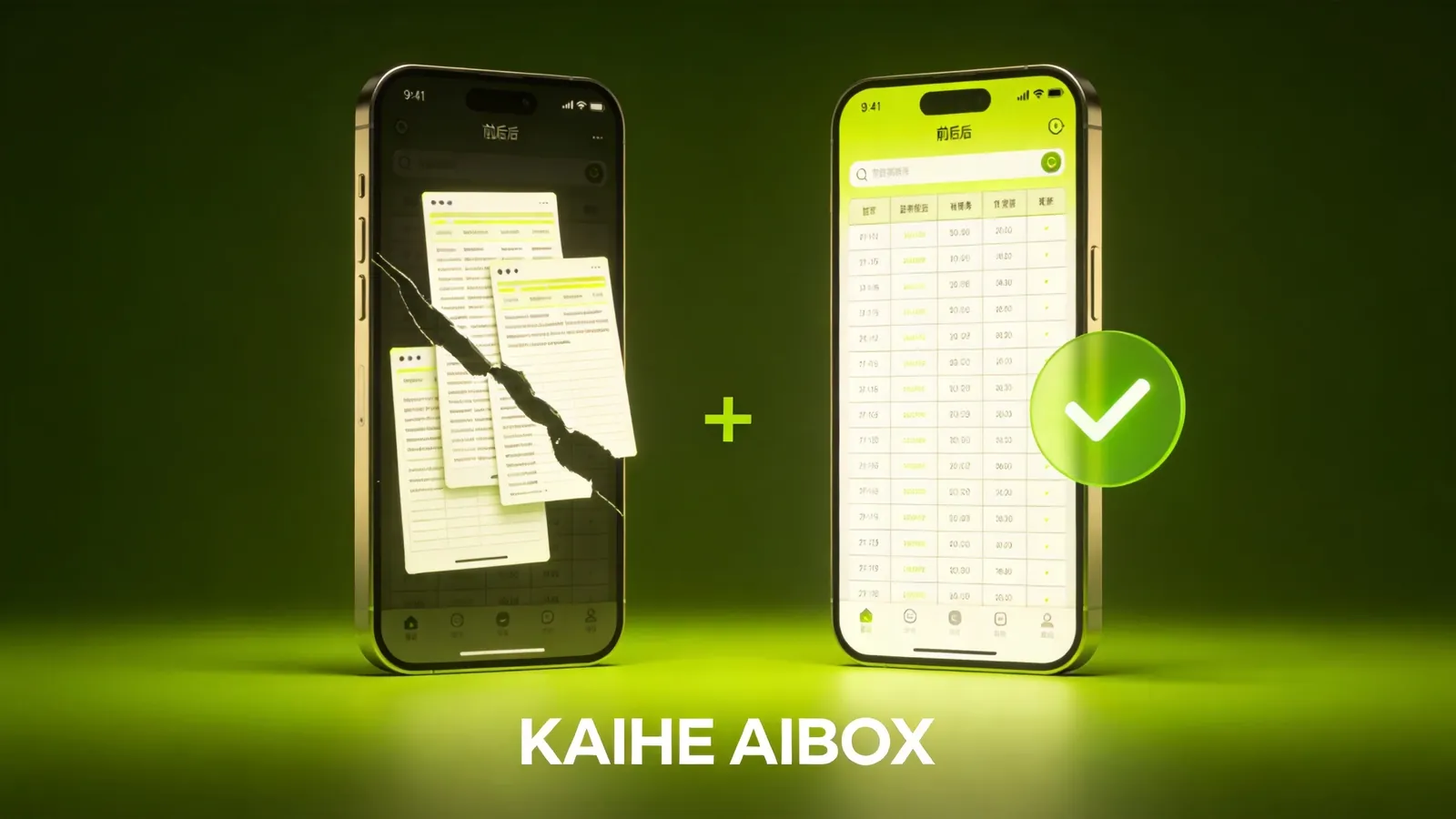
OpenClaw v2026.6.8 fixed it. AI assistants now render formatted tables directly in chat, across all channels — WeChat, Feishu, DingTalk, Telegram, and more. Clear, aligned, scannable at a glance.
But this update goes well beyond tables. Let's dig in.
1. AI Finally Renders Tables in Chat
This is the most visible UX change. Before, asking AI to list data — "compare these three model specs" — produced wall-of-text descriptions or a crude markdown table that looked misaligned on mobile.
v2026.6.8 changes that. Formatted tables now render correctly across all channels with proper column alignment and clear data presentation.
Real scenarios: - "Compare Kaihe AIBOX A1 and B1 specs" → clean parameter comparison table - "List my 5 most important emails this week" → table with sender/subject/date - "Compare these three suppliers' quotes" → prices/specs/delivery at a glance
Don't underestimate this. Tables are one of the most common information displays in daily work. Before, AI couldn't produce them — you got data but had to format it yourself. Now AI delivers copy-paste-ready tables.
2. Telegram and WhatsApp Message Rendering Upgraded
If you communicate with your AI assistant via Telegram or WhatsApp, this update is a big deal.
Telegram: Rich-message rendering now supports tables, lists, expandable blockquotes, and preserved line breaks. Long AI responses no longer come through with broken formatting — they look as clean as on the web interface. CLI-backed replies are also supported for more complex command outputs.
WhatsApp: New ACP (Agent Control Protocol) binding support. You can now invoke ACP-orchestrated Agent tools directly from WhatsApp without additional configuration.
For cross-border e-commerce and international business users, Telegram and WhatsApp are primary communication tools. Better message rendering quality on these platforms directly improves the AI assistant experience.
3. New Models: GLM-5.2 and Claude Haiku 4.5
Two important model integrations in v2026.6.8:
GLM-5.2: Zhipu AI's latest open-source model, 1M context, MIT license, top value among Chinese models. As covered previously — excels at large project code understanding and long document processing. Now directly callable from OpenClaw.
Claude Haiku 4.5: Anthropic's lightweight high-speed model, ideal for high-frequency light tasks. Fast responses, low cost, optimal for daily Q&A and simple tasks.
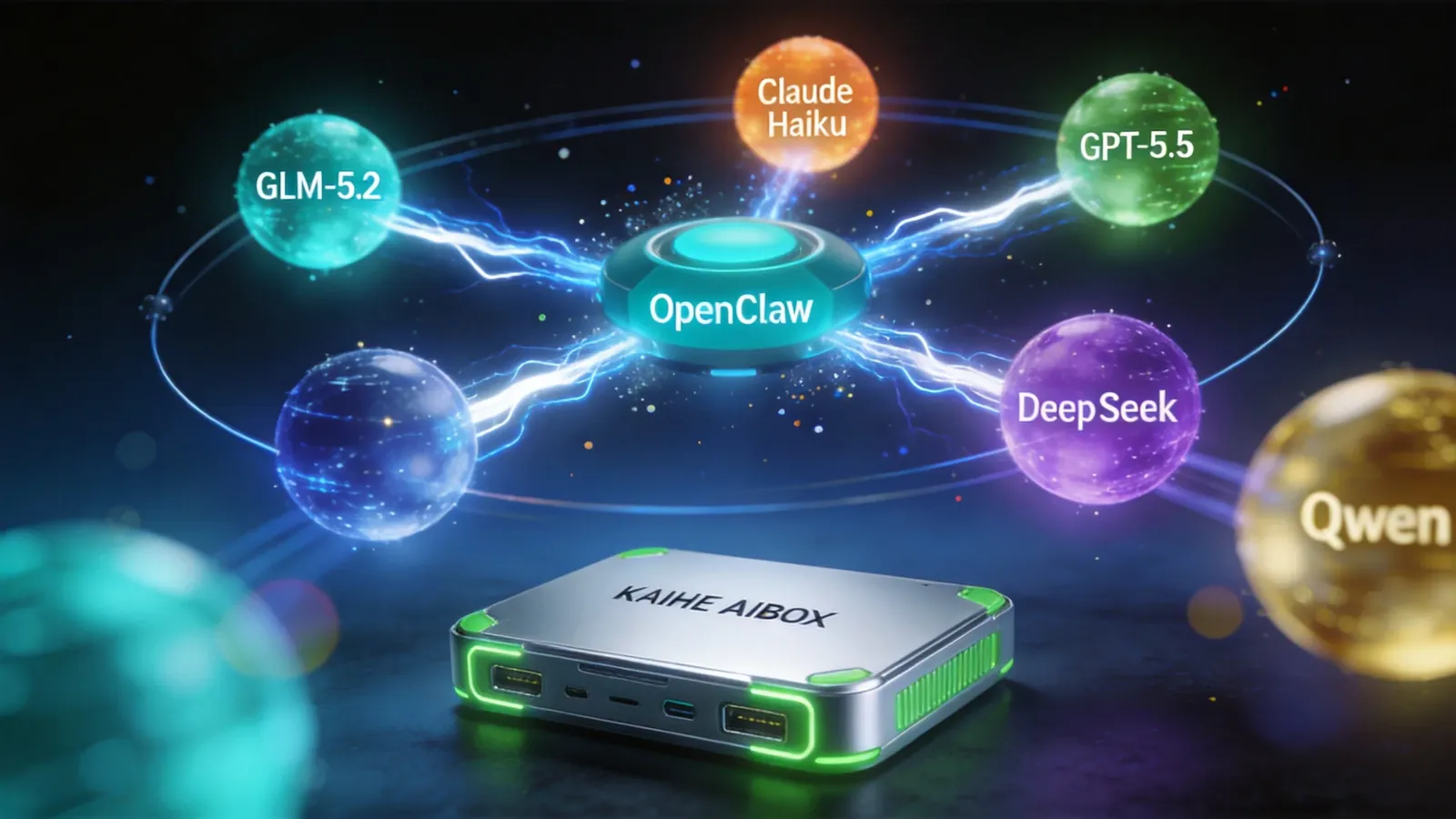
Combined with previously supported models — GPT-5.5, Claude Opus, DeepSeek-V4, Qwen3.7-Max, Kimi K2.7 Code — OpenClaw's model coverage is comprehensive. Kaihe AIBOX users can now pick the right model per task: Haiku for simple queries (cost-efficient), Opus or GPT-5.5 for complex reasoning.
Model routing also received security improvements: normalized provider IDs, SecretRef authentication management, bounded model browsing scope, and safer OpenAI/Anthropic tool-schema recovery. Fewer failed calls, fewer credential leaks.
4. More Reliable Agent Runs
Six Agent runtime recovery path bugs were fixed. Technical-sounding, but impactful:
- DMs no longer misroute: Previously, messages from User A occasionally landed in User B's conversation — fixed
- Generated media completes reliably: AI-generated images/files no longer get stuck before delivery
- Auto-replies no longer drop: Agent final replies now always deliver
- Sub-agent pauses restore correctly: Yielded sub-agents resume without losing context
- Restarts no longer swallow messages: Gateway restarts no longer lose in-progress messages
These were intermittent failure scenarios — the kind you notice when they happen but don't realize how often. The fixes make the experience much smoother without you even knowing there was a bug.
5. More Reliable Memory and Search
Several backend optimizations:
- Large embedding batches split automatically: OpenAI's embedding API has request size limits — exceed them and you get a 431 timeout. Now auto-split into smaller batches, no more stalling on large datasets
- QMD search degrades gracefully: When the search index has issues, it auto-switches to transient mode instead of throwing errors
- SQLite avoids WAL on NFS: Network storage databases no longer hit lock conflicts
- Full reindexes preserve rollback: Rebuilding search indexes can now roll back on failure instead of corrupting data
For Kaihe AIBOX users, this means the AI assistant's memory is more stable — things it remembers don't mysteriously disappear, and searching conversation history won't suddenly return nothing.
6. UI and Mobile Experience
- Workspace files start collapsed: Opening a conversation no longer floods the screen with file lists
- WebChat scroll survives streaming: AI's streaming output no longer bounces you to page bottom
- Desktop session picker stays responsive: Switching conversations no longer freezes
- iOS auto-reconnects to stale Gateways: Switching app backgrounds no longer drops the connection
How Kaihe AIBOX Users Get the Update
Kaihe AIBOX ships with OpenClaw pre-installed, and version updates auto-push. No manual action needed — the device detects new versions over the network, updates in the background, and your next conversation runs the latest version.
For self-hosted OpenClaw users: run openclaw gateway restart to upgrade.
Bottom Line
v2026.6.8 is a major experience-focused OpenClaw update — AI finally renders tables in chat, Telegram/WhatsApp message quality significantly upgraded, GLM-5.2 and Claude Haiku 4.5 added, Agent execution more stable, memory more reliable.
Not an incremental benchmark improvement — this is an update you feel every single day.
-#KaiheAIBOX #OpenClaw #AITutorial #AIBOX #AIAgent
Kaihe AIBOX | The Agent Computer That Works 7×24 for You · OpenClaw Zone