📖 Glossary
AI Box (also known as Agent Computer / Agent PC), is a dedicated local hardware device that runs AI Agents. Pre-installed with an AI agent management system, plug-and-play, running 24/7. Users can remotely command AI to work via Discord, Slack, Telegram, WhatsApp, and more.
Abstract: OpenClaw's Skill mechanism liberates it from text-only workflows. When you integrate the YOLO object detection model, the agent evolves from "read and write only" to "see and understand." This article breaks down the complete path of OpenClaw + YOLO visual capability extension — from technical principles and application scenarios to hands-on implementation — revealing the true potential of the agent computer.
When the Agent Grew Eyes
You've probably grown accustomed to workflows like this: tell your AI assistant to "summarize this document," "translate this paragraph into English," or "write a weekly report email." What do all these operations have in common? They're all about text. Input text, output text, repeat.
But the real world isn't just text. Your cameras capture frames every second, your surveillance systems generate massive video streams daily, and your factory quality inspection stations photograph products non-stop. The answers are hidden in this visual data, but traditional AI assistants simply cannot see them.
When an agent transforms from a "reader-writer" into an "observer," its operational boundaries undergo a qualitative shift.
OpenClaw's Skill mechanism makes this transformation possible. By encapsulating the YOLO (You Only Look Once) object detection model as a Skill, OpenClaw's agent gains the ability to understand images — identifying objects in a frame, locating their positions, determining their categories, and making decisions based on this information.
This isn't a conceptual demo. It's a real automation capability that runs 24/7 on the KaiheAiBox A1.
Technical Architecture: Bridging Skill and YOLO API
OpenClaw's Skill Framework
OpenClaw's core philosophy: an agent shouldn't be a functionally rigid black box, but an open system whose capabilities can be continuously extended through "skills." A Skill is essentially a standardized capability description and interface definition that tells the agent "what you can do" and "how to do it."
A typical Skill consists of three parts:
- SKILL.md: The skill's "manual" — describing capability boundaries, trigger conditions, and usage methods
- Scripts/Tools: The actual execution logic — Python scripts, API calls, or command-line tools
- Configuration: API keys, model endpoints, parameter templates, and other runtime configs
The beauty of this design: the agent doesn't need any specific capability hard-coded. It simply reads the corresponding Skill when needed and gains complete operational guidance. It's like handing a newcomer an instruction manual — they just follow the steps.
YOLO: The Real-Time Object Detection Powerhouse
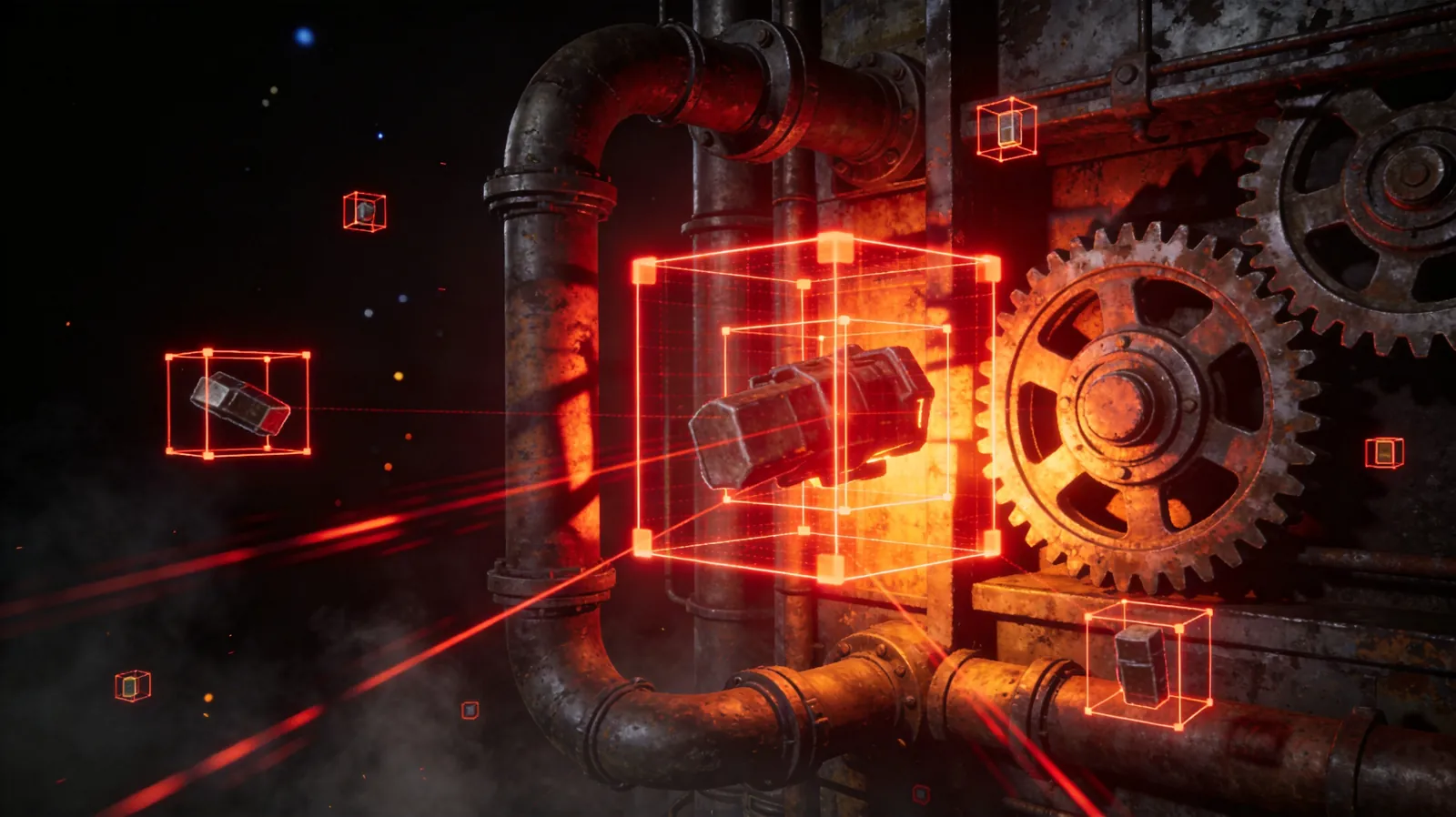
YOLO (You Only Look Once) is one of the most renowned object detection algorithms in computer vision. Its core advantage comes down to one word: speed. Traditional object detection algorithms typically require multiple stages (first generating candidate regions, then classifying each one), while YOLO reformulates detection as a single regression problem — one image in, all detection boxes with positions and categories out.
This architecture delivers several key properties:
- Real-time performance: YOLOv8 achieves 100+ FPS on a standard GPU; even on ARM devices without a GPU, YOLOv8n (nano version) runs at 15-30 FPS
- Generality: COCO-pretrained models can directly recognize 80 common categories (person, car, animal, furniture, etc.)
- Customizability: Fine-tune with your own dataset to detect arbitrary targets
Bridging the Gap: Making YOLO an OpenClaw Skill
The key to integrating YOLO into OpenClaw is: encapsulate visual capability as a service that a Skill can invoke. There are two mainstream approaches:
Approach 1: Local YOLO Deployment
Deploy the YOLO model directly on KaiheAiBox A1 using Ultralytics' Python package, exposing a local HTTP endpoint. The Skill script calls this endpoint, passing in image paths or camera frames, and receives detection results.
# Example: Local YOLO service core logic
from ultralytics import YOLO
from fastapi import FastAPI, UploadFile

app = FastAPI()
model = YOLO("yolov8n.pt")

@app.post("/detect")
async def detect(image: UploadFile):
    results = model(await image.read())
    return {
        "objects": [{
            "class": r["name"],
            "confidence": r["confidence"],
            "bbox": r["box"]
        } for r in results[0].summary()]
    }
Approach 2: Cloud API Invocation
Use YOLO inference APIs from platforms like Volcengine or Baidu PaddlePaddle. The Skill script sends HTTP requests directly. This approach requires no local GPU but depends on network connectivity and API quotas.
Each approach has trade-offs: local deployment offers faster response and keeps data on-device; cloud APIs are lighter to deploy and offer more model flexibility. For a low-power ARM device like the KaiheAiBox A1, local inference with YOLOv8n is entirely feasible. However, for larger models (like YOLOv8x), cloud APIs are the more pragmatic choice.
Three Application Scenarios: From "Seeing" to "Doing"
Scenario 1: Security Surveillance — Eyes That Never Close
Traditional security surveillance is a "manpower black hole": cameras record 24/7, but no one can watch the feeds around the clock. With the agent connected to YOLO, everything changes.
Workflow:
- KaiheAiBox A1 connects to the camera's RTSP stream, capturing one frame per second
- The YOLO Skill analyzes the frame, identifying the "person" category
- Rule configured: person detected during non-working hours (22:00-06:00) → trigger alert
- OpenClaw automatically executes the alert chain: capture current frame → upload image → send notification via WeCom or email
The essence of security isn't "recording," it's "knowing what happened." The agent transforms monitoring from passive recording to active perception.
The advantage: no cloud AI service needed. All inference happens locally, and data never leaves the device. For scenarios with privacy compliance requirements (residential complexes, schools), physical isolation is mandatory — and KaiheAiBox A1's low-power 24/7 operation fits perfectly.
Scenario 2: Industrial Quality Inspection — Vigilance Every Second
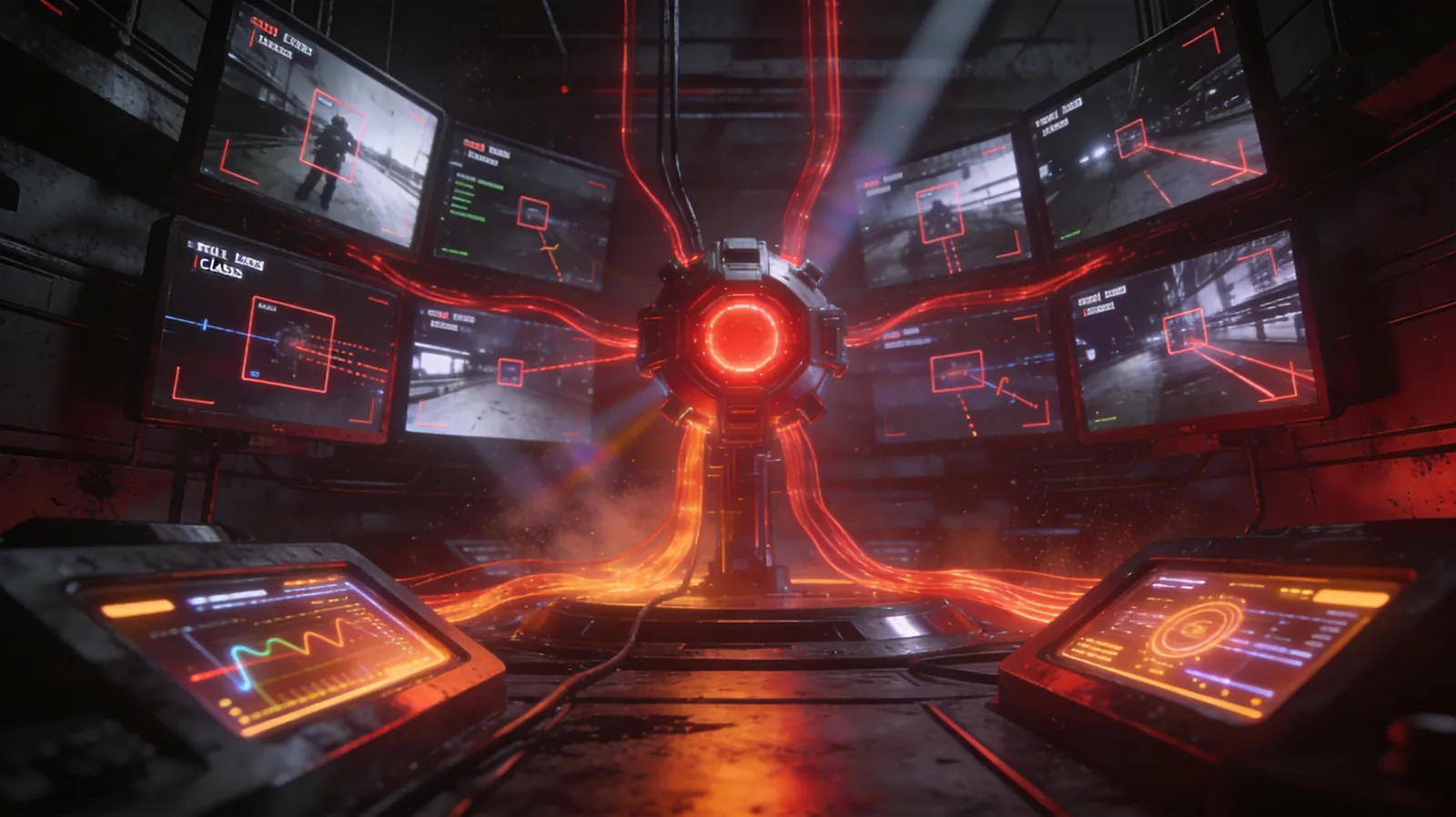
Quality inspection stations on production lines are classic "high-repetition, fatigue-prone, high-cost" positions. An inspector examines thousands of parts daily; attention degradation is inevitable.
**Work
 flow:**
- Production line camera takes photos, images transmitted to KaiheAiBox A1 via LAN
- YOLO Skill uses a fine-tuned model to detect defects (scratches, missing parts, misalignment, etc.)
- Defect detected → OpenClaw triggers marking: record defect type + position + timestamp → write to quality database → notify production line manager
- Daily automatic quality inspection summary report sent to management
The critical point is YOLO's customizability. COCO pretrained models can't directly detect "scratches" or "missing components," but after fine-tuning with 200-500 annotated images, YOLOv8n achieves mAP above 90% on specific defect types. The barrier to fine-tuning isn't high — Ultralytics provides a complete training pipeline, and even supports training on cloud GPUs and exporting ONNX models for ARM device inference.
Scenario 3: Smart Office — Your AI Colleague Now Has Eyes
This scenario is perhaps the most easily overlooked, yet closest to daily life.
Practical Case: Meeting Room Occupancy Detection
- Meeting room camera captures frames at regular intervals
- YOLO Skill detects the number of "people" in the frame
- Count > 0 → mark meeting room "in use" → sync to enterprise calendar system
- Count = 0 for 15 consecutive minutes → mark "available" → release reserved resources
No more guessing "is anyone actually using that meeting room?" by checking the booking system.
Another Case: Package Delivery Management
- Front desk camera detects "boxes" or "packages"
- YOLO Skill identifies a new delivery → captures frame → OCR extracts tracking number
- OpenClaw automatically notifies recipient: "You have a new package, tracking number SF1234567890"
The most valuable AI applications often aren't about replacing humans at complex tasks — they're about replacing humans at boring ones.
Hands-On: From Zero to YOLO Skill in 30 Minutes
Step 1: Environment Setup
Deploy the YOLO service on KaiheAiBox A1 (ARM architecture, 6 TOPS compute):
# Install dependencies
pip install ultralytics fastapi uvicorn python-multipart

# Verify YOLO is functional
python -c "from ultralytics import YOLO; m=YOLO('yolov8n.pt'); print('OK')"
Step 2: Package YOLO as an API Service
Save the FastAPI example above as yolo_server.py and start the service:
uvicorn yolo_server:app --host 0.0.0.0 --port 8899 &
Step 3: Create the OpenClaw Skill
Create the Skill directory structure:
skills/yolo-detection/
├── SKILL.md          # Skill description
├── scripts/
│   └── detect.py     # Detection script
└── config.json       # Configuration
SKILL.md core content:
# YOLO Object Detection

## Capabilities
Analyze objects in images, returning category, position, and confidence.

## Trigger Conditions
- User requests "identify image," "detect objects," "what's in this picture"
- Message contains image attachments
- Scheduled tasks requiring camera frame analysis

## Usage
Call scripts/detect.py:
python scripts/detect.py --image <path> --api http://localhost:8899/detect
detect.py core logic:
import requests, argparse, json

parser = argparse.ArgumentParser()
parser.add_argument("--image", required=True)
parser.add_argument("--api", default="http://localhost:8899/detect")
args = parser.parse_args()

with open(args.image, "rb") as f:
    resp = requests.post(args.api, files={"image": f})

results = resp.json()
for obj in results["objects"]:
    print(f"[{obj['confidence']:.1%}] {obj['class']} at {obj['bbox']}")
Step 4: Register and Test
Place the Skill directory in OpenClaw's skill path, restart or hot-reload, and you're ready. Test:
python scripts/detect.py --image test_photo.jpg
# Example output:
# [98.2%] person at [120, 45, 380, 620]
# [87.5%] laptop at [400, 200, 650, 450]
# [76.3%] cup at [50, 300, 150, 400]
From "installing dependencies" to "completing a detection," the entire process takes less than 30 minutes. This efficiency comes from OpenClaw's standardized Skill mechanism — you don't need to modify the agent's core logic. Just provide a "manual" and an "execution script," and the agent can invoke the capability autonomously.
Performance and Limitations: A Sober Assessment
Having covered the benefits, we must also acknowledge the limitations:
Compute Ceiling: KaiheAiBox A1's 6 TOPS is sufficient for YOLOv8n, but larger models (YOLOv8m/x) will see significantly reduced inference speed. If you need both high accuracy and high frame rate, choose lightweight models or pair with cloud inference.
Domain Specificity: COCO's 80 pretrained categories cover common objects, but specialized scenarios (industrial defects, medical imaging) require fine-tuning. Fine-tuning demands annotated data — an investment that cannot be bypassed.
False Positives and Misses: Any object detection model has errors. In security scenarios, false positives cause "boy who cried wolf" fatigue; in quality inspection, missed detections allow defects to slip through. In production, set confidence thresholds and supplement with manual spot checks.
AI vision isn't about replacing human judgment — it's about doing the first round of screening, focusing human attention where judgment is truly needed.
Why This Matters
The significance of connecting OpenClaw to YOLO isn't that "AI can recognize images" — cloud APIs have done that for years. The real value is: a 24/7 locally-running, physically isolated, low-power agent can now see, understand, and act.
This combination of capabilities was previously missing. You either used cloud AI services (data had to leave the premises), traditional surveillance equipment (record only, no analysis), or industrial PCs running vision algorithms (high power consumption, difficult maintenance). The KaiheAiBox A1 + OpenClaw + YOLO combination fills this gap:
- Low power: ARM architecture, single-digit watt standby, 24/7 operation without stress
- Physical isolation: Data stays on-device, meeting privacy compliance requirements
- Zero barrier: Scan QR code via WeChat to start — non-IT users can deploy
- Extensible: The Skill mechanism lets visual capabilities combine freely with text, scheduling, notifications, and more
When the agent has eyes, it's no longer just your "document assistant." It can be your security watchman, quality inspection partner, meeting room manager, or package notification agent — any role that requires "look at something, then do something about it."
This is the correct way to use an agent computer: not stronger conversation ability, but more complete world perception.
KaiheAiBox | Agentaibox that lets AI work for you 24/7 · OpenClaw Zone