I Set Up an AI Assistant for My Parents — One WeChat Message Reminds Them to Take Medicine
📖 Glossary
AI Box (also known as Agent Computer / Agent PC), is a dedicated local hardware device that runs AI Agents. Pre-installed with an AI agent management system, plug-and-play, running 24/7. Users can remotely command AI to work via Discord, Slack, Telegram, WhatsApp, and more.
Abstract: Your parents are over 70 and only know how to answer phone calls. You've taught them video calls ten times, and they still hang up by accident. Is there a way where they only need to use WeChat?
A friend's story —
His mom is in her 70s. She can only answer calls on her phone. Nothing else.
Last year he got her a smartphone, thinking video calls would be convenient. After teaching her ten times, she still pressed the wrong button and hung up. Eventually she uninstalled WeChat entirely, saying she didn't need it.
He works in another city and visits home twice a year. Every visit he reteaches everything. Two months later, she's forgotten again.
This isn't an isolated case. China has 280 million people over 60. Many can only make calls and send WeChat messages on smartphones. Anything more complex? They genuinely can't learn it.
It's Not That Seniors Are Slow — It's That Phones Are Too Complex
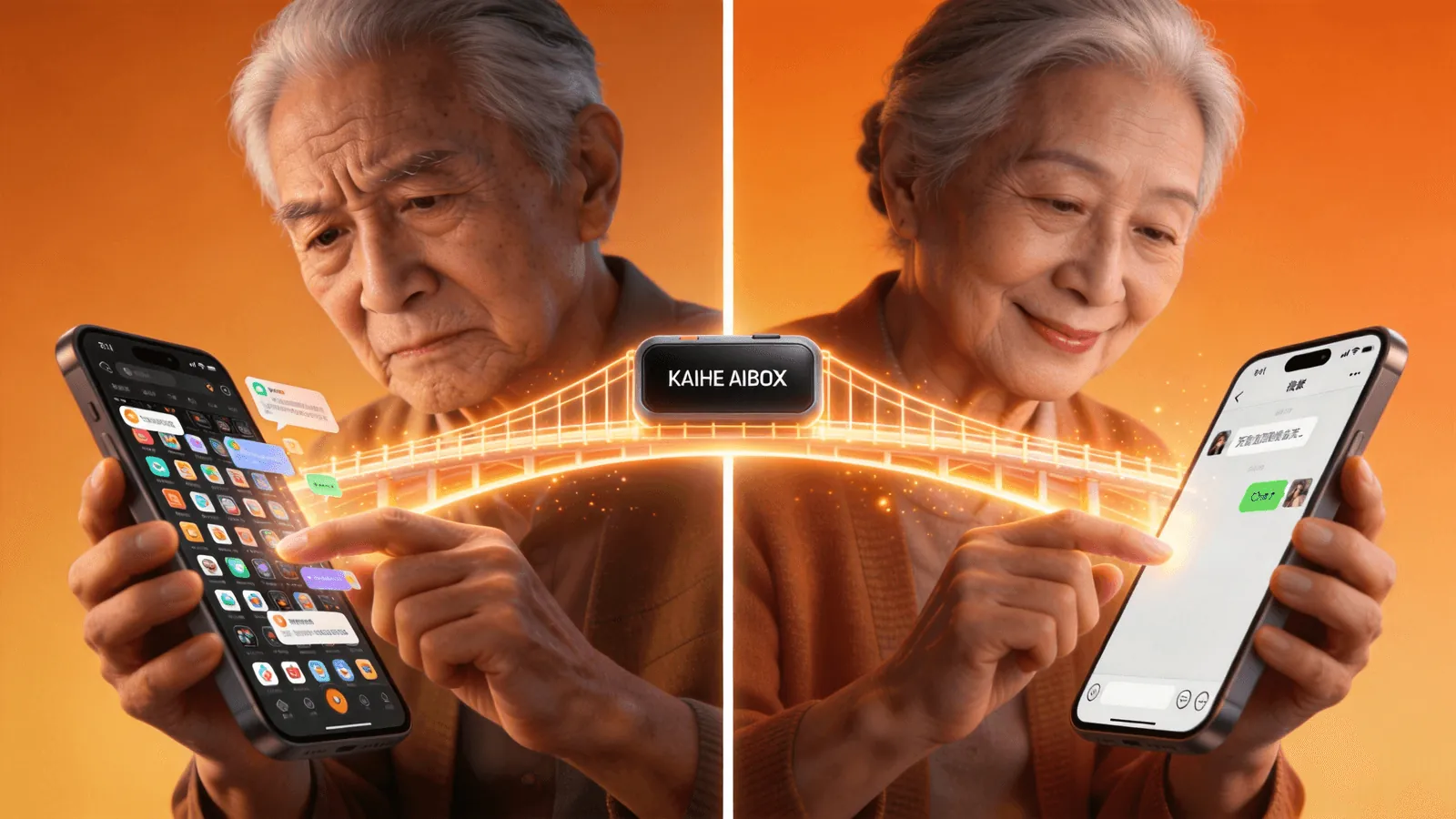
Think about what we do on our phones every day — open apps, find buttons, enter passwords, switch pages, close pop-ups. Each step is muscle memory for us. For seniors, every step is a brand-new operation.
Take video calls apart: open WeChat → find the contact → tap video call → wait for connection → adjust the angle. Five steps. One mistake and they panic.
The problem isn't that seniors can't learn. It's that interfaces were never designed for them.
Young people are used to "operating devices." Seniors are used to "talking to people." These are fundamentally different interaction models.
A Different Approach: Let Seniors Not "Operate" Anything
I later recommended Kaihe AIBOX to my friend. The idea was simple — seniors only need to know how to send WeChat messages.
Once AIBOX connects to the home network, you control it remotely through WeChat:
- Set medication reminders — AIBOX sends a message in the family group: "Mom, time for your blood pressure medication"
- Weather alerts — automatic reminders when temperatures drop
- Anomaly notifications — if smart home devices detect something unusual, you get alerted immediately
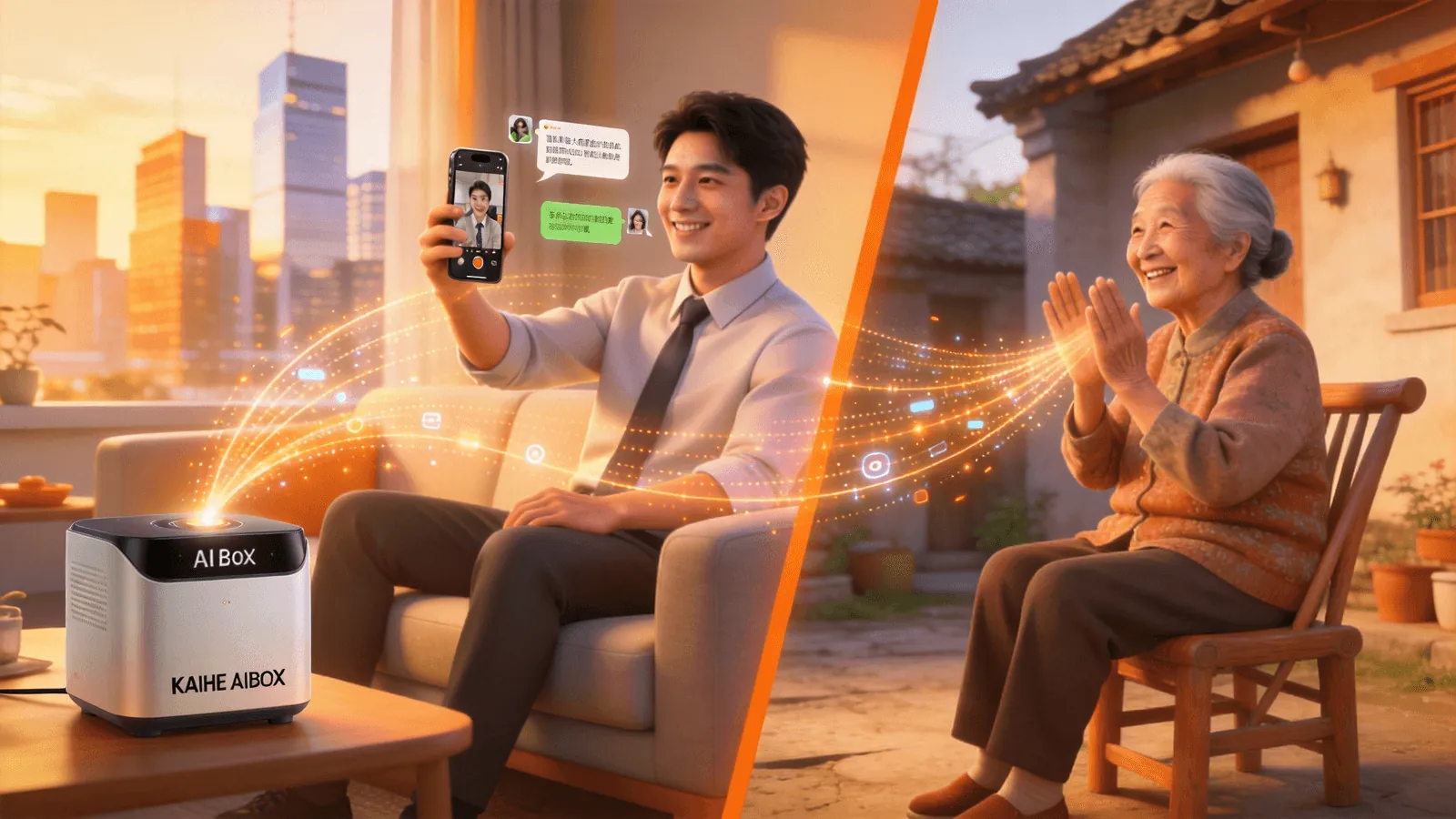
Parents don't need to install anything or learn anything new. They just read WeChat messages — as natural as chatting with you normally.
You send commands to AIBOX via WeChat from your city. AIBOX executes them back home. It's like having a remote caretaker handling daily tasks for your parents.
How Is This Different From Just Calling?
Some might say, can't you just call?
The problem with calls: you can't call during work, and calling at night might disturb them. Plus, many things can't be solved with one call — medication reminders need to be daily, weather needs real-time monitoring. Phone calls can't be 7×24.
AIBOX is online 7×24. You set the rules once, it executes on schedule. You don't have to remember every day.
And some things parents hesitate to call about — "Why is my phone showing ads again?" "Why does WeChat have no sound?" These small issues pile up, and you'd never know.
Back to the Original Question
What do you do when seniors can't use smartphones?
Instead of teaching them over and over to adapt to phones, try a different approach — let seniors use their most familiar tool (WeChat) to communicate with AI, and let AI handle everything beyond the phone.
That's exactly what Kaihe AIBOX does. It doesn't ask seniors to learn a new device. It lets them keep using WeChat the way they always have — with a 7×24 AI assistant watching over things behind the scenes.
-#KaiheAIBOX #AIAgent #OpenSource #ArtificialIntelligence #CaringForParents #AIBOX #AIBox #SeniorCare #SmartHome
Kaihe AIBOX | The Agent Computer That Works 7×24 for You · AI Agent