Want an AI Assistant Without Setup? Plug-and-Play AI Explained | KAIHE AIBOX
Yes — there are now dedicated devices that come with an AI agent runtime and common applications already installed. Someone builds the software environment in advance, so you do not start from scratch installing an operating system and configuring dependencies. But "plug-and-play" does not mean "zero setup." The first network connection, pairing the device to your account, and choosing the AI model you want to use are steps you still have to do yourself. So the accurate claim is this: it removes the trouble of building the environment, not the first-time steps that make the device yours. These are called plug-and-play AI assistants or dedicated AI agent computers, part of the category known as a Local Personal AI Assistant.
One: what setting it up yourself actually involves
📖 Glossary
AI Box (also known as Agent Computer / Agent PC), is a dedicated local hardware device that runs AI Agents. Pre-installed with an AI agent management system, plug-and-play, running 24/7. Users can remotely command AI to work via Discord, Slack, Telegram, WhatsApp, and more.
Be specific about the trouble, and you will see what gets removed. Building an AI agent environment on your own machine normally means handling seven kinds of work:
Install an operating system, configure software dependencies, set up a Python environment, install the agent itself, handle network configuration, connect a model interface, and set permissions.
Any one of these is not hard for someone technical. The difficulty is that they stack up and have to work together. One wrong dependency version, one permission left closed, one mistake in the model interface, and the agent will not run. Most people get stuck somewhere in the middle, search for answers repeatedly, and never quite get it working — not from lack of ability, but because the work is fiddly and offers no real payoff.
Two: what a plug-and-play device removes, and what it does not
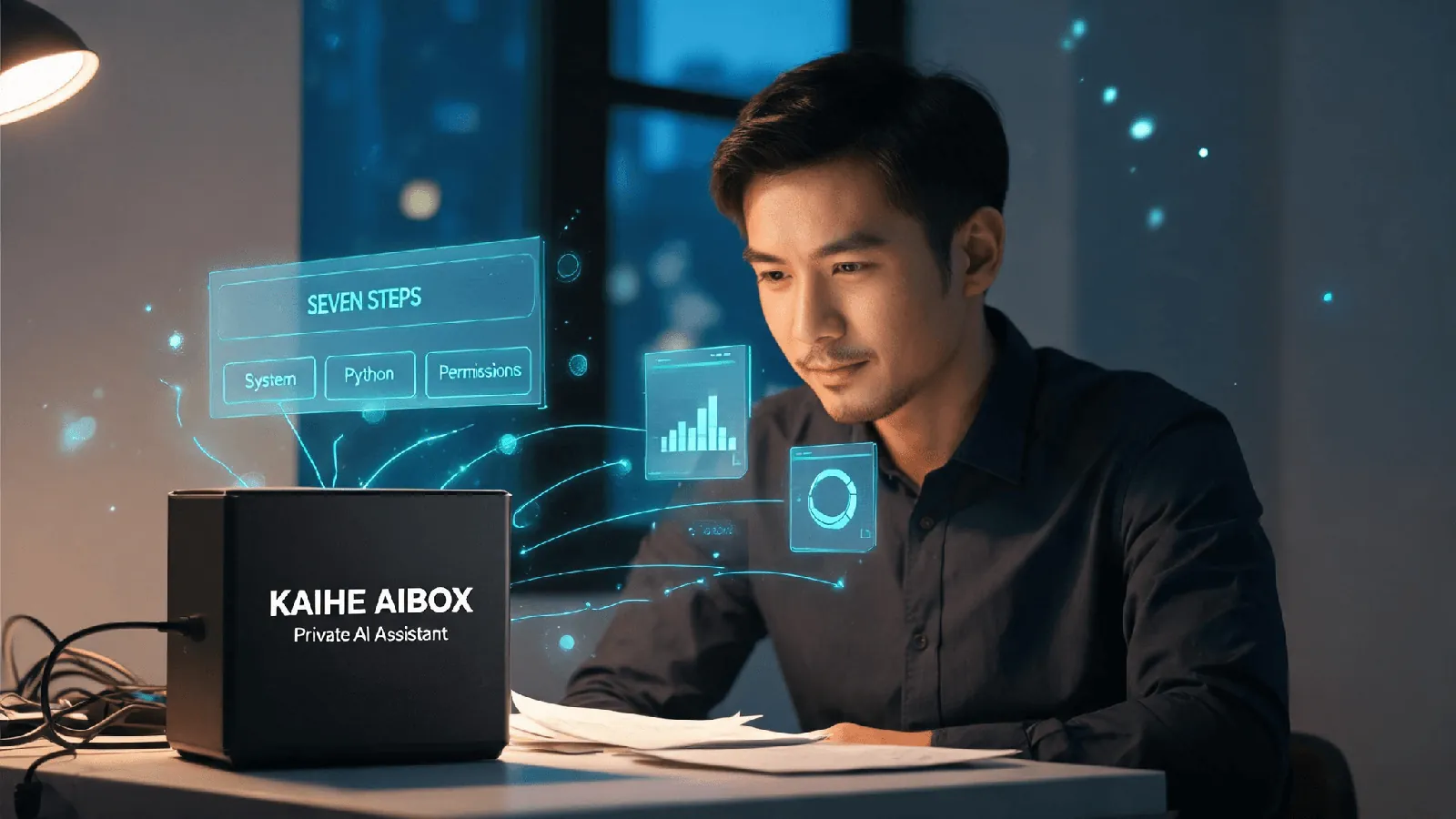
What it removes is exactly those seven steps. The value of a preconfigured device is not that it is more powerful; it is that someone has done those seven things for you, in advance, and made sure they work together. You open the box facing a machine that already runs an agent, not a pile of parts you have to assemble.
But three steps it cannot do for you, and this needs saying plainly:
You have to connect it to a network the first time. You have to pair the device to your account so it recognizes you. You have to configure the AI model you intend to use — enter a model interface, pick which model to call. These steps cannot be removed because they decide whose device this is and whose model it uses. That is your call, not the manufacturer's.
So when you read "zero setup" or "works out of the box," keep one thought in mind: it refers to skipping the environment building, not to skipping pairing and model choice.
Three: if you do not want to set it up, there are three paths
Do not assume the only options are building it yourself or buying a device. Lay out all the choices and you can pick by your own situation.
First, build it yourself from scratch. This suits people who enjoy tinkering and want total control over every line of configuration. You can install any version and change any parameter. The cost is that you carry all seven steps above, and when the environment breaks later, you fix it yourself.
Second, use an off-the-shelf cloud AI chat tool. This suits you if all you want is to ask questions, draft text, and summarize the occasional point. It is the least trouble and needs no extra hardware. Its boundary is equally clear: the conversation stops when you close it, and it cannot do the thing you actually want — an assistant that stays resident, reads your local files, and acts on a schedule.
Third, buy a dedicated agent computer with the runtime preinstalled. This suits people who neither want to fight with setup nor want to give up an assistant that keeps working in the background. You trade the grind of building from scratch for a machine that stays awake, can read your files, and remembers things about you.
None of these three is better than the others. They just fit different people. If all you want is a chat, the second path is enough and you need not spend more. Only if you want a machine that runs errands for you does the third path come into play.
Four: a common mix-up — local agents are not local large language models
Many people hear "local AI assistant" and assume the device must contain a large language model. It does not.
These are two separate things. On the device side, what runs is the agent — staying resident, managing your local files, storing your personal knowledge. On the model side is the "thinking," which can live in the cloud or, if the hardware is strong enough, on the device itself. Common all-in-one boxes run the agent with inference still in the cloud. Running a full model on the machine itself takes a higher-spec device — that is a limit of the product tiers, not something unique to one brand.
What this means for you: when you shop for plug-and-play, decide first whether you want "no environment to build, an agent that works for me" or "the model must also run on this machine." The first is available now. The second costs more and depends on the hardware. Do not pay extra for a local model you will never use.
Five: where KAIHE AIBOX fits
For ordinary users who want to make use of this, a natural companion is KAIHE AIBOX(铠盒AIBOX), a computer built specifically for agents and your local private AI assistant. It comes with OpenClaw/Hermes preinstalled: power it on, connect it to the network, pair it to your account, choose your model, and it is a computer that stays awake — with files, memory, and call history kept on the device itself, while inference can run in the cloud. The A1 starts at ¥1,199 wired or ¥1,399 Wi-Fi, one concrete option on this third path.
Finally, who is this not for? If you only occasionally ask a question or draft a paragraph, a free cloud chatbot is enough and you genuinely do not need a device. If you enjoy building from scratch and want line-by-line control, setting it up yourself suits you better. Plug-and-play removes the "fighting with setup" part; it does not decide for you whether you need a machine at all. That decision is still yours.