Can You Control Your AI While You're Out? We Tested 3 Remote Methods — WeChat Works Like a Remote
📖 Glossary
AI Box (also known as Agent Computer / Agent PC), is a dedicated local hardware device that runs AI Agents. Pre-installed with an AI agent management system, plug-and-play, running 24/7. Users can remotely command AI to work via Discord, Slack, Telegram, WhatsApp, and more.
Abstract: Ever been out meeting clients and thought "wish my AI could finish this report right now"? Or remembered on your commute that you forgot to pull some data, but didn't have your laptop? Here's what Kaihe AIBOX's remote control looks like in practice: 3 methods tested, the simplest one just takes a WeChat message.
After buying an AI device, a natural question follows: do I have to be sitting next to it to use it?
That's treating an AI box like a traditional computer — sit down, open, operate, close. But if your AI runs on Kaihe AIBOX, it's online 24/7. When you're out, it's still working at home (or in the office). The real question is — how do you talk to it from anywhere?
We tested three remote control methods, from dead simple to fully autonomous. Here's how they work.
Method 1: WeChat Text — Send a Message, AI Responds Instantly
This is the lowest-barrier option. No app installation needed.
Kaihe AIBOX comes with OpenClaw and Hermes agent frameworks, connected to a WeChat channel. Send a message to the AIBOX's WeChat account, and it executes immediately.
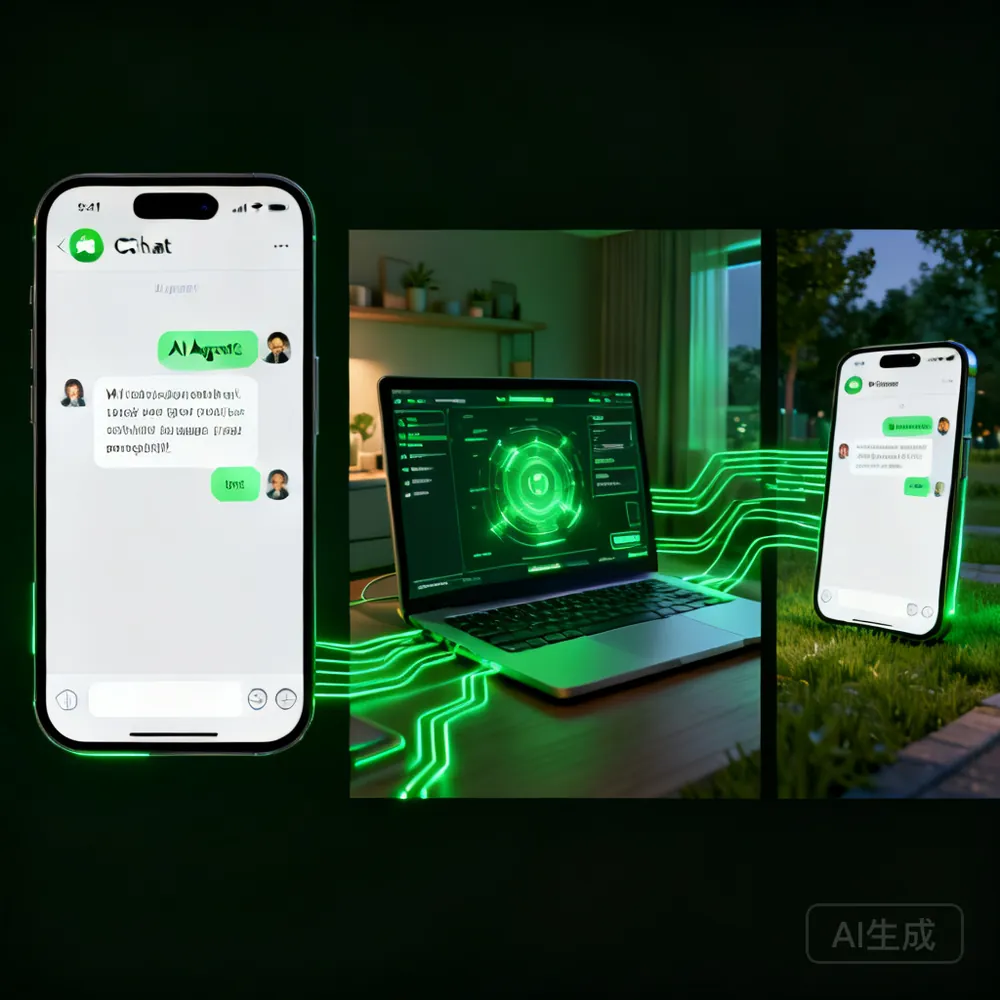
Real test: 3 PM, I'm at a cafe meeting a client. Suddenly need a competitor price comparison table. Open WeChat, send Kaihe AIBOX: "Look up pricing for product X on JD, Tmall, and Pinduoduo, organize into a table."
Five minutes later, WeChat reply: a formatted table with platform links and price ranges.
No computer. No app. No remote desktop. Just a WeChat message — same as asking a colleague for a file. The AI works at home and pushes results to your phone.
This covers most everyday scenarios: research, content generation, data processing, reminders... Think of something, send a WeChat message.
Method 2: WeChat Voice — Works While Driving or Commuting
When typing isn't convenient — driving, walking, one hand full — just send a voice note.

Real test: packed subway during rush hour, suddenly remember I need to check last night's daily report my AI was working on. Phone out, hold voice button: "Send me last night's report, and compile today's trending news into a second message."
Hermes supports speech-to-text plus intent recognition. You speak — system transcribes — Agent understands — executes — pushes results to WeChat. Zero typing required.
This is particularly useful for commuters and drivers. The moment you think of something, send a voice command. By the time you reach your desk, the work is done.
In testing, I tried various voice commands: vague instructions, multi-task instructions, conditional instructions. Hermes parsed them all correctly. Even chained tasks like "do A first, then based on A's results do B" — it executes sequentially and sends a combined summary.
Method 3: Scheduled Tasks + Auto Push — Set and Forget
The first two methods still require you to initiate. Method three: do nothing. AI runs on schedule and pushes results automatically.
Kaihe AIBOX supports heartbeat scheduled tasks on OpenClaw. You can configure it to: - Fetch industry news every morning at 8 AM, compile a digest - Monitor competitor website pricing hourly, alert on changes - Generate daily work summary at 10 PM, push to your WeChat
Tested for a week — woke up each morning to a daily report already in WeChat. Cleanly formatted: date, key metric changes, prioritized to-do items. Like having a personal assistant, except this one doesn't sleep.
These three methods can be combined. Here's my setup: - Routine recurring tasks → scheduled auto-run (Method 3) - Ad-hoc ideas → WeChat message (Method 1) - Driving or hands-busy → voice note (Method 2)
In practice: AIBOX sits at home plugged in. I'm out doing my thing. WeChat is my AI remote.
Further Reading
- Kaihe AIBOX-A1 Product Details
- Kaihe AIBOX Store
- Stop Paying AI Monthly Fees: The Real Value of Local AI
- Doubao and Qianwen Killing Agents: Your AI Can Run Locally
Website: https://agentaibox.com/ Email: [email protected] #KaiheAIBOX #AIAgent #OpenSource #RemoteWork #AI #24x7
Kaihe AIBOX | The Agent Computer That Works 7×24 for You · AI Agent