Tried Installing AI? I Spent 3 Days and Still Couldn't Get It Running
📖 Glossary
AI Box (also known as Agent Computer / Agent PC), is a dedicated local hardware device that runs AI Agents. Pre-installed with an AI agent management system, plug-and-play, running 24/7. Users can remotely command AI to work via Discord, Slack, Telegram, WhatsApp, and more.
Abstract: Tutorials say "3 steps to deploy AI." In reality: environment errors at step 1, API Key headaches at step 2, port conflicts crashing at step 3. 3 days wasted — it's not you, it's that AI tools aren't built for regular people.
Last week I got the urge to set up an AI assistant. Found a "3-step deployment" tutorial. Thought it'd be easy.
Wrong.
Day 1: Environment Errors Right Away
Tutorial step 1: "Install Python 3.10+." I already had Python — wrong version. Installed 3.10, pip threw permission errors. Switched to conda, environment variables conflicted. By 11 PM, I hadn't passed step one.
Day 2: Where Do I Even Get an API Key?
Finally got the environment running. Tutorial step 2: "Enter your API Key." Which platform? OpenAI requires a foreign credit card. Domestic models need enterprise verification. Free tiers aren't enough. I registered on 5 platforms, waited for email verifications until the next day.
Day 3: Port Conflicts — Then Total Crash
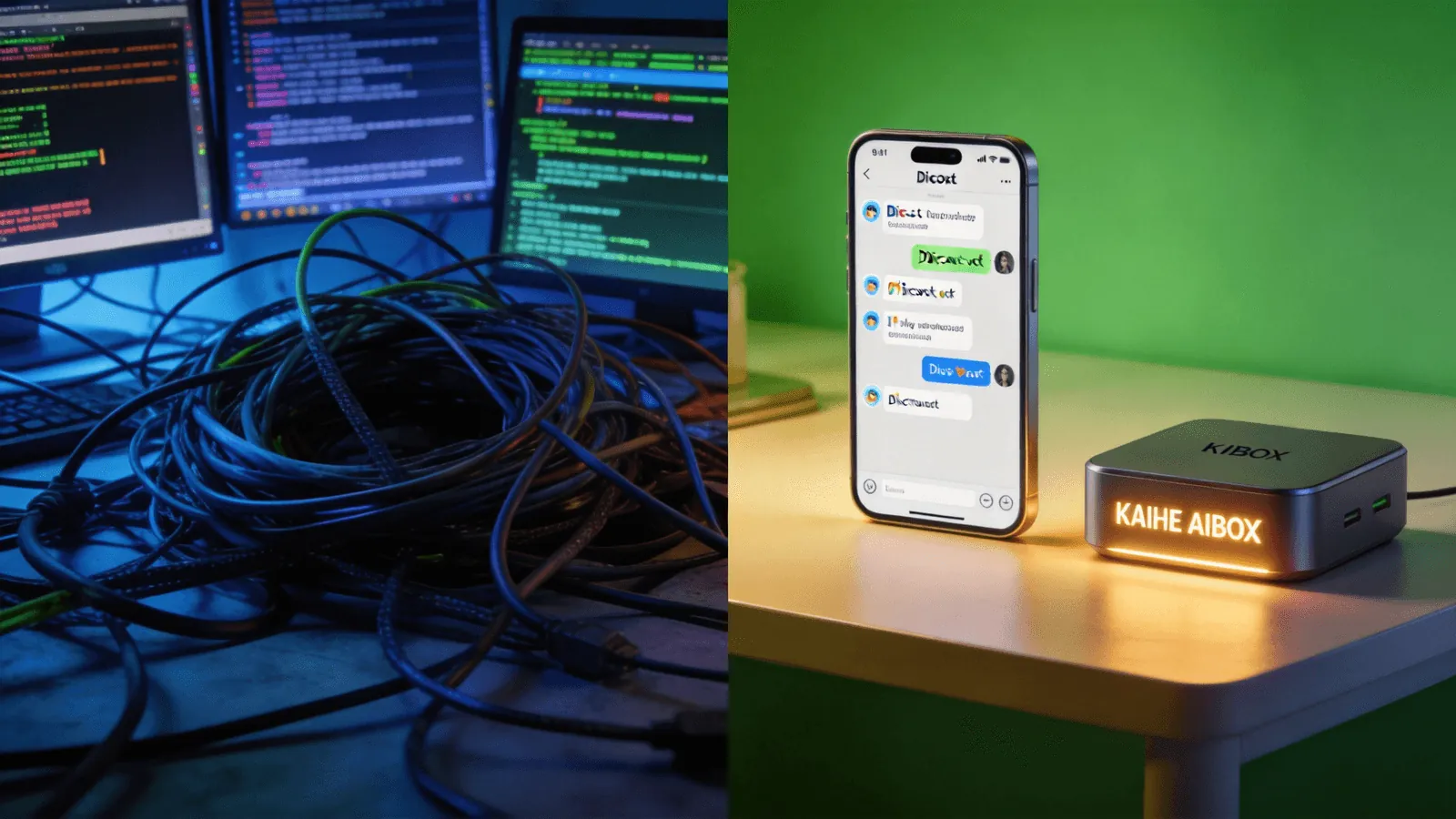
API Key secured. Hit run — "Port 3000 already in use." Searched for solutions, changed ports, killed processes. Got it running, then "Module not found." Installed the missing module, another dependency broke. The whole environment was a mess. Almost reinstalled my OS.
3 days. Not a single AI assistant running.
It's Not You — This Path Was Designed for Developers**
Think about it: these steps aren't hard for developers. They live in the terminal, read error messages like a second language. But regular people? Many don't even know what a terminal is. Every step is a wall.
I'm not alone. Search "can't install AI" and you'll find endless posts: environment conflicts, dependency hell, one wrong character in a config file and everything breaks. This isn't a personal failure — current AI toolchains simply aren't friendly to non-technical users.
Then I Tried a Different Approach: 5 Minutes, Done**
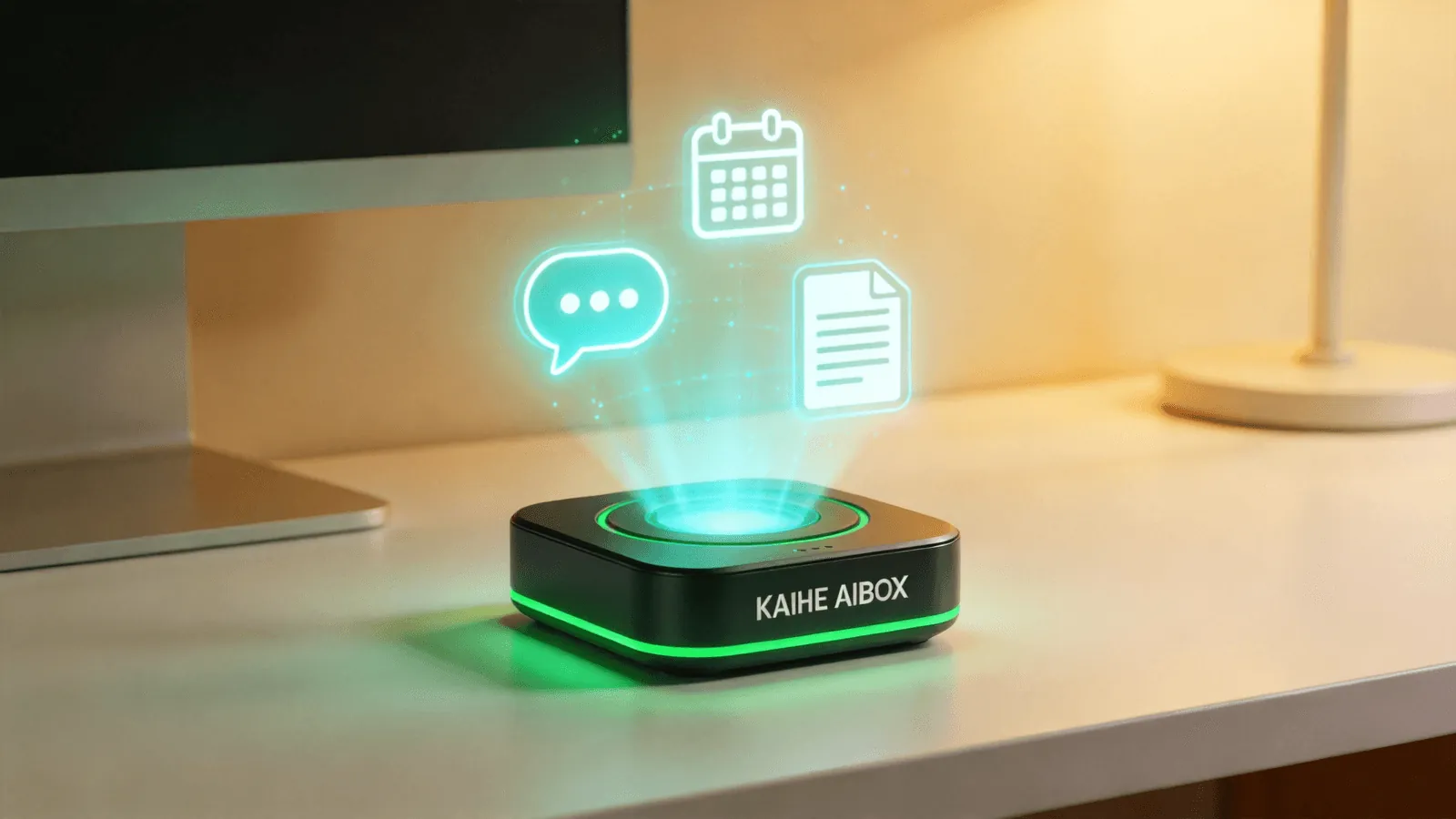
A friend suggested trying an AI Box — a purpose-built Agent Computer that comes pre-installed with OpenClaw and Hermes. No Python installation, no environment setup, no API Key applications. Plug it in, boot up, and 5 minutes later my first AI assistant was running.
The biggest difference between DIY and an AI Box: all the tedious setup is done before it leaves the factory. You're not getting a bag of parts to assemble — you're getting an AI employee host that's ready to work. It runs 24/7 with low power consumption, controlled remotely via Discord, Slack, or Telegram.
DIY vs AI Box:
| DIY Setup | AI Box | |
|---|---|---|
| Environment | 3 days of pain | Pre-installed |
| API Key | Apply yourself | Built-in |
| Port Conflicts | Debug yourself | Never happens |
| Runtime | Computer must stay on | 24/7 low-power |
| Remote Control | Extra setup needed | Discord/Slack/Telegram |
Anyone who's tried installing AI knows: the most frustrating part isn't that AI doesn't work — it's that you can't even get it installed. If you're stuck on setup, stop wrestling with the command line. Try an AI Box, and start letting AI work for you in 5 minutes.
-#KaiheAIBOX #AIAgent #OpenSource #ArtificialIntelligence #AIBOX #AIBox #AgentComputer #AIInstallFail
Kaihe AIBOX | The Agent Computer That Works 7×24 for You · AI Agent