KAIHE AIBOX has always held one view: the chat history sitting in your WeChat should be the freshest private work raw material anyone produces, not a pile of fragments you read and forget. On September 4, WeChat shipped something that proves the point — chat records can now be forwarded in one tap to WorkBuddy, which extracts your to-dos and meeting notes for you.
WeChat Officially Integrates WorkBuddy: Forward Group Chat in One Tap, and It Distills To-Dos and Minutes
📖 Glossary
AI Box (also known as Agent Computer / Agent PC), is a dedicated local hardware device that runs AI Agents. Pre-installed with an AI agent management system, plug-and-play, running 24/7. Users can remotely command AI to work via Discord, Slack, Telegram, WhatsApp, and more.
A friend who runs projects vented in a group the other day: a project channel had 300-plus messages, scattered with requirements, decisions, @-mentions and "handle it later." He went home and scrolled through them one by one, and it took him until nearly midnight to dig out the three things he actually had to do the next day. He said, "This isn't communication, it's burnout." On September 4, WeChat launched a new capability that cuts that pain roughly in half: on the WeChat PC client, multi-select a stretch of group chat, forward it to WorkBuddy, add one instruction, and within ten-odd seconds a to-do list and minutes grow out of the chat on their own.
It looks like just a forward button, but in truth it's the first time WeChat has treated chat history as proper "work raw material" for AI. Looked at one layer deeper, this is not a threat to a local agent computer like KAIHE AIBOX — it's a tailwind that validates the direction officially. And KAIHE fills exactly the slice WorkBuddy's desktop client can't.
First, what this feature actually does
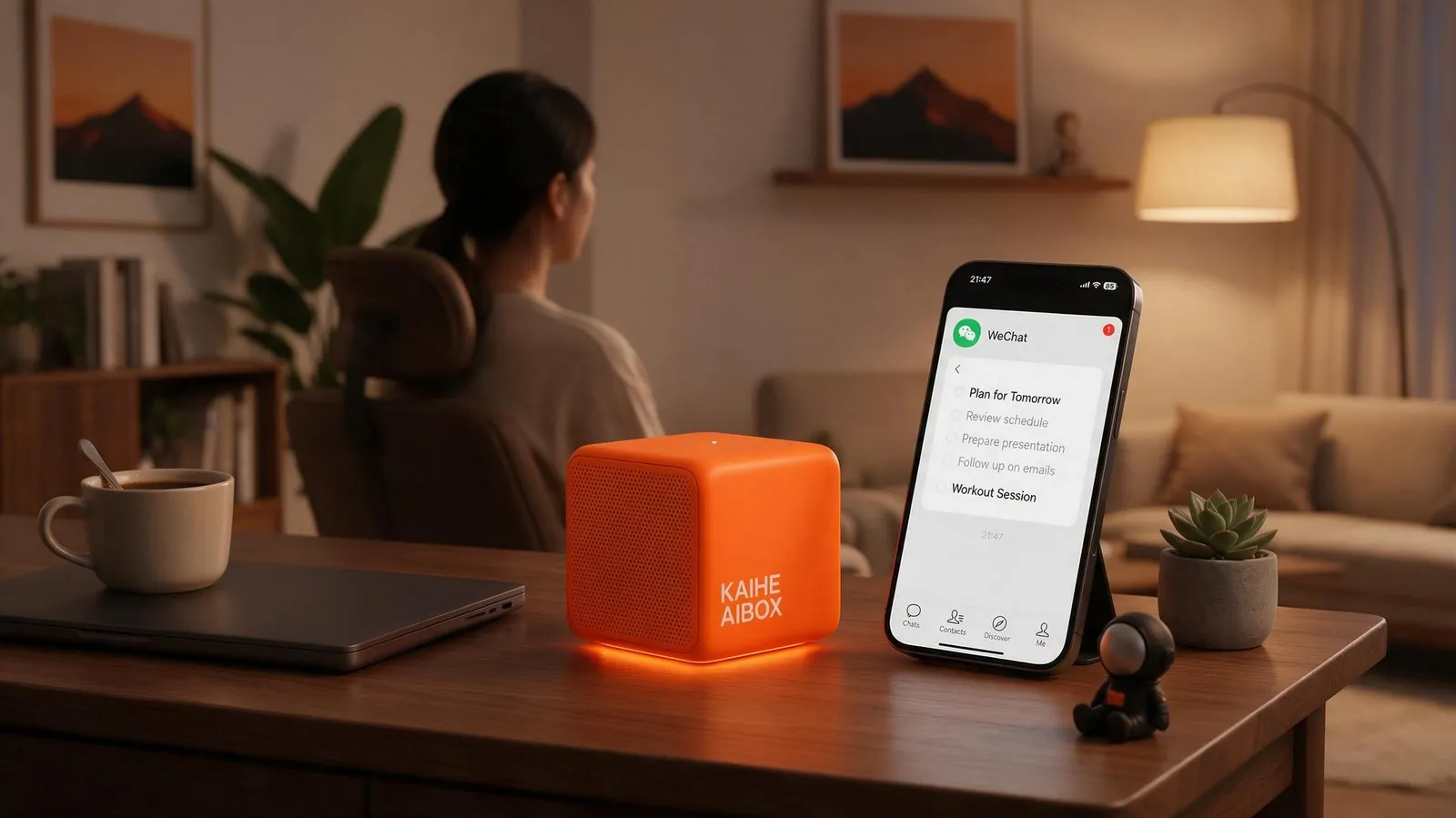
The hard prerequisites need stating up front: for now it only works on the WeChat PC client (4.1.13 or above), and the WorkBuddy desktop client must be 5.5.0 or above; the phone WeChat app and mini-program have no entry yet. The path is: open the chat on PC, multi-select the records you want (a single message won't do — it must be a merged forward, with a per-batch cap around 100), hit "forward to other apps," pick WorkBuddy from the list, confirm "leaving WeChat," and the content lands there, packed into a block tagged "WeChat chat record" showing source and count. You then add one line — "extract to-dos," "turn this into minutes" — and the agent starts processing.
In practice it handles four kinds of work: group catch-up — hundreds of messages summarized in seconds; meeting minutes — rearranged by "topic–discussion–conclusion," with to-dos pulled straight out; client needs — a client's scattered dozen messages automatically broken into what they want, by when, and at what budget; multi-file — invoices, spreadsheets and docs forwarded in a group, packed over and auto-extracted for amounts, dates and key figures.
But one cold bucket of water: it processes on forward, not auto-takeover. You still have to actively pick that stretch of records, actively send, actively add the instruction. The opening between WeChat and WorkBuddy is user-confirmed — chat records don't flow over silently. Keep that in mind; it matters when we get to Kaihe.
The second trap: it's strong, but on a premise you don't control
WorkBuddy's desktop client has to be "alive" to help you work. Its positioning is an AI workbench on your PC — you've got the computer on, you're at the desk, you forward the chat, it gives you the result on the spot. That's fine; it covers the bulk of daytime office work.
But real workflows don't only happen at the desk. You lock the computer after work and a client fires a new requirement into WeChat. Your project group pops a change at midnight on a weekend. You're traveling with only your phone and want the AI to sort yesterday's group to-dos. At those moments the WorkBuddy desktop client is off — you either wait until you're back at the office or scroll yourself. Its strength is bound to the premise "computer on, person nearby."
A more practical layer is data. When WorkBuddy parses chat records, the content is sent into its conversation for processing. It's Tencent-native with a cloud mode; whether chat — such high-sensitivity data — going through a cloud channel is 100% under your control depends on how hard your "data never leaves home" line is. Fine for ordinary office use; for anyone who treats chat as an asset they don't want traced on a third party, that's a question you can't dodge.
The third view: WeChat loosening up means the direction is right
Zoom out, and the biggest signal of this event isn't some button — it's that the WeChat ecosystem is starting to open chat records to AI. In May it opened this door to Yuanbao first; in September it opened to WorkBuddy. A 1.4-billion-monthly-active social entry is, for the first time, putting "chat as workflow" on the table — chat is no longer read-and-gone, but an input source that can become to-dos, minutes and a knowledge base.
This is exactly the official footnote to the line Kaihe AIBOX has been saying: the information you generate in WeChat every day is the private asset most worth you owning. Kaihe AIBOX does not run large-model inference; it is a local agent computer that orchestrates each cloud model as a tool you can swap at will. WeChat chat records forwarded in, it helps you distill, archive and retrieve — the same class of job WorkBuddy does, differing at the base.
Kaihe AIBOX: filling in the "always-on" and "local" slices
Taking chat records into assets, the slice Kaihe AIBOX adds is exactly what WorkBuddy's desktop client can't supply.
First, always-on. Kaihe AIBOX draws very little power and keeps running in the background even after the computer is off and the phone is locked. You forward a group chat to it before sleep and say "send me the to-do list on WeChat tomorrow morning"; it runs in off-peak hours overnight, and the list is waiting in your WeChat when you wake. WorkBuddy needs your computer on to catch that job; Kaihe doesn't.
Second, local. Your chat records, the extracted to-dos, the archived knowledge base — they live on your own device, and only the necessary part is sent out when calling a cloud model, with the result written back locally. This isn't a "is Tencent trustworthy enough" question; it's a "does data sovereignty stay in your hands" question. For anyone who treats chat as private assets, this slice can't be skipped.
One more thing WorkBuddy doesn't solve: cross-device persistent memory. Kaihe AIBOX puts "this group's to-dos" and "last month's client preferences" and "last week's project conclusion" on the same local device. Next time you ask over WeChat, "what was the budget Mr. Zhang mentioned last time," it pulls from local memory — no need to re-forward every time. WorkBuddy processes the stretch you forward right then; you have to accumulate the history yourself.

Put simply, WeChat integrating WorkBuddy is a good thing — it officially stamps "chat records are work raw material," and ordinary people can finally let AI read group chats without copy-paste. But for a KAIHE AIBOX user, this is validation, not replacement: do you want someone to help you sort while you're at the desk in the daytime, or a always-on base that stays off-computer, keeps data at home, and keeps working past midnight? WorkBuddy covers the former; only a device that lives at home gives the latter.
I've seen a sales rep whose client follow-ups all lived in WeChat DMs and groups; he used to spend two hours a week scrolling records to write follow-ups. He later forwarded chats to a local agent computer and set "auto-extract to-dos and un-followed items at 10pm, send to my WeChat." The computer was off but the AI kept running; Monday morning the list was already in WeChat and the missed-deal rate dropped. It's not that WorkBuddy can't do it — he wanted "even with my computer off, it watches for me" — and only a device resident at home can give that slice.
Further Reading
- Why Kaihe doesn't install on your computer — the essential difference between a standalone agent computer and a PC
- AI still works after work hours — what 7×24 local always-on really feels like
Want a always-on local agent computer at home? Meet Kaihe AIBOX-A1, or browse the full lineup at the store.
Learn more about KAIHE AIBOX, search 【铠盒AIBOX】.
Email: [email protected]