📖 Glossary
AI Box (also known as Agent Computer / Agent PC), is a dedicated local hardware device that runs AI Agents. Pre-installed with an AI agent management system, plug-and-play, running 24/7. Users can remotely command AI to work via Discord, Slack, Telegram, WhatsApp, and more.
Summary: When AI evolves from a "chatbot" to a 24/7 "work buddy," what exactly can it do for you? No prompt engineering required, no need to sit in front of a computer, no data privacy concerns. This article breaks down 8 real-world scenarios that ordinary people can use every day: writing copy, creating reports, processing emails and documents, managing schedules, researching information, running automations, managing knowledge, and writing code, showing you the true practical value of a personal AI assistant.
As someone who works with AI every day, the question I get asked most is: "What can a personal AI assistant actually do for me? Is it just ChatGPT with an extra interface?"
To be honest, that's what I used to think too — until I actually started using a 24/7 online, fully local, tool-capable personal AI assistant like KAIHE AIBOX. I realized that being able to chat and being able to actually get things done for you are two completely different things.
With ordinary chat AI, you have to sit at your computer, open a webpage, craft the perfect prompt, and then it gives you a text response. But a true personal AI assistant — a local device like KAIHE AIBOX — is online 24/7, always there whenever you need it; it remembers your habits, your preferences, every word you've ever said to it; you can talk to it directly through WeChat, Feishu, DingTalk and other messaging apps you already use — no need to open a separate app; and it can actually take action and do things for you, not just give you advice.
In this article, I'll walk you through 8 real scenarios I use every single day. After reading, you'll understand exactly how much time a truly useful personal AI assistant can save you.
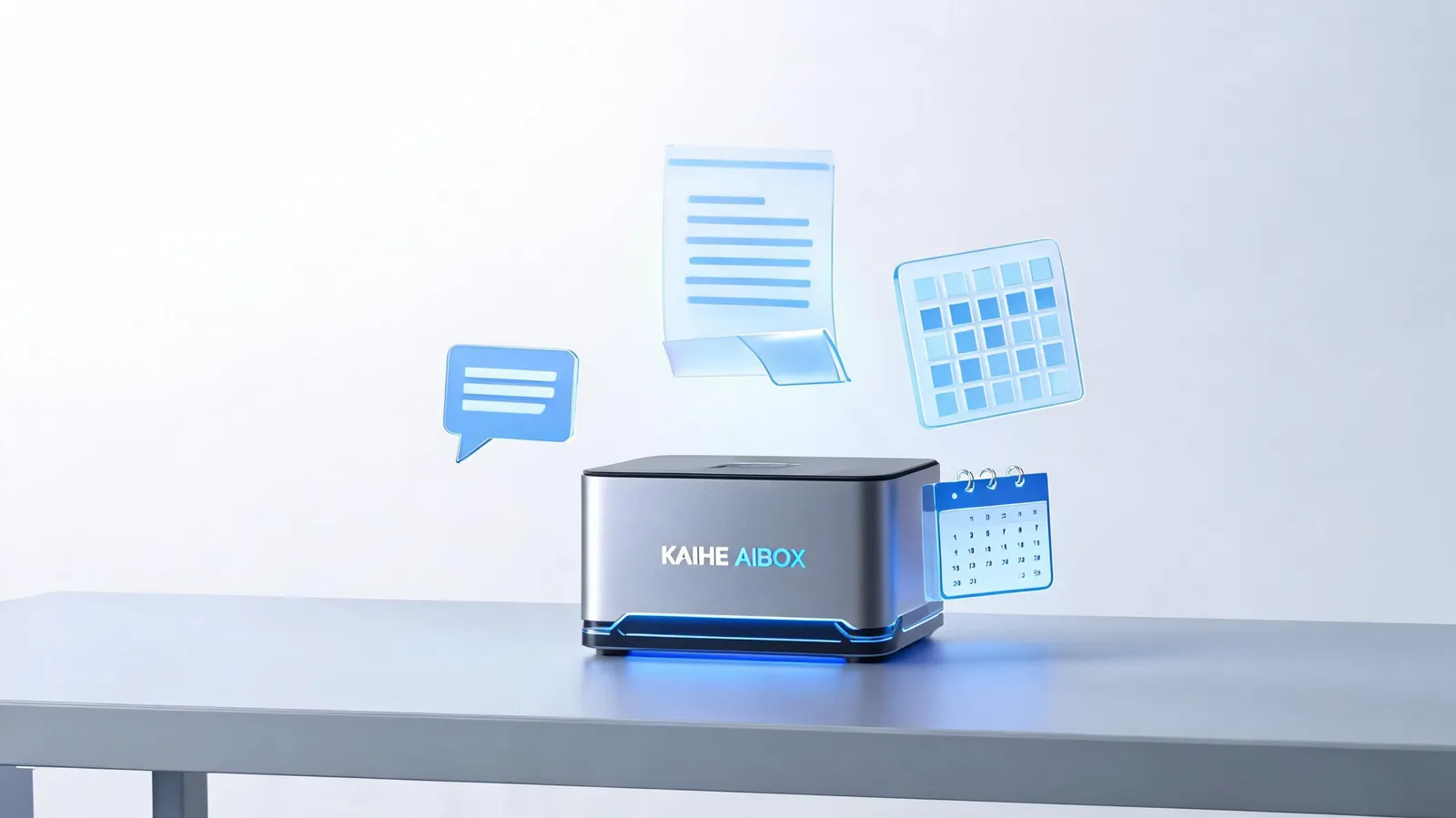
1. Content Creation: Never Stare at a Blank Document Again
Whether you're creating social media content, writing reports, drafting proposals, or just need to compose a formal email, writing is consistently one of the biggest headaches for most people.
The problem with ordinary AI is that it doesn't know your brand voice, doesn't know what you've written before, doesn't know who your audience is. Every time you use it, you have to re-explain all the background information, and what you get back is generic "AI-speak" that sounds the same as everyone else's content.
A personal AI assistant like KAIHE AIBOX permanently remembers your writing style, your brand guidelines, and all your past content assets. You just need to say "write a WeChat article about today's trending news," and it automatically pulls your brand slogan, tag conventions, and formatting requirements from memory, generates content that meets your standards in one go, and can even automatically create images, format it, and schedule it for publishing.
Specific things it can do: - Write copy for all platforms, automatically adapting to each platform's style - Write weekly reports, monthly summaries, project debriefs, and business emails using your usual templates - Translate, polish, rewrite, expand, or condense text, adjusting tone and style with one sentence - Automatically organize meeting recordings and interview notes, extracting key points into to-do lists - Generate images, create infographics, and even write short video scripts
2. Data Processing: Master Excel Without Writing a Single Formula
I've seen too many people struggle with VLOOKUP and pivot tables for an entire afternoon just to calculate a simple summary. Others spend time learning Python and SQL just to process routine work data.
The personal AI assistant on KAIHE AIBOX can directly understand your spreadsheet files. You just describe your needs in natural language: "Summarize this sales table by region, calculate each salesperson's target completion rate, and highlight anyone who didn't meet their goals." It automatically writes the code, runs it, and sends you the processed spreadsheet — you don't need to write a single formula.
Specific things it can do: - Clean, summarize, calculate, and visualize Excel/CSV data with one sentence - Automatically generate reports and create charts without learning any functions or programming - Batch rename files, organize folders, and categorize documents - Extract tables and text from PDFs, images, and scanned documents, automatically organizing into structured data - Analyze data trends, make simple forecasts, and identify outliers
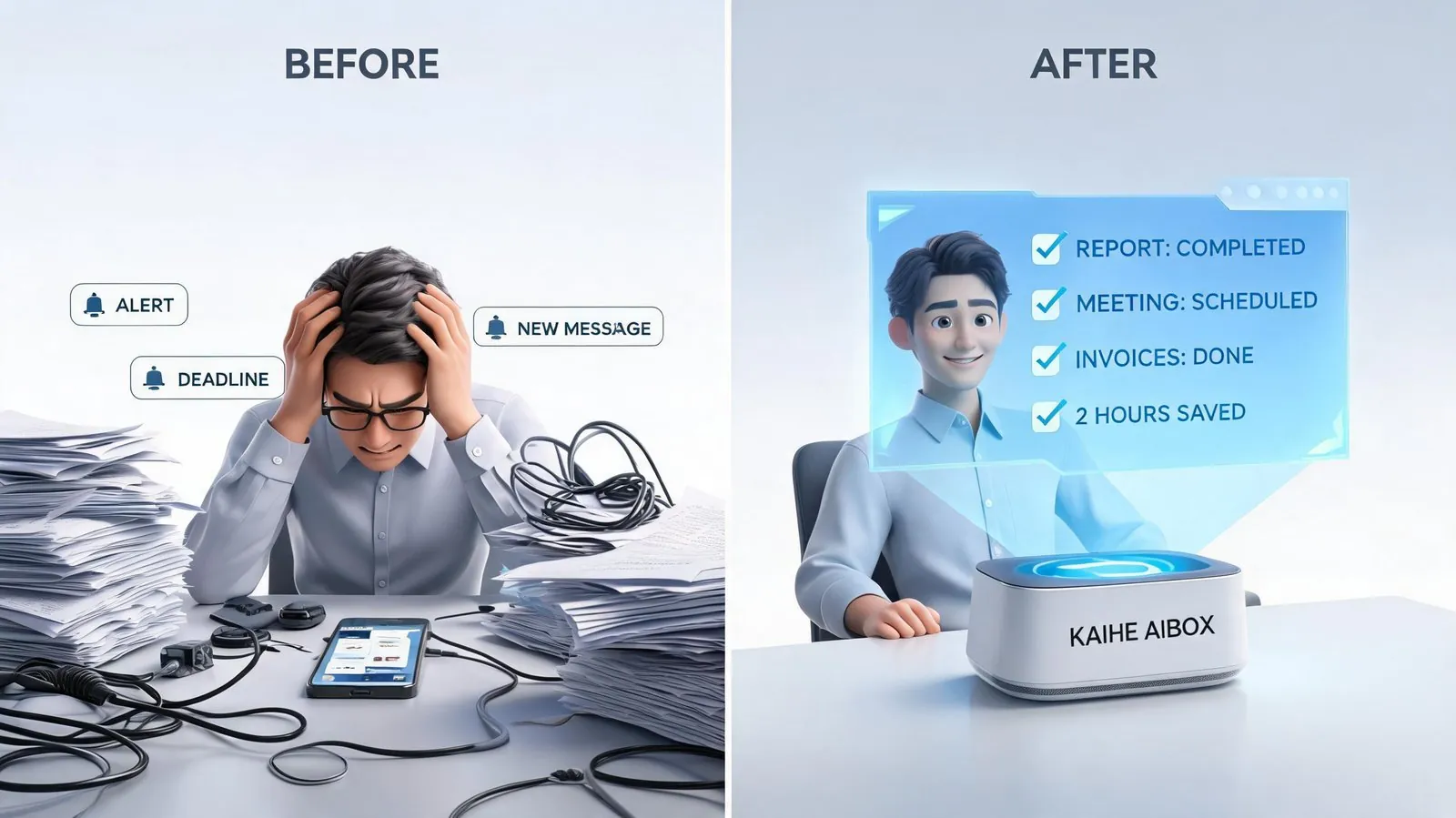
3. Email & Document Processing: Handle 80% of Your Desk Work
Every day you open your inbox to dozens of unread emails, documents in all kinds of formats coming and going, PDF to Word conversions, information extraction, filing and archiving — these trivial desk tasks don't seem complicated individually, but they add up to 2-3 hours of your day.
KAIHE AIBOX helps you batch process these document and email tasks: automatically filter spam, extract core email content and action items, batch convert document formats, extract information you need from files of any format, and automatically categorize and archive files according to your rules.
Specific things it can do: - Automatically organize emails, filter spam and promotions, extract key action items and important content - Convert between PDF/Word/Excel/image formats without needing separate tools - Quickly extract key information from scans, long documents, and contracts without reading every page - Automatically categorize and organize local files by your rules, batch rename and archive - Help you draft email replies and write formal documents using your usual templates
4. Schedule Management: Better Than a Human Assistant at Understanding Your Calendar
Many people use phone calendars and to-do apps but still forget things constantly — because these tools are passive. You have to manually enter information and actively check them. A personal AI assistant is active: it proactively helps you manage your time.
For example, if you schedule a meeting with someone for Wednesday at 3 PM, you just tell KAIHE AIBOX. It automatically adds it to your calendar, sends you reminders in advance, and even pulls relevant materials and previous communication records for you before the meeting starts. If you say "find a time for me to call Mr. Zhang next week," it automatically checks your calendar and suggests suitable times without you flipping back and forth.
Specific things it can do: - Add events, meetings, and reminders with one sentence, no manual form filling - Automatically help you coordinate times and avoid scheduling conflicts - Automatically prepare relevant materials and historical communication records before meetings - Send you a daily schedule summary every morning, and remind you of unfinished tasks at the end of the day - Remember important anniversaries, birthdays, and project deadlines, reminding you in advance
5. Information Research: Stop Scrolling Through Dozens of Search Result Pages
When you want to find information these days, you open a search engine and the first few pages are all ads and SEO content. You search for half a day and can't find anything actually useful. For professional research, you have to sift through papers, reports, and various databases — most people simply don't have the time.
KAIHE AIBOX's personal AI assistant can automatically search, read, and organize information for you. Ask it "what were the important AI industry news stories last week," and it automatically crawls various information sources, filters, deduplicates, and organizes the 3-5 most important stories for you, along with its own analysis. If you need to write an industry report, it can automatically find data, case studies, and references for you — no need to browse dozens of websites yourself.
Specific things it can do: - Customized information monitoring — get instant notifications when there are new developments in industries, companies, or topics you follow - Automatically summarize news, research reports, and papers, extracting key insights so you don't have to read dozens of pages - Handle trivial tasks like price comparison, logistics tracking, weather checks, and flight searches with one sentence - Find resources, tutorials, and solutions 10x more accurately than search engines - Fact-check information, automatically verifying uncertain claims across multiple sources
6. Task Automation: AI Works for You Even While You Sleep
This is the feature I find most valuable: scheduled automation. Ordinary AI will never do anything proactively unless you ask it to. But KAIHE AIBOX is online 24/7. You can set up scheduled tasks, and it runs them automatically at the specified time with zero intervention from you.
For example, you can have it automatically organize the previous day's industry news and send it to you at 8 AM every morning; you can have it monitor a competitor's website every hour and notify you immediately when there's an update; you can have it automatically generate a draft of your weekly report every Friday afternoon that you can just edit and send. While you're sleeping, traveling, or spending time with family, AI is working in the background for you — truly enabling the "you sleep while others work" lifestyle.
Specific things it can do: - Scheduled data backups, file syncing, and system cleanup without manual intervention - Periodically generate reports, aggregate data, and send emails — fully automated - Monitor websites, prices, inventory, and public opinion, alerting you immediately when conditions are triggered - Workflow automation, such as automatically triggering a series of actions when specific emails arrive - Batch cross-file processing, like batch format conversion, watermarking, data organization
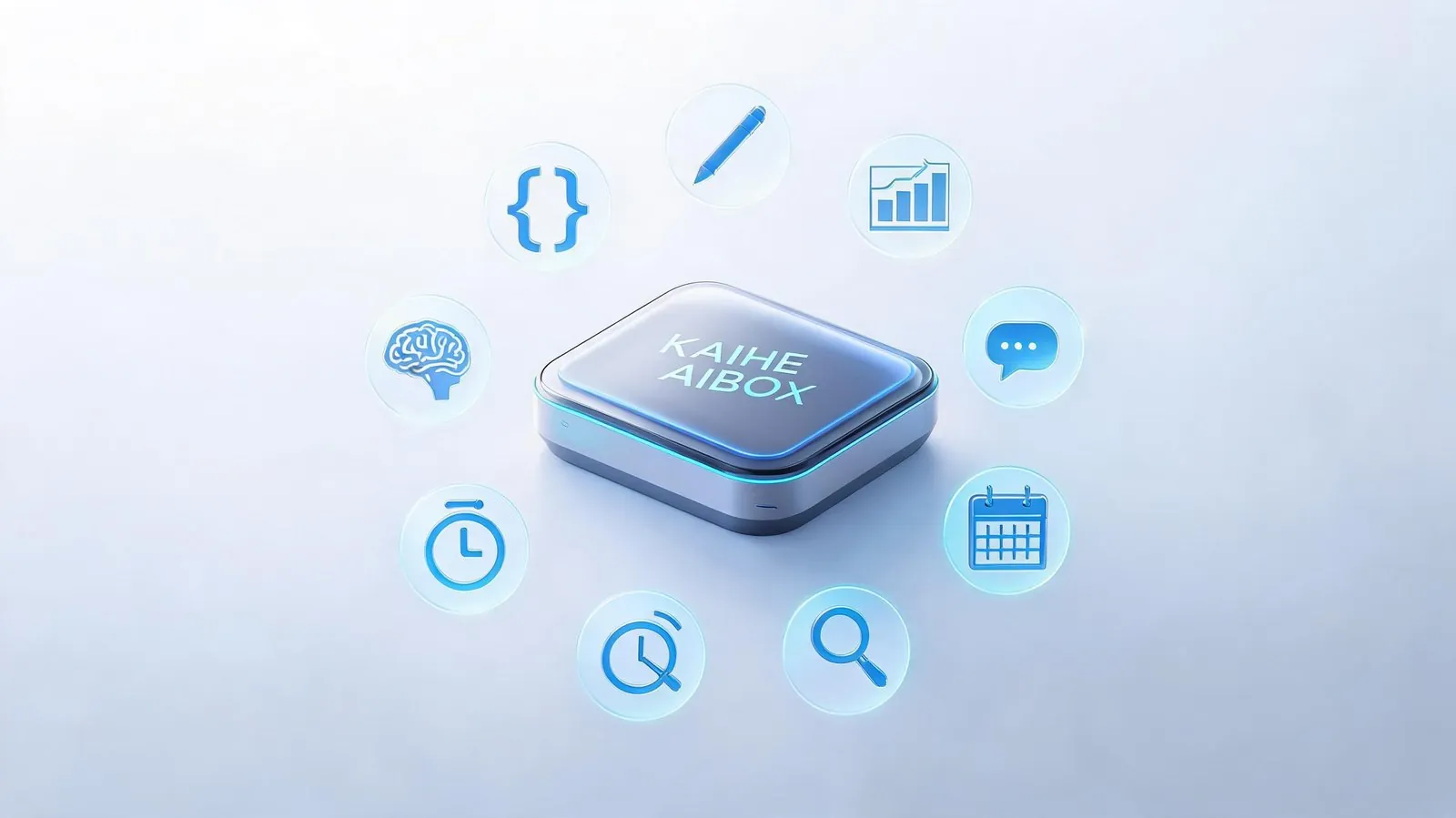
7. Knowledge Management: Your Second Brain That Never Forgets
We're exposed to so much information every day — we read so many articles, save so many files, but when we actually need something, we can never find it. We have hundreds of articles saved in our bookmarks that we never open again; we take lots of notes but can never find them when we need them.
A personal AI assistant is your external brain. It indexes everything you've read, every file you've saved, every idea you've discussed with it. Ask it "where is that report on AI Agents I saved last month," and it finds it instantly, plus tells you the core takeaways. It permanently remembers conversations and decisions, unlike ordinary AI that forgets everything when you start a new conversation.
Specific things it can do: - Automatically archive articles you've read and files you've saved, building full-text search indexes - Ask for any information directly and it finds it from your own personal knowledge base, not made up from the internet - Help you take reading notes, meeting minutes, and capture ideas, automatically linking related content - Remember your preferences, habits, and important information so you don't have to repeat yourself - Cross-device sync — conversations on your phone and computer are all stored in one place
8. Software Development: Build Tools Even If You Don't Know How to Code
In the past, if you wanted to build a small tool or script, you either had to learn programming yourself or hire a developer — high cost either way. Now, with the AI programming capabilities on KAIHE AIBOX, even if you don't know any code at all, as long as you clearly describe what you want, it can write, run, and debug code for you, building exactly the tool you need.
For example, if you want a tool to automatically watermark your images, or a small script to batch process files, just describe your requirements clearly and AI will build it for you in minutes, ready to use. For professional developers, AI helps you write code, find bugs, add comments, and refactor — multiplying your efficiency.
Specific things it can do: - Generate code in natural language, supporting almost every language including Python, JavaScript, Java, and more - Automatically debug, find errors, and optimize code — 10x faster than finding bugs yourself - Write small tools, scripts, and crawlers to solve your personalized needs - Help you read code, understand projects, and write documentation, making it much faster to get up to speed on new projects - Automatically deploy, maintain, and monitor servers without memorizing dozens of commands
Personal AI Assistant vs Ordinary Chat AI: What's the Essential Difference?
Many people say: "ChatGPT can do all these things too?" It really isn't the same. I've made a comparison table to show the core differences:
| Dimension | Ordinary Chat AI (Doubao/ChatGPT) | KAIHE AIBOX Personal AI Assistant |
|---|---|---|
| Availability | Online only when you open the webpage | 24/7 always on, available whenever you need it |
| Memory | Forgets when you start a new conversation, limited context | Permanently remembers all conversations, preferences, and historical materials |
| Data Privacy | Conversation data uploaded to vendor servers, may be used for training | All data stored locally, never exposed externally |
| Tool Capabilities | Can only give text suggestions, can't take action | Can manipulate local files, process data, run code, send emails — actually gets work done |
| Proactivity | Does nothing unless you ask | Can run scheduled tasks, send proactive reminders, monitor for changes, deliver scheduled summaries |
| Access | Only available in the app/webpage when you manually open it | Connects to WeChat/Feishu/DingTalk, talk to it wherever you are |
| Customization | Everyone uses the same AI | Fully customizable to your habits and workflows for exclusive capabilities |
Simply put, ordinary chat AI is like a consultant you hire — you ask questions, they give advice, and then they leave. A personal AI assistant is like your own dedicated employee — it knows you, remembers your habits, is on call 24/7, and actually gets things done for you.
Final Thought: The Real Value of AI is Giving You Your Time Back
Many people's expectations for AI are still stuck on single-point functions like "writing copy" or "drawing pictures." But the biggest value of a personal AI assistant is freeing you from repetitive, trivial, mindless tasks and giving you your time back for the things that actually matter.
You don't have to spend 2-3 hours organizing emails and processing documents, an afternoon making spreadsheets, staying up late organizing materials, or waiting around to post content on schedule. AI can do all these things for you — faster, more accurately, without complaining, and without getting tired.
That's exactly what KAIHE AIBOX does: it packs powerful AI capabilities into a small local device that works right out of the box. You don't need to understand technology, you don't need to mess with configurations — just plug it in, connect to the internet, and you have a personal AI assistant working for you 24/7.
Further Reading: - Explained Clearly: Why You Need a Dedicated Personal AI Assistant - The Real Meaning of 24/7 AI: Scheduled Automation is About More Than Saving Time - Personal AI Assistant vs ChatGPT vs Claude: Breaking Down the Differences Across 5 Dimensions
KAIHEAIBOX #LocalAI #PersonalAIAssistant #ProductivityTools #AIforWork #WorkBuddy
For more information, search [KAIHE AIBOX] or contact: [email protected]
KAIHE AIBOX · 7x24 Personal AI Assistant | Product Center