📖 Glossary
AI Box (also known as Agent Computer / Agent PC), is a dedicated local hardware device that runs AI Agents. Pre-installed with an AI agent management system, plug-and-play, running 24/7. Users can remotely command AI to work via Discord, Slack, Telegram, WhatsApp, and more.
Written in the 7-step plain-language structure to help you get the core fast.
1. Opening: A Small Story
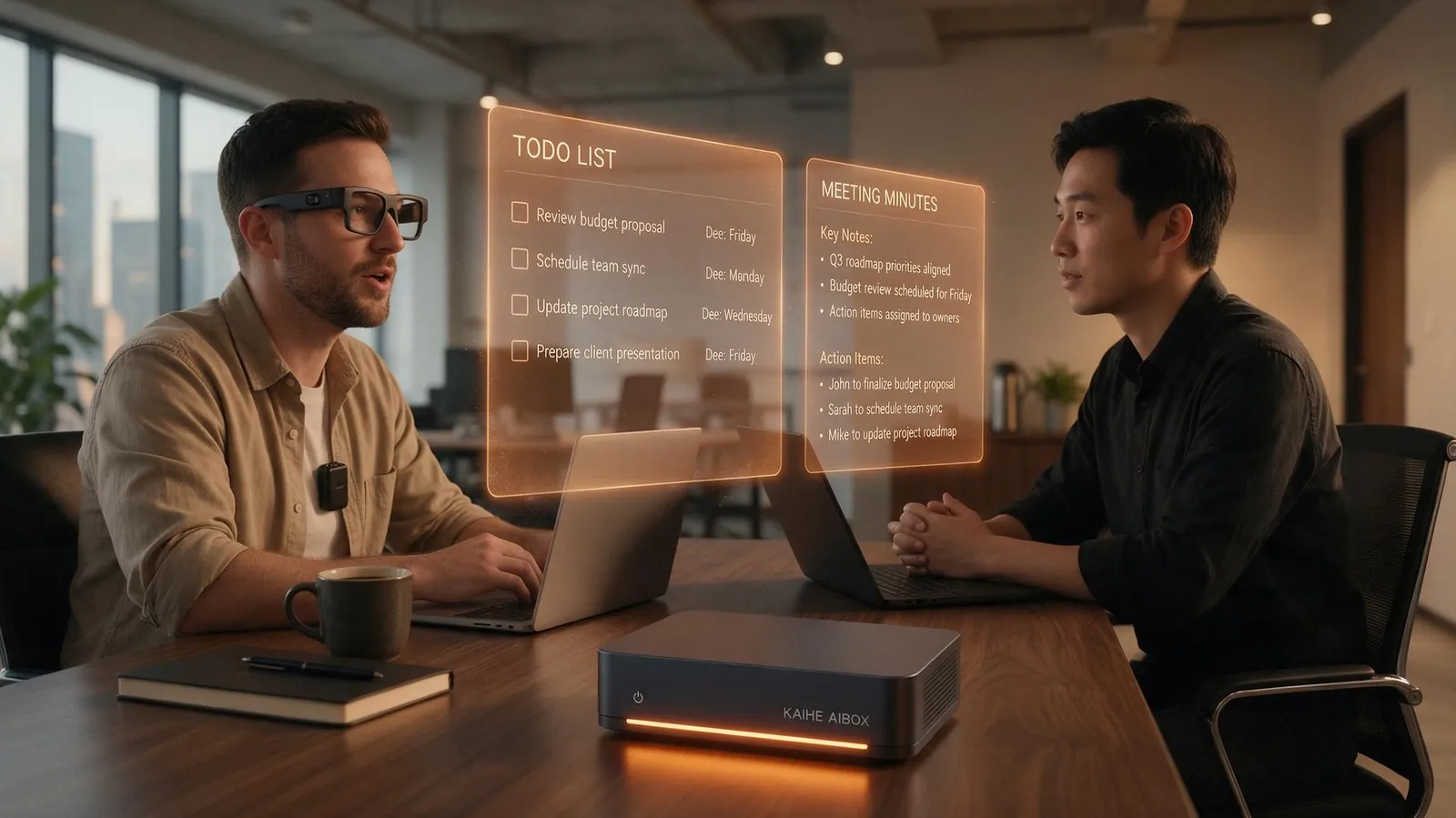
A friend of mine who works in investment complained to me the other day. He said he has a pile of AI tools now, meeting transcription, email drafts, note summaries, but they all do their own thing. Every day he wastes half a morning just moving one meeting's conclusion from one tool into another. He asked me, is there something that lets him wear glasses and clip a microphone to a meeting, then the work just does itself after the meeting ends.
That hits the real point. KAIHE AIBOX takes the local route, keeping the agent hub inside your own home, while Tencent's WorkBuddy did something a few days ago that pulls the agent out of the screen and onto your body. Let's talk about WorkBuddy's play first, the two routes do not conflict.
2. Clearing Up: Three Common Misconceptions
Wrong, Tencent is not building hardware itself. On September 2 the open platform launched, showing 9 co-branded devices, not one made by Tencent. The partners are Plaud, Rokid, Insta360, iFlytek, Anker, Hollyland, Jingdong Jingzao and others. Tencent has explicitly said it will not make hardware, only output agent capability to partners, so hardware makers do not feel threatened.
Wrong again, this is not the same AI stuffed into 9 devices. The hardware only collects real-world input, microphone audio, camera images, while understanding and execution happen in the cloud base. Your account, tasks and memory follow you, not trapped on one device.
And it is not just for office work. You wear translation earbuds on a business trip, clip a recorder to your collar for field research, what gets collected flows into the same workflow, same logic as meeting in the office.
3. Essence: One Sentence That Explains It
WorkBuddy's move is pulling the agent out of the screen and onto your body. Glasses, voice recorders, microphones become the agent's senses, the cloud brain does the thinking and doing.
At the bottom it is division of labor. Hardware is weak, cloud is strong. Hardware senses, cloud remembers plans and executes, the two ends are connected by your account and tasks. This move is very clear, Tencent wants the entry point of the agent era, not to fight hardware makers over hardware margin.
4. Breakdown: Three Dimensions
Core Features, Five Touchpoints Organize Hardware
Listen, see, record, chat, coordinate, these five words are the key to understanding this ecosystem. Listen is the microphone recorder pulling sound in, see is the glasses camera pulling images in, record turns collected things into retrievable memory, chat is you asking anytime by voice or text, coordinate is the agent finishing work and pushing it to your other devices. String those five together, hardware is no longer a single-point tool, it becomes the agent's sensory extension.
Core Value, Reconnecting the Broken Context
In the past you used a transcription tool for text, a note tool for a summary, an email tool for a follow-up, context broke across three apps, you moved it yourself. WorkBuddy's division reconnects the break points, hardware collects, cloud understands and executes, output follows you. A Plaud partner put it plainly, what users ultimately want is a deliverable execution result, not a transcript, so partnering with an agent platform is natural.
Typical Scenarios
| Scenario | Why this combo fits |
|---|---|
| Meeting room office | Glasses or recorder collect, minutes, todos, follow-up emails out in one chain |
| Field research interviews | What you see and hear auto-archives into retrievable memory, ask later and keep going |
| On the road | Voice-plan trips, command the agent with a wireless mic without leaving the keyboard |
| Multilingual business | iFlytek translation earbuds plug in, post-meeting todos go straight into the workflow |
Behind this are three layers. Hardware is only the first. The industry layer is called Buddy apps, partners skip building their own AI, plug in scenario context and tools, get a complete agent office product. Over 30 partners including Tonghuashun, GF Securities, Pku Legal, Weimob already co-built, covering finance, law, healthcare, education and 20-plus fields. The developer layer opens Skill, Expert, Connector, Connector supports both MCP and CLI, standard protocols to plug in. Three layers stacked, the ambition is far bigger than the 9 devices themselves.
5. Comparison: One Table to See the Difference
| Item | Traditional siloed hardware | WorkBuddy cloud ecosystem | KAIHE AIBOX local hub |
|---|---|---|---|
| Where agent lives | No unified base | Cloud | Your local device |
| Context flow | Broken across apps | Multi-device sync | Local resident, cross-device call |
| Where data goes | Each vendor's cloud | Tencent Cloud | Stays home, never leaves |
| Residency | Depends on device power | Depends on cloud online | 7x24 low-power always on |
| For whom | Single-point tool users | Multi-device office crowd | Those who value privacy and residency |
This table is not about ranking, it is to help you see the trade-off. WorkBuddy's cloud route is strong in multi-device flexibility and broad ecosystem, on the premise of network up, cloud online, data willing to go through Tencent Cloud. KAIHE AIBOX's local route is strong in data never leaving home, resident through power and network loss, workflow accumulates as your own asset, the cost is you need a local device and model ceiling depends on the models and hardware you connect.
6. Closing: Back to the Start, What It Means for Us
Back to that friend. What he really lacks is not a smarter model, but a thread that strings recording, transcription, minutes, todos and follow-up emails together. WorkBuddy connects that thread, and connects it to the glasses he wears daily and the recorder in his pocket, office finally walks from screen into life.
But think clearly about one thing, where the hub lives. In the cloud, multi-device flexible, broad ecosystem. Local, data never leaves, resident through outages, accumulated workflow is your asset. My own feeling is ordinary people do not need to pick a side, see which pain hurts more. Those moving context across devices daily, cloud ecosystem quenches more. Those who care about long-term accumulation and privacy, local hub feels safer.
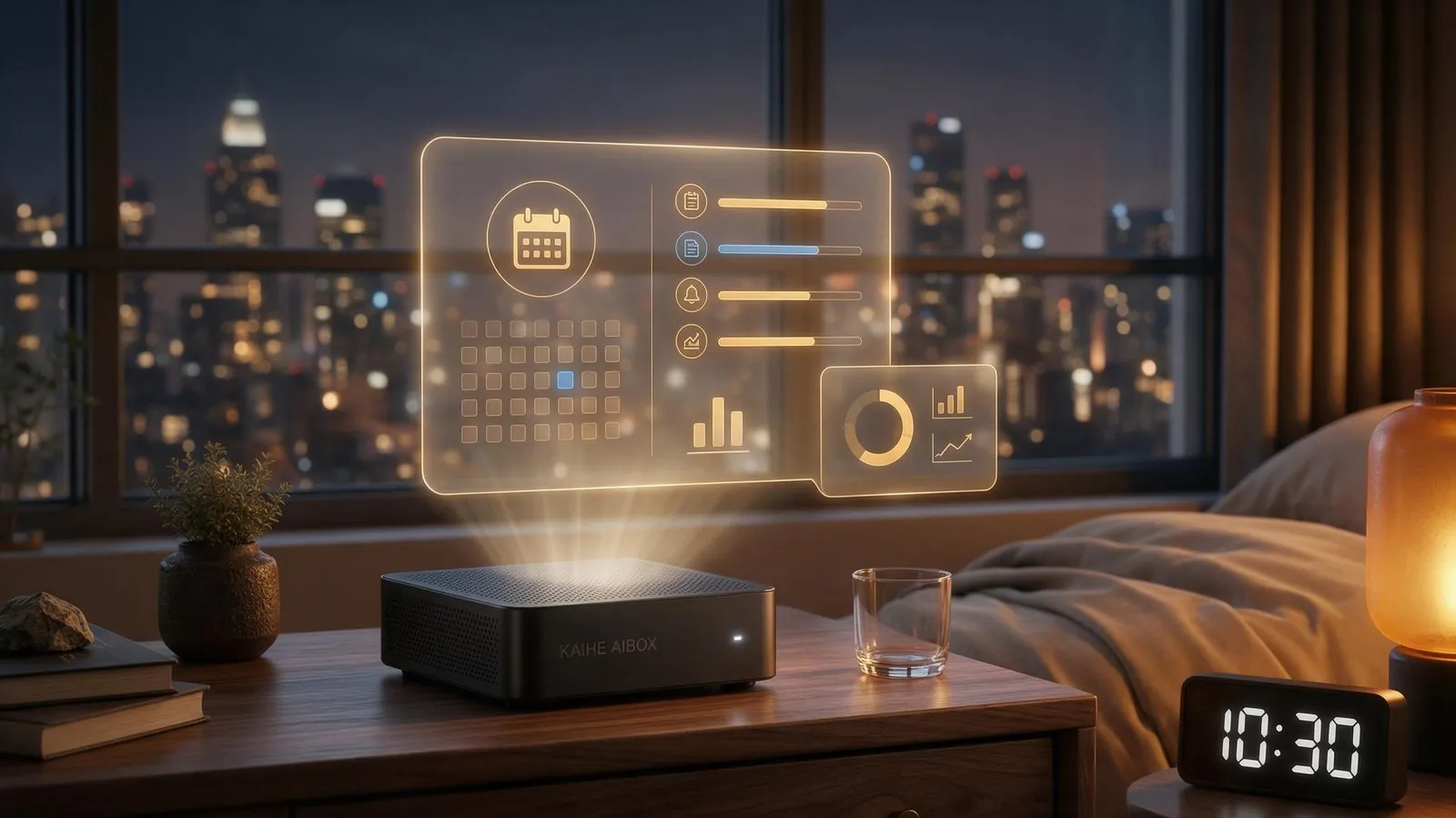
If what you want is the whole agent hub at home, still working after the computer shuts and the phone locks, client lists and financial tables on your own disk not uploaded, then KAIHE AIBOX is the local route's agent computer. It also connects various cloud strong models as tools, workflow and memory stored locally grow to know you, finishing jobs on schedule past midnight. WorkBuddy sends the agent to your hand, KAIHE AIBOX keeps the agent's hub in your home.
7. Further Reading: Go Deeper
Getting Started
- What It Feels Like When AI Keeps Working After You Clock Off — real deployment of 7x24 local resident automation
Related Comparison
- Why the Agent Is Not Installed Inside the Computer — where the local base and cloud solution sit
Advanced
- KAIHE AIBOX-A1 — connects various large models, data never leaves home, full lineup at store
Want a local agent computer that connects various large models and keeps data home, see KAIHE AIBOX-A1, full lineup at store.
Learn More 请搜索【KAIHE AIBOX】
Contact email: [email protected]