A Real 3:15 AM
📖 Glossary
AI Box (also known as Agent Computer / Agent PC), is a dedicated local hardware device that runs AI Agents. Pre-installed with an AI agent management system, plug-and-play, running 24/7. Users can remotely command AI to work via Discord, Slack, Telegram, WhatsApp, and more.
Last Tuesday at 3:15 AM, a friend of mine who runs a cross-border e-commerce business sent a message in our group chat: "Anyone awake?" His German client had sent an urgent email — change the SKU on a PO, order cancels if not confirmed by 9 AM Germany time, a €4,320 order. He had set an alarm, but he doesn't always wake up.
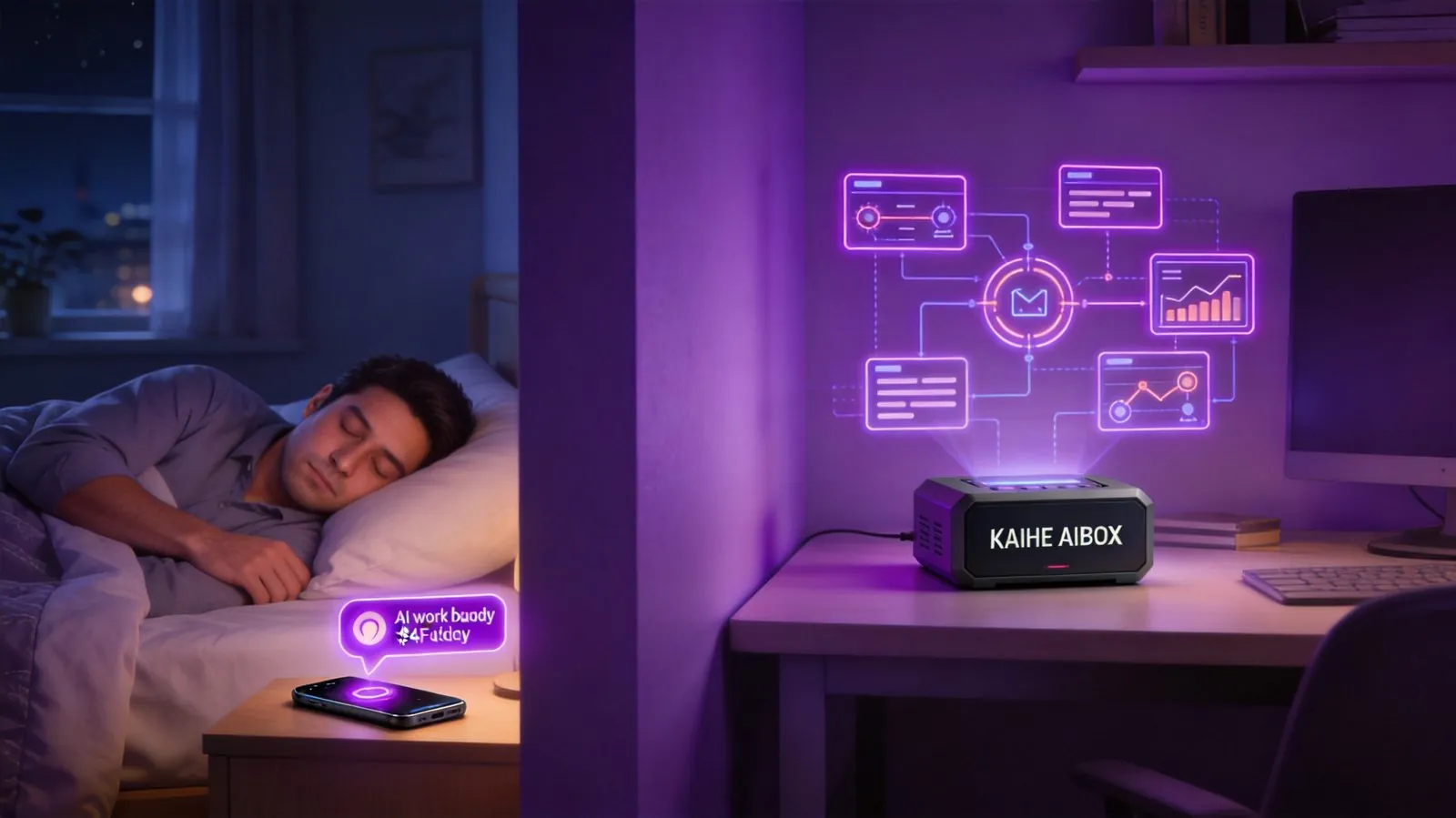
What saved him was a small Skill running on Hermes on a Kaihe AIBOX — detect overseas emails, auto-parse, confirm by preset rules, and send a WeChat notification with the receipt. When he woke up the next morning, the order was confirmed, and on his phone was a notification from 3:24 AM: "PO#DE-0821 auto-confirmed and replied. Order value: €4,320.00."
Letting AI do the work when work needs to be done isn't complicated. But there's one unskippable prerequisite: your AI worker must run independently of your PC and phone, continuously. It can't clock out when you shut down. What Workbuddy should actually be is simple — a small box that just works when plugged in, not a subscription service running on someone else's server.
A friend who's spent ten years in enterprise services said something that stuck with me: "Today's AI isn't not strong enough; it's not persistent enough." You can have ChatGPT write an email. You can't have it check your inbox at 3 AM, judge urgency, reply with confirmation, and notify you on WeChat — because it's passive. You close the browser, it's gone. That's why people feel AI is "useful but not thoroughly useful."
What the Workbuddy Buzz Is Really About
Workbuddy has suddenly exploded. If you follow tech or productivity circles, you can't scroll without seeing it. An AI work buddy — remembers your work habits, auto-handles repetitive tasks, does your work while you sleep.
The concept is solid. Arguably, it's exactly where AI application should be heading. The problem is in the implementation. Almost every Workbuddy product flooding the market runs in the cloud. Your schedule, client data, email response preferences, internal process info — all sitting on someone else's server.
The pricing playbook is familiar too. Basic plan: ¥99/month. Advanced: ¥299/month. Enterprise: per-head pricing. That's ¥1,200 to ¥3,600 a year for your "work buddy," in exchange for a set of cloud API calls and a line that says "We reserve the right to adjust features and pricing at any time."
I know several people running small cross-border e-commerce teams — four people, using a cloud office AI assistant. Three months in, they got a notice: advanced features price increasing 40%. They were already deep in the workflow. Switching wasn't easy; staying wasn't either.
Three Landmines on Cloud Workbuddy
The first is data sovereignty. Your AI buddy knows things more intimate than your diary — when you reply to emails, how you phrase rejections, which tasks you procrastinate on. That's all in the cloud. Your entire work persona is on someone else's hard drive. If the service shuts down or gets acquired tomorrow, will your data be fully exportable in a usable format? Ask the person who wrote your contract — they won't know either.
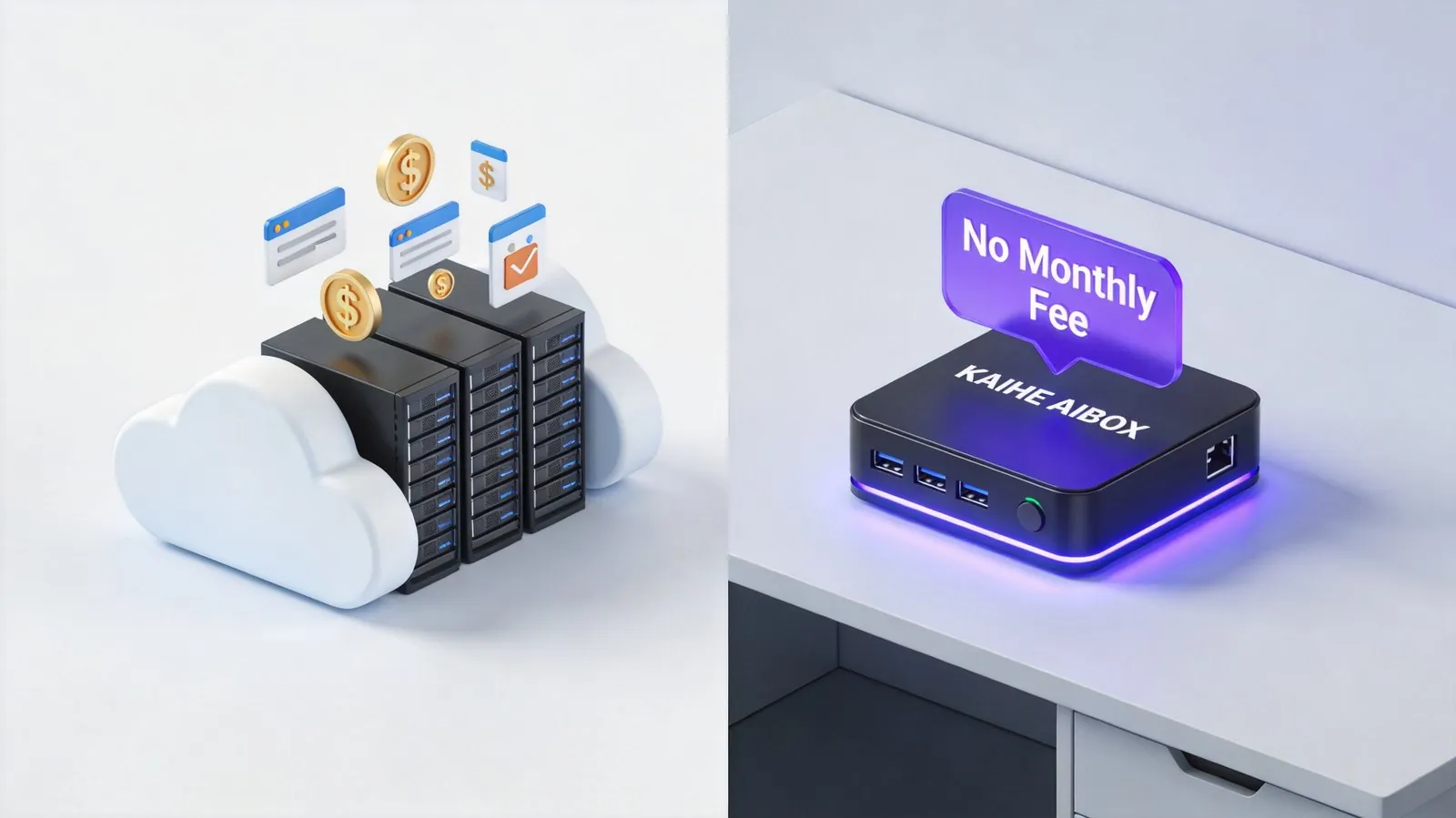
The second is the subscription snowball. Cloud Workbuddy advanced: ¥299/month, ¥3,588/year. Kaihe AIBOX entry model: just over ¥1,000. All models come with Hermes pre-installed. Plug in, it works. Your local AI worker costs zero in monthly fees. You can run it for years, and the electricity is negligible. After one year, the cloud version has already cost you over ¥3,500 — and your Kaihe is still running, and will keep running. You're not "saving money." You're choosing between renting someone else's AI or owning your own, once and for all.
The third landmine is the most subtle: you don't set the feature ceiling. What a cloud Workbuddy can or can't do is decided by product managers in a conference room. Hermes is different — it has a complete open-source Skill ecosystem. Any Skill a global developer writes, you can install. Auto-reply to emails today. Tomorrow someone releases an auto price-comparison Skill. Next month, a competitor monitoring Skill drops. Your Workbuddy's capability ceiling isn't a product roadmap — it's whatever direction the open-source community codes toward.
Same Work, Different Roots
Scheduled tasks and auto-push. Cloud solutions mostly offer preset templates — "Send daily report at 9 AM," that's it. Hermes scheduled tasks can run things like: check inbox for unreplied important emails and push a summary to WeChat; compile pages updated this week in Feishu docs and generate a weekly report draft; monitor competitor websites you specify and notify you on any changes. Not template fill-in-the-blank — you tell it what you want, and it runs your logic.
Smart email handling. Cloud solutions generally only use built-in classifiers — you can't customize judgment criteria. With Hermes, you feed it a few examples of "reply" and "don't reply" emails. It learns your judgment criteria and processes automatically. Emergency client emails at midnight — recognized and replied. Promotional emails — auto-archived. CC informational emails — summarized and sent as one batch the next morning.
Cross-platform information integration. This is where cloud solutions are most awkward — a cloud service has neither the permission nor the business to connect to all your platform accounts. Locally running Hermes can, with all data staying on your hard drive. Have it monitor email, Feishu, WeCom, DingTalk simultaneously, consolidating todos from different channels into one unified list. This scenario only works with local deployment — cloud services inherently lack this cross-platform penetration.
Here's another scenario many don't think about until it bites them. A client sends a 50-page product spec PDF, and you need to quickly extract key parameters into a quote sheet. The cloud solution bottleneck: the file has to first upload to a third-party server. Your business documents are being transferred on someone else's servers. Local Hermes handles this effortlessly — the file never leaves your hard drive. The LLM reads local files directly, generates structured output, and you have results in under a minute.
Why It Must Run Locally
Continuous uptime is a hard requirement. While you sleep, clients send emails, competitors update, systems alert — none of these wait for you to clock in. Cloud solutions depend on remote servers, but your real threshold is: are you willing to hand over this many sensitive permissions? Running on your own hardware gives peace of mind.
The cost structure is fundamentally different. What you're paying for with a cloud Workbuddy each month are three things: server rent, API call fees, labor ops costs. Local deployment eliminates all three — your own hardware, your own model calls, your own Skills. You pay once for the hardware.
Privacy isn't just about "not wanting others to see." Your AI buddy learns your work habits and judgment criteria. If that data falls into someone else's hands, it's not about reading a few emails — it's your decision model and preference profile being used to train another AI. Think that's alarmist? Ask yourself why "free" email clients insist on reading your email content.
Kaihe AIBOX's value proposition here is clear — it doesn't replace people. It eliminates repetitive operations from everyone's plate. You make the decisions you should make; let the box run the processes you shouldn't have to. That's the right division of labor for an AI work buddy.
From Zero to AI Working for You: Three Steps
Many people think setting up local AI is too complex. With Kaihe AIBOX, Hermes comes pre-installed. Unbox, plug in, connect Wi-Fi, scan a QR code on your phone to activate. Done. No system installation, no environment configuration, no command line required.
Step one, hardware in place. Plug in, connect to network, scan. Under five minutes, your AI box is online.
Step two, configure a work Skill. Hermes's Skill ecosystem keeps growing. The most common scenarios — auto email replies, scheduled report generation, WeChat message alerts, competitor monitoring — all have ready-made Skills in the community you can install directly. Pick a scenario, confirm parameters, click install. One minute.
Step three, let it start working. From your first scheduled task — "auto-reply to overseas client emails" or "compile today's todos and push to WeChat every 8 AM" — you'll find your role as an executor getting lighter, while your role as a decision-maker becomes clearer. You're no longer drained by repetitive operations.
Here's something I've observed over time: truly efficient teams are those where information flows fastest. Automation and scheduled tasks are the accelerators of that information flow. It's not about "saving a few salaries" — it's about letting the people you already have spend their energy on things only humans can do.
Two Answers to One Question
The Workbuddy concept is spot on. AI application should go in this direction. But the same goal has vastly different paths.
Choose a cloud solution, and you get an AI assistant running on someone else's server, billed monthly, with features decided by someone else. It works. But you don't have control.
Choose Kaihe AIBOX running Hermes, and you get a digital employee on your own hard drive, one-time purchase with no renewal fees, capability ceiling decided by the open-source community. It won't strike because you didn't renew. It won't have features yanked because the platform changed direction. It won't feed your work habit data into the next training round.
Just one question. Does your AI worker run at your place, or is it boarding at someone else's? If it can genuinely do this much for you, it at least deserves a home of its own.
Further Reading
- What's It Like to Let AI Take the Night Shift? — A real 7×24 automation scenario
- 5 Hermes Automation Scenarios You'll Definitely Use — From beginner to practical
- Why Can't an AI Box Go Inside Your PC? — Independent hardware logic is persistence, not performance