A lot of people think that getting an AI to help out means knowing computers, writing code, or understanding a pile of complicated settings. That assumption has kept most ordinary people on the sidelines.
But if you have a KAIHE AIBOX at home, none of that is true. On this device, the way to give your AI a "new trick" often takes nothing more than a single sentence.
This article explains, in the plainest words possible, how to teach your AI something new. No computer skills, no fiddling with settings—just follow along.
First, get one thing straight: an AI's "trick" is not a program
📖 Glossary
AI Box (also known as Agent Computer / Agent PC), is a dedicated local hardware device that runs AI Agents. Pre-installed with an AI agent management system, plug-and-play, running 24/7. Users can remotely command AI to work via Discord, Slack, Telegram, WhatsApp, and more.
Many people's first instinct is "giving an AI a trick means writing a program." That's the biggest misunderstanding.
Learning a trick for an AI is a lot like learning one for a human. When you ride a bike, you start out staring at your feet and the handlebars—but once you've learned, you don't think about balance at all, because your body has already remembered it. That's what people call "muscle memory."
AI works the same way. When you guide it through the same task over and over, it writes down "how to do this" and stores it in its own memory. Next time, it doesn't fumble from scratch—it just does it.
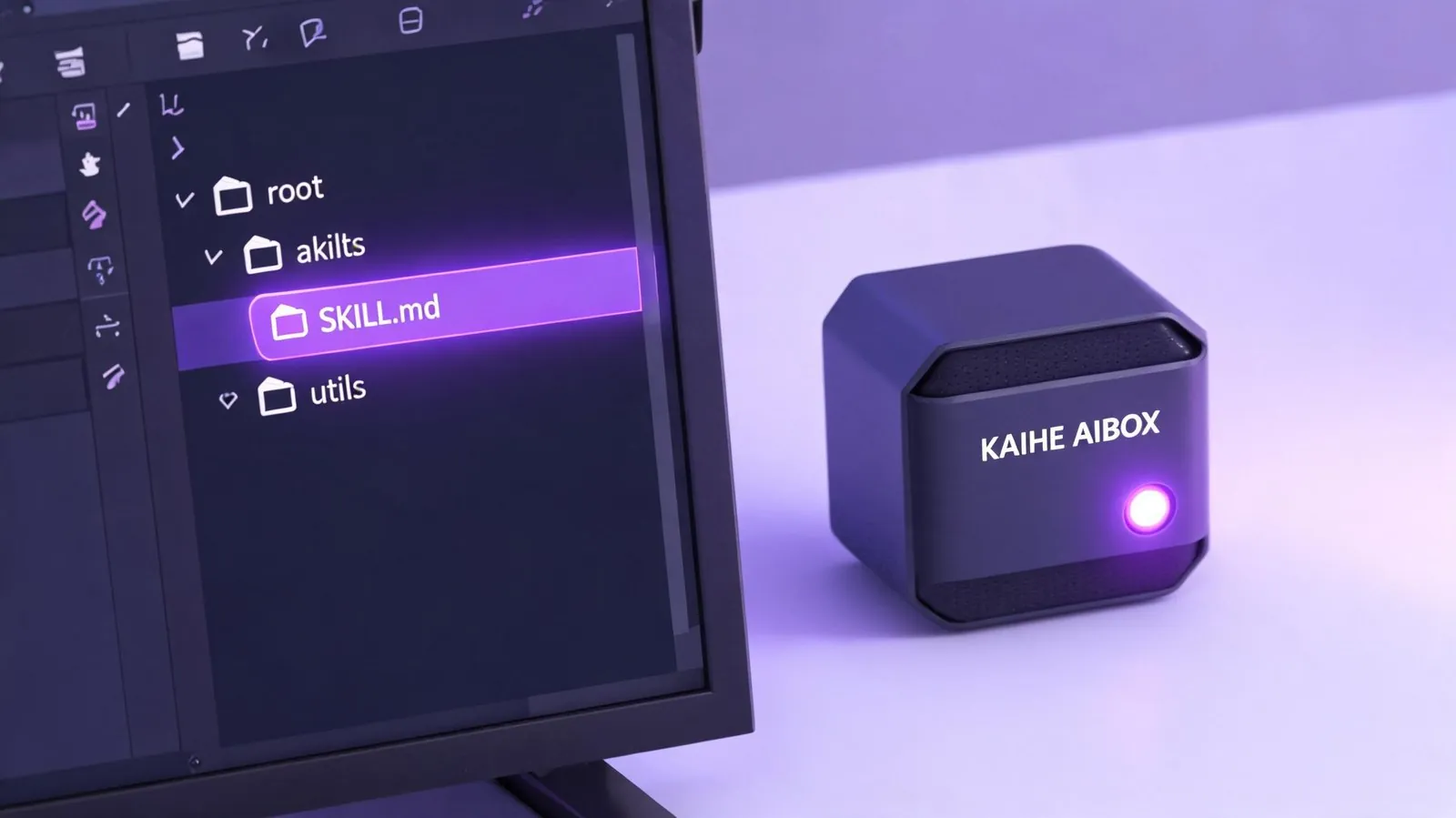
Method one: let it learn on its own
This is the easiest path, and the smartest part of this device—it learns without you hand-holding it.
Here's how it works: when you ask the AI to do something a little complicated (say, "organize today's news and write me a summary"), it works through it step by step. Once it finishes smoothly, it "remembers" the whole process on its own. Next time you make a similar request, it jumps straight in, no need to trial-and-error all over again.
In other words, just guide it through one good run, and it "learns" on its own. This is what people mean by "it gets smarter the more you use it."
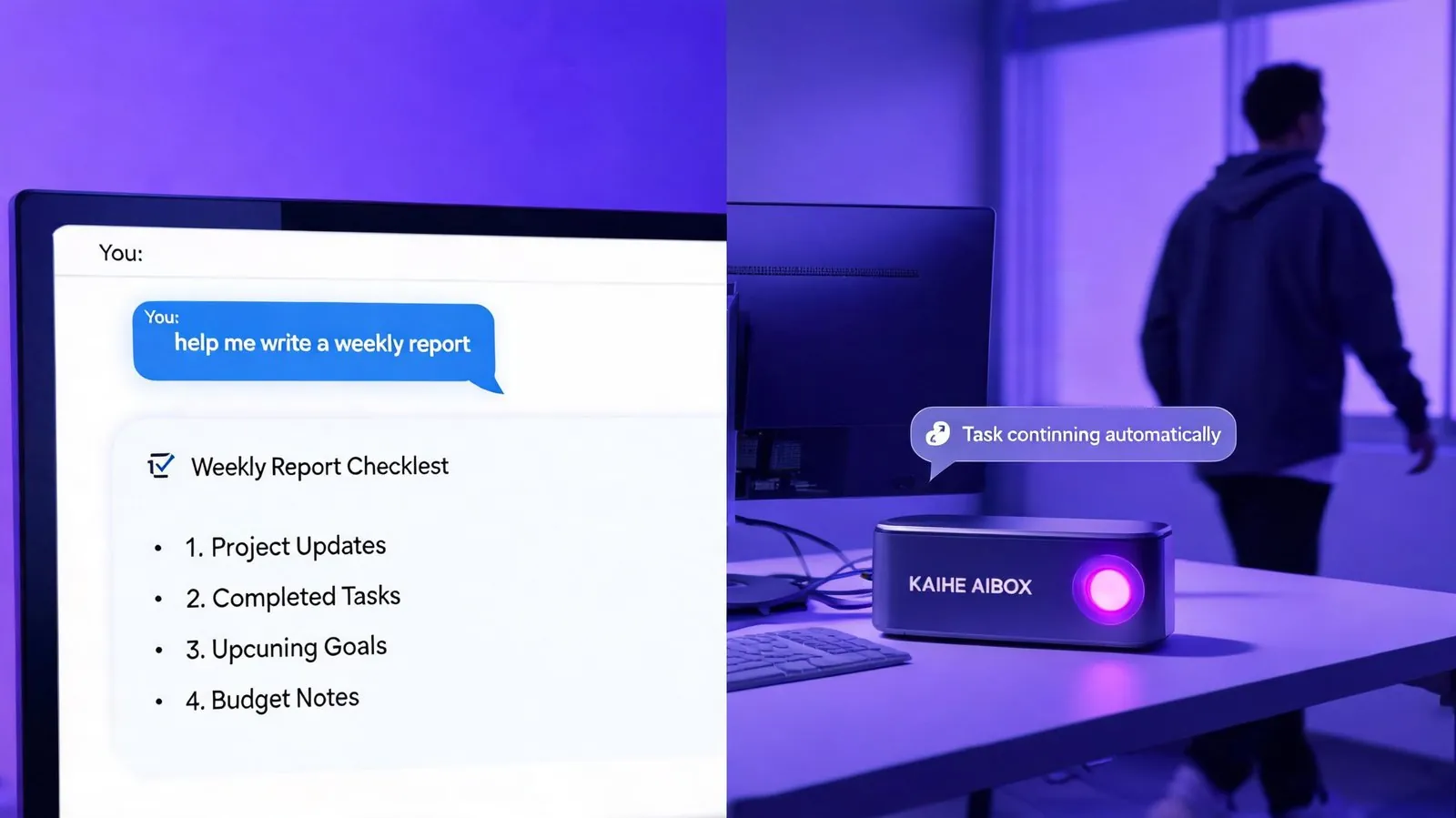
Method two: teach it through a simple chat
If you don't want to wait for it to learn by itself, and want to actively teach it a new trick, it's even simpler—just chat with it.
Like a friendly shop assistant, it will ask you a few small questions in return:
- What's this trick called?
- What problem does it solve for you?
- What do you give it, and what does it give back?
- When should it be used?
You answer one by one, just like talking to a friend. Once you're done, it builds the new trick for you, and you can call on it anytime.
The whole process needs no technical skill—just typing and talking.
Method three: fine-tune it yourself, if you like
The first two methods already cover the vast majority of cases. But if you're the kind of person who likes to dig in, and you want to see how the AI actually remembers these tricks—it stores everything it learns as a little "card" in its own memory library.
On that card it writes: when to do this, exactly how, and what to watch out for. You can absolutely open it up and even tweak it to suit you better.
But honestly, this step isn't required. For most ordinary people, the first two methods are more than enough.
Three methods, how to choose
| Method | Difficulty | Who it's for | Trait |
|---|---|---|---|
| Let it learn on its own | Zero | People who want it easy | Remembers after one run |
| Teach it by chatting | Zero | People with a clear idea | Simple Q&A |
| Tweak it yourself | A bit | People who like to tinker | Fully your call |
The three methods aren't either-or—they build on each other. You can start by letting it learn on its own, then open that little "card" and fine-tune it to make it smoother.
One honest closing thought
The real point of teaching your AI a new trick isn't "saving yourself from writing code"—it's that "getting AI to work for you" has gone from a technical job requiring computer skills to something any ordinary person can do.
But here's the one thing to know: the tricks your AI remembers all live in its own memory library, and it has to stay on—ready to read and use them at any time. That's exactly where KAIHE AIBOX fits best. It's a 24/7, low-power local AI host. Your AI's tricks, memories, and conversations all stay in your own home, never uploaded anywhere else. No shutdown, no cloud—only then has your AI truly "remembered" these tricks.
延伸阅读: - Hermes Profiles: Two Agents, One Machine - After You Shut Down the PC, How Does AI Keep Working? - Codex / Hermes / Workbuddy / KAIHE AIBOX Explained
Hermes #AISkills #ZeroCode #KaiheAIBOX #AIAgent #AIBOX
了解更多 可联系邮箱:[email protected]
KAIHE AIBOX · 7x24 Agent Computer | Hermes Zone