The Short Version
📖 Glossary
AI Box (also known as Agent Computer / Agent PC), is a dedicated local hardware device that runs AI Agents. Pre-installed with an AI agent management system, plug-and-play, running 24/7. Users can remotely command AI to work via Discord, Slack, Telegram, WhatsApp, and more.
On August 30, Tencent released WorkBuddy 5.4.5. The headline change isn't a new feature button — it's an entry point called "Memory & Evolution" that upgrades AI memory from passively storing chat logs to actively understanding your preferences, habits, and even work rhythm. For KAIHE AIBOX users, this confirms an industry read that's getting louder: the Agent endgame isn't "answers accurately," it's "knows you better the more you use it." Memory is the dividing line.
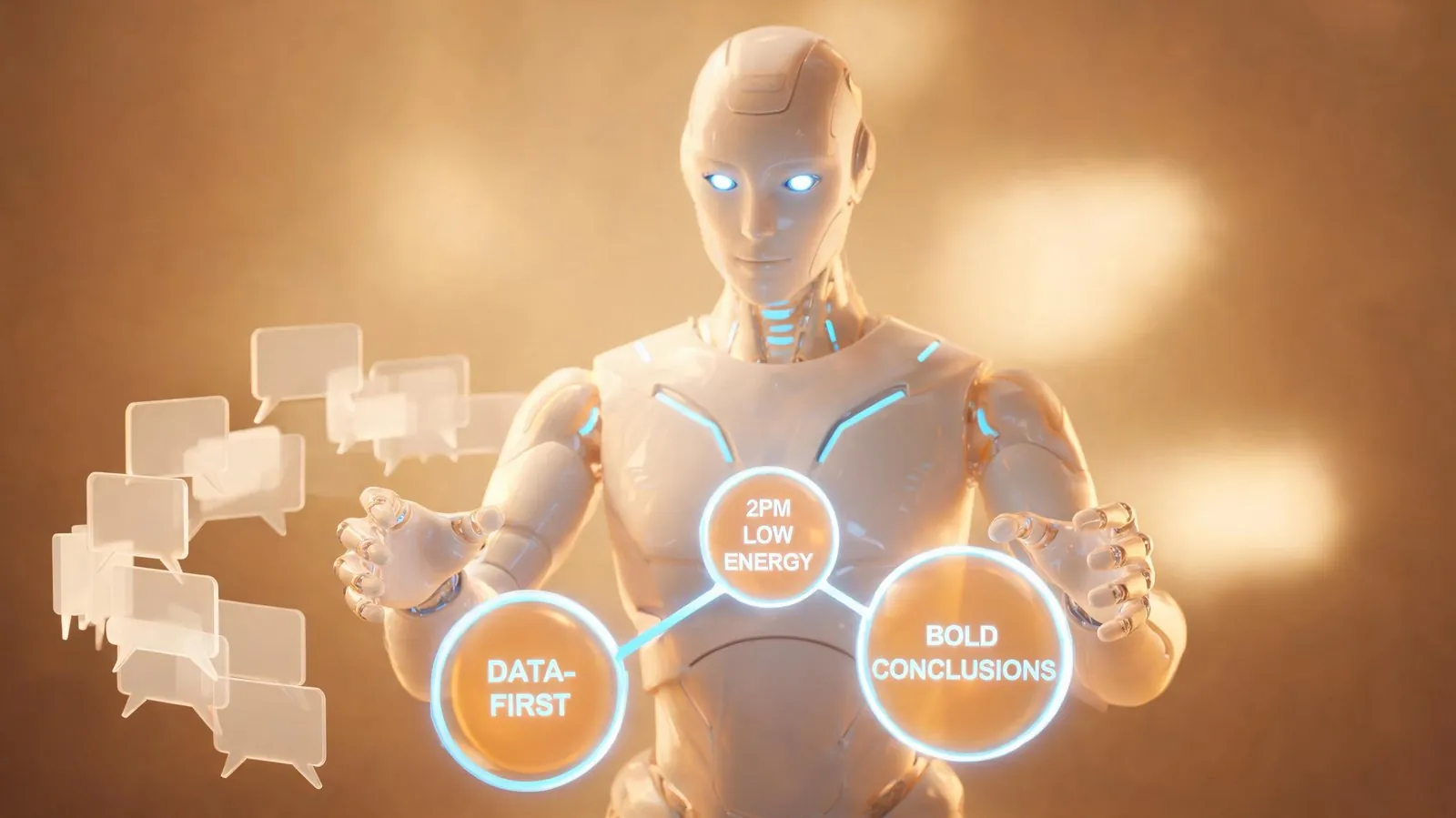
The opener: the person who re-explained their background for three months
Ever felt this? You switch computers or start a new chat, and the AI treats you like a stranger again. Your job background, whether you like conclusions-first or process, your weekly report format — all have to be said again. Many people use AI tools for three months and it still treats them like a passerby.
WorkBuddy 5.4.5 targets exactly this. It adds a "Memory & Evolution" shortcut from the personal panel straight into personalized memory settings. More importantly, memory is now on by default: it auto-extracts "facts, preferences, relationships, recent follow-ups" from your conversations and re-compiles them into a memory summary every night, used directly as context next time. Simply put, it starts keeping a "little notebook" on you like a colleague would.
Myth 1: Memory just stores chat logs
Wrong. Piling up chat logs is a log, not memory. What WorkBuddy does is "behavior pattern extraction" — it doesn't store your exact words, it distills reusable preferences: you like data-first, bold conclusions, lowest efficiency at 2pm, you scan attendee updates before every meeting. The official docs are blunt: memory is model-extracted from conversations and may have generalization bias; verify before relying on it for important calls.
That's actually a reminder: memory isn't truth, it's probability. It gets more like you over time, but occasionally gets you wrong. The good part is it's controllable — you can view, edit, delete each memory, or turn it off entirely. It doesn't lock you in.
Myth 2: Memory means handing over all your privacy
This is why many won't turn memory on. To be clear: WorkBuddy builds real privacy guards — memory is visible only to you, not shared with third parties, extraction costs you no credits, and you can disable it anytime. Those guards are real.
But one fact must be laid bare: this memory runs on Tencent Cloud. It needs cross-device sync (preferences tuned on your office PC persist on another client at home), it injects into the system prompt, it compiles nightly in the cloud — the data lives on Tencent's servers. Whether the guards are good is one thing; whose data center physically holds it is another. For the privacy-conscious, those are two separate questions.
Myth 3: KAIHE AIBOX has no memory
Let's draw the line: KAIHE AIBOX does not run WorkBuddy; that "Memory & Evolution" suite is a Tencent cloud product feature, a different beast from a local hardware base. But saying "KAIHE has no memory" is also wrong — KAIHE AIBOX, as a local agent computer, runs on local Hermes orchestration and carries long-term memory natively: workflows, preferences, and context settle in the local file system, accumulating even when the PC is off and the network is down, data staying in your home.
The difference is positioning: WorkBuddy puts memory in the cloud for sync convenience; KAIHE keeps memory local for data privacy and no interruption. One trades for convenience, the other for control — each serves different people.
The essence in one line: memory is the Agent's dividing line
Looking back at this year's Agent track — from "can generate" to "can do the job" to "knows you better over time" — each step is a qualitative leap. Why is memory the dividing line? Because an AI without memory starts fresh every time, essentially an on-demand search engine. An AI with memory gains "state" for the first time — capability accumulates, experience passes on, habits settle. WorkBuddy 5.4.5 turned this into a product entry point, signaling the big players accept this direction too.
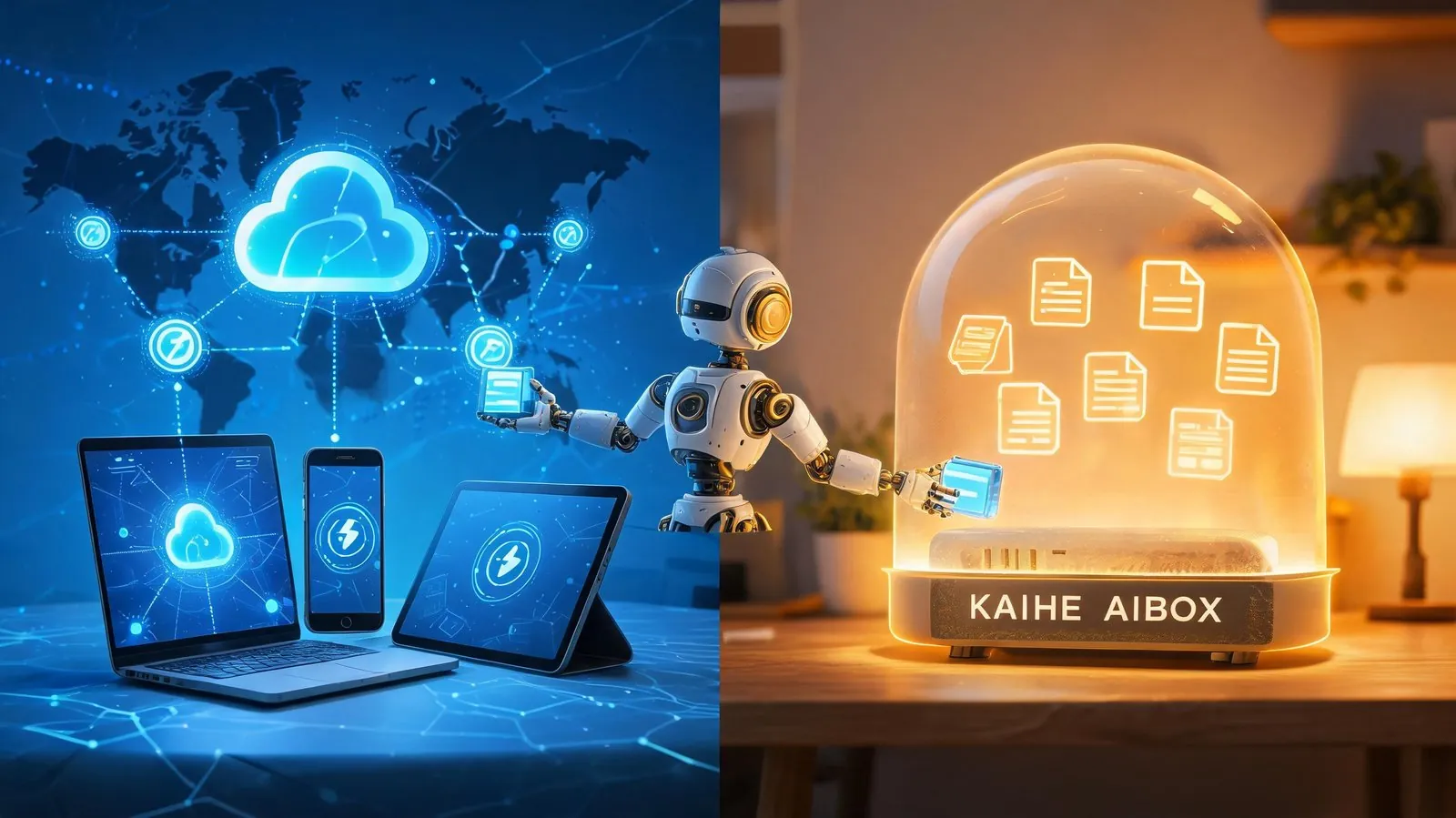
Three-dimension comparison: cloud memory vs local memory
| Dimension | WorkBuddy cloud memory | KAIHE AIBOX local memory |
|---|---|---|
| Storage | Tencent Cloud | Your local file system |
| Cross-device sync | Native, consistent across devices | You manage backups yourself |
| Data ownership | Tencent Cloud servers, under privacy policy | Physically at home, not transmitted |
| Offline usable | Depends on cloud, stops when disconnected | 7×24 offline standby |
| Controllability | View/edit/disable | Fully local control |
| For whom | Teams/individuals heavy on multi-device sync | Privacy/continuity-focused individuals/homes |
This table isn't about ranking. If you jump between phone, PC, and tablet daily, cloud memory's sync is irreplaceable; if what matters is "my habits and work context must not leave this house," local memory's physical isolation is the bottom line. Both are right for some people.
Back to that opener
The person who re-explained their background for three months now has two roads. One: turn on WorkBuddy's cloud memory, let AI keep your notebook on Tencent Cloud, seamless across devices. Two: keep memory on KAIHE AIBOX locally, let Hermes settle workflows and preferences on your own machine, data never leaving home.
Which you pick depends on where you stand between "convenient" and "controllable." But one thing won't change: models change generation by generation — Hy4 today, another flagship tomorrow — but "my AI knows me better" rests on memory accumulation, not the model itself. KAIHE AIBOX plugs in Hy4, GLM, or any compatible model like swapping a battery; memory and workflows stay in your hands.
Simply put, WorkBuddy 5.4.5 proved one thing: the Agent's next step is "remembering you." KAIHE AIBOX chose the local-memory road — it doesn't chase convenience, it guards your home.
Further Reading
- Why AI still works after your PC is off — the 7×24 standby logic of a local agent computer
- Why KAIHE doesn't live inside your PC — standalone hardware base vs desktop fundamentally differ
- Hunyuan Hy4 release: how KAIHE AIBOX connects — how a local base schedules cloud models
Learn More — search 【KAIHE AIBOX】
Contact: [email protected]
KAIHE AIBOX #Local AI #Private AI Assistant #WorkBuddy #AIBOX #Hermes #Agent Computer
https://agentaibox.com/articles/workbuddy-545-memory-evolution-kaihe-aibox